React Marquee Components
ReactFrame has 11 React marquee components (3 free): scrolling text tickers, logo clouds, testimonial and review walls, rows of image cards, and full sections built around a marquee (a hero, a pricing banner, a phone showcase). Each loops without a visible jump and keeps a constant speed however many items you pass.
How to choose
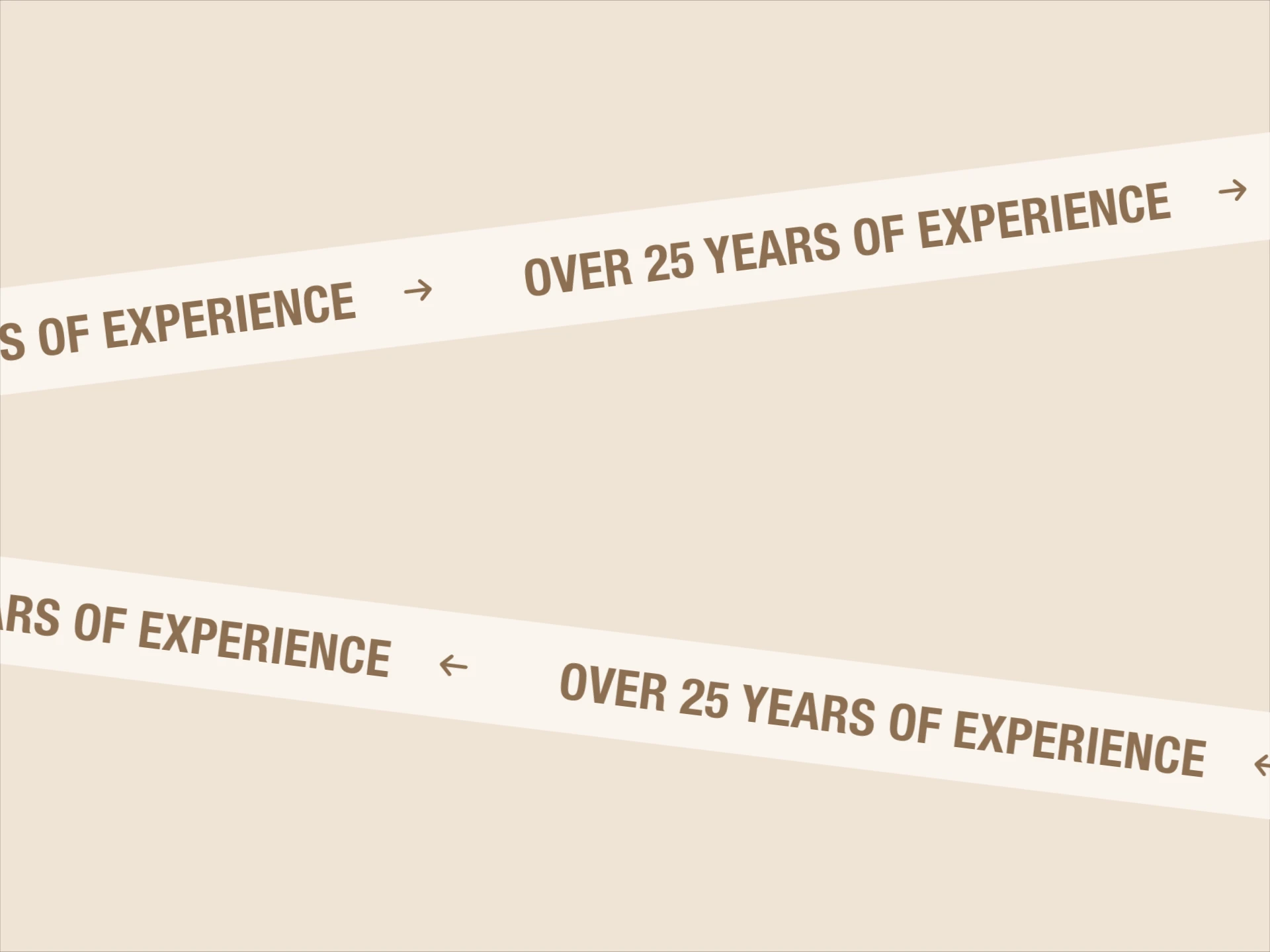
- A line of text or keywords between sections: infinite-marquee, or diagonal-ticker-strips for two crossing strips.
- Client or partner logos: logo-marquee; orbit-logo-wheel or logo-spin when you want them to rotate instead of scroll.
- Social proof: testimonial-pills for short quotes with avatars, review-marquee-wall for full review cards.
- Images: cards-hover-marquee for two rows of cards that open a detail view on click.
- A whole section: marquee-hero-section, side-marquee-pricing-cta or phone-marquee-showcase.
All 11 components
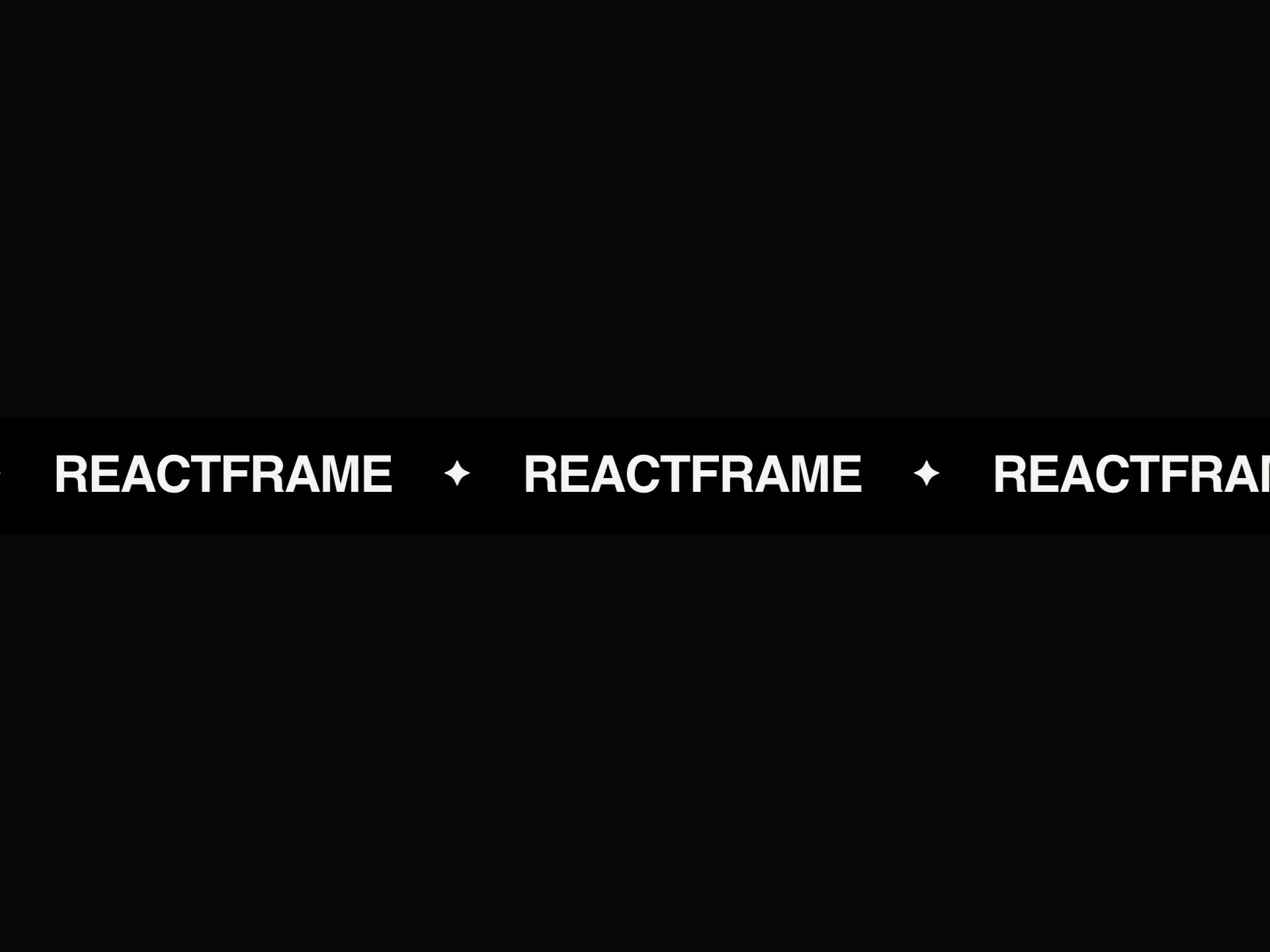


- Infinite MarqueeFree
- A seamless scrolling text marquee with solid/gradient/outline text styles, a separator, double-row mode, and edge fade.
- npx shadcn@latest add https://reactframe.com/r/infinite-marquee.json
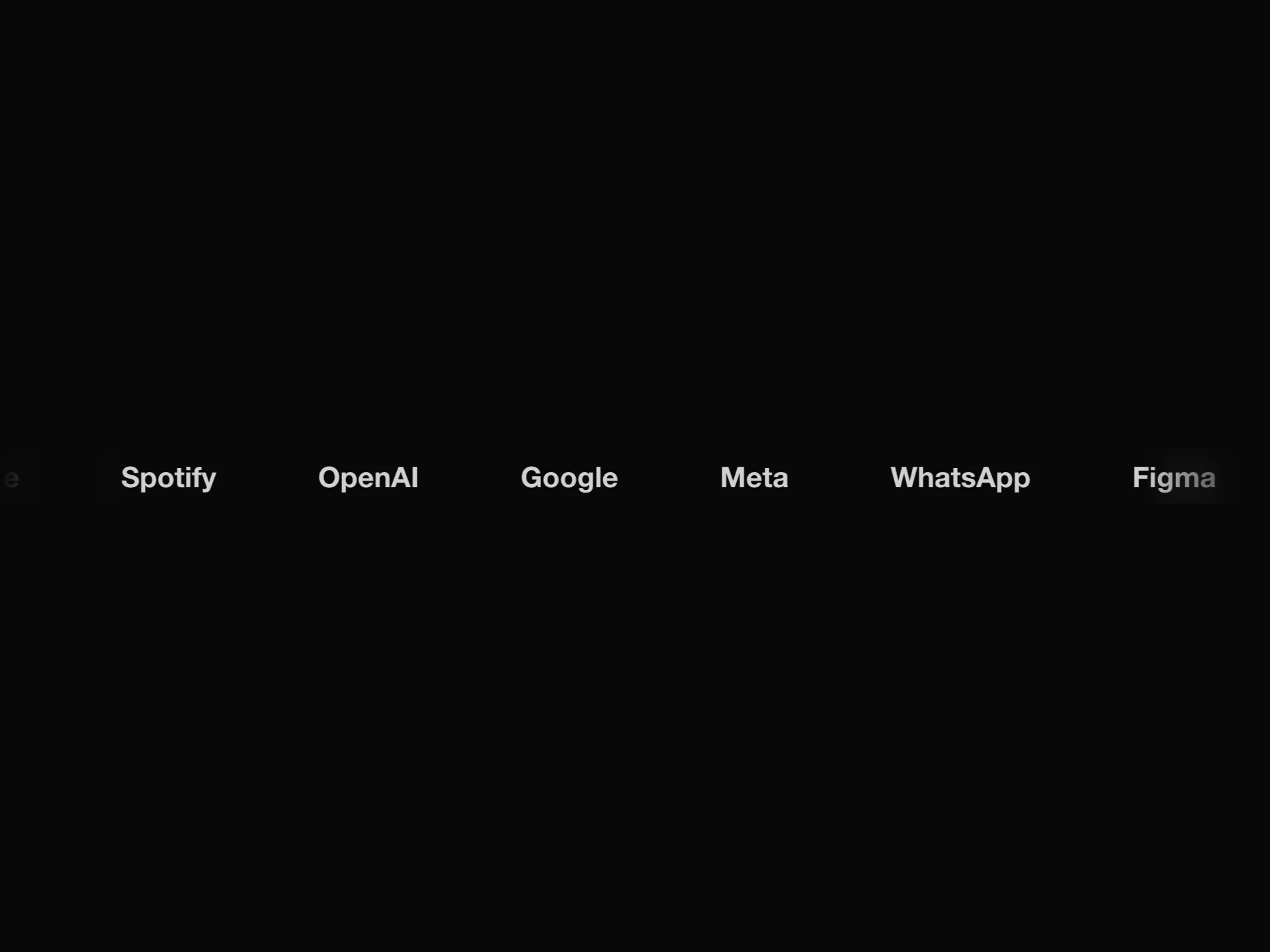
- Logo MarqueeFree
- An infinite scrolling row of client/partner logos with edge fade masks, grayscale-to-color hover reveal, pause-on-hover, and a constant speed regardless of logo count.
- npx shadcn@latest add https://reactframe.com/r/logo-marquee.json
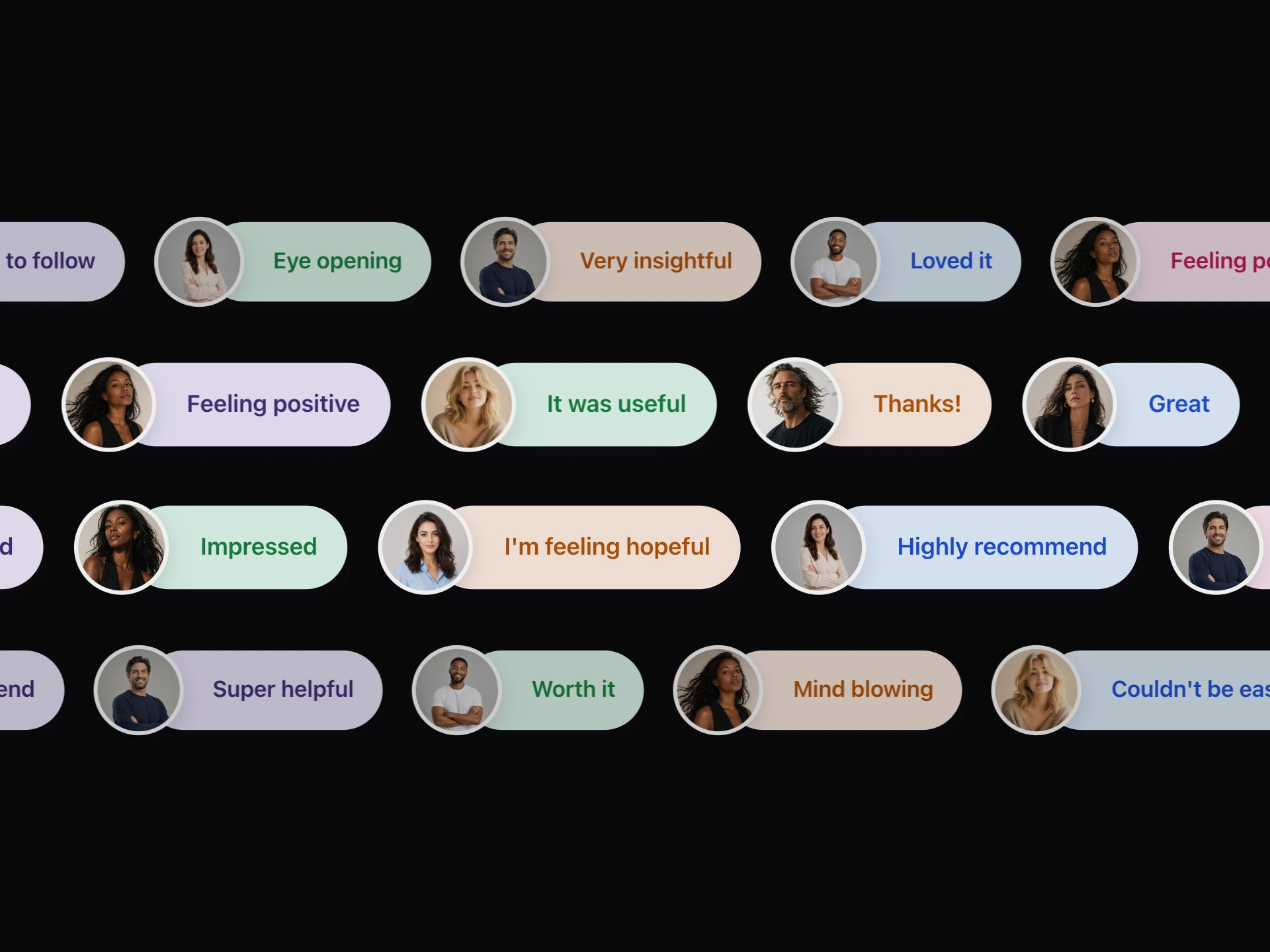
- Testimonial PillsFree
- Avatar-and-pill testimonial marquee rows with dual-direction scrolling, a depth effect, cursor spotlight glow, and scroll-in reveal.
- npx shadcn@latest add https://reactframe.com/r/testimonial-pills.json
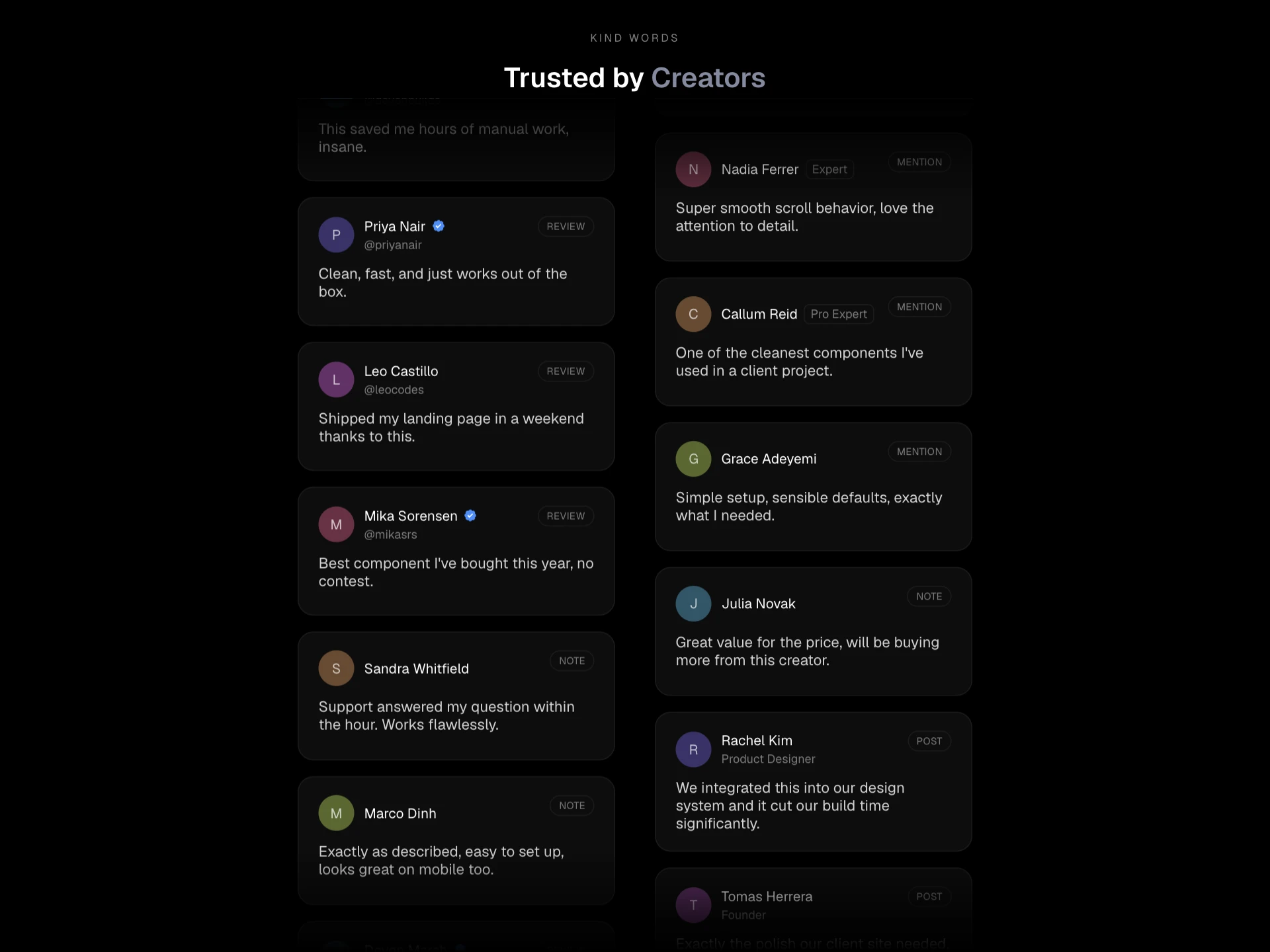
- Review Marquee WallPremium · $4
- A multi-row (1-3) flowing wall of review cards with horizontal or vertical flow, per-row speed offsets, an alternating-direction option, edge masking, an optional header, and a hover link-out overlay.
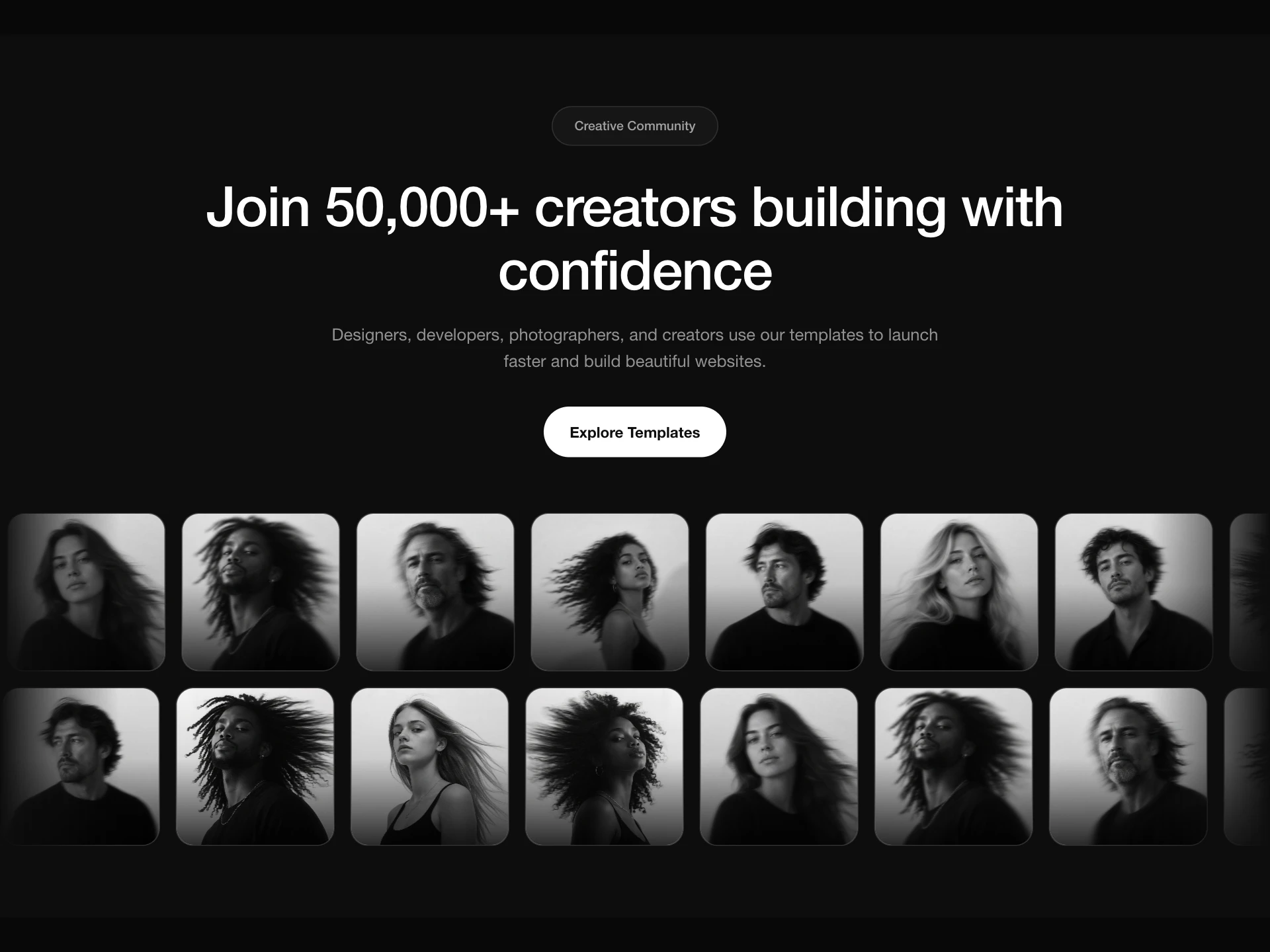
- Marquee Hero SectionPremium · $4
- A theme-aware (paper/glass) social-proof hero, centered badge, heading, subheading, and CTA button above a two-row infinite photo marquee with faded edges, hover captions, and opposite/same scroll directions.
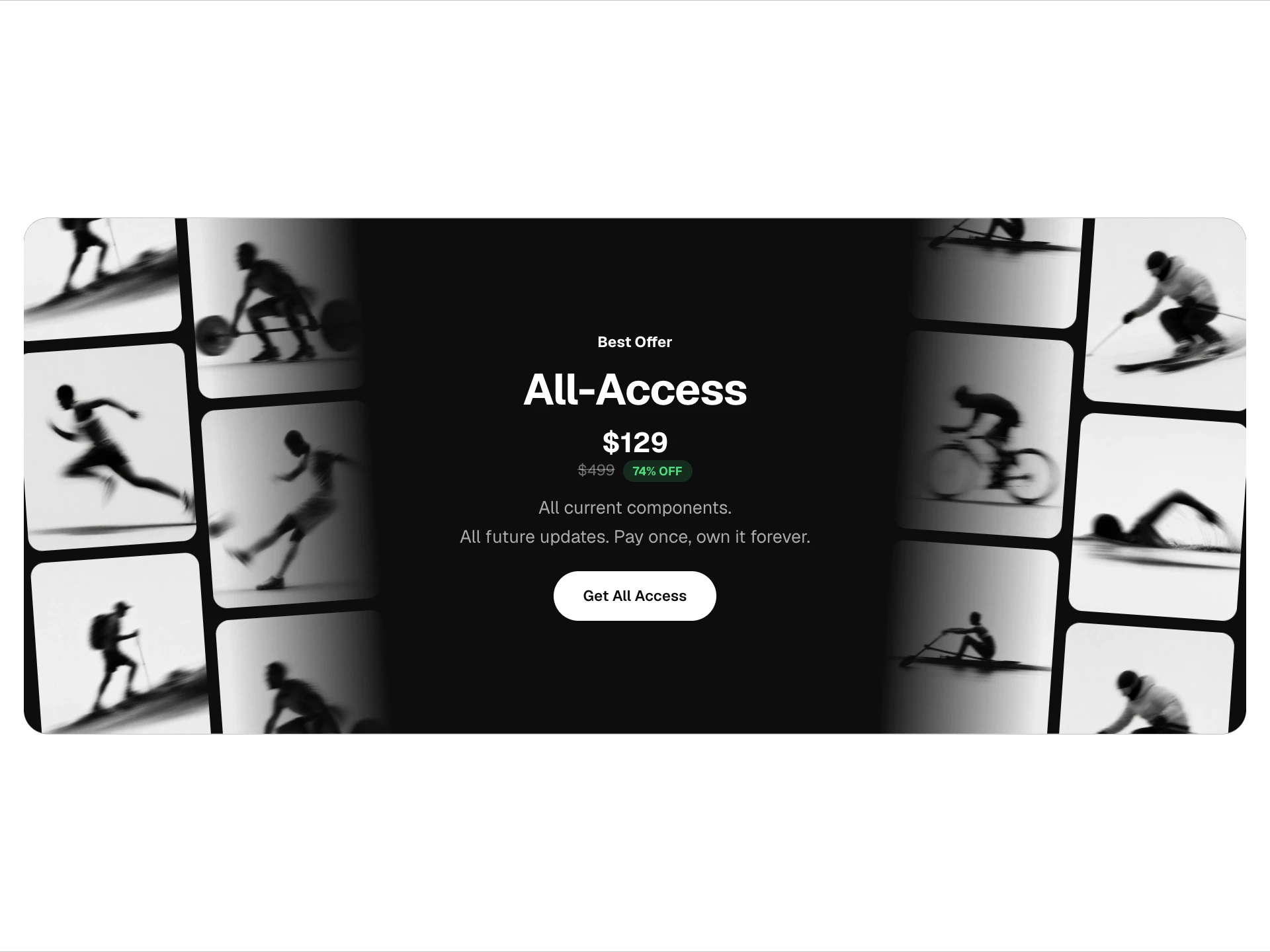
- Side Marquee Pricing CTAPremium · $4
- A centered badge/heading/price/subtitle/CTA banner flanked by slow, seamlessly looping tilted photo columns on both edges, with a paper/glass/custom theme and an auto-calculated discount badge.
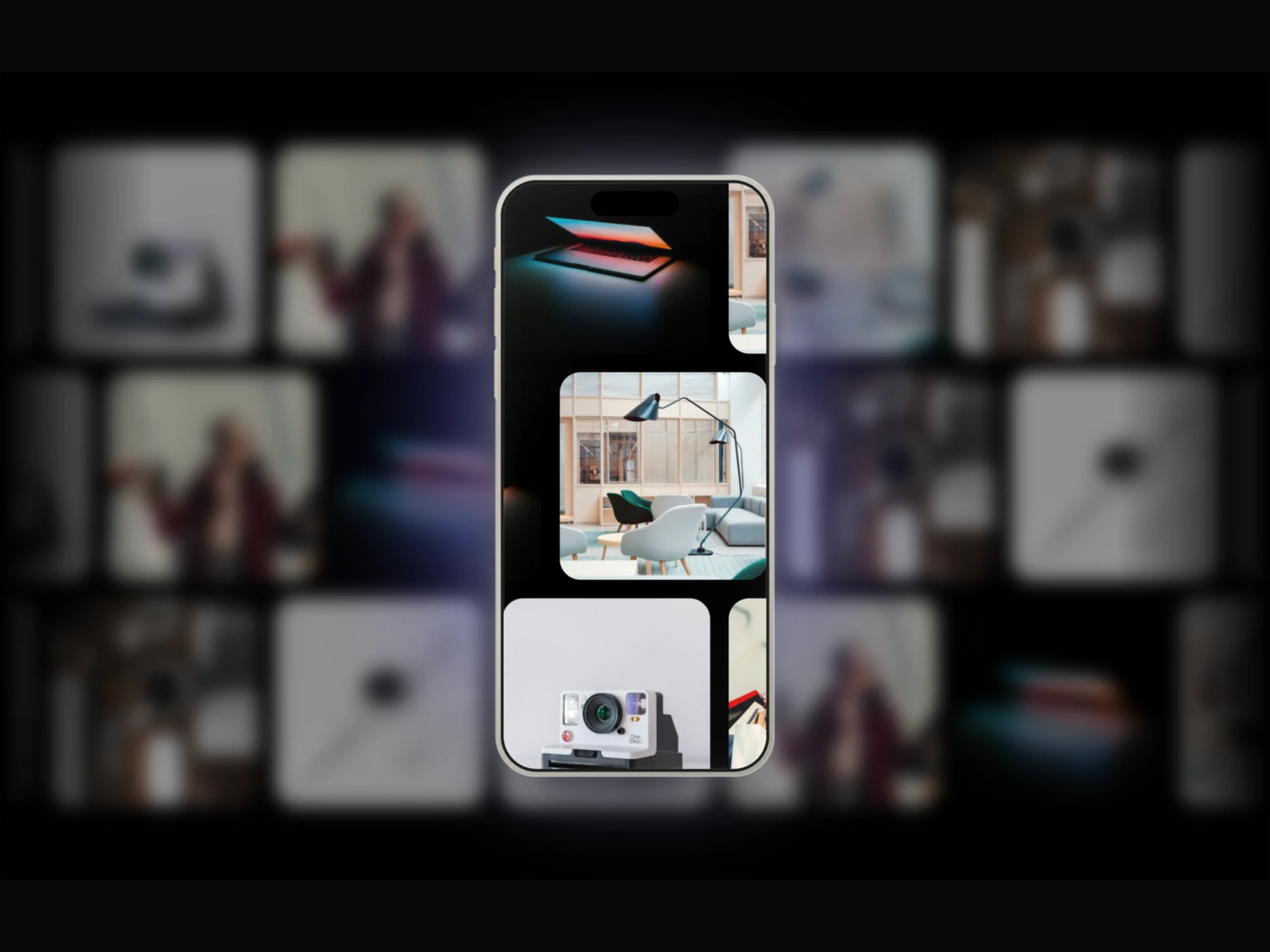
- Phone Marquee ShowcasePremium · $4
- A blurred, dimmed marquee of scrolling image/video rows fills the background, a sharp iPhone frame in front shows the exact same rows in perfect focus through its screen, with 3D cursor tilt and ambient glow.
- Orbit Logo WheelPremium · $6
- A 3D carousel of client/partner logos orbiting a tilted ring, with cursor-pause, hover tooltips, depth fade for far-side logos, and a center badge.
- Logo SpinPremium · $4
- A rotating logo showcase, a tilted 3D orbit or a flat 2D wheel, with hover tooltips, per-logo links, and a center title.
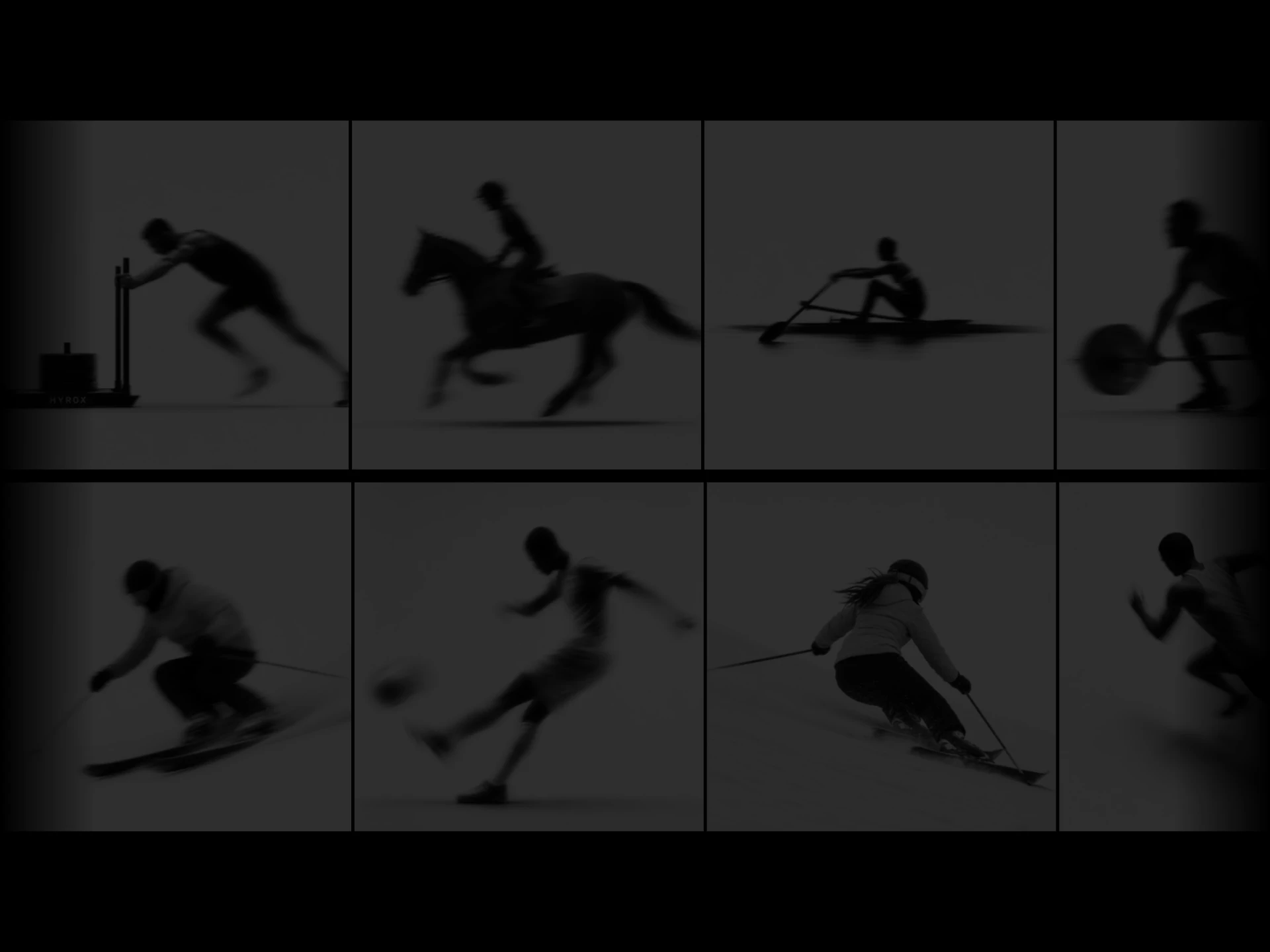
- Cards Hover MarqueePremium · $4
- Two auto-scrolling rows of image cards moving in opposite directions, hovering lifts a card and dims its neighbors in a cascading falloff, click opens a detail dialog with tag, description, and CTA.
- Diagonal Ticker StripsPremium · $4
- Two diagonally intersecting, infinite-scrolling text strips whose direction arrows flip with page scroll direction, with a left-to-right intro reveal, edge fade masking, and 3 preset two-color themes plus full custom colors.
Questions
- How do I stop a marquee from jumping when it loops?
- The content has to be duplicated and the animation must move by exactly one copy's width. These components measure their content and do that for you, so the loop stays seamless at any speed and any number of items.
- Are marquees accessible?
- They pause on hover, and infinite-marquee, logo-marquee and review-marquee-wall hide the duplicated copy from screen readers so the content is announced once. Keep anything important somewhere static too, since moving text is hard for some people to read.
- Are these components free?
- 3 of the 11 are free (Infinite Marquee, Logo Marquee, Testimonial Pills); the others are premium, sold one by one or all together with All-Access.
- How do I install them?
- Free components install with the shadcn CLI, for example: npx shadcn@latest add @reactframe/<slug>. You get the full React + Tailwind source in your project, with Motion as the only animation dependency.
Related collections
Want a whole page built from these? Ask your AI to build it with ReactFrame.