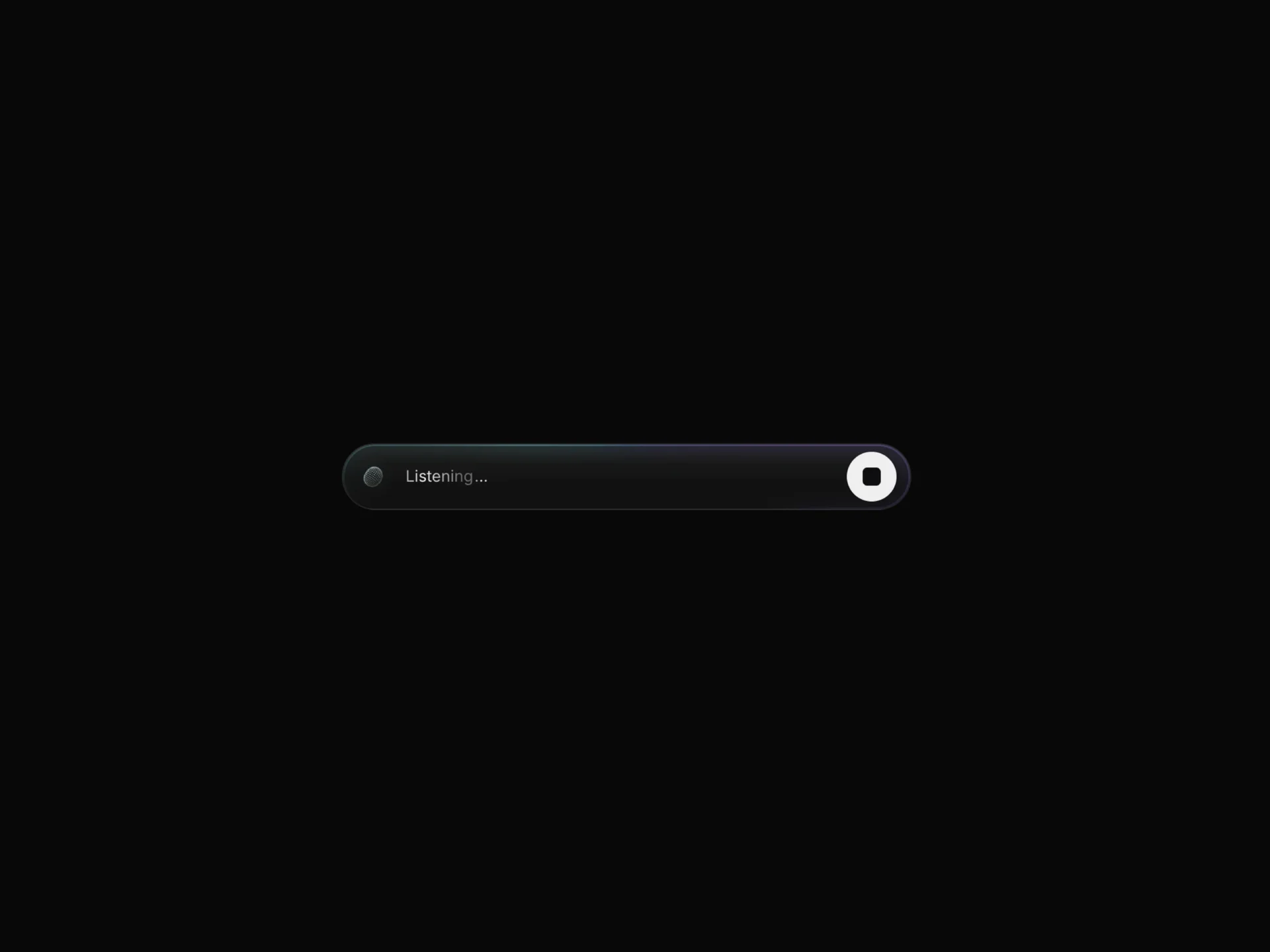
AI Voice 01 React component
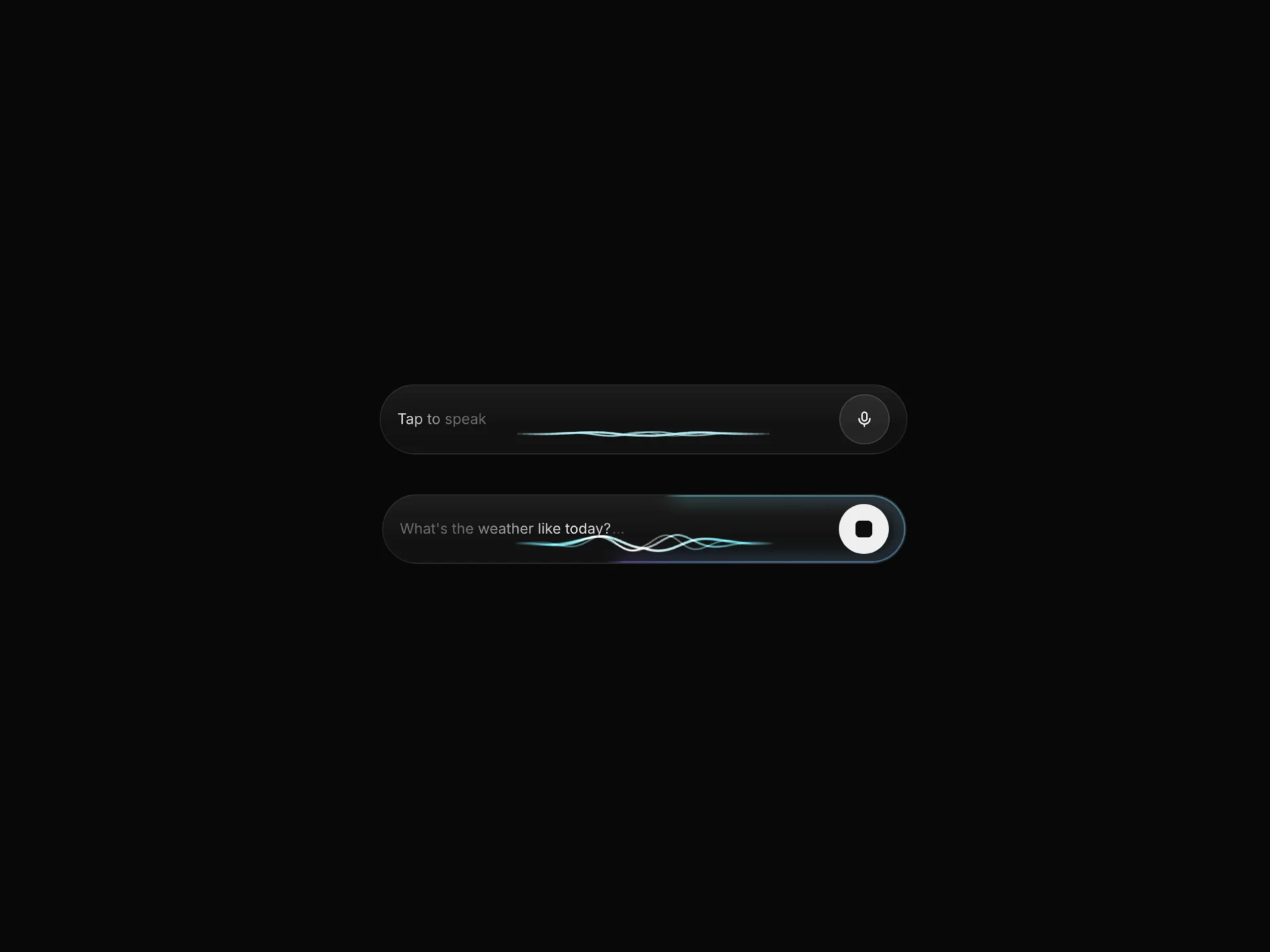
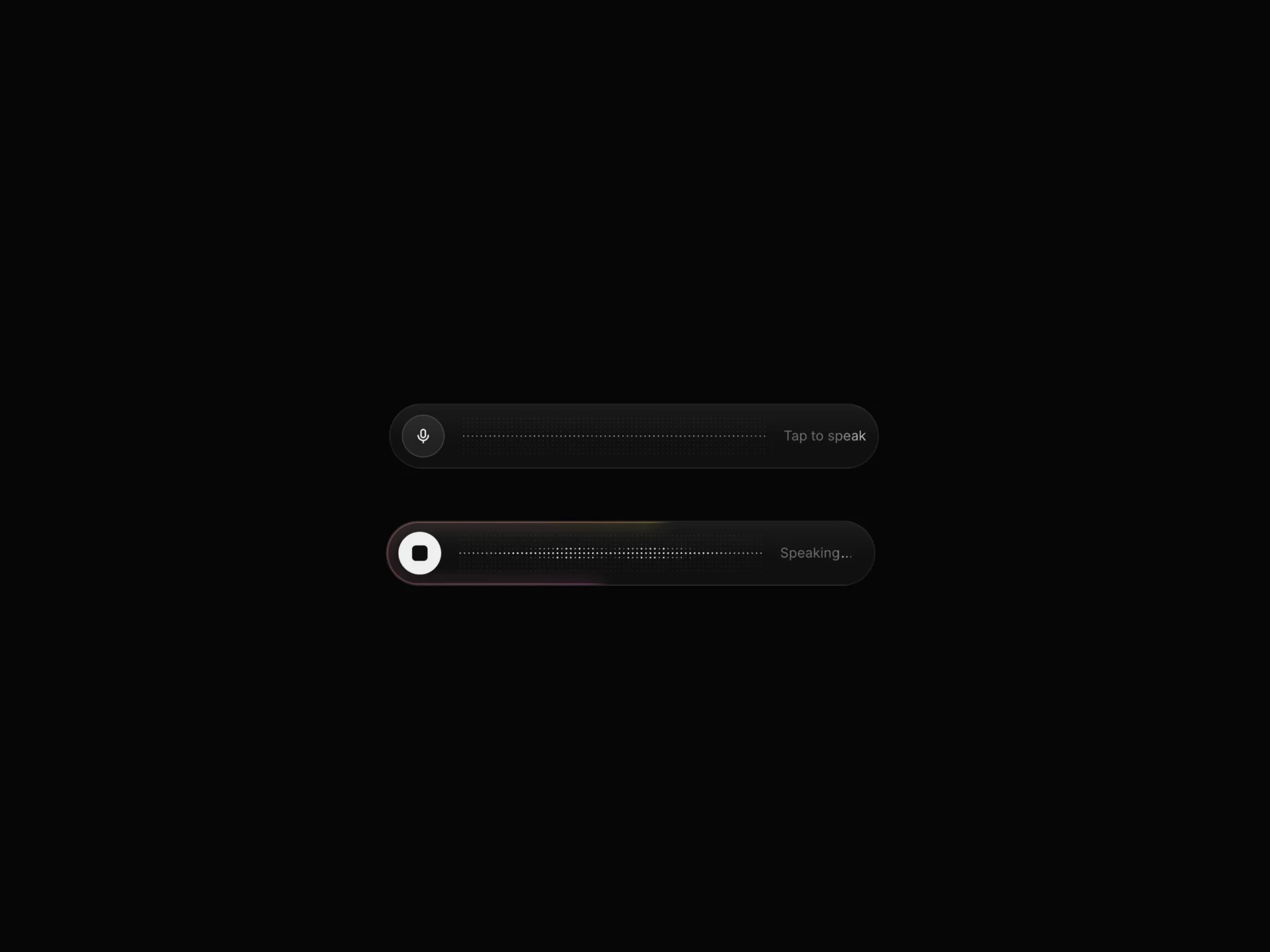
A voice-assistant pill with a canvas audio-reactive visualizer, idle/listening/speaking states, a glowing edge ring, live word-by-word transcript, optional real microphone input, and custom/silver themes.
About the AI Voice 01 component
AI Voice 01 is a voice assistant pill: a row of flowing curves that react to sound, a status label and round controls. It moves between three states, idle, listening and speaking, each with its own colors, and a transcript under it types out words one by one while it talks. By default it plays a demo loop through the states on its own, with simulated sound, so it looks alive without any setup.
status sets the state from your app, and autoFlow and flowSeconds control the demo loop. input="microphone" makes the curves react to the real microphone after asking for permission. idleText, listeningText and speakingText set the labels, transcript and phrases the typed lines, and listenColors, speakColors, the ring, the curve and the theme props style it. onStart fires when it leaves idle and onStop when it goes back.
When to use it
Use AI Voice 01 for voice assistants and voice-first AI features: a pill with an audio-reactive visualizer that moves between idle, listening and speaking, plus a live word-by-word transcript. Out of the box it simulates audio for demos; set input="microphone" to react to the real microphone.
Drive its status from your speech-to-text and text-to-speech pipeline to build a working voice interface.
Installation
Add the AI Voice 01 component to your project with the shadcn CLI. It lands in components/ai-voice-01.tsx as plain React + Tailwind CSS source you own and can edit.
npx shadcn@latest add @reactframe/ai-voice-01Or copy the source by hand and install its dependencies:
npm install clsx tailwind-mergeProps
<AiVoice01 /> accepts 33 props, all optional.
| Prop | Type | Default |
|---|---|---|
| status | "idle" | "listening" | "speaking" | "idle" |
| interactive | boolean | true |
| autoFlow | boolean | true |
| flowSeconds | number | 3.5 |
| input | "simulated" | "microphone" | "simulated" |
| sensitivity | number | 1.4 |
| idleText | string | "Tap to speak" |
| listeningText | string | "Listening" |
| speakingText | string | "Speaking" |
| transcript | boolean | true |
| phrases | string[] | DEFAULT_PHRASES |
| font | React.CSSProperties | { fontSize: 16, lineHeight: 1.2 } |
- status"idle" | "listening" | "speaking"Default: "idle"
- interactivebooleanDefault: true
- autoFlowbooleanDefault: true
- flowSecondsnumberDefault: 3.5
- input"simulated" | "microphone"Default: "simulated"
- sensitivitynumberDefault: 1.4
- idleTextstringDefault: "Tap to speak"
- listeningTextstringDefault: "Listening"
- speakingTextstringDefault: "Speaking"
- transcriptbooleanDefault: true
- phrasesstring[]Default: DEFAULT_PHRASES
- fontReact.CSSPropertiesDefault: { fontSize: 16, lineHeight: 1.2 }
Show all 33 propsShow fewer
| textColor | string | "#EDEDED" |
| mutedColor | string | "#6B6B6B" |
| listenColors | string[] | DEFAULT_LISTEN |
| speakColors | string[] | DEFAULT_SPEAK |
| ringIntensity | number | 0.7 |
| ringSize | number | 10 |
| ringSpeed | number | 40 |
| background | string | "rgba(255,255,255,0.035)" |
| borderColor | string | "rgba(255,255,255,0.08)" |
| radius | number | 999 |
| padding | number | 10 |
| gap | number | 12 |
| curves | number | 3 |
| curveWidth | number | 1 |
| curveAmp | number | 1 |
| curveColor | string | "#FFFFFF" |
| theme | "custom" | "silver" | "custom" |
| onStart | () => void | — |
| onStop | () => void | — |
| className | string | — |
| style | React.CSSProperties | — |
- textColorstringDefault: "#EDEDED"
- mutedColorstringDefault: "#6B6B6B"
- listenColorsstring[]Default: DEFAULT_LISTEN
- speakColorsstring[]Default: DEFAULT_SPEAK
- ringIntensitynumberDefault: 0.7
- ringSizenumberDefault: 10
- ringSpeednumberDefault: 40
- backgroundstringDefault: "rgba(255,255,255,0.035)"
- borderColorstringDefault: "rgba(255,255,255,0.08)"
- radiusnumberDefault: 999
- paddingnumberDefault: 10
- gapnumberDefault: 12
- curvesnumberDefault: 3
- curveWidthnumberDefault: 1
- curveAmpnumberDefault: 1
- curveColorstringDefault: "#FFFFFF"
- theme"custom" | "silver"Default: "custom"
- onStart() => void
- onStop() => void
- classNamestring
- styleReact.CSSProperties
Kits
Sets of components designed to be used together on one site, AI Voice 01 included.
Collections
Use-case pages that compare AI Voice 01 with the other components that do a similar job.
npm dependencies
Installed for you by the shadcn CLI.
AI Voice 01 FAQ
- Does it use the real microphone?
- Only if you set input="microphone". It then asks for microphone permission and the visualizer reacts to your voice; the default simulated mode needs no permission.
- How do I control listening and speaking from my app?
- Set status to "idle", "listening" or "speaking" as your voice pipeline changes state. onStart fires when it leaves idle and onStop when it returns to idle.
- Is it free?
- Yes. AI Voice 01 is one of ReactFrame's free components.
- Does the transcript show what I actually say?
- No. It does no speech recognition; it types out the lines in phrases. Run speech-to-text in your app and pass the recognised text into phrases if the transcript should show it.