AI Voice 05 React component
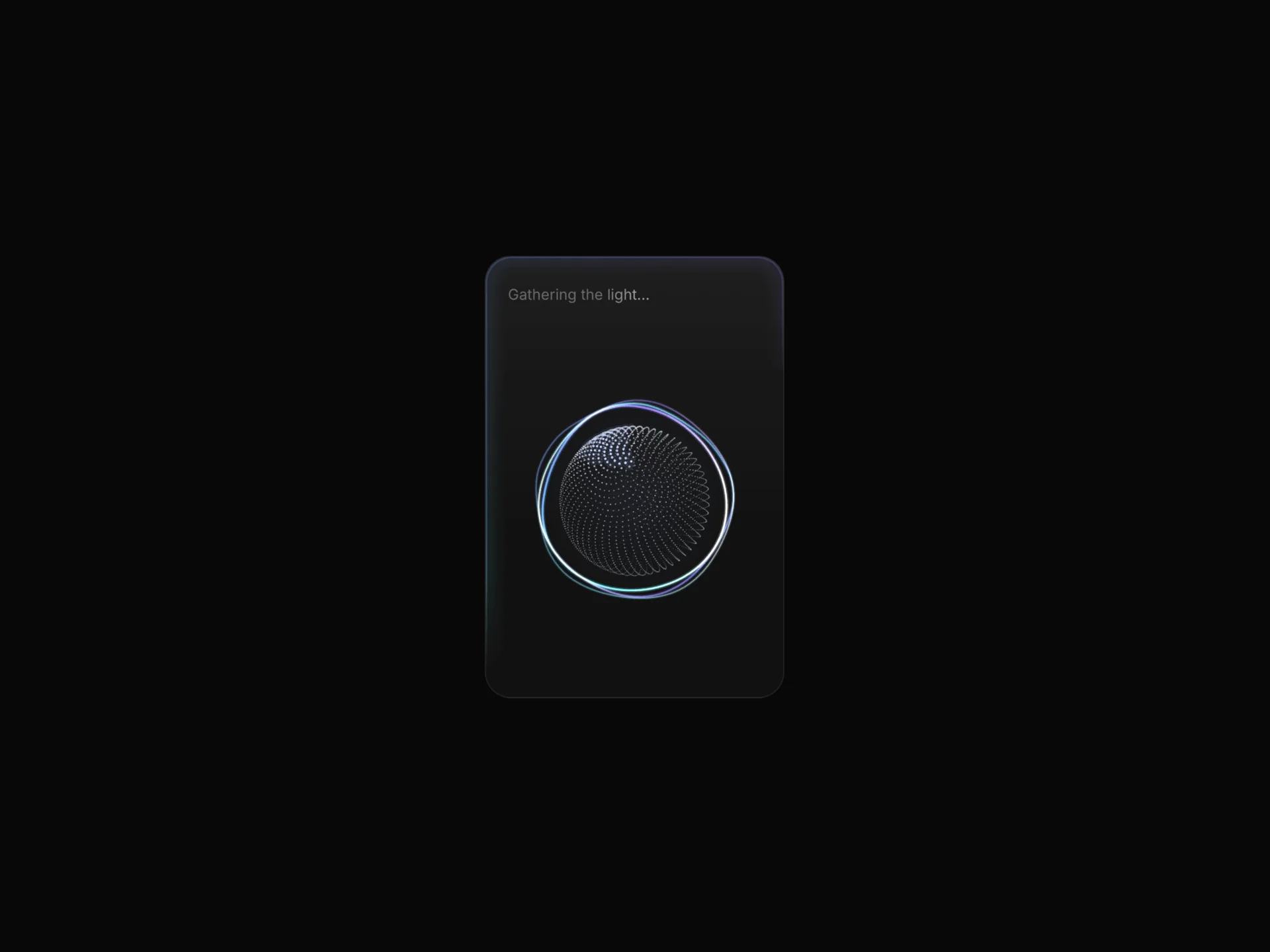
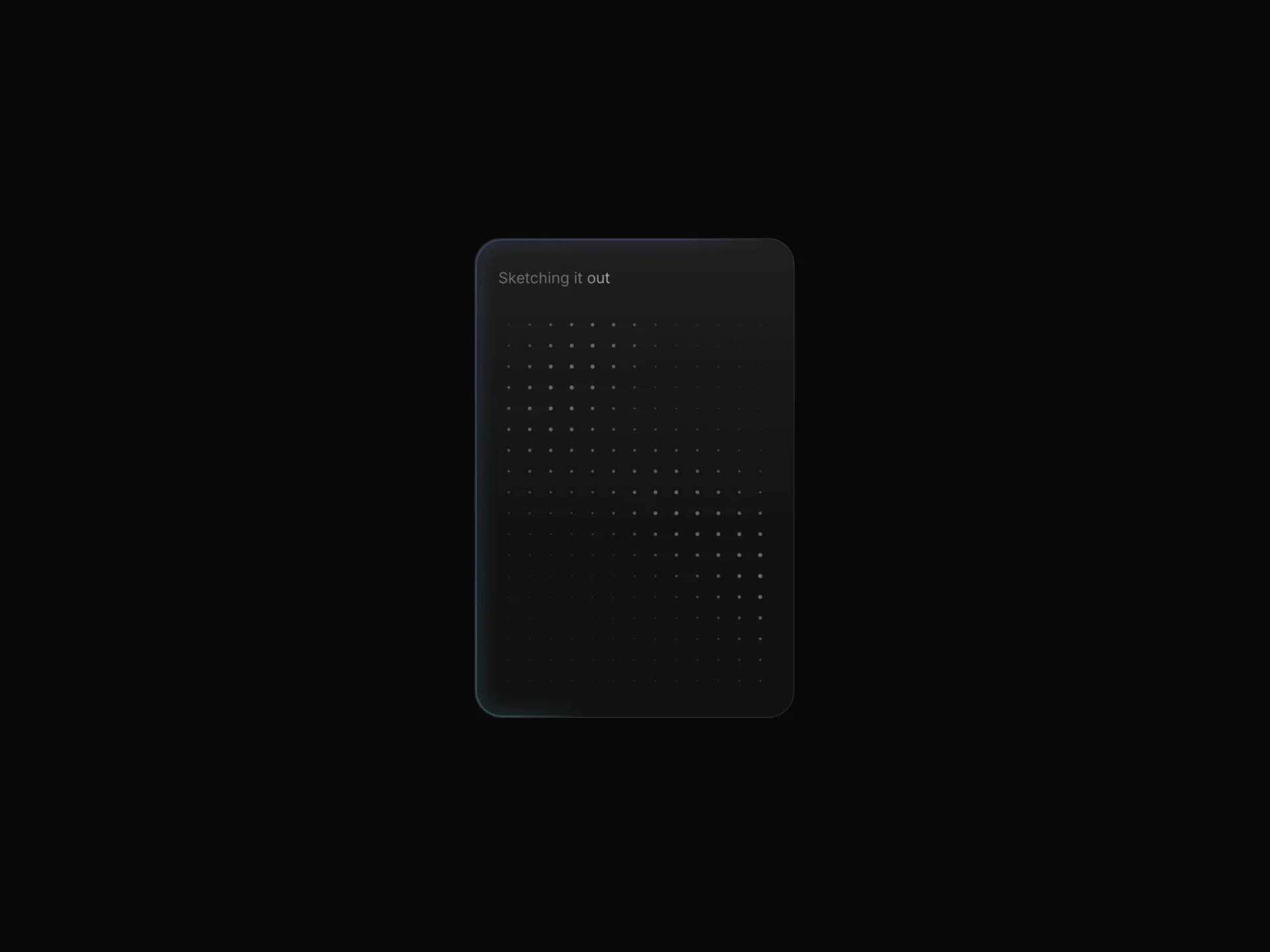
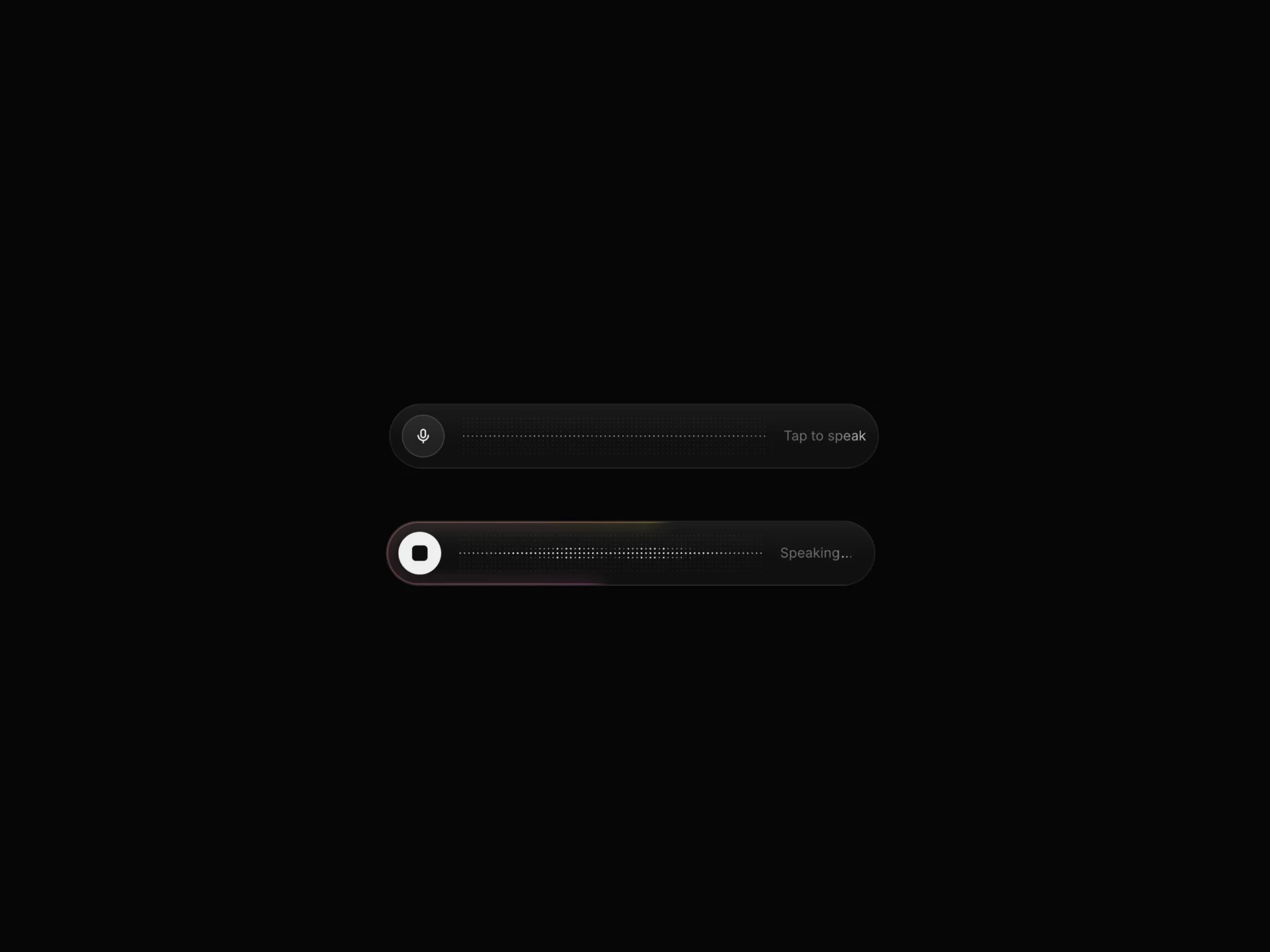
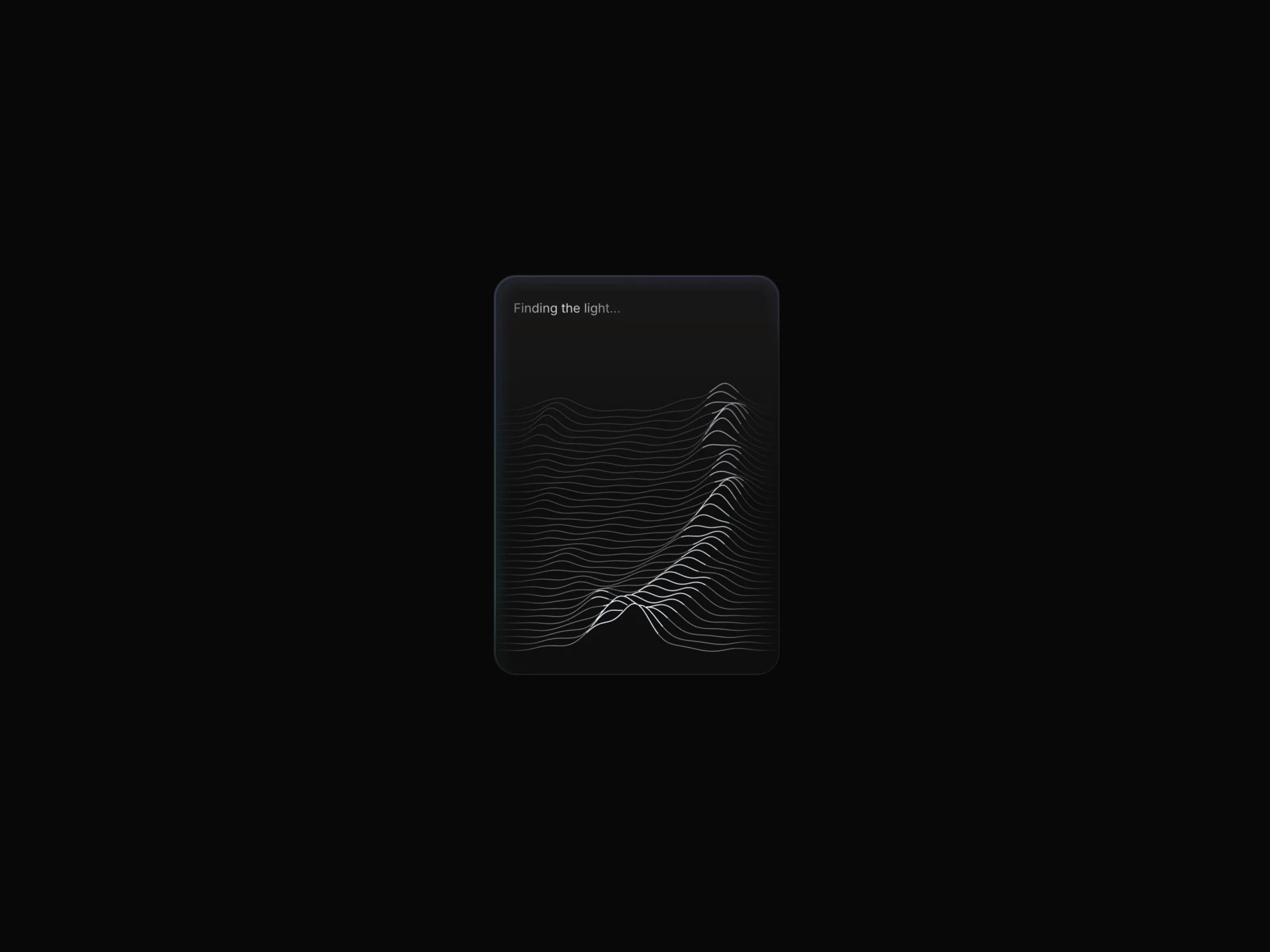
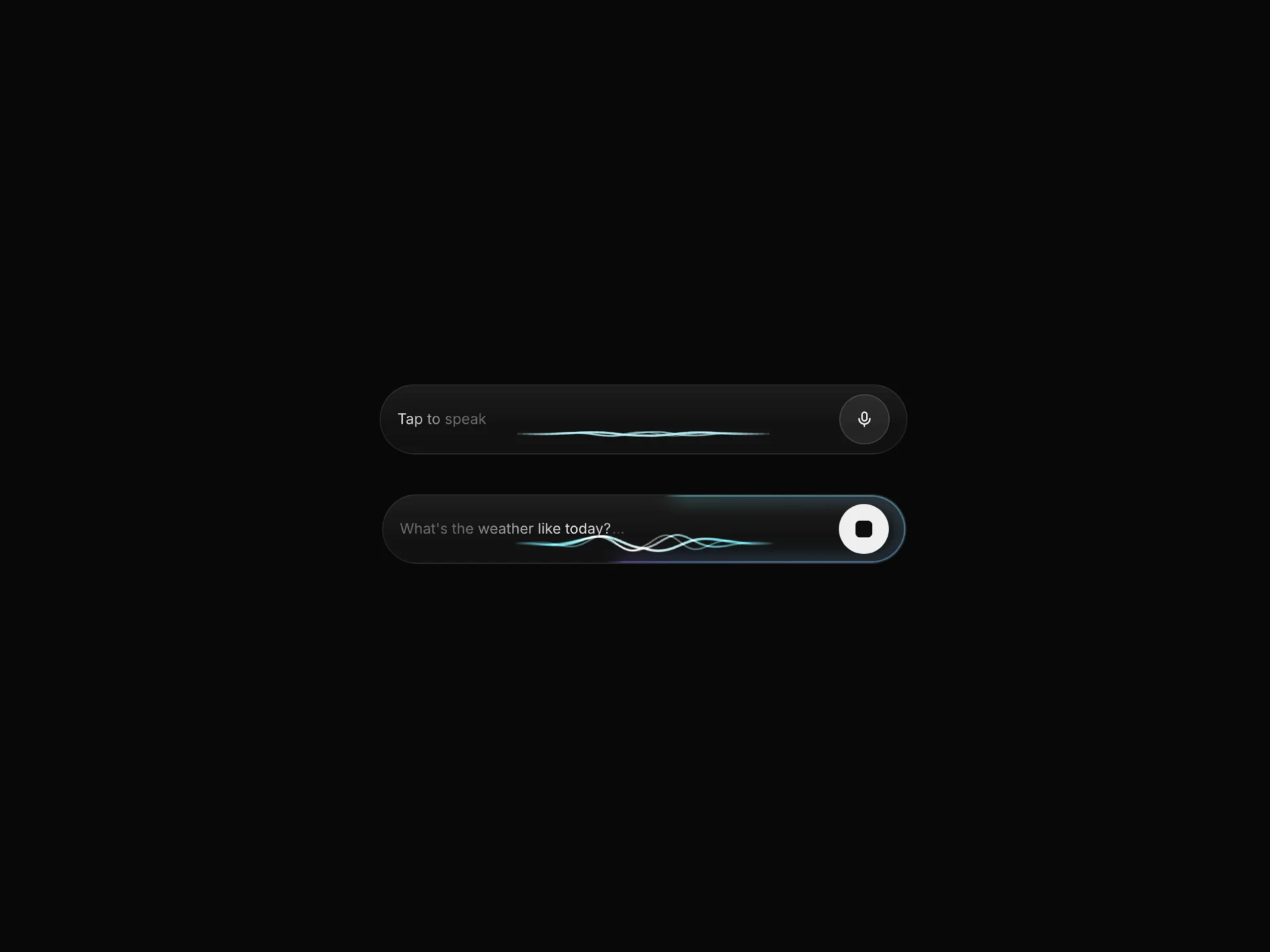
A portrait voice-assistant card with a canvas audio-reactive curve visualizer, a mic button that grows on tap, idle/listening/speaking states, and live word-by-word transcript.
About the AI Voice 05 component
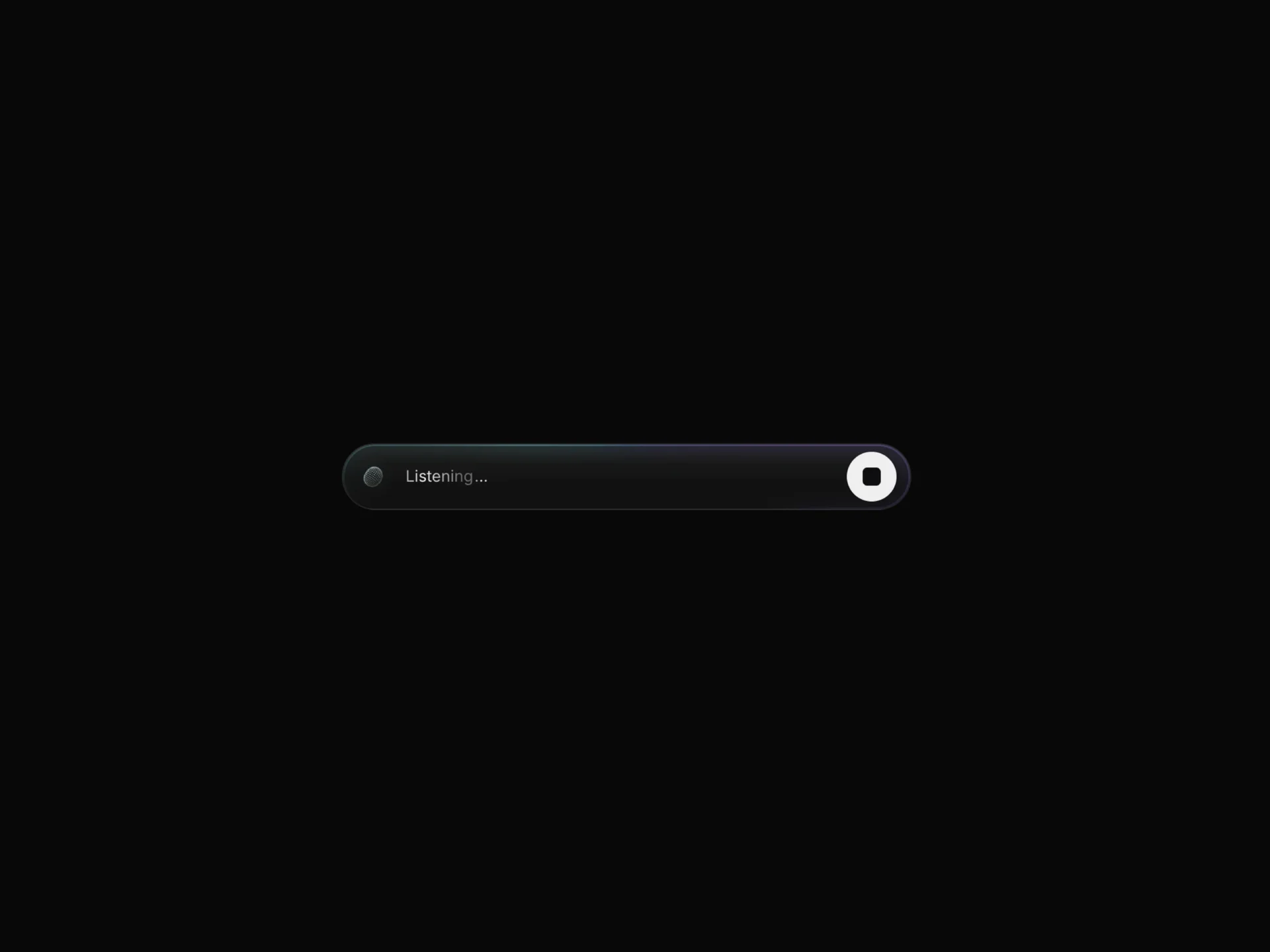
AI Voice 05 is a free, portrait voice-assistant card: a large round mic button sits in the center, circled by closed curves that ripple outward with the audio level, and the state label with its typed transcript sits centered underneath. Pressing the button starts listening and turns it into a light stop button with a large square, and the card then moves through listening and speaking like the other AI Voice components.
curves sets how many rings are drawn (1 to 4, default 3), curveWidth and curveAmp their stroke and ripple height, and curveColor their base color, which a rotating gradient blends with the first listen or speak color. This card has no edge glow ring, so ringIntensity, ringSize and ringSpeed have no effect, while borderColor and radius (44) shape the frame. It sets aria-busy while listening, announces state changes in a live region and includes SoftwareApplication microdata.
When to use it
Use it where the voice feature is a whole screen or a large panel, such as a mobile assistant view, a kiosk or a dashboard side panel, rather than a slim bar.
For a horizontal pill that fits a toolbar or input row, use AI Voice 02, 03 or 04.
Installation
Add the AI Voice 05 component to your project with the shadcn CLI. It lands in components/ai-voice-05.tsx as plain React + Tailwind CSS source you own and can edit.
npx shadcn@latest add @reactframe/ai-voice-05Or copy the source by hand and install its dependencies:
npm install clsx tailwind-mergeProps
<AiVoice05 /> accepts 32 props, all optional.
| Prop | Type | Default |
|---|---|---|
| status | "idle" | "listening" | "speaking" | "idle" |
| interactive | boolean | true |
| autoFlow | boolean | true |
| flowSeconds | number | 3.5 |
| input | "simulated" | "microphone" | "simulated" |
| sensitivity | number | 1.4 |
| idleText | string | "Tap to speak" |
| listeningText | string | "Listening" |
| speakingText | string | "Speaking" |
| transcript | boolean | true |
| phrases | string[] | DEFAULT_PHRASES |
| font | React.CSSProperties | { fontSize: 16, lineHeight: 1.2 } |
- status"idle" | "listening" | "speaking"Default: "idle"
- interactivebooleanDefault: true
- autoFlowbooleanDefault: true
- flowSecondsnumberDefault: 3.5
- input"simulated" | "microphone"Default: "simulated"
- sensitivitynumberDefault: 1.4
- idleTextstringDefault: "Tap to speak"
- listeningTextstringDefault: "Listening"
- speakingTextstringDefault: "Speaking"
- transcriptbooleanDefault: true
- phrasesstring[]Default: DEFAULT_PHRASES
- fontReact.CSSPropertiesDefault: { fontSize: 16, lineHeight: 1.2 }
Show all 32 propsShow fewer
| textColor | string | "#EDEDED" |
| mutedColor | string | "#6B6B6B" |
| listenColors | string[] | DEFAULT_LISTEN |
| speakColors | string[] | DEFAULT_SPEAK |
| ringIntensity | number | — |
| ringSize | number | — |
| ringSpeed | number | — |
| background | string | "rgba(255,255,255,0.035)" |
| borderColor | string | "rgba(255,255,255,0.08)" |
| radius | number | 44 |
| padding | number | 16 |
| gap | number | 10 |
| curves | number | 3 |
| curveWidth | number | 1 |
| curveAmp | number | 1 |
| curveColor | string | "#FFFFFF" |
| onStart | () => void | — |
| onStop | () => void | — |
| className | string | — |
| style | React.CSSProperties | — |
- textColorstringDefault: "#EDEDED"
- mutedColorstringDefault: "#6B6B6B"
- listenColorsstring[]Default: DEFAULT_LISTEN
- speakColorsstring[]Default: DEFAULT_SPEAK
- ringIntensitynumber
- ringSizenumber
- ringSpeednumber
- backgroundstringDefault: "rgba(255,255,255,0.035)"
- borderColorstringDefault: "rgba(255,255,255,0.08)"
- radiusnumberDefault: 44
- paddingnumberDefault: 16
- gapnumberDefault: 10
- curvesnumberDefault: 3
- curveWidthnumberDefault: 1
- curveAmpnumberDefault: 1
- curveColorstringDefault: "#FFFFFF"
- onStart() => void
- onStop() => void
- classNamestring
- styleReact.CSSProperties
Kits
Sets of components designed to be used together on one site, AI Voice 05 included.
Collections
Use-case pages that compare AI Voice 05 with the other components that do a similar job.
npm dependencies
Installed for you by the shadcn CLI.
AI Voice 05 FAQ
- What size should the card be?
- It fills its parent, so give the wrapper a portrait size, for example 320px wide and 420px tall; the curves scale to the smaller side of the area above the label.
- Why doesn't ringIntensity change anything?
- AI Voice 05 has no glowing edge ring. Its color comes from the curves, so use curveColor, listenColors and speakColors instead.
- Can I show a single ring?
- Yes, curves={1}; raise curveAmp to make it ripple further and curveWidth to thicken the line.
- Is it free?
- Yes, AI Voice 05 is one of the free AI Voice components.