Bot Roster Overview React component
Every AI bot on one screen: what each is doing, how reliable it's been, what it's spent today, and one click to pause, start or unblock it.
About the Bot Roster Overview component
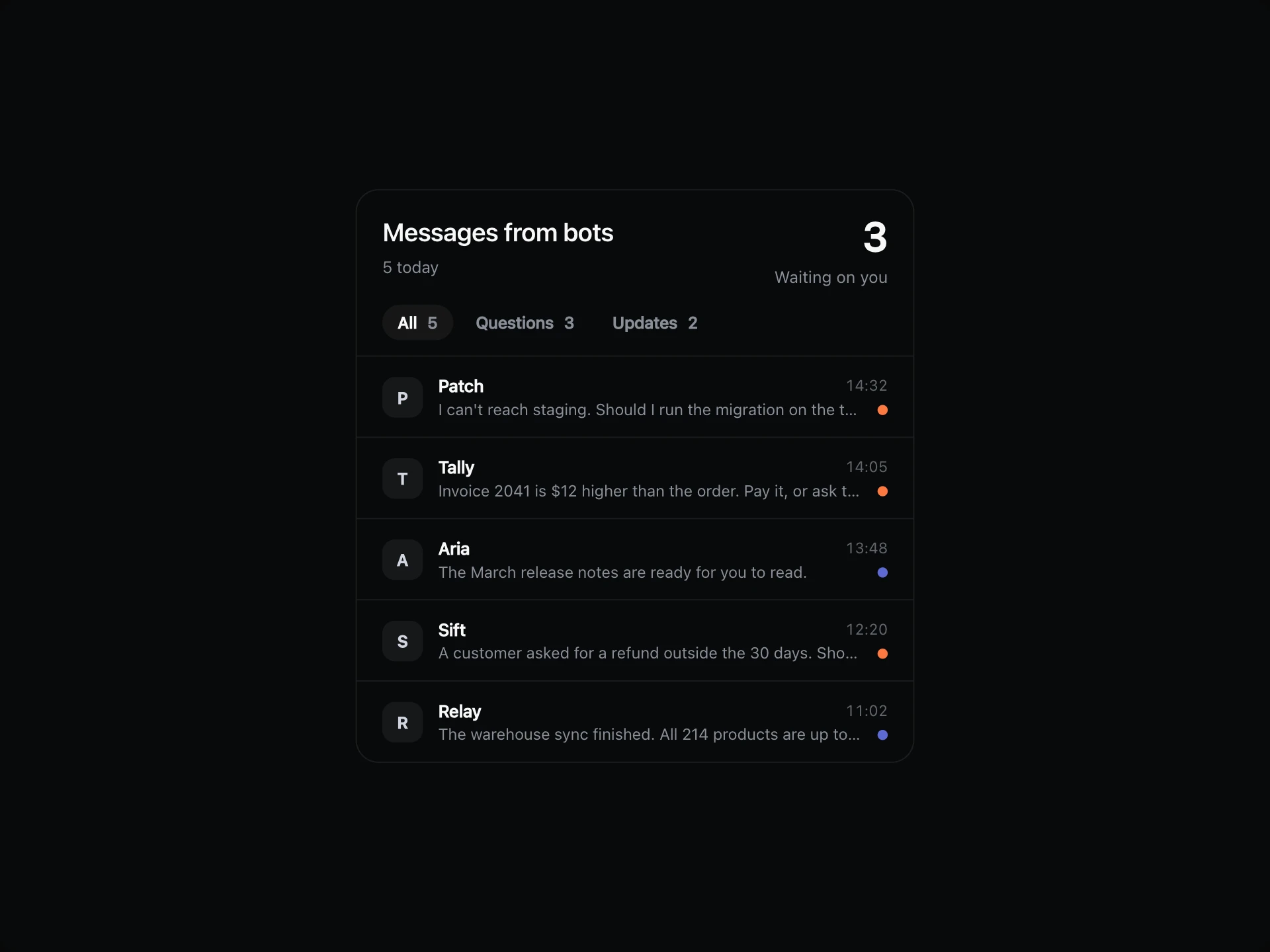
Bot Roster Overview answers the first question anyone running AI bots has: what are they all doing? Each row shows the current task, a week of runs, how often it succeeds and what it has spent today.
Bots that are stuck stand out, and fixing one takes a single click. Filter by status or sort by spend and success, and the rows slide to their new place.
When to use it
Use it as the home screen of an agent platform or an internal operations dashboard.
For one or two bots a simple status card is enough. This earns its place from about four upward.
Installation
Add the Bot Roster Overview component to your project with the shadcn CLI. It lands in components/bot-roster-overview.tsx as plain React + Tailwind CSS source you own and can edit.
npx shadcn@latest add @reactframe/bot-roster-overviewProps
<BotRosterOverview /> accepts 4 props, all optional. It also accepts the usual <section> attributes, like className, style, id and aria-*, and passes them to its root element.
| Prop | Type | Default |
|---|---|---|
| theme | "dark" | "light" | "dark" |
| title | string | "Bot roster" |
| bots | { id: string; name: string; role: string; status: BotStatus; task: string; success: number; spend: number; runs: number[] }[] | DEFAULT_BOTS |
| onStatusChange | (bot: RosterBot, status: BotStatus) => void | — |
- theme"dark" | "light"Default: "dark"
- titlestringDefault: "Bot roster"
- bots{ id: string; name: string; role: string; status: BotStatus; task: string; success: number; spend: number; runs: number[] }[]Default: DEFAULT_BOTS
- onStatusChange(bot: RosterBot, status: BotStatus) => void
Bot Roster Overview FAQ
- Does Pause stop the real bot?
- No. onStatusChange tells you what was asked for, and your backend does the rest.
- How is the total worked out?
- It adds up the spend of every bot you pass in.
- What shows on a phone?
- The name, status dot, current task and spend. The other columns and the action buttons are hidden.
- Does the list change height when filtering?
- No. It keeps room for every row, so the card stays the same size.