Countdown Sale Banner React component
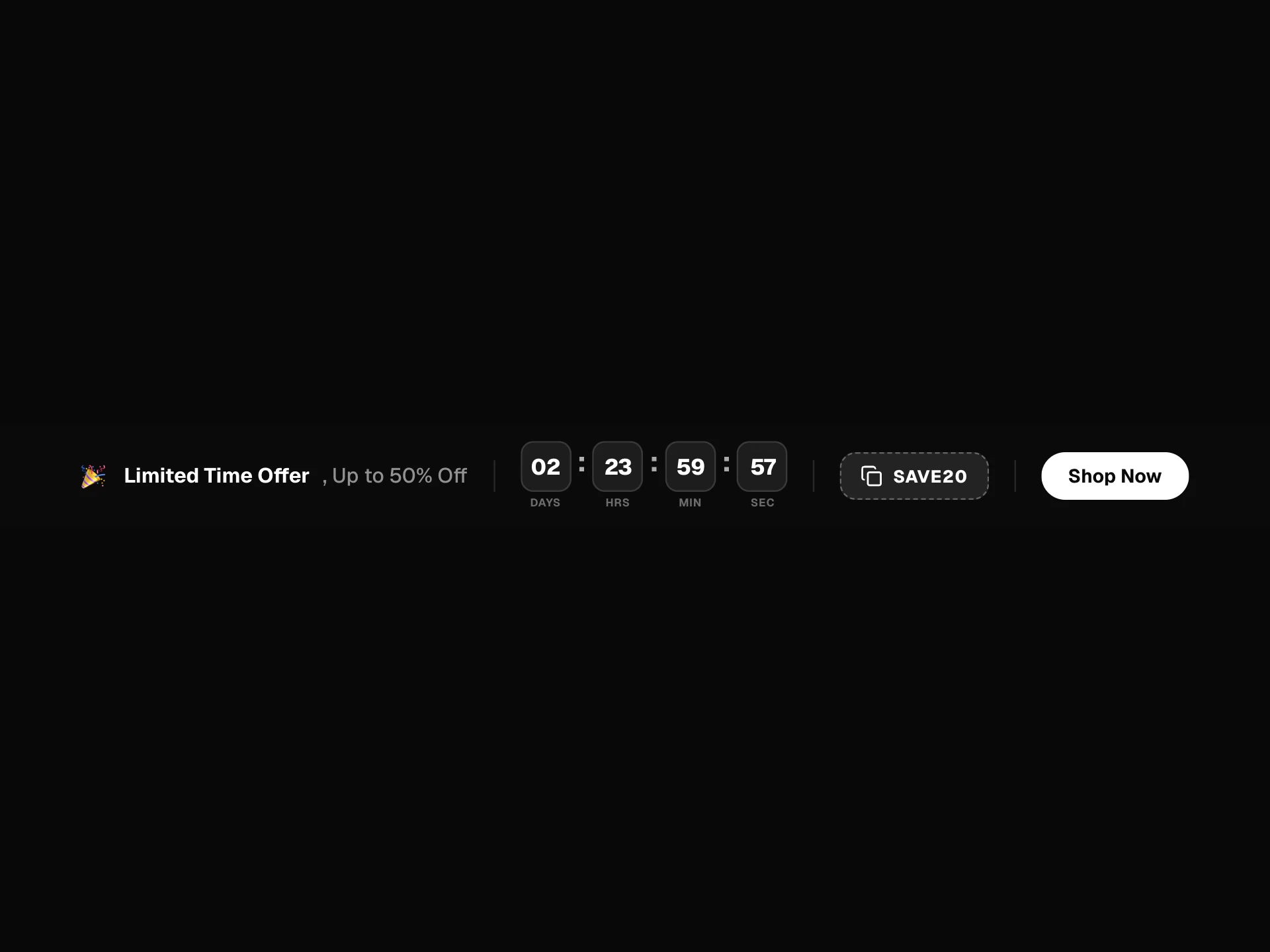
A sale bar that counts down for real: rolling days, hours, minutes and seconds, a coupon that copies with one click, and an ending message when time runs out.
About the Countdown Sale Banner component
Countdown Sale Banner gives a limited offer real urgency without shouting. A live countdown sits beside your message, each unit rolling over as it changes, and the coupon copies with one click.
When the time runs out it swaps to your ending message by itself, so an expired offer never stays on the page.
When to use it
Use it at the top of a site for real deadlines, like seasonal sales, launch pricing and early-bird tickets.
Only use it for a genuine deadline. A timer that quietly resets costs you trust.
Installation
Add the Countdown Sale Banner component to your project with the shadcn CLI. It lands in components/countdown-sale-banner.tsx as plain React + Tailwind CSS source you own and can edit.
npx shadcn@latest add @reactframe/countdown-sale-bannerProps
<CountdownSaleBanner /> accepts 9 props, all optional. It also accepts the usual <div> attributes, like className, style, id and aria-*, and passes them to its root element.
| Prop | Type | Default |
|---|---|---|
| theme | "dark" | "light" | "dark" |
| title Bold lead of the message. | string | "Winter sale" |
| message | string | "40% off every annual plan." |
| endsAt When the sale ends: a date, or an ISO string. Defaults to 2 days 14 hours after the banner appears. | string | number | Date | — |
| endedMessage Shown once the time is up. | string | "The sale has ended." |
| code A code people can copy. Pass an empty string to hide it. | string | "WINTER40" |
| action | { label: string; href?: string; onClick?: () => void } | null | { label: "Claim offer" } |
| dismissible | boolean | true |
| onDismiss | () => void | — |
- theme"dark" | "light"Default: "dark"
- title
Bold lead of the message.
stringDefault: "Winter sale" - messagestringDefault: "40% off every annual plan."
- endsAt
When the sale ends: a date, or an ISO string. Defaults to 2 days 14 hours after the banner appears.
string | number | Date - endedMessage
Shown once the time is up.
stringDefault: "The sale has ended." - code
A code people can copy. Pass an empty string to hide it.
stringDefault: "WINTER40" - action{ label: string; href?: string; onClick?: () => void } | nullDefault: { label: "Claim offer" }
- dismissiblebooleanDefault: true
- onDismiss() => void
Countdown Sale Banner FAQ
- How do I set the end time?
- Pass endsAt as a date or ISO string. Without it, the demo counts down from just over two and a half days.
- What happens when it reaches zero?
- The countdown and buttons go, and endedMessage takes their place.
- Can I hide the coupon?
- Yes. Pass an empty code.
- Will it cause a hydration mismatch?
- No. The clock only starts in the browser, so the server renders dashes.