Customer Snapshot Panel React component
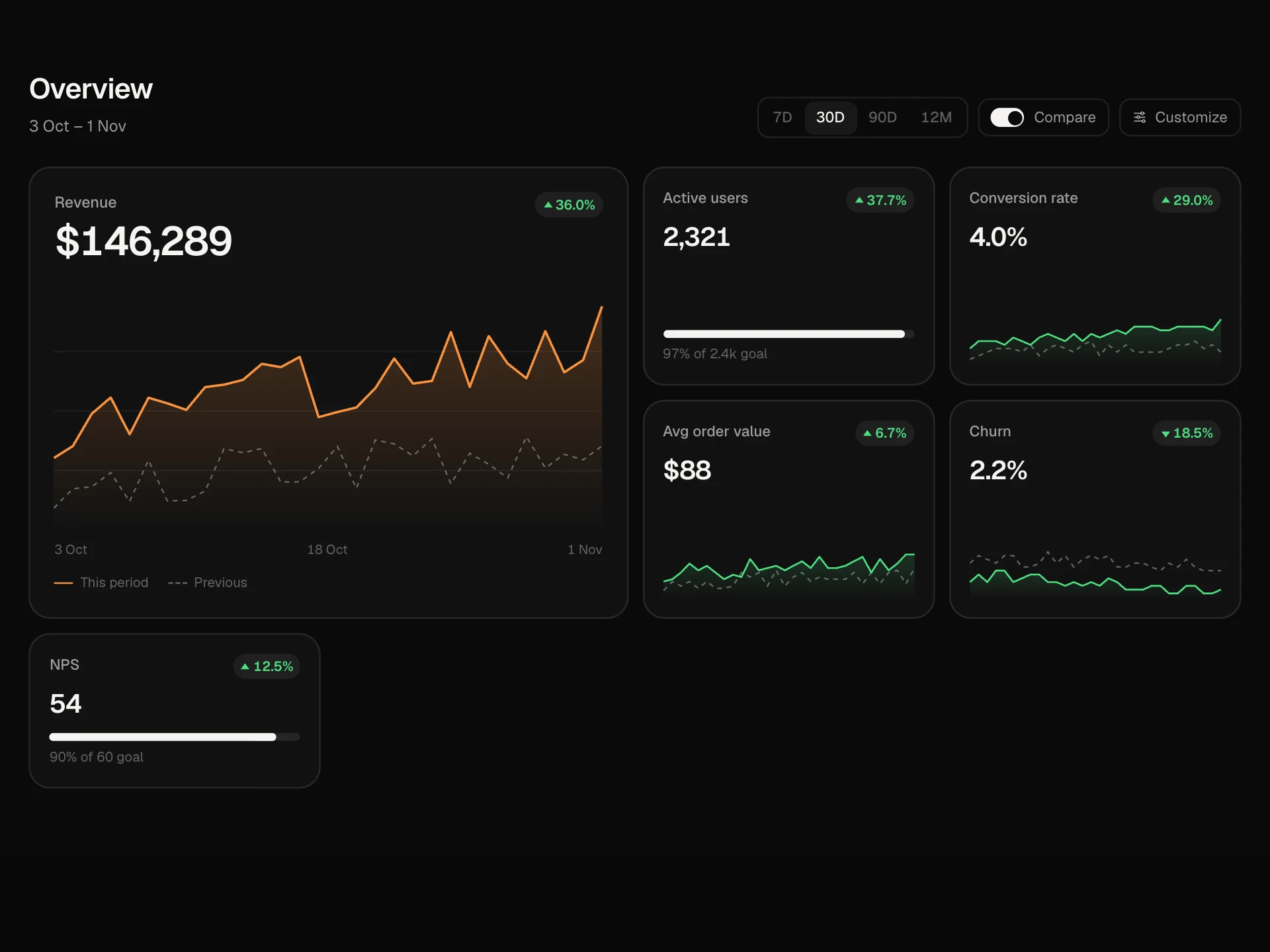
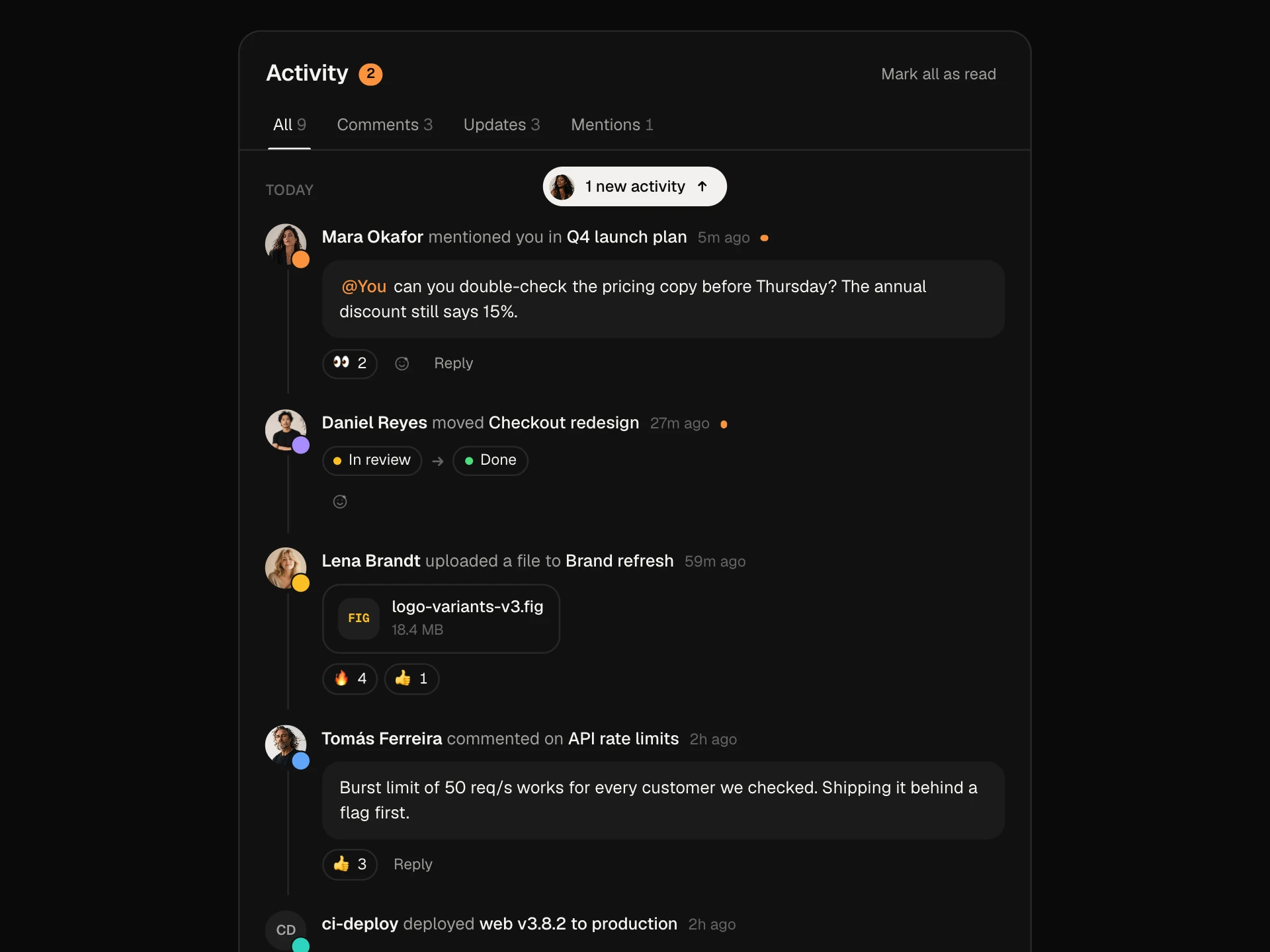
Everything about one account on a single screen: revenue, health, seats and renewal, a weekly usage chart you can read week by week, plus contacts, activity and team notes.
About the Customer Snapshot Panel component
Customer Snapshot Panel puts what you need before a call on one screen: what the account pays, how healthy it is, how many seats it uses and when it renews.
The usage chart shows the trend week by week, and the tabs hold the people to talk to, what happened lately and your team's notes.
When to use it
Use it at the top of a customer page in a CRM, a support tool or an admin panel.
Keep the stats to the four that drive decisions. Anything else belongs on the full profile.
Installation
Add the Customer Snapshot Panel component to your project with the shadcn CLI. It lands in components/customer-snapshot-panel.tsx as plain React + Tailwind CSS source you own and can edit.
npx shadcn@latest add @reactframe/customer-snapshot-panelProps
<CustomerSnapshotPanel /> accepts 12 props (required ones are marked *). It also accepts the usual <section> attributes, like className, style, id and aria-*, and passes them to its root element.
| Prop | Type | Default |
|---|---|---|
| theme | "dark" | "light" | "dark" |
| customer | object | DEFAULT_CUSTOMER |
| customer.name* | string | — |
| customer.industry* | string | — |
| customer.since* e.g. "Mar 2024". | string | — |
| customer.owner* | string | — |
| customer.mrr* Monthly revenue, in whole currency units. | number | — |
| customer.mrrChange* Change against last quarter, in percent. | number | — |
| customer.health* From 0 to 100. | number | — |
| customer.seatsUsed* | number | — |
| customer.seats* | number | — |
| customer.openTickets* | number | — |
- theme"dark" | "light"Default: "dark"
- customerobjectDefault: DEFAULT_CUSTOMER
- customer.name*string
- customer.industry*string
- customer.since*
e.g. "Mar 2024".
string - customer.owner*string
- customer.mrr*
Monthly revenue, in whole currency units.
number - customer.mrrChange*
Change against last quarter, in percent.
number - customer.health*
From 0 to 100.
number - customer.seatsUsed*number
- customer.seats*number
- customer.openTickets*number
Show all 24 propsShow fewer
| customer.renewal* Renewal date as YYYY-MM-DD. | string | — |
| customer.tags* | string[] | — |
| metrics | { id: string; label: string; unit: string; values: number[] }[] | DEFAULT_METRICS |
| contacts | { id: string; name: string; role: string; lastSeen: string; champion?: boolean }[] | DEFAULT_CONTACTS |
| activity | { id: string; text: string; who: string; when: string }[] | DEFAULT_ACTIVITY |
| weekEnd The last week in the chart, as YYYY-MM-DD. | string | "2026-11-02" |
| today Used to count the days to renewal. YYYY-MM-DD. | string | "2026-11-07" |
| currency | string | "$" |
| onOpenProfile | () => void | — |
| onLogCall | () => void | — |
| onFlag | (flagged: boolean) => void | — |
| onAddNote | (note: string) => void | — |
- customer.renewal*
Renewal date as YYYY-MM-DD.
string - customer.tags*string[]
- metrics{ id: string; label: string; unit: string; values: number[] }[]Default: DEFAULT_METRICS
- contacts{ id: string; name: string; role: string; lastSeen: string; champion?: boolean }[]Default: DEFAULT_CONTACTS
- activity{ id: string; text: string; who: string; when: string }[]Default: DEFAULT_ACTIVITY
- weekEnd
The last week in the chart, as YYYY-MM-DD.
stringDefault: "2026-11-02" - today
Used to count the days to renewal. YYYY-MM-DD.
stringDefault: "2026-11-07" - currencystringDefault: "$"
- onOpenProfile() => void
- onLogCall() => void
- onFlag(flagged: boolean) => void
- onAddNote(note: string) => void
Customer Snapshot Panel FAQ
- Where do notes go?
- onAddNote gets the text. The panel shows it straight away, and saving it is up to you.
- Can I show other metrics?
- Yes. Pass any metrics with weekly values, and each one gets its own pill.
- How is renewal counted?
- From today to the renewal date, both as UTC dates, so the server and the browser agree.
- Does the height change between tabs?
- No. All three tabs share one grid cell.