Back to components
ComponentAI & ChatFree
Hover Reply Toolbar React component
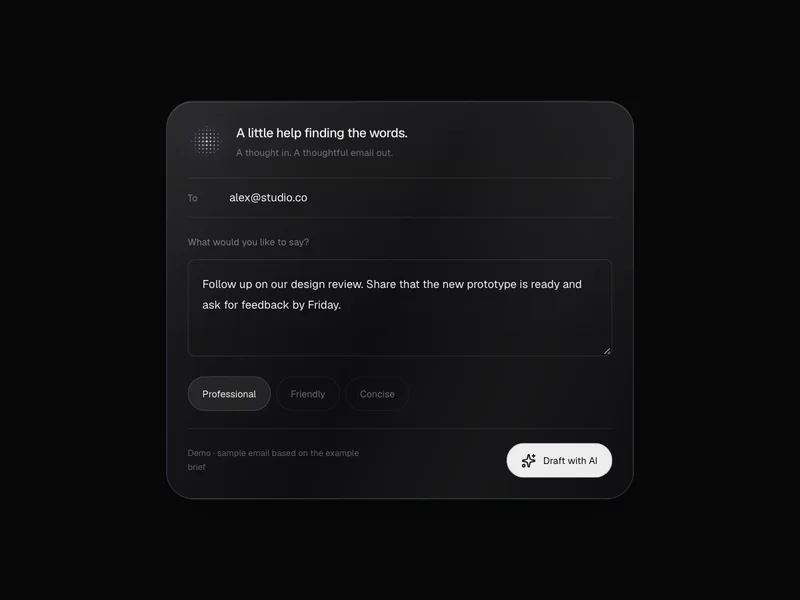
A floating message toolbar with keyboard and touch access, copy, editable AI reply suggestions and async reply submission.
About the Hover Reply Toolbar component
A floating message toolbar with keyboard and touch access, copy, editable AI reply suggestions and async reply submission.
When to use it
Add contextual reply actions to a chat message.
Suggest a reply that the user can review before sending.
Installation
Add the Hover Reply Toolbar component to your project with the shadcn CLI. It lands in components/hover-reply-toolbar.tsx as plain React + Tailwind CSS source you own and can edit.
Install
Copied!
npx shadcn@latest add @reactframe/hover-reply-toolbarOr copy the source by hand and install its dependencies:
Install
Copied!
npm install motion lucide-react clsx tailwind-mergeProps
<HoverReplyToolbar /> accepts 8 props, all optional.
| Prop | Type | Default |
|---|---|---|
| author | string | "Alex Morgan" |
| message | string | "The new direction looks great. Can you share the updated prototype before our review tom… |
| time | string | "Just now" |
| alwaysVisible | boolean | false |
| onReply | (reply: string) => void | Promise<void> | — |
| onSuggest | (message: string) => string | Promise<string> | — |
| theme | "dark" | "light" | "dark" |
| className | string | — |
- authorstringDefault: "Alex Morgan"
- messagestringDefault: "The new direction looks great. Can you share the updated prototype before our review tom…
- timestringDefault: "Just now"
- alwaysVisiblebooleanDefault: false
- onReply(reply: string) => void | Promise<void>
- onSuggest(message: string) => string | Promise<string>
- theme"dark" | "light"Default: "dark"
- classNamestring
npm dependencies
Installed for you by the shadcn CLI.
Hover Reply Toolbar FAQ
- How does the hover toolbar work on touch devices?
- Actions stay visible on devices without hover, and appear on keyboard focus on desktop. alwaysVisible keeps them visible everywhere.
- Does the AI reply connect to a model?
- Without onSuggest, the preview uses a sample reply. Connect onSuggest to your own generation endpoint and onReply to your message service. No message is sent without that callback.