Operations Command Deck React component
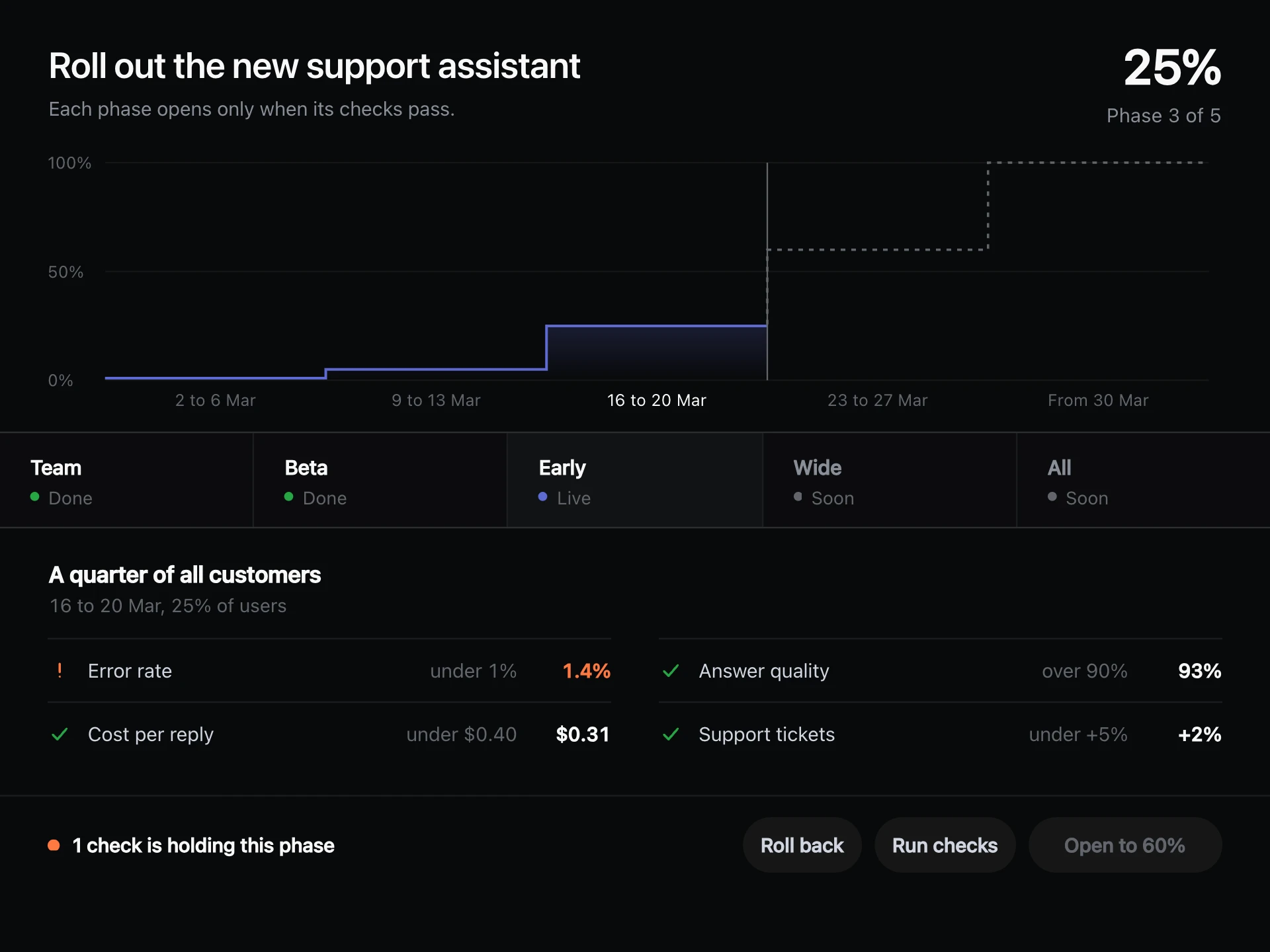
One screen for running a fleet of AI bots: live totals, a traffic chart, alerts to clear, what every bot is doing, and a guarded switch to pause them all.
About the Operations Command Deck component
Operations Command Deck puts everything needed to run a group of bots on one screen. Totals sit along the top, with traffic, alerts, the fleet and live activity below.
Alerts clear with one click and the rest close up. Pause all stops every bot, and it asks for a second press first, because that's not something to do by accident.
When to use it
Use it as the home screen for operations teams running agents day to day.
Show only what someone would act on. A control screen packed with numbers gets ignored.
Installation
Add the Operations Command Deck component to your project with the shadcn CLI. It lands in components/operations-command-deck.tsx as plain React + Tailwind CSS source you own and can edit.
npx shadcn@latest add @reactframe/operations-command-deckProps
<OperationsCommandDeck /> accepts 10 props, all optional. It also accepts the usual <section> attributes, like className, style, id and aria-*, and passes them to its root element.
| Prop | Type | Default |
|---|---|---|
| theme | "dark" | "light" | "dark" |
| title | string | "Operations" |
| stats | { label: string; value: string; change: string; better: boolean; trend: number[] }[] | DEFAULT_STATS |
| ranges | { id: string; label: string; ticks: string[]; series: number[] }[] | DEFAULT_RANGES |
| alerts | { id: string; level: AlertLevel; text: string; when: string }[] | DEFAULT_ALERTS |
| bots | { id: string; name: string; task: string; load: number }[] | DEFAULT_BOTS |
| feed Written to the feed one at a time, then repeated. | string[] | DEFAULT_FEED |
| feedMs Milliseconds between feed lines. | number | 1300 |
| onPauseChange | (paused: boolean) => void | — |
| onAcknowledge | (alert: DeckAlert) => void | — |
- theme"dark" | "light"Default: "dark"
- titlestringDefault: "Operations"
- stats{ label: string; value: string; change: string; better: boolean; trend: number[] }[]Default: DEFAULT_STATS
- ranges{ id: string; label: string; ticks: string[]; series: number[] }[]Default: DEFAULT_RANGES
- alerts{ id: string; level: AlertLevel; text: string; when: string }[]Default: DEFAULT_ALERTS
- bots{ id: string; name: string; task: string; load: number }[]Default: DEFAULT_BOTS
- feed
Written to the feed one at a time, then repeated.
string[]Default: DEFAULT_FEED - feedMs
Milliseconds between feed lines.
numberDefault: 1300 - onPauseChange(paused: boolean) => void
- onAcknowledge(alert: DeckAlert) => void
Operations Command Deck FAQ
- Does Pause all stop real bots?
- No. onPauseChange tells you, and the screen shows the paused state.
- Why does Pause all need two presses?
- It's a big action, so the first press arms it and it disarms after three seconds.
- Does the feed run when off screen?
- No. It only runs while the block is in view.
- Does the height change when alerts clear?
- No. The list keeps a fixed space.