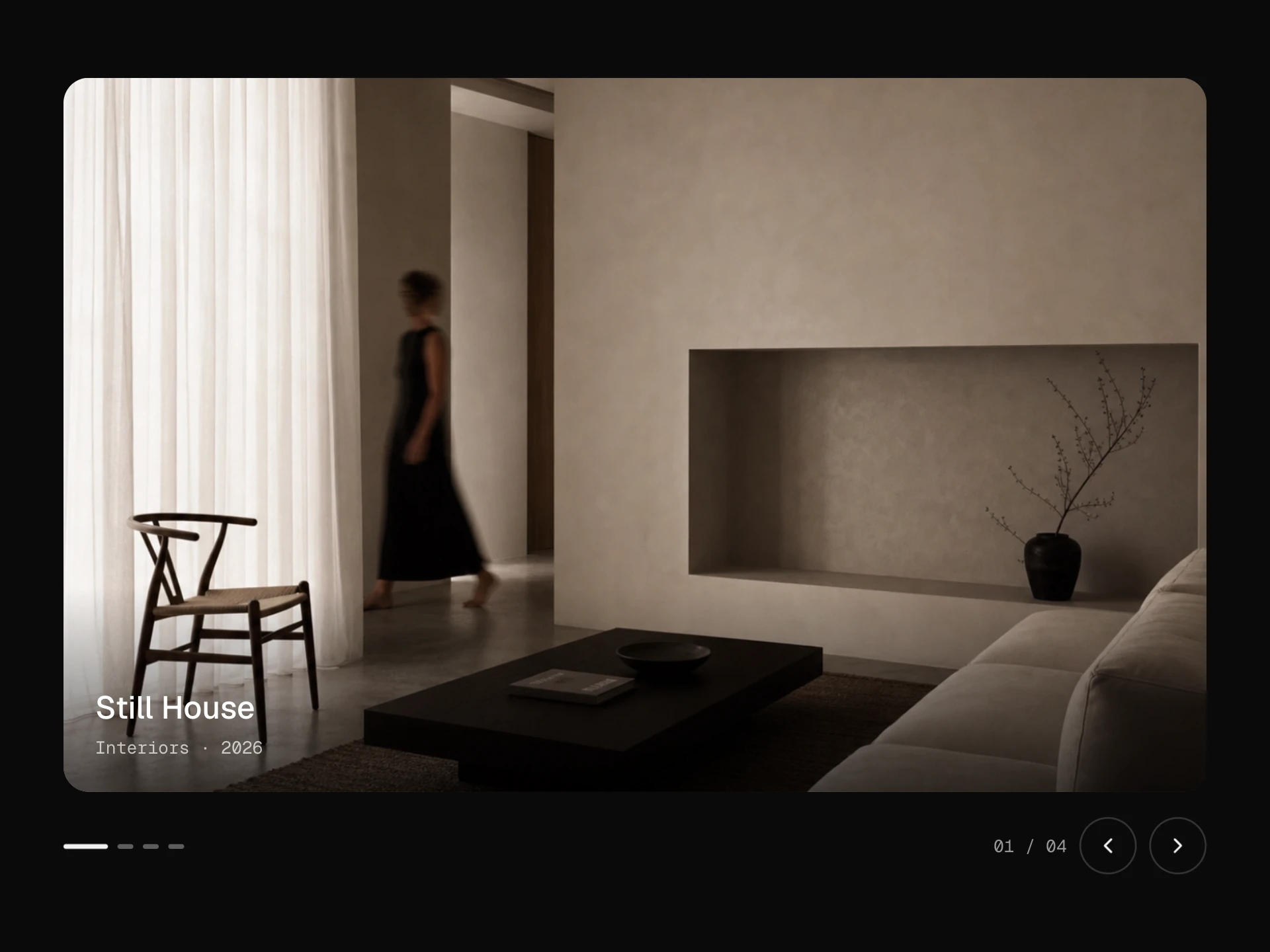
Photo Trail Cursor React component
An area where moving the pointer deals out photos along its path: each one pops in turned the way you were travelling, holds for a moment on top of the last, then sinks and fades, cycling through your set.
About the Photo Trail Cursor component
Photo Trail Cursor lets visitors browse a set of photos just by moving around. Every so often along the pointer's path a photo pops in, tilted the way you were heading, lands on top of the one before, holds for a moment and then sinks and fades away, so a quick sweep deals out a whole fan of images.
It cycles through your images in order, reuses a small pool of elements so it stays light, and preloads the set so the first pass isn't blank.
When to use it
Use it for photographers', illustrators' and studios' hero sections, archive or 'about' pages, event recaps and anywhere a sense of 'lots of work' matters more than any single image.
It's a hover effect, so pair it with a proper gallery or grid elsewhere for touch users and anyone who wants to look closely.
Installation
Add the Photo Trail Cursor component to your project with the shadcn CLI. It lands in components/photo-trail-cursor.tsx as plain React + Tailwind CSS source you own and can edit.
npx shadcn@latest add @reactframe/photo-trail-cursorOr copy the source by hand and install its dependencies:
npm install clsx tailwind-mergeProps
<PhotoTrailCursor /> accepts 7 props, all optional. It also accepts the usual <div> attributes, like className, style, id and aria-*, and passes them to its root element.
| Prop | Type | Default |
|---|---|---|
| images | string[] | IMAGES |
| spacing Distance the pointer travels between photos, in px. | number | 90 |
| width Photo width in px; height follows each image's own shape via the aspect prop. | number | 170 |
| aspect Width / height of each photo. | number | 4 / 5 |
| life How long a photo stays before it's gone, in ms. | number | 1100 |
| tilt Most degrees a photo is turned either way. | number | 8 |
| radius | number | 10 |
- imagesstring[]Default: IMAGES
- spacing
Distance the pointer travels between photos, in px.
numberDefault: 90 - width
Photo width in px; height follows each image's own shape via the aspect prop.
numberDefault: 170 - aspect
Width / height of each photo.
numberDefault: 4 / 5 - life
How long a photo stays before it's gone, in ms.
numberDefault: 1100 - tilt
Most degrees a photo is turned either way.
numberDefault: 8 - radiusnumberDefault: 10
npm dependencies
Installed for you by the shadcn CLI.
Photo Trail Cursor FAQ
- How often does a photo appear?
- Every spacing pixels of pointer movement (90 by default): lower numbers deal photos faster, higher ones space them out.
- Can I change the photo size and shape?
- width sets each photo's width in pixels and aspect its width / height; radius rounds the corners.
- How long do photos stay?
- life is the time from popping in to being gone, in milliseconds (1100 by default).
- Does it work on phones?
- A finger dragging across it deals photos too, but most people tap rather than drag, so treat it as an extra on top of a normal gallery.