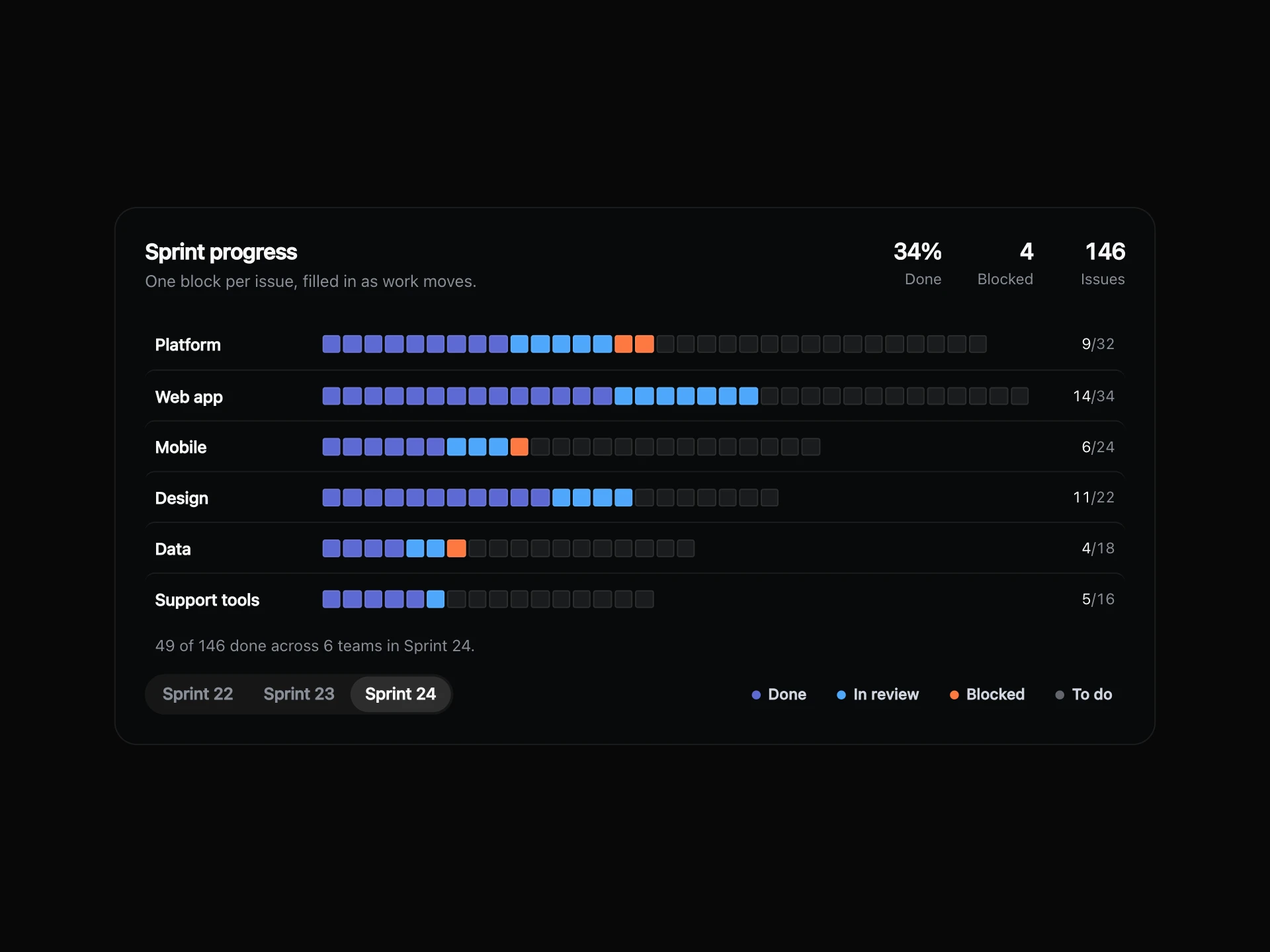
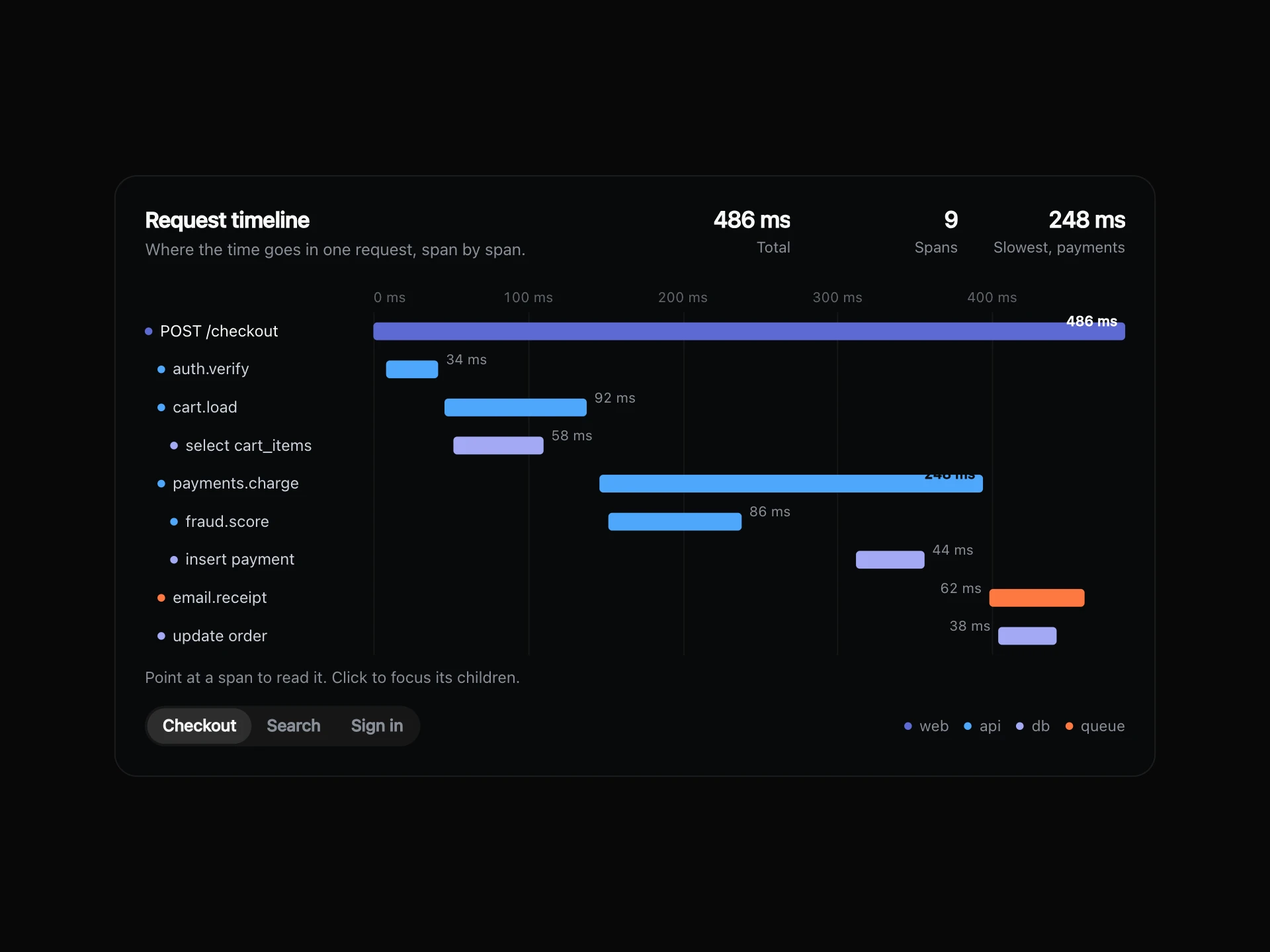
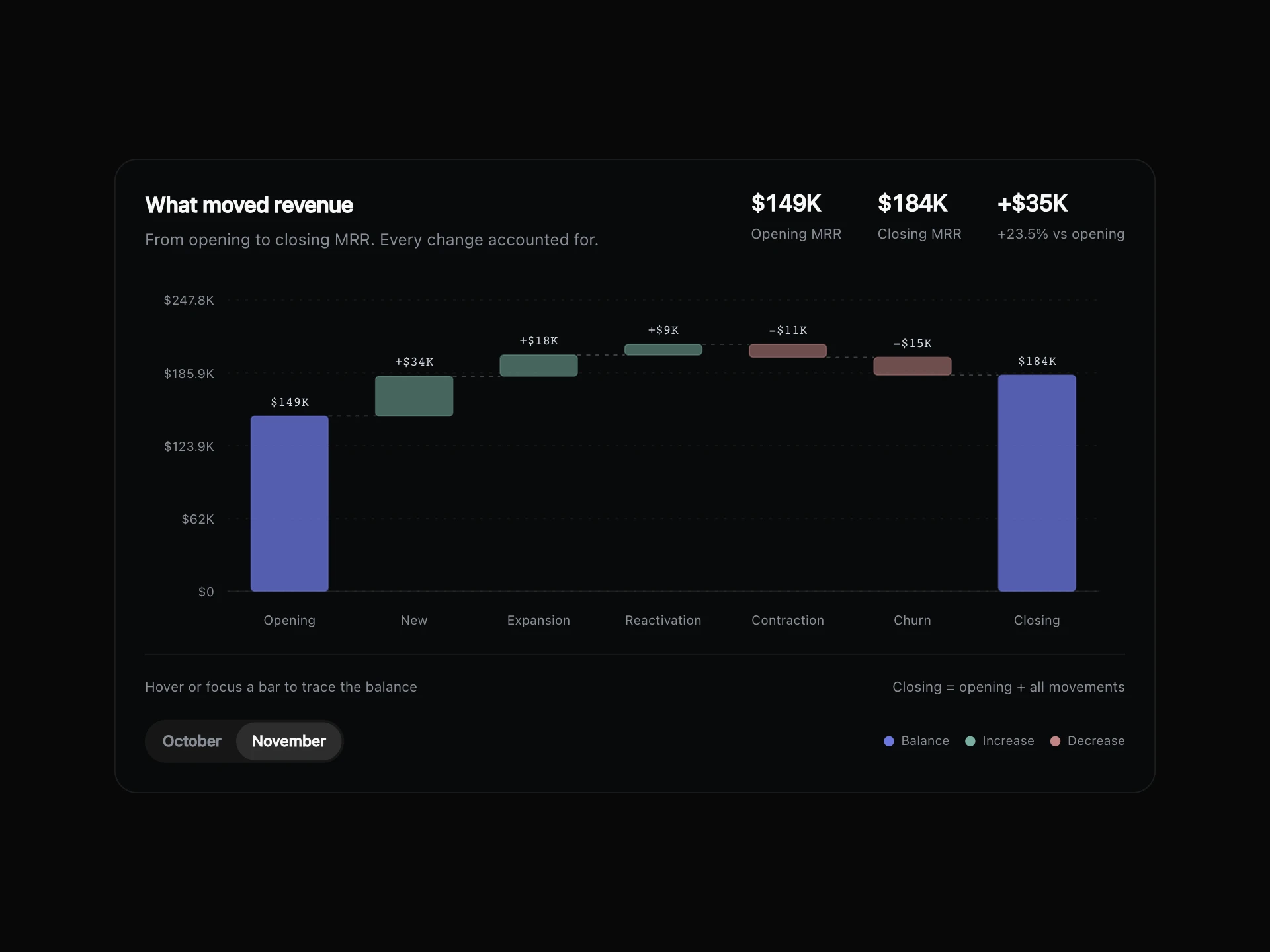
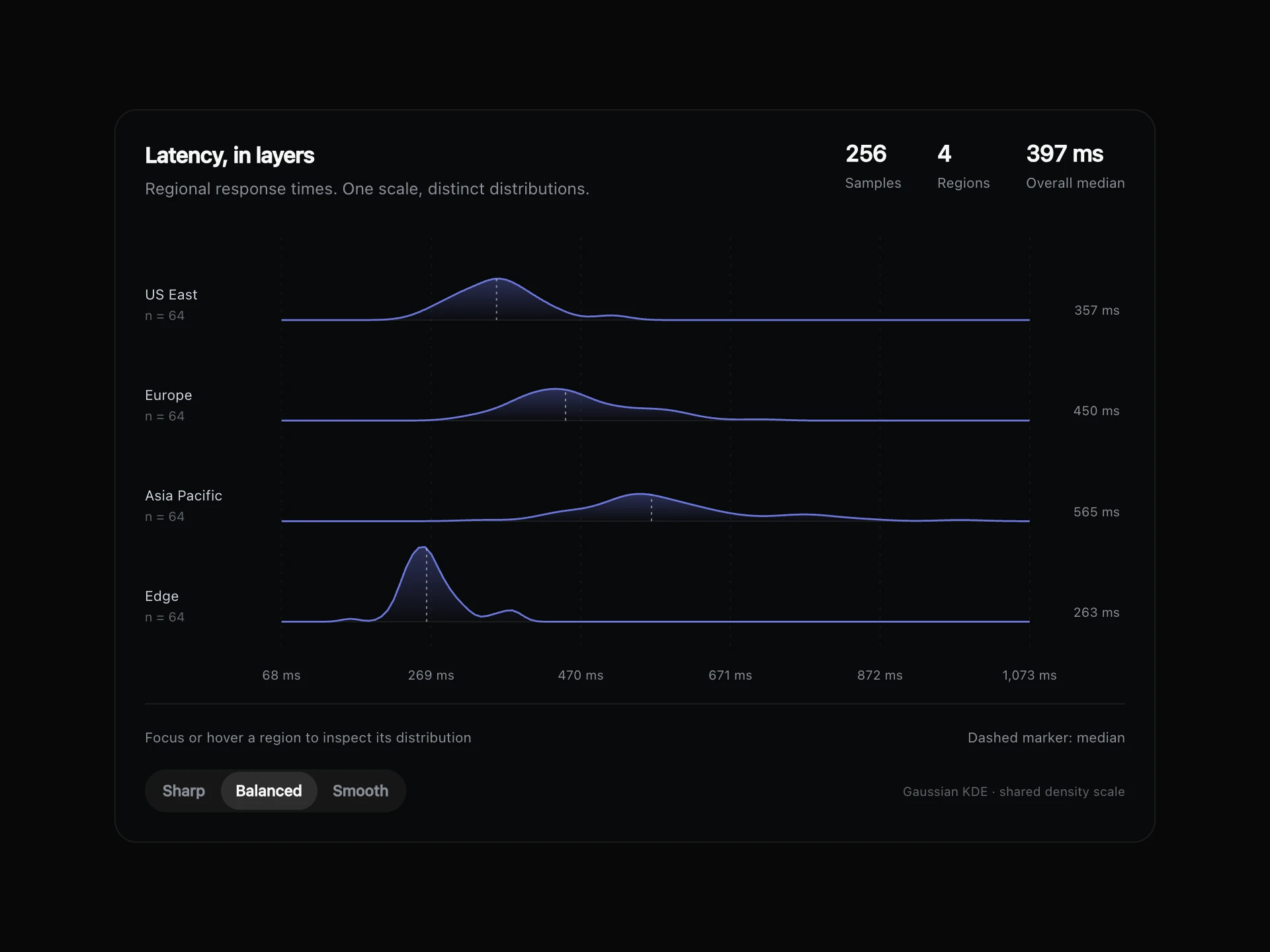
Share of Total Bar React component
One bar split into the parts that make up a total, with last period's split underneath and a list of each part's share, amount and change in points.
About the Share of Total Bar component
Share of Total Bar answers what a total is made of. One bar is split into its parts, so the biggest share is obvious, and a thin bar underneath shows last period's split for comparison.
The list beside it gives each part's exact share and amount, plus how many points its share moved. Point at a segment or a row to read it on its own.
When to use it
Use it for revenue by plan, traffic by channel, spend by team or any total made of a handful of parts.
Keep it to about six parts. With more, small slices get too thin to point at, so group the rest as Other.
Installation
Add the Share of Total Bar component to your project with the shadcn CLI. It lands in components/share-of-total-bar.tsx as plain React + Tailwind CSS source you own and can edit.
npx shadcn@latest add @reactframe/share-of-total-barOr copy the source by hand and install its dependencies:
npm install clsx tailwind-mergeProps
<ShareOfTotalBar /> accepts 8 props, all optional. It also accepts the usual <section> attributes, like className, style, id and aria-*, and passes them to its root element.
| Prop | Type | Default |
|---|---|---|
| theme | "dark" | "light" | "dark" |
| title | string | "Revenue by plan" |
| subtitle | string | "How each plan adds up to the month." |
| segments | { label: string; values: number[]; color?: string }[] | SEGMENTS |
| periods Oldest first. Each period is compared with the one before it. | string[] | PERIODS |
| defaultPeriod Index of the period shown first. Defaults to the latest. | number | — |
| formatValue | (value: number) => string | FORMAT |
| onPeriodChange | (period: string) => void | — |
- theme"dark" | "light"Default: "dark"
- titlestringDefault: "Revenue by plan"
- subtitlestringDefault: "How each plan adds up to the month."
- segments{ label: string; values: number[]; color?: string }[]Default: SEGMENTS
- periods
Oldest first. Each period is compared with the one before it.
string[]Default: PERIODS - defaultPeriod
Index of the period shown first. Defaults to the latest.
number - formatValue(value: number) => stringDefault: FORMAT
- onPeriodChange(period: string) => void
npm dependencies
Installed for you by the shadcn CLI.
Share of Total Bar FAQ
- What are points?
- The change in share. Going from 30% to 32% is +2 points, even if the amount grew much more.
- Can I set the colours?
- Yes. Give a segment a color, or leave it out to use the built-in indigo, blue and grey steps.
- What if there's only one period?
- The thin comparison bar and the changes hide, and everything else still works.
- Does the height change?
- No. Switching period or what comes first only changes the numbers.