Usage Price Calculator React component
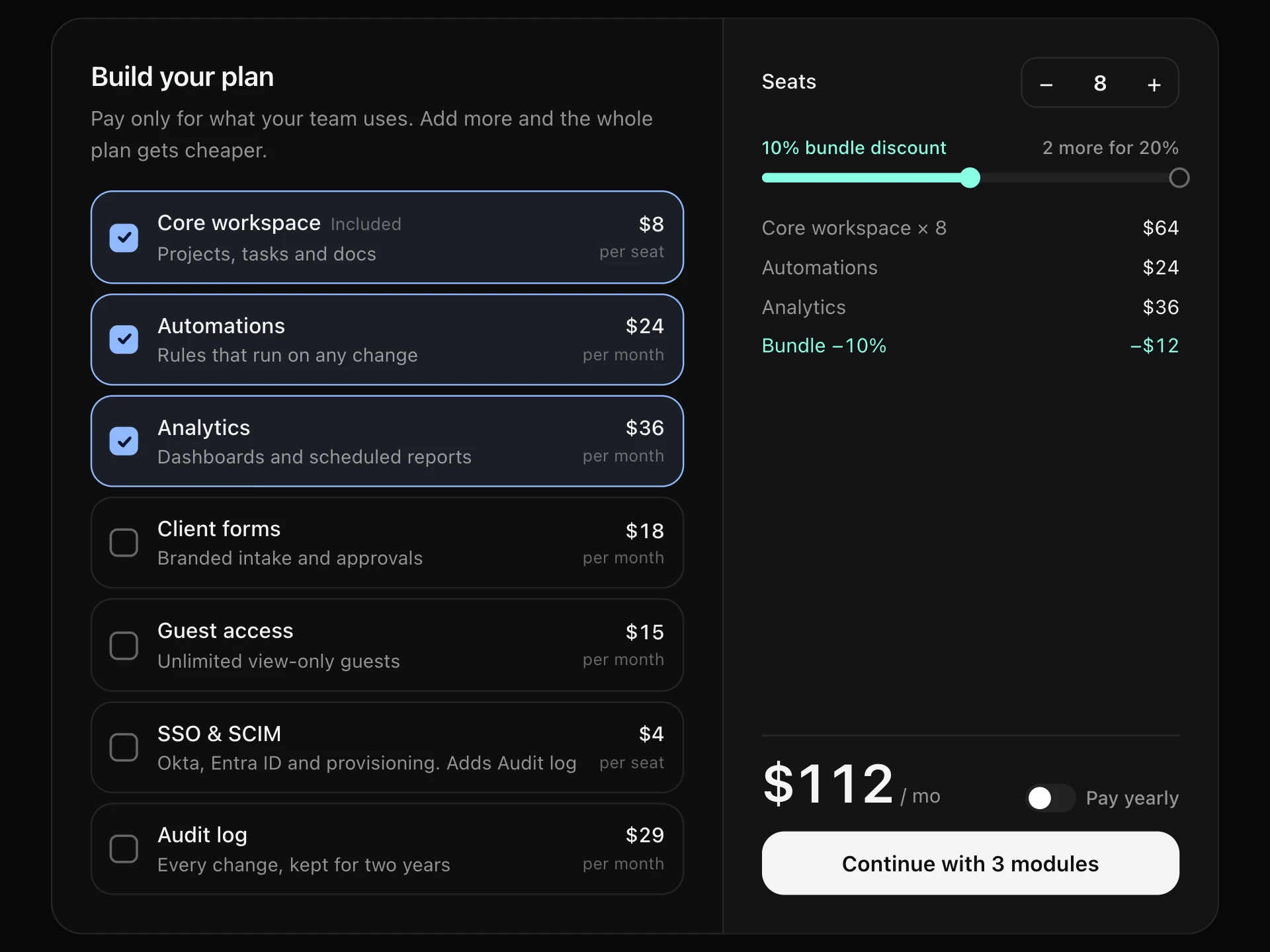
A pay-as-you-go pricing calculator: sliders for requests, seats and storage, a live monthly estimate with a line-by-line breakdown, and bars comparing every plan so the cheapest one for that usage stands out.
About the Usage Price Calculator component
Usage Price Calculator answers the question every usage-based pricing page raises: what would I actually pay? Visitors drag sliders to match their usage and see a live monthly estimate with a line-by-line breakdown.
It works out the cost on every plan at once, picks the cheapest and shows them side by side as bars, so people can see the point where upgrading pays off. Wide ranges use a logarithmic slider, so 10K and 50M are both easy to reach.
When to use it
Use it on pricing pages for APIs, cloud and hosting, email and SMS senders, AI products and anything billed by usage.
For flat per-seat plans, a plain pricing table is clearer.
Installation
Add the Usage Price Calculator component to your project with the shadcn CLI. It lands in components/usage-price-calculator.tsx as plain React + Tailwind CSS source you own and can edit.
npx shadcn@latest add @reactframe/usage-price-calculatorOr copy the source by hand and install its dependencies:
npm install clsx tailwind-mergeProps
<UsagePriceCalculator /> accepts 9 props, all optional. It also accepts the usual <div> attributes, like className, style, id and aria-*, and passes them to its root element.
| Prop | Type | Default |
|---|---|---|
| theme | "dark" | "light" | "dark" |
| title | string | "Estimate your bill" |
| subtitle | string | "Drag to match your usage. We'll find the cheapest plan." |
| metrics | { key: string; label: string; unit: string; min: number; max: number; defaultValue: number; log?: boolean }[] | DEFAULT_METRICS |
| plans | { name: string; base: number; included: Record<string, number>; overage: Record<string, number>; per?: Record<string, number> }[] | DEFAULT_PLANS |
| yearlyDiscount Discount on base fees when billed yearly (0–1). | number | 0.2 |
| currency | string | "$" |
| ctaLabel | string | "Start with" |
| onSelect | ( plan: UsagePlan, monthly: number, usage: Record<string, number>, ) => void | — |
- theme"dark" | "light"Default: "dark"
- titlestringDefault: "Estimate your bill"
- subtitlestringDefault: "Drag to match your usage. We'll find the cheapest plan."
- metrics{ key: string; label: string; unit: string; min: number; max: number; defaultValue: number; log?: boolean }[]Default: DEFAULT_METRICS
- plans{ name: string; base: number; included: Record<string, number>; overage: Record<string, number>; per?: Record<string, number> }[]Default: DEFAULT_PLANS
- yearlyDiscount
Discount on base fees when billed yearly (0–1).
numberDefault: 0.2 - currencystringDefault: "$"
- ctaLabelstringDefault: "Start with"
- onSelect( plan: UsagePlan, monthly: number, usage: Record<string, number>, ) => void
npm dependencies
Installed for you by the shadcn CLI.
Usage Price Calculator FAQ
- How is the price calculated?
- Each plan's base fee, plus for every metric the usage above what's included, divided by per, times the overage price. For example per: { requests: 1000 } makes overage a price per 1,000 requests.
- Which plan is shown?
- The cheapest for the current usage, until someone clicks another plan in the comparison.
- What does log do?
- It spreads the slider logarithmically, so ranges like 10,000 to 50,000,000 stay usable at the low end.
- Is it accessible?
- They're native range inputs, so the keyboard works, and each one announces its real value. The plan comparison is a radiogroup and the total is announced politely.