Video Text Mask Hero React component
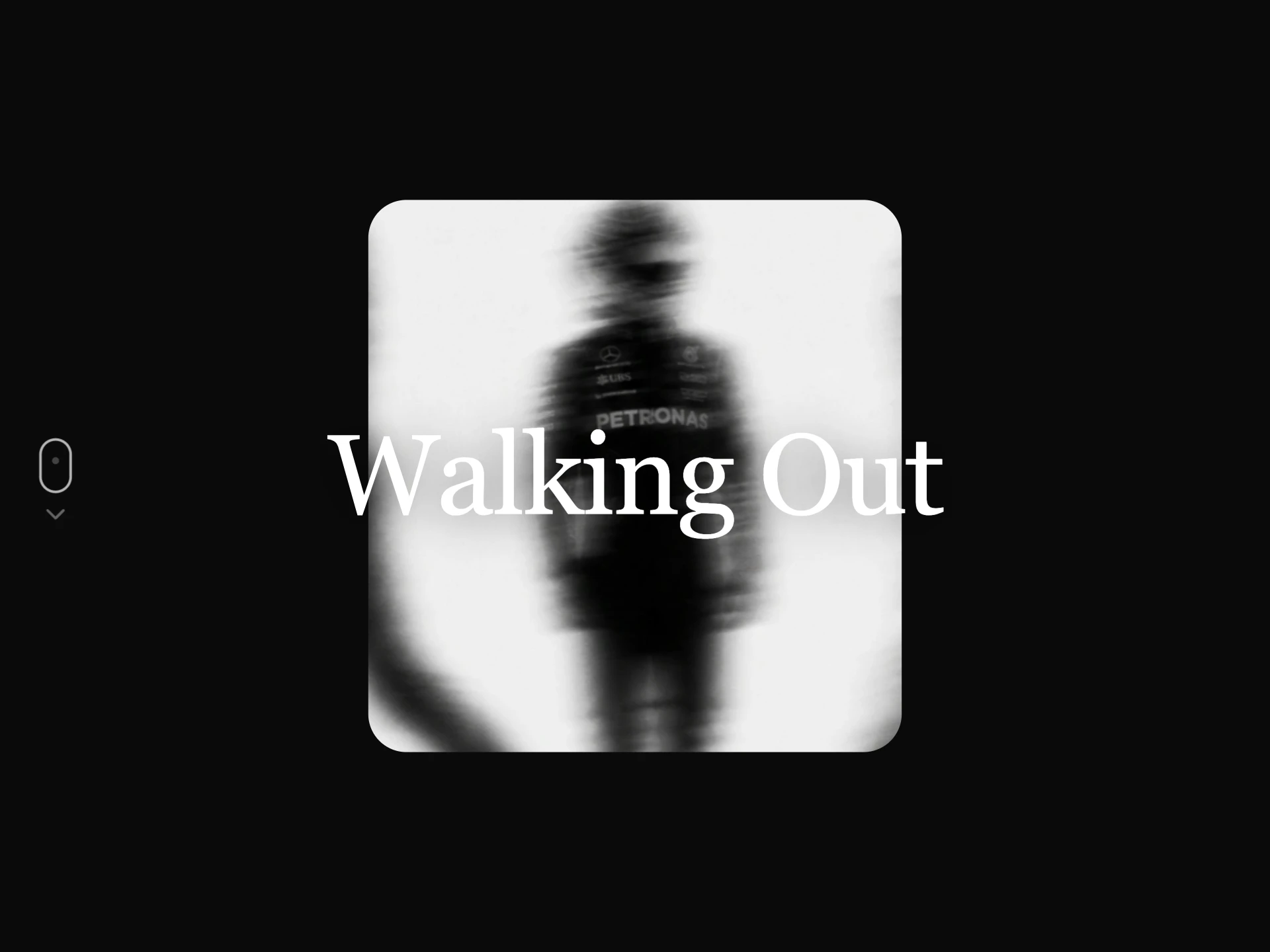
A hero where a video plays through one giant word. Press play and the letters rush past the camera to open up the full film; Close or Escape brings them back.
About the Video Text Mask Hero component
Video Text Mask Hero plays your footage through a single giant word, so the headline and the film are the same thing. The word is sized from its length, so it fills the width whether you write MOVE or SUMMER.
Pressing the button scales the letters past the camera and the whole video opens up. Close or Escape brings the word back, and focus moves with it.
When to use it
Use it for brand films, campaign launches, sports, fashion and anything with strong moving footage.
Choose footage with bright areas and movement. Very dark video disappears inside the letters on the dark theme.
Installation
Add the Video Text Mask Hero component to your project with the shadcn CLI. It lands in components/video-text-mask-hero.tsx as plain React + Tailwind CSS source you own and can edit.
npx shadcn@latest add @reactframe/video-text-mask-heroOr copy the source by hand and install its dependencies:
npm install clsx tailwind-mergeProps
<VideoTextMaskHero /> accepts 12 props, all optional. It also accepts the usual <section> attributes, like className, style, id and aria-*, and passes them to its root element.
| Prop | Type | Default |
|---|---|---|
| theme | "dark" | "light" | "dark" |
| word The word the video plays through. Short words read best. | string | "MOVE" |
| eyebrow | string | "The spring film" |
| meta Small text across from the eyebrow. | string | "Four minutes, one take" |
| description | string | "Shot in a single afternoon with nothing but a floor, a light and someone who refused to … |
| videoSrc | string | "/demo/16.mp4" |
| poster Still shown before the video loads and for visitors who prefer reduced motion. | string | — |
| watchLabel Button that opens the letters up to the full video. Pass an empty string to hide it. | string | "Watch the film" |
| closeLabel | string | "Close" |
| wordSize Size of the word as a percentage of the width. Worked out from its length when left out. | number | — |
| minHeight Height from tablet width up, in px. | number | 720 |
| onOpenChange Called when the full video opens or closes. | (open: boolean) => void | — |
- theme"dark" | "light"Default: "dark"
- word
The word the video plays through. Short words read best.
stringDefault: "MOVE" - eyebrowstringDefault: "The spring film"
- meta
Small text across from the eyebrow.
stringDefault: "Four minutes, one take" - descriptionstringDefault: "Shot in a single afternoon with nothing but a floor, a light and someone who refused to …
- videoSrcstringDefault: "/demo/16.mp4"
- poster
Still shown before the video loads and for visitors who prefer reduced motion.
string - watchLabel
Button that opens the letters up to the full video. Pass an empty string to hide it.
stringDefault: "Watch the film" - closeLabelstringDefault: "Close"
- wordSize
Size of the word as a percentage of the width. Worked out from its length when left out.
number - minHeight
Height from tablet width up, in px.
numberDefault: 720 - onOpenChange
Called when the full video opens or closes.
(open: boolean) => void
Collections
Use-case pages that compare Video Text Mask Hero with the other components that do a similar job.
npm dependencies
Installed for you by the shadcn CLI.
Video Text Mask Hero FAQ
- How does the video show through the text?
- A plate sits over the video with a blend mode: multiply with white letters on black in the dark theme, screen with black letters on white in the light theme. No mask image or canvas is needed.
- Can I use a longer word?
- Yes. The size is worked out from the length, or you can set it yourself with wordSize, as a percentage of the width.
- Does the video play sound?
- No. It stays muted so browsers allow it to autoplay. Add your own player if the full film needs sound.
- What about reduced motion?
- The video stays paused on its poster and the letters open without the zoom.