Word Rotator React component
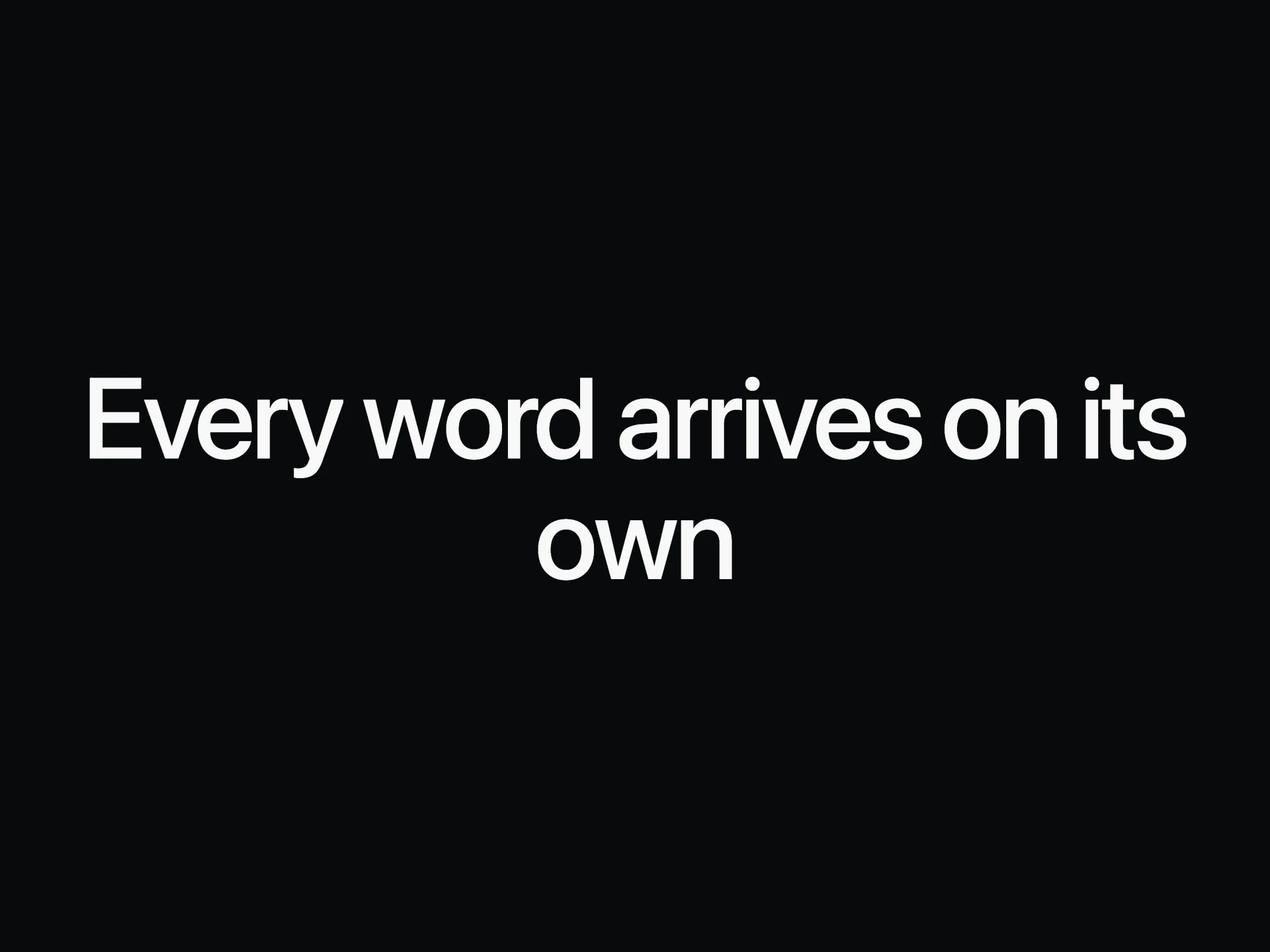
A headline with one word that keeps changing: each word rolls in while the space around it eases to fit, so the sentence never jumps.
About the Word Rotator component
Word Rotator lets one headline speak to several audiences. A single word rolls over to the next on a steady beat, and the space around it eases to fit each word, so the rest of the sentence glides rather than jumps.
Screen readers get every option in one phrase, not a word that keeps changing under them.
When to use it
Use it in hero headings where a product serves several kinds of people or jobs.
Three to five words is plenty. If the changing word carries the main promise, a still headline may be clearer.
Installation
Add the Word Rotator component to your project with the shadcn CLI. It lands in components/word-rotator.tsx as plain React + Tailwind CSS source you own and can edit.
npx shadcn@latest add @reactframe/word-rotatorProps
<WordRotator /> accepts 6 props, all optional.
| Prop | Type | Default |
|---|---|---|
| prefix Text before the changing word. | string | "Built for" |
| words | string[] | WORDS |
| suffix Text after the changing word. | string | "" |
| interval Milliseconds each word stays. | number | 2000 |
| color Colour of the changing word. Defaults to the text colour. | string | — |
| as | "h1" | "h2" | "h3" | "p" | "h2" |
- prefix
Text before the changing word.
stringDefault: "Built for" - wordsstring[]Default: WORDS
- suffix
Text after the changing word.
stringDefault: "" - interval
Milliseconds each word stays.
numberDefault: 2000 - color
Colour of the changing word. Defaults to the text colour.
string - as"h1" | "h2" | "h3" | "p"Default: "h2"
Word Rotator FAQ
- Can the changing word be a different colour?
- Yes, with color. By default it matches the heading.
- Does the height change?
- No. The slot has a fixed height, and only its width eases.
- Can I add text after the word?
- Yes, with suffix.
- What about reduced motion?
- It stays on the first word.