React Footer Components
ReactFrame has 6 React footer components (2 free): minimal footers with link columns, dense mega footers, a footer with a giant brand wordmark, and footers that open with a call to action.
How to choose
- Most sites: footer-section or footer-premium (both free).
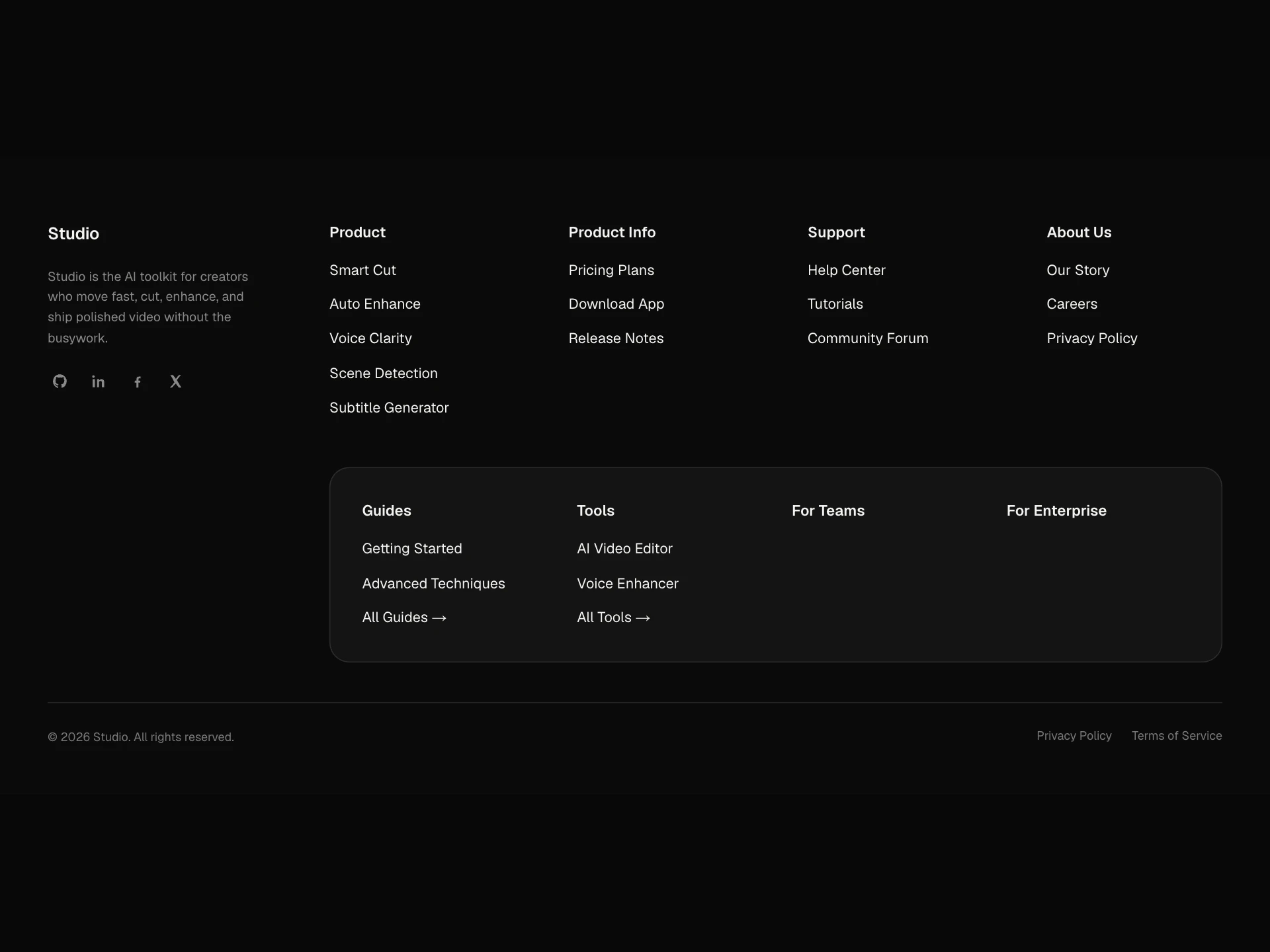
- Large sites with many links: footer-mega.
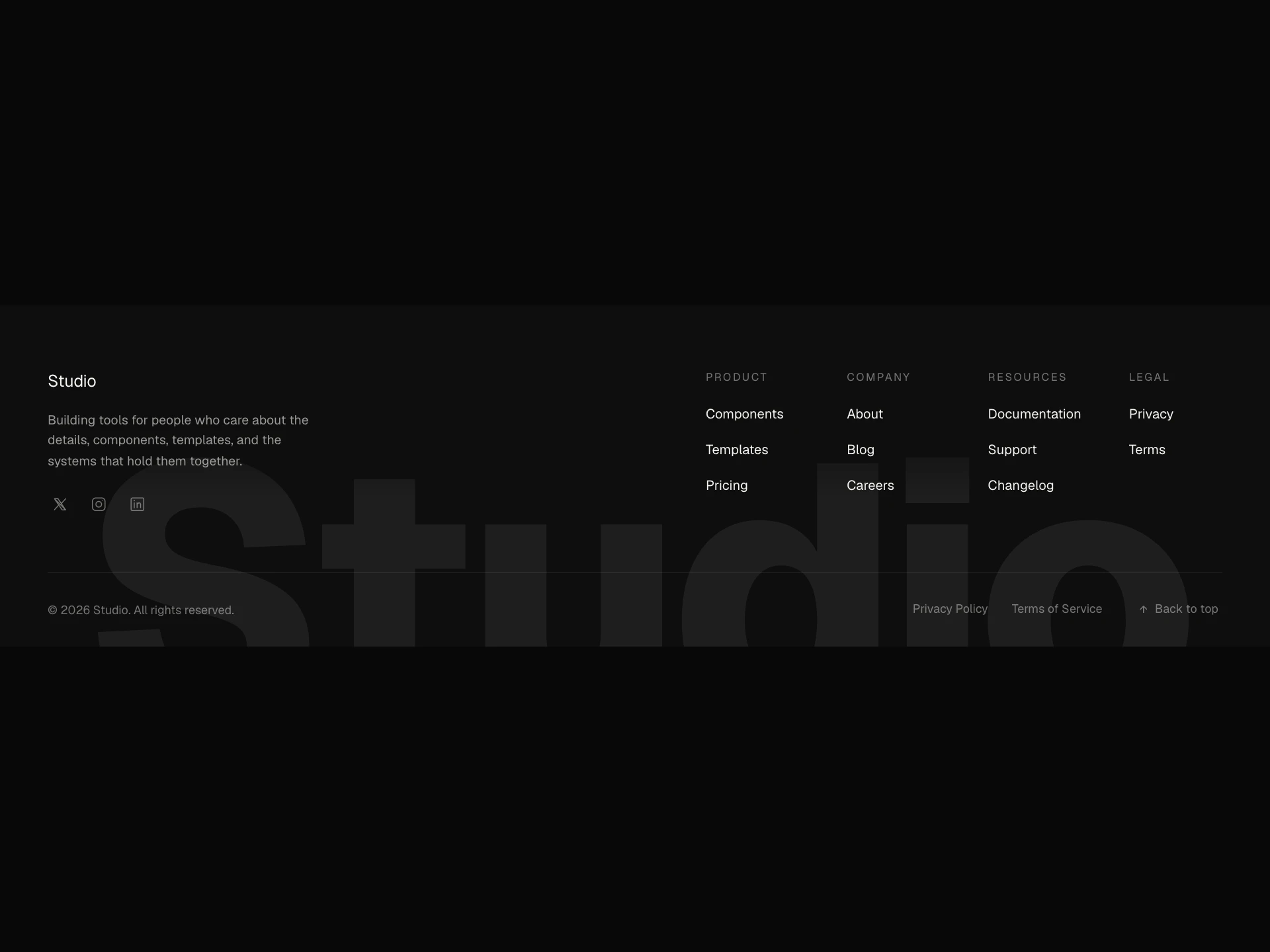
- Brand-forward sites: footer-wordmark.
- Ending on a conversion: footer-cta.
All 6 components
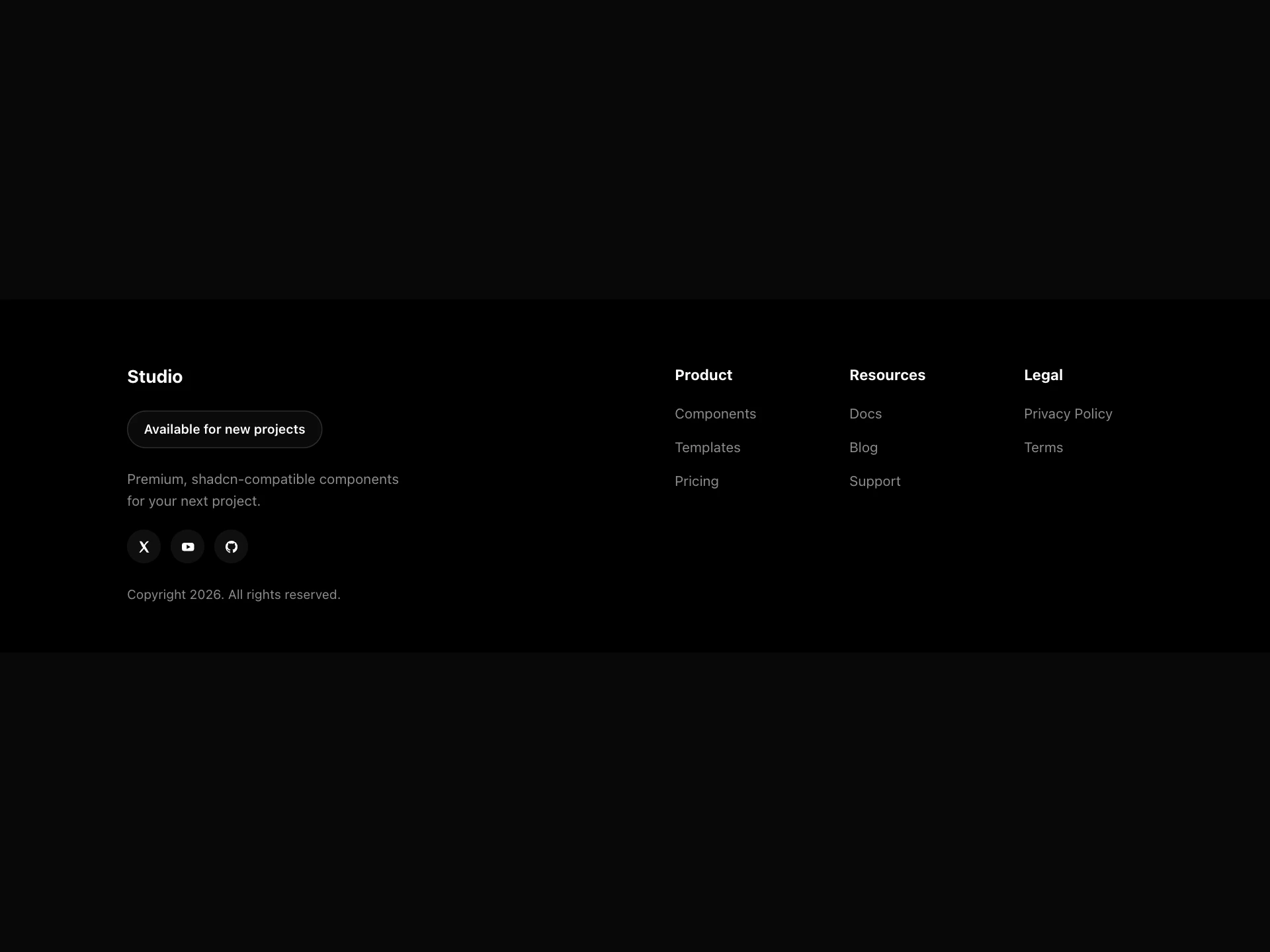
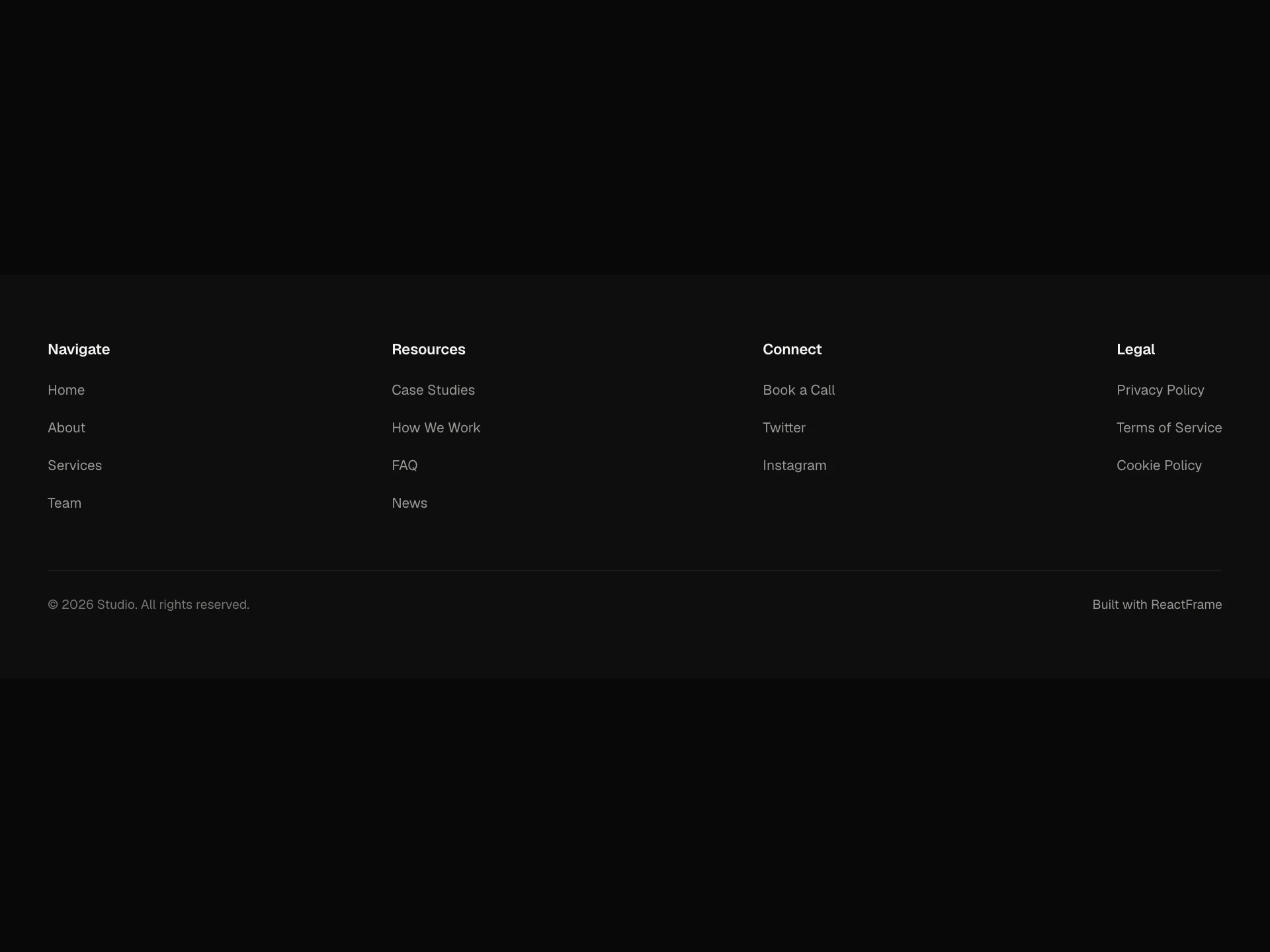
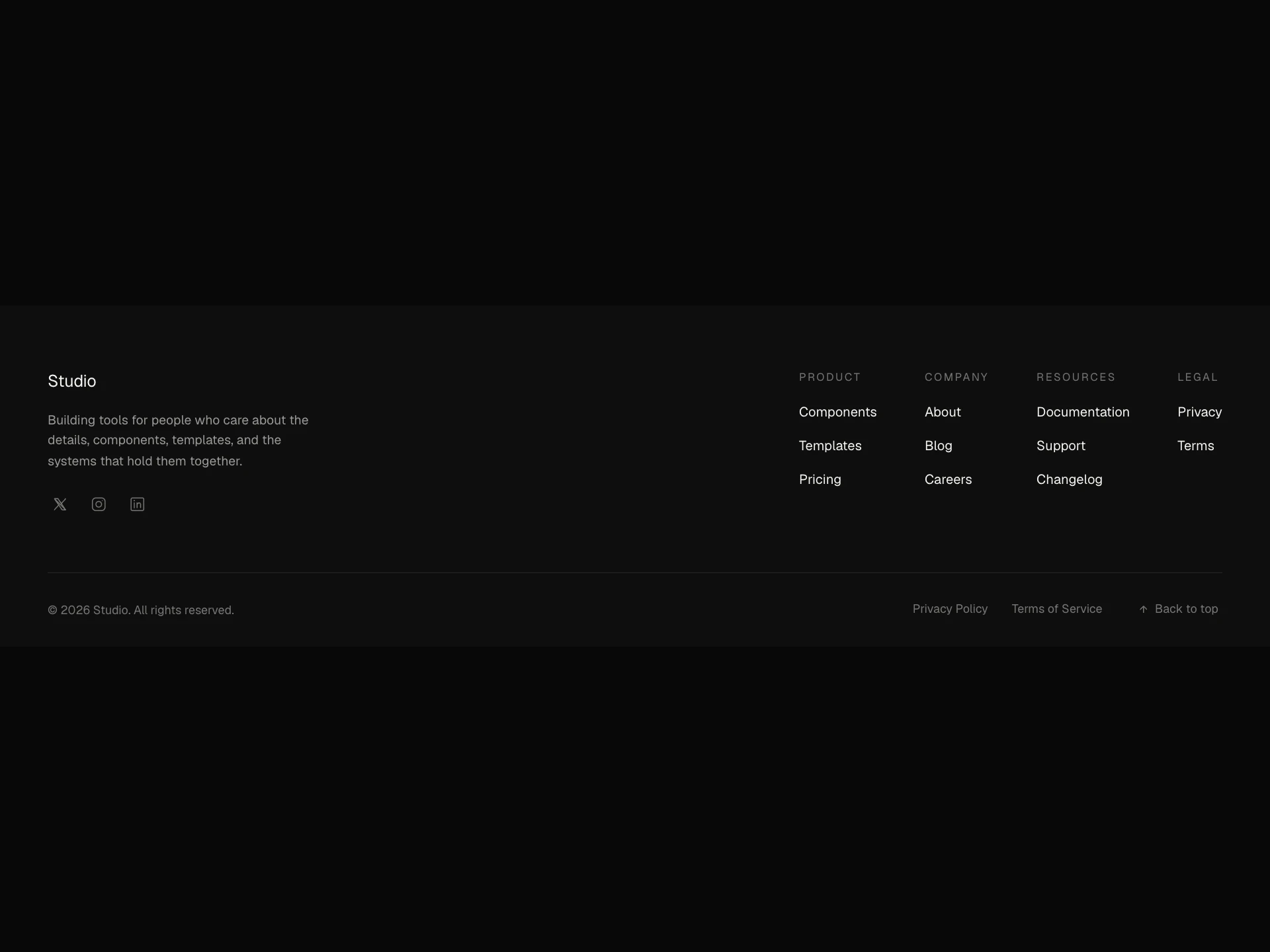
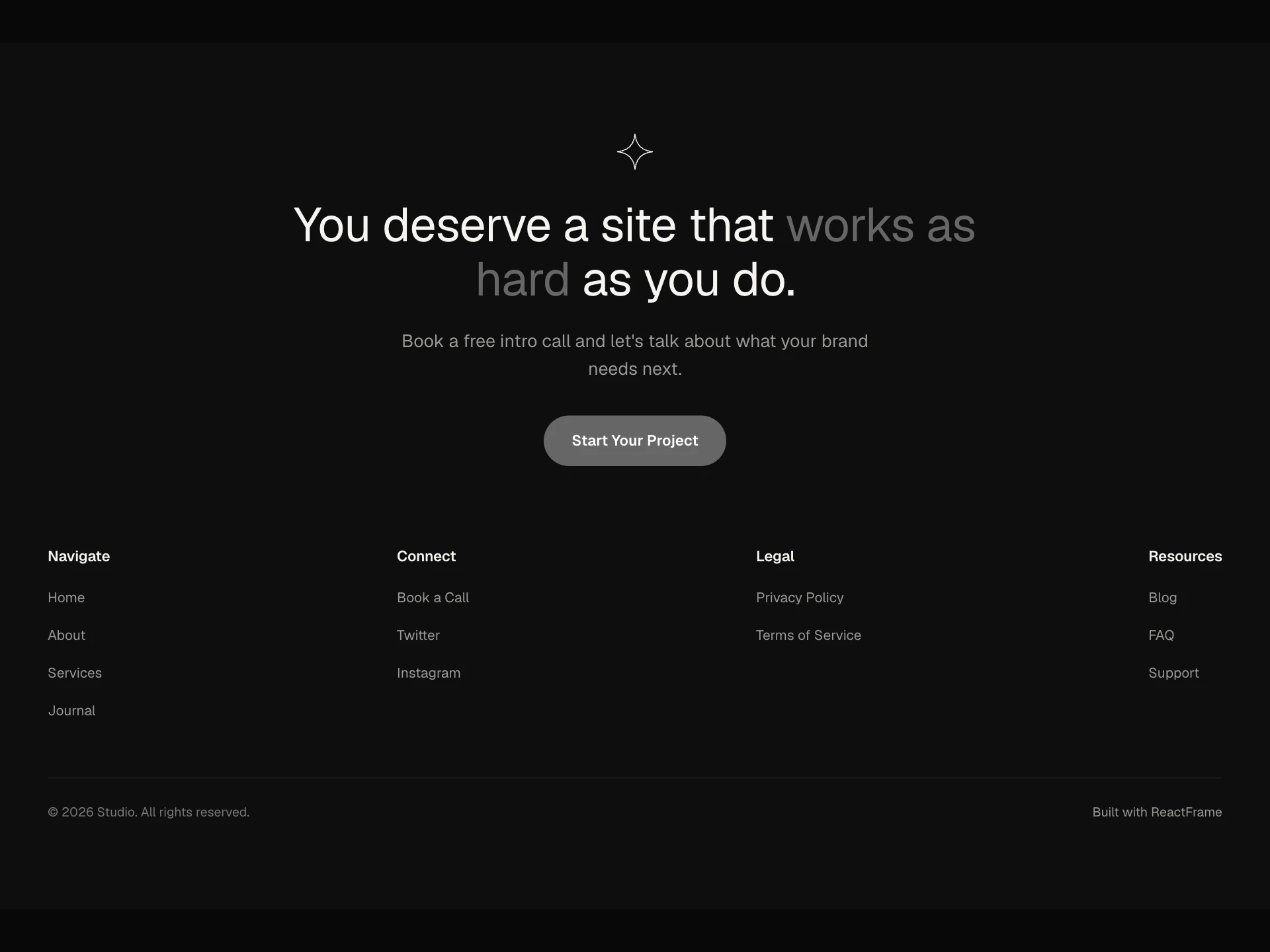
- Footer PremiumFree
- A responsive site footer with a logo, description, social links, multi-column link groups, dark/light theming, and a copyright line.
- npx shadcn@latest add https://reactframe.com/r/footer-premium.json
- Footer SectionFree
- A minimal site footer with up to 4 link columns, a hover-underline link style, dark/light/custom theming, and a copyright bar.
- npx shadcn@latest add https://reactframe.com/r/footer-section.json
- Footer ColumnsPremium
- A logo + description footer with social icons, up to 4 link columns, a secondary bottom bar, and a back-to-top button.
- Footer CTAPremium
- A call-to-action panel, abstract mark, two-tone headline, subtext and pill button, combined with a minimal link footer and copyright bar.
- Footer WordmarkPremium
- A premium site footer with a giant brand wordmark that auto-fits the width and bleeds off the bottom edge, plus logo, social links, and up to 4 columns.
- Footer MegaPremium
- A dense mega-footer, logo, description and socials on the left, up to four link columns across the middle, and a secondary rounded panel underneath for guides, tools and team links, with a copyright bottom bar.
Questions
- Can I use my own links and logo?
- Yes, links, columns, social icons and the logo are all props.
- Are these components free?
- 2 of the 6 are free (Footer Premium, Footer Section); the others are premium and included in All-Access.
- How do I install them?
- Free components install with the shadcn CLI, for example: npx shadcn@latest add @reactframe/<slug>. You get the full React + Tailwind source in your project, with Motion as the only animation dependency.
Related collections
Want a whole page built from these? Ask your AI to build it with ReactFrame.