React Pricing and Call to Action Sections
ReactFrame has 8 React components for the part of a page that asks for the sale (3 free): a plan comparison table, a monthly and yearly toggle whose price rolls to the new amount, call-to-action banners, app download sections with store buttons, a countdown for deadlines and an animated pay button.
How to choose
- Several plans side by side: comparison-table, with toggle-price-counter for monthly and yearly billing.
- One offer: side-marquee-pricing-cta, or footer-cta to close the page with a CTA and the footer in one.
- A mobile app: download-section or download-section-glass, with App Store and Google Play buttons.
- Urgency: countdown-timer for a launch or sale deadline.
All 8 components
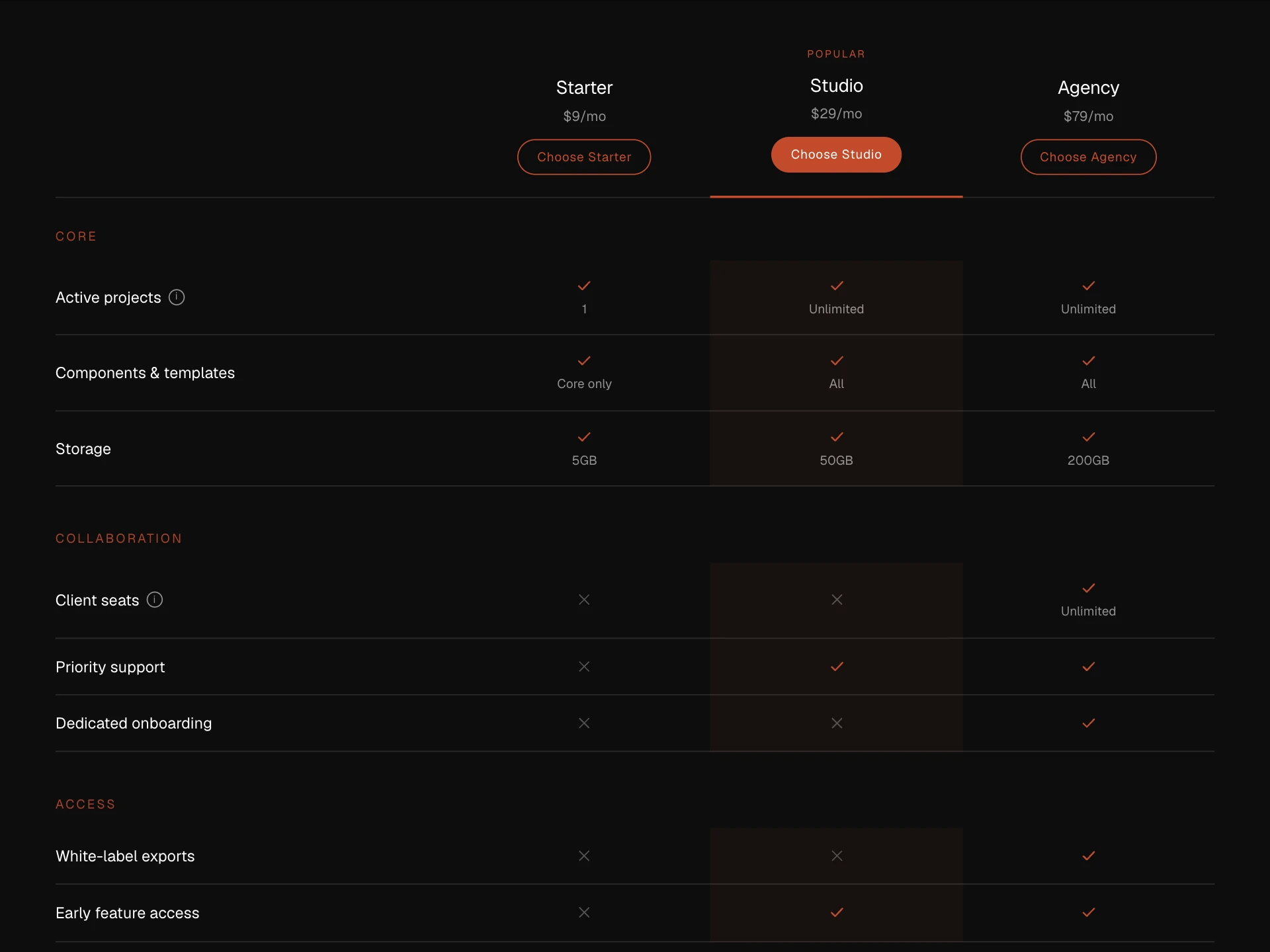
- Comparison TablePremium · $4
- A theme-aware pricing/feature comparison matrix, plan headers with a highlighted column, category-grouped rows with tooltips, a sticky header, and a stacked card layout on mobile.
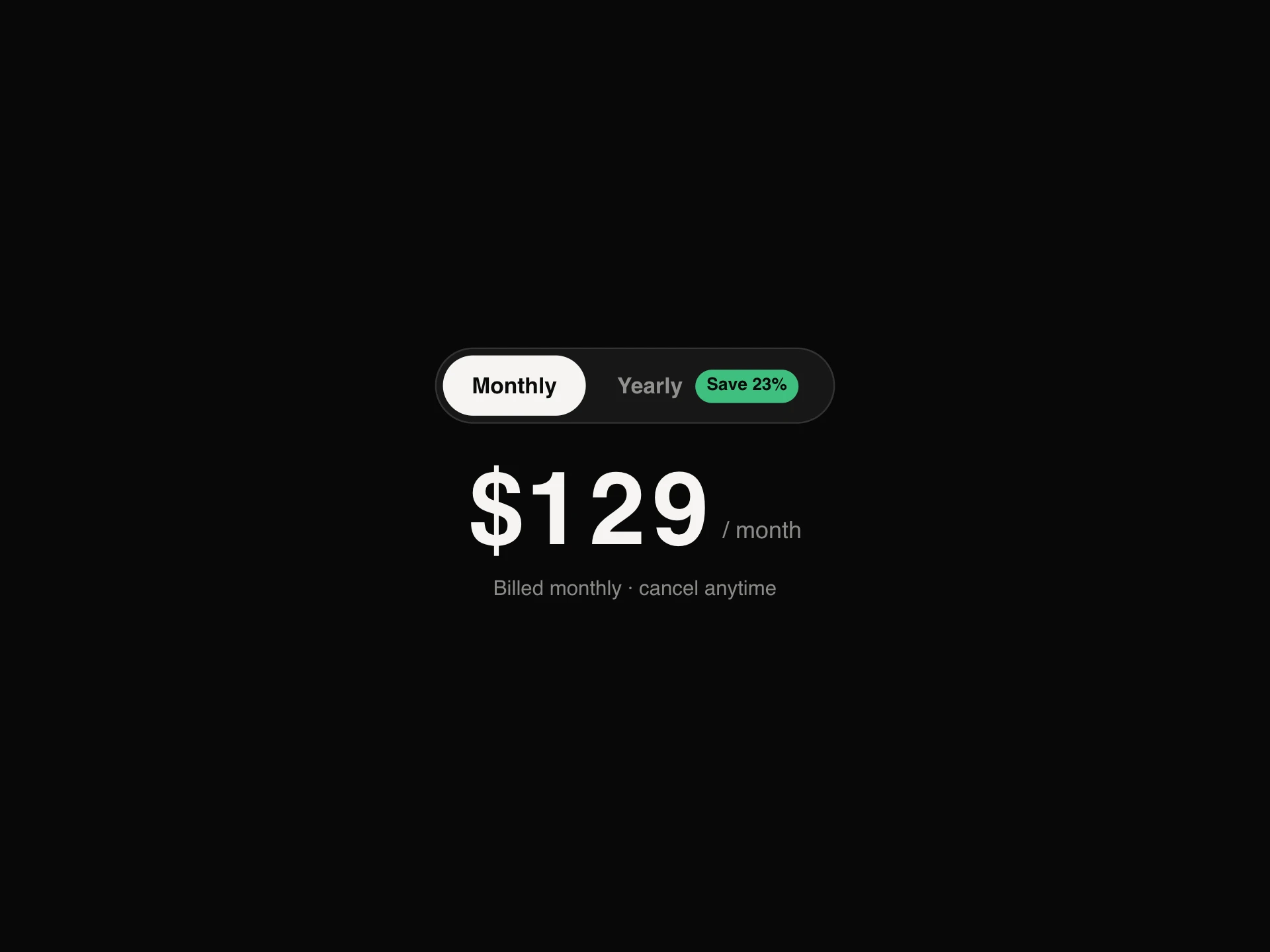
- Toggle Price CounterFree
- A monthly / yearly billing switch whose price rolls to the new amount digit by digit like an odometer, with a saving badge that pops when yearly is picked and a line that spells out what's billed and saved.
- npx shadcn@latest add https://reactframe.com/r/toggle-price-counter.json
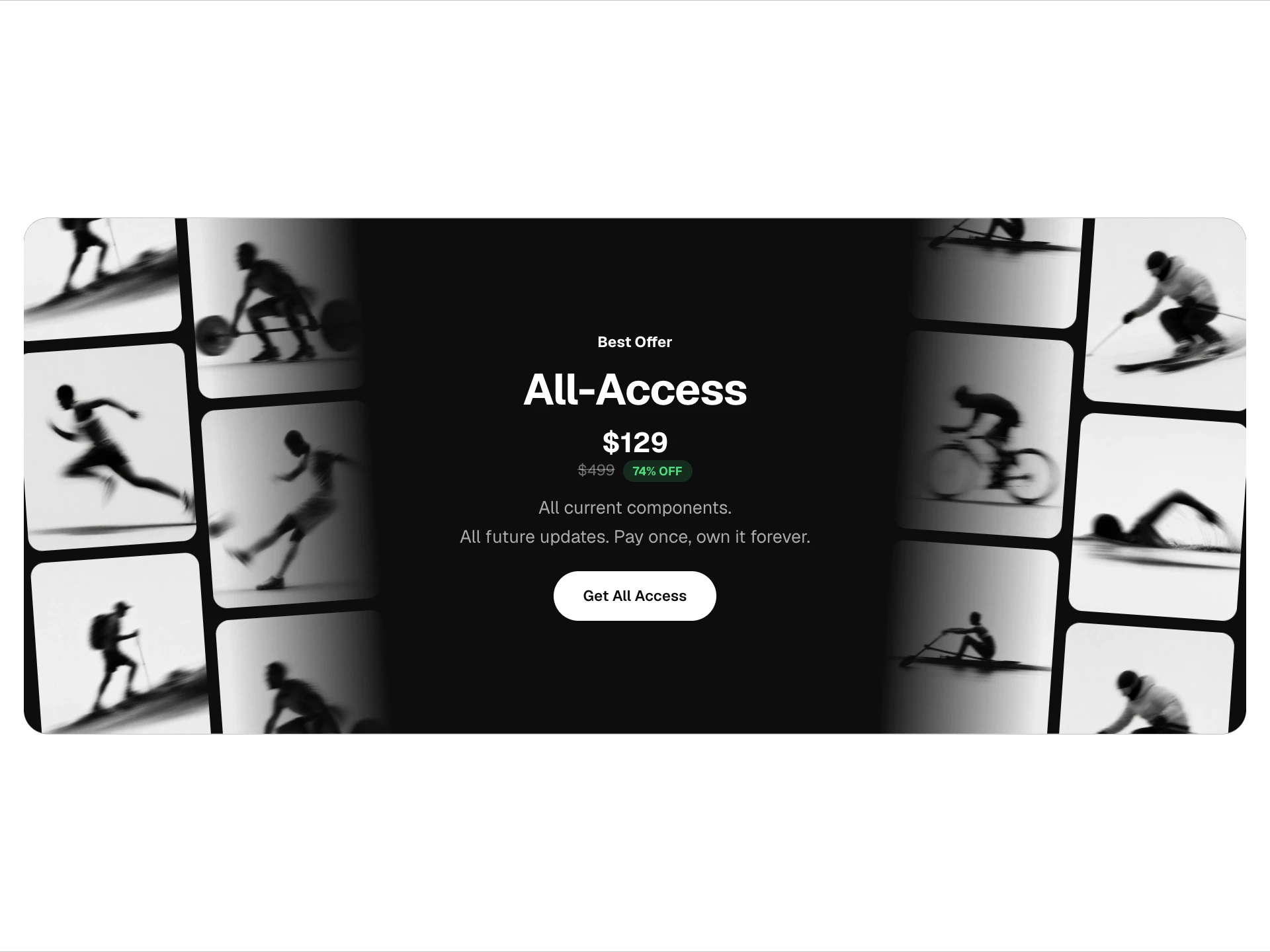
- Side Marquee Pricing CTAPremium · $4
- A centered badge/heading/price/subtitle/CTA banner flanked by slow, seamlessly looping tilted photo columns on both edges, with a paper/glass/custom theme and an auto-calculated discount badge.
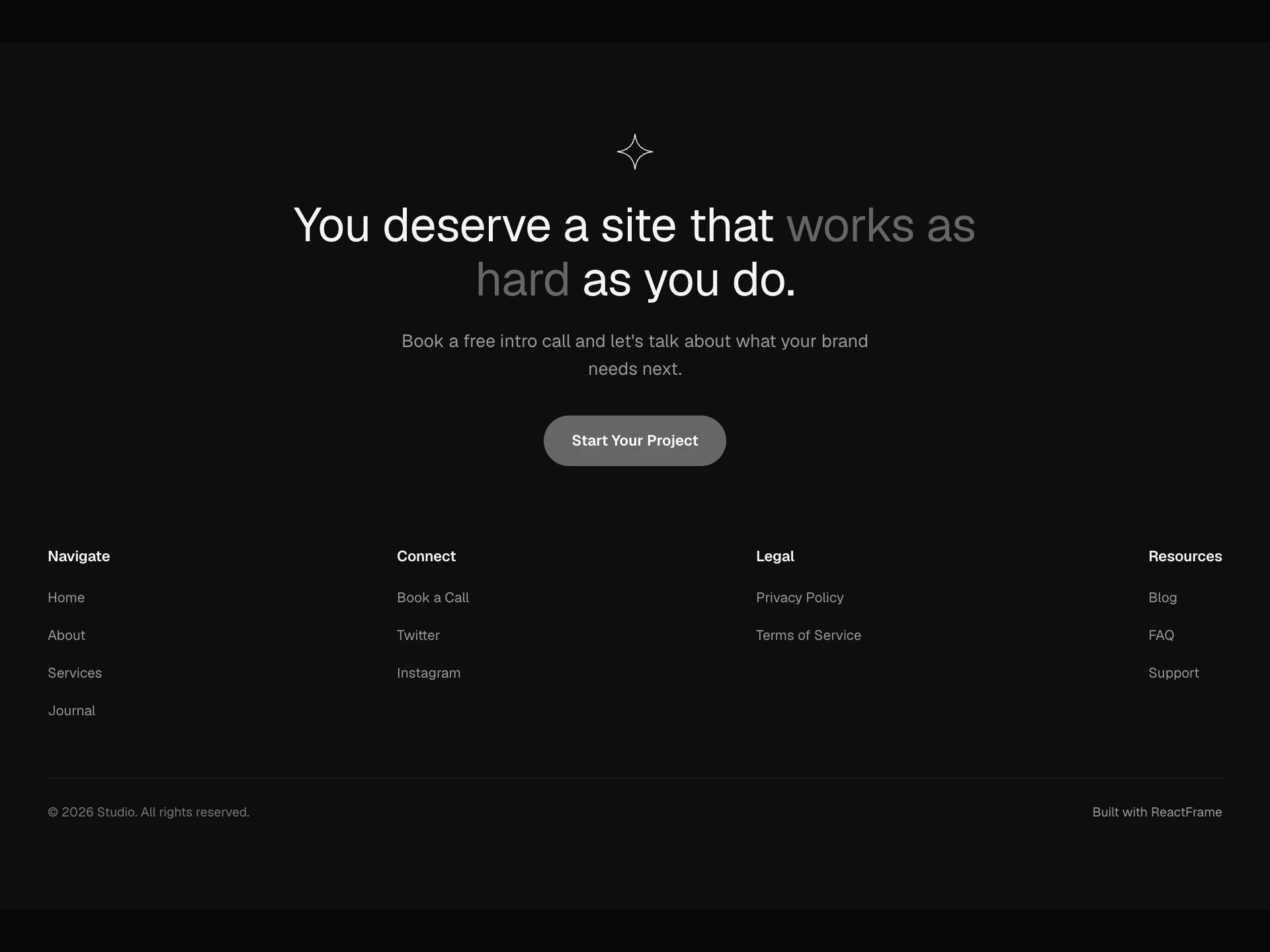
- Footer CTAPremium · $4
- A call-to-action panel, abstract mark, two-tone headline, subtext and pill button, combined with a minimal link footer and copyright bar.
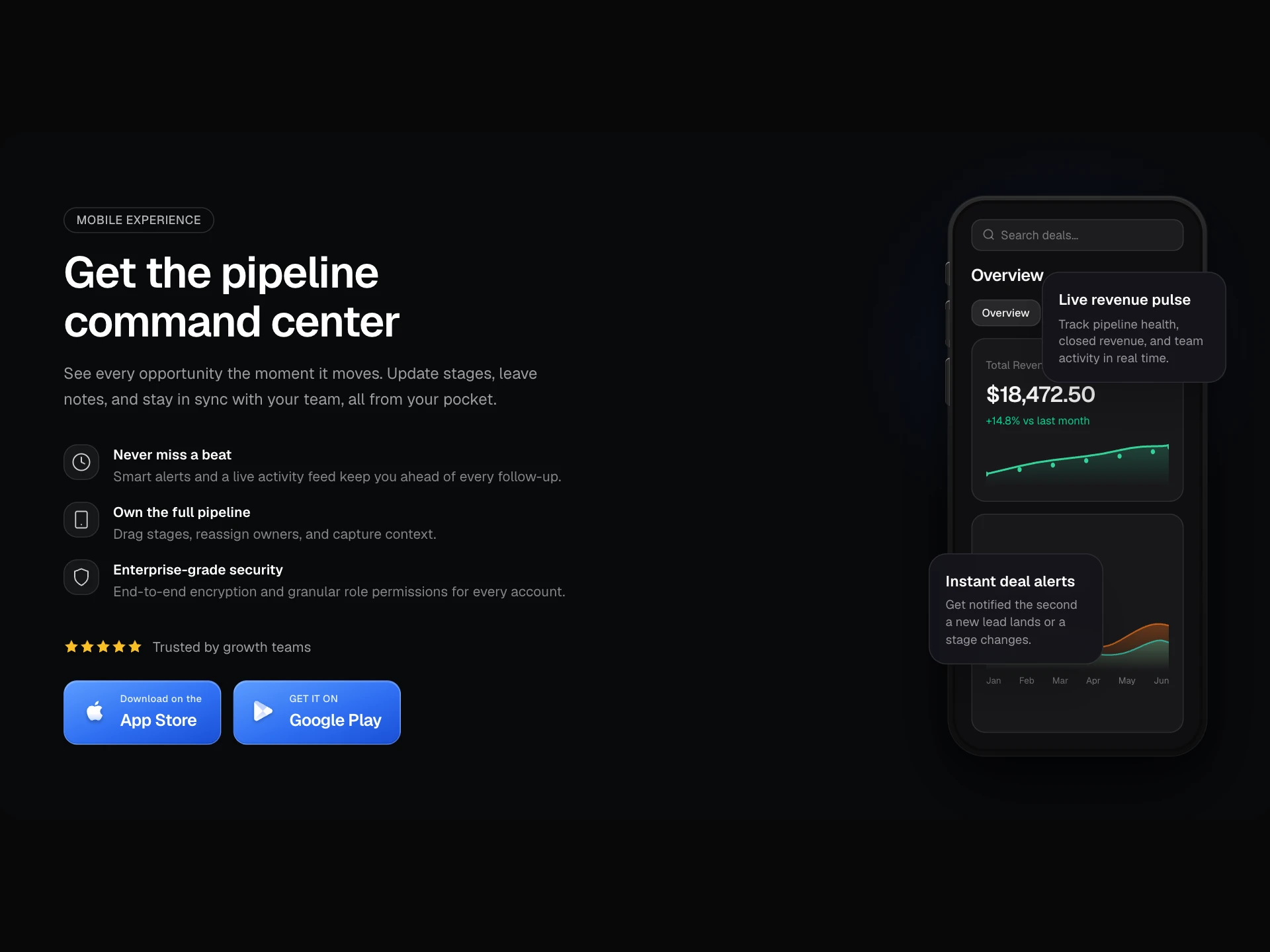
- Download SectionPremium · $4
- An app-download hero, badge, heading, description, a scroll-in feature list, star rating, App Store / Google Play buttons, and a hand-built iPhone frame with an animated revenue chart card.
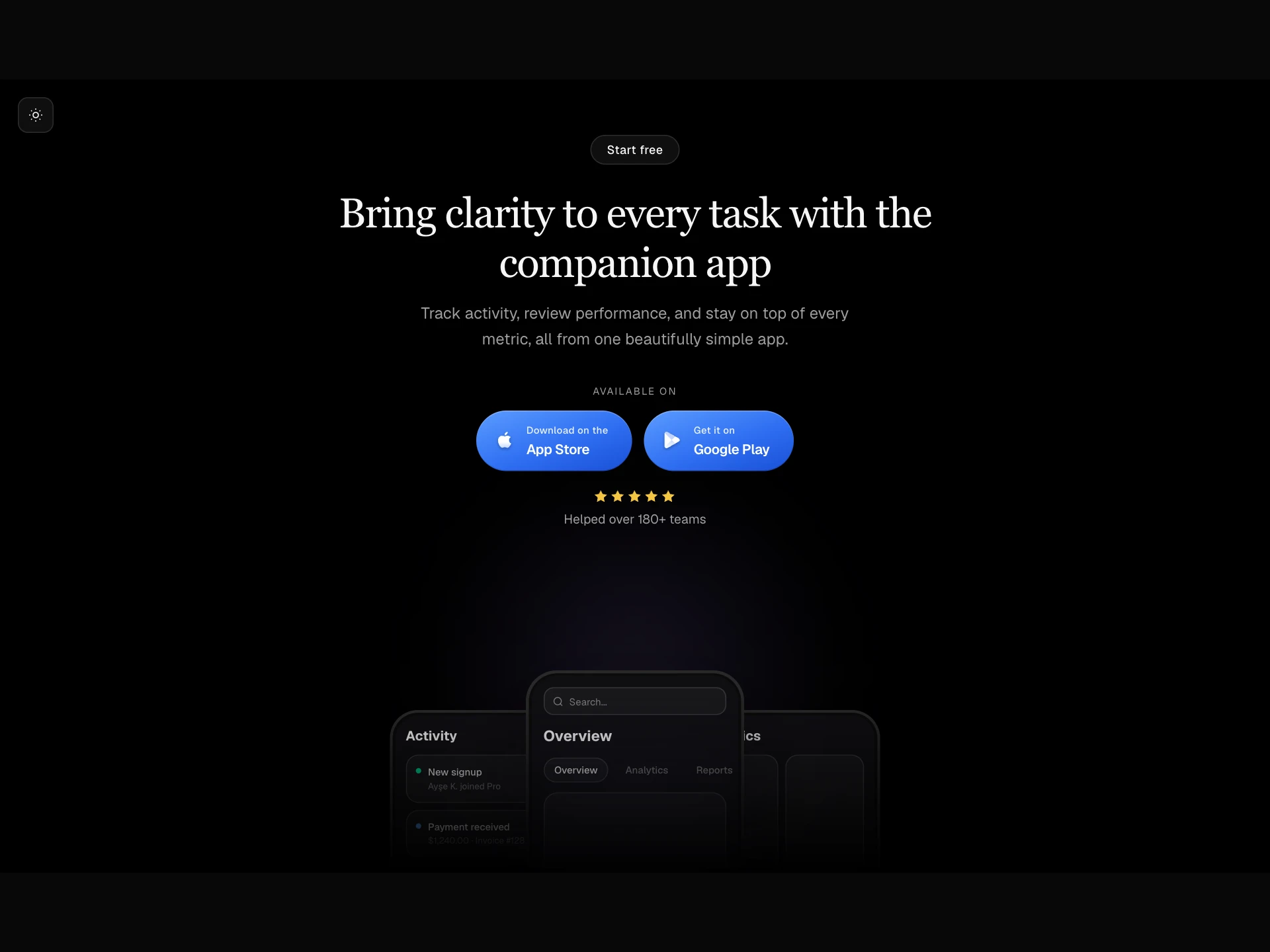
- Download Section GlassPremium · $4
- A centered app-download hero, a light/dark theme toggle, glass pill CTA, heading, description, App Store / Google Play buttons with star rating, and a three-phone fan stage with an ambient glow and bottom fade mask.
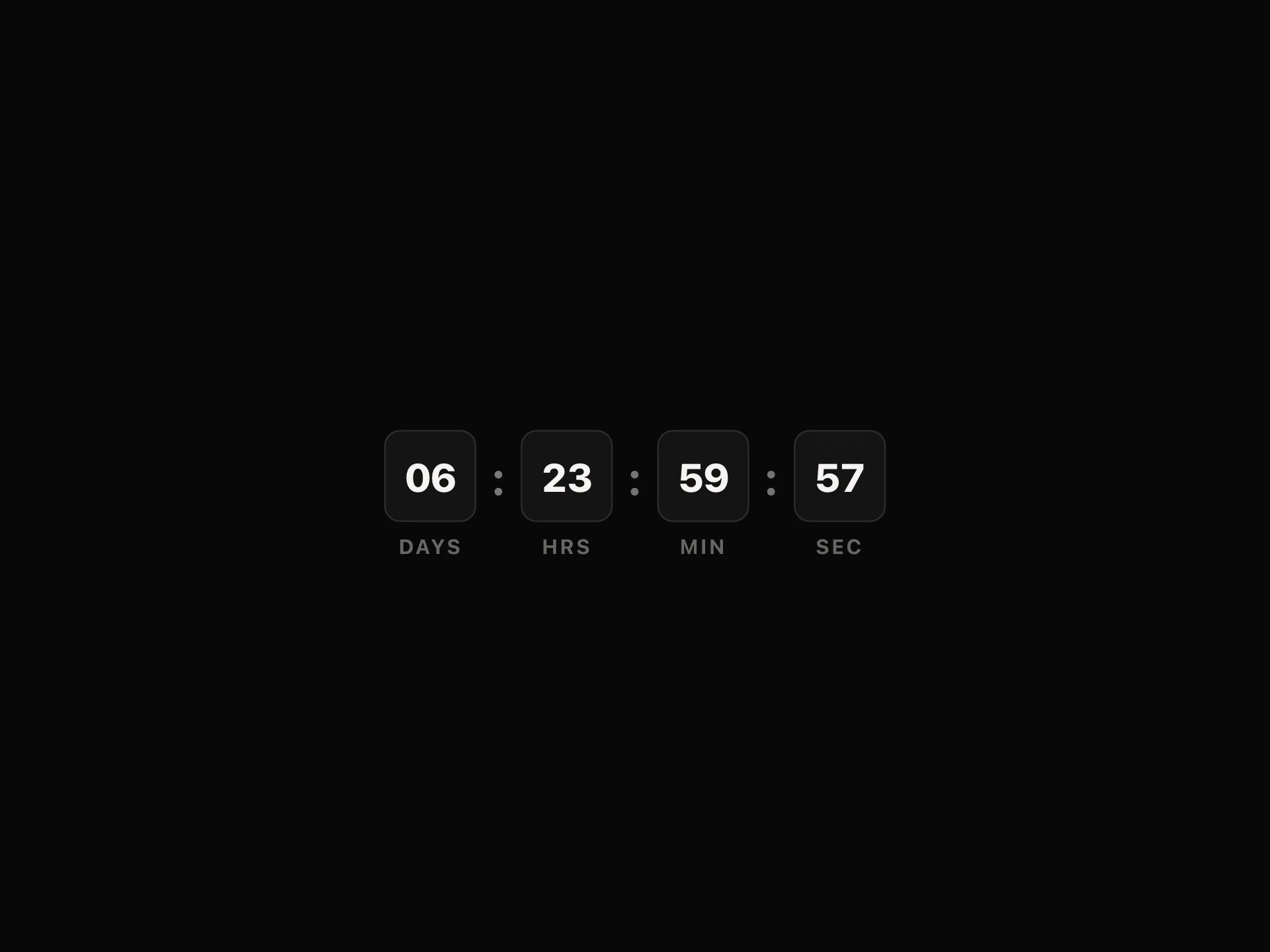
- Countdown TimerFree
- Counts down to a duration or an absolute end date, with flip-cell digit transitions, a compact text mode, and an optional loop.
- npx shadcn@latest add https://reactframe.com/r/countdown-timer.json
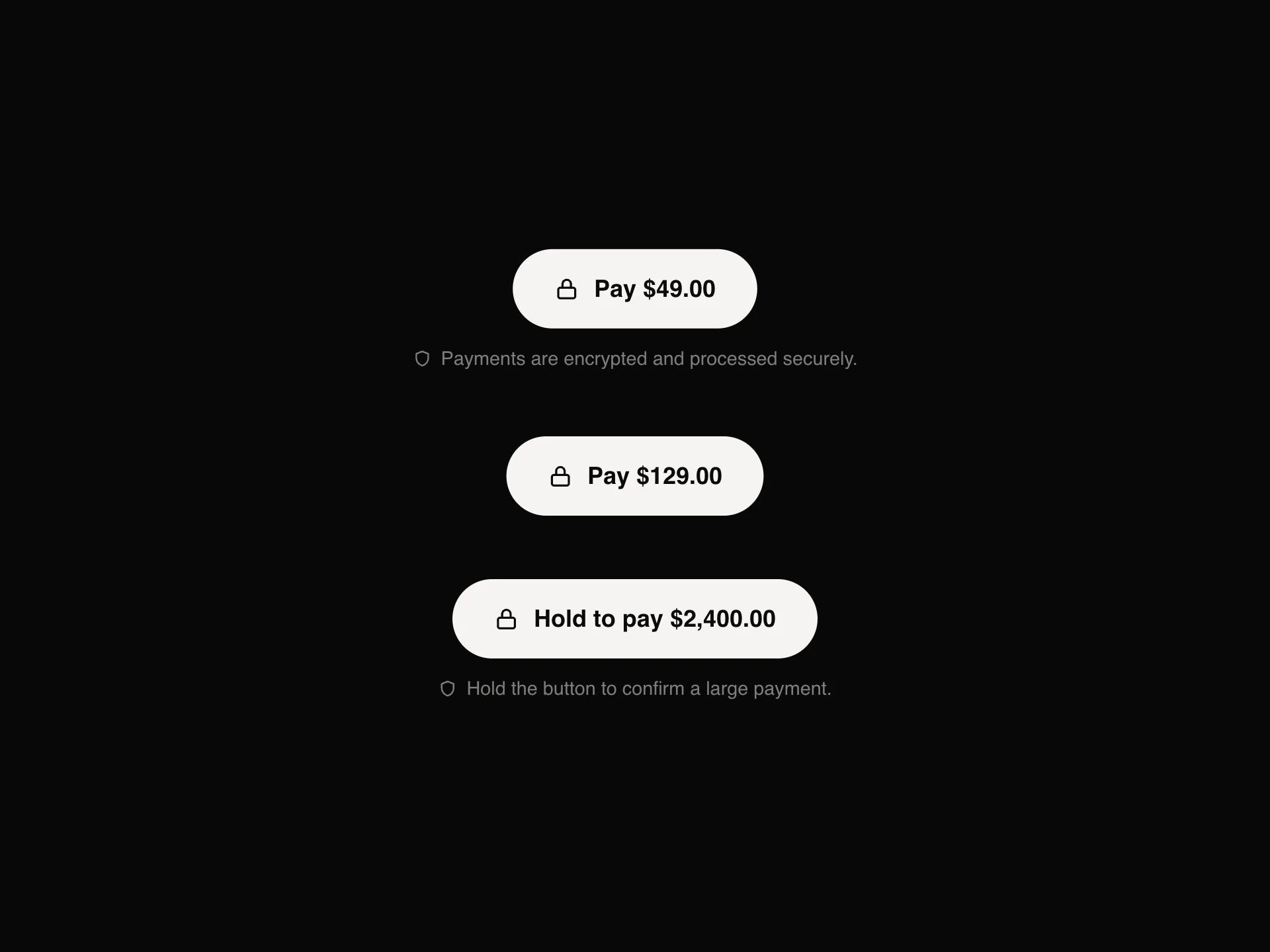
- Payment ButtonFree
- A pay button that shows every step of a payment: the amount, a spinner while it processes, a drawn tick when it's paid, a shake and a clear message when a card is declined, and an optional press-and-hold mode that fills up before it charges.
- npx shadcn@latest add https://reactframe.com/r/payment-button.json
Questions
- How do I highlight the recommended plan?
- comparison-table marks one plan column as highlighted and keeps the plan headers visible while the feature rows scroll; on phones it switches to stacked cards so nothing needs horizontal scrolling.
- Are these components free?
- 3 of the 8 are free (Toggle Price Counter, Countdown Timer, Payment Button); the others are premium, sold one by one or all together with All-Access.
- How do I install them?
- Free components install with the shadcn CLI, for example: npx shadcn@latest add @reactframe/<slug>. You get the full React + Tailwind source in your project, with Motion as the only animation dependency.
Related collections
Want a whole page built from these? Ask your AI to build it with ReactFrame.