React eCommerce Components
ReactFrame has 10 React components for online stores (8 free): a product listing with filters, product grids, a full product page, a cart-to-checkout flow, colour and size pickers, a card number field, an animated pay button, product image viewers and a promotional hero slider.
How to choose
- The shop page: product-list for a grid with a filter sidebar, product-grid-section for a simpler featured grid.
- The product page: product-detail, or image-showcase and hotspot-carousel for the images alone; variant-swatches for colour and size.
- Cart and checkout: your-cart-page, with credit-card-input and payment-button if you build your own payment step.
- Sales and launches: hero-slider-carousel at the top of the home page.
All 10 components
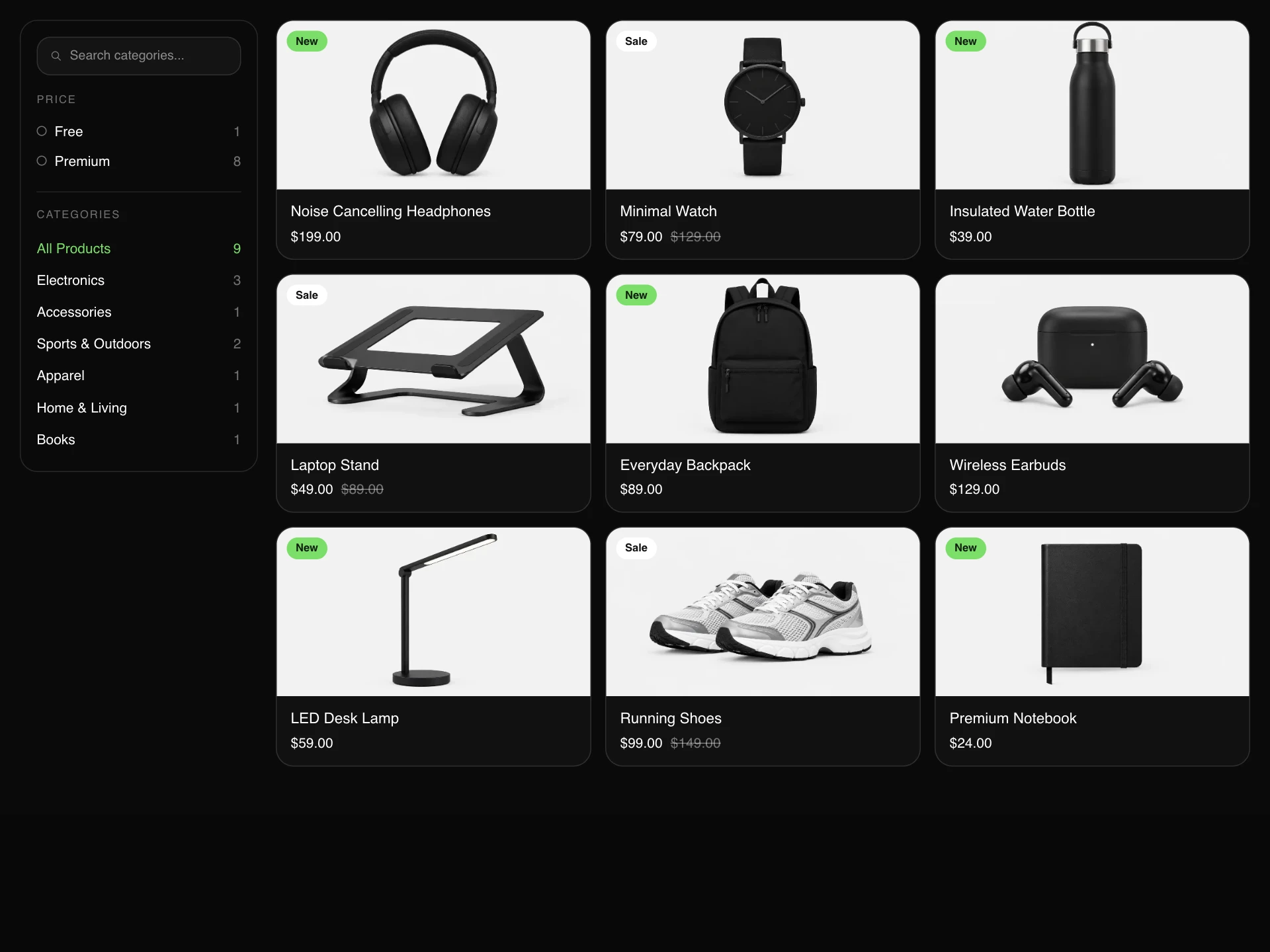


- Product ListFree
- An eCommerce product listing block with a filter sidebar (live search, Free/Premium tiers, categories) and a responsive photo grid with New and Sale badges.
- npx shadcn@latest add https://reactframe.com/r/product-list.json
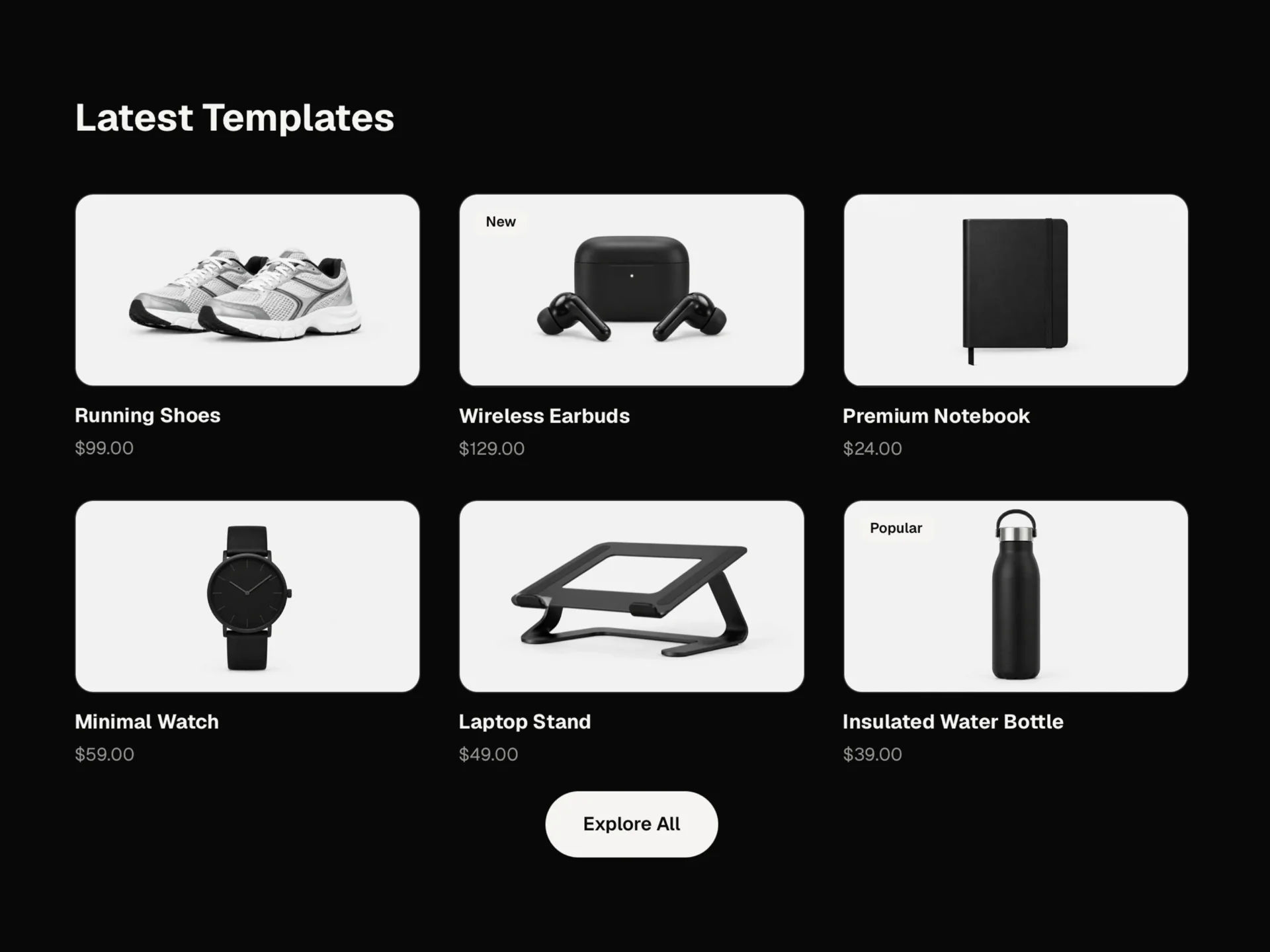
- Product Grid SectionFree
- A responsive product/portfolio grid section, heading, per-card image with hover zoom and reveal overlay, category/price meta row, optional badge, and a centered CTA button below the grid.
- npx shadcn@latest add https://reactframe.com/r/product-grid-section.json
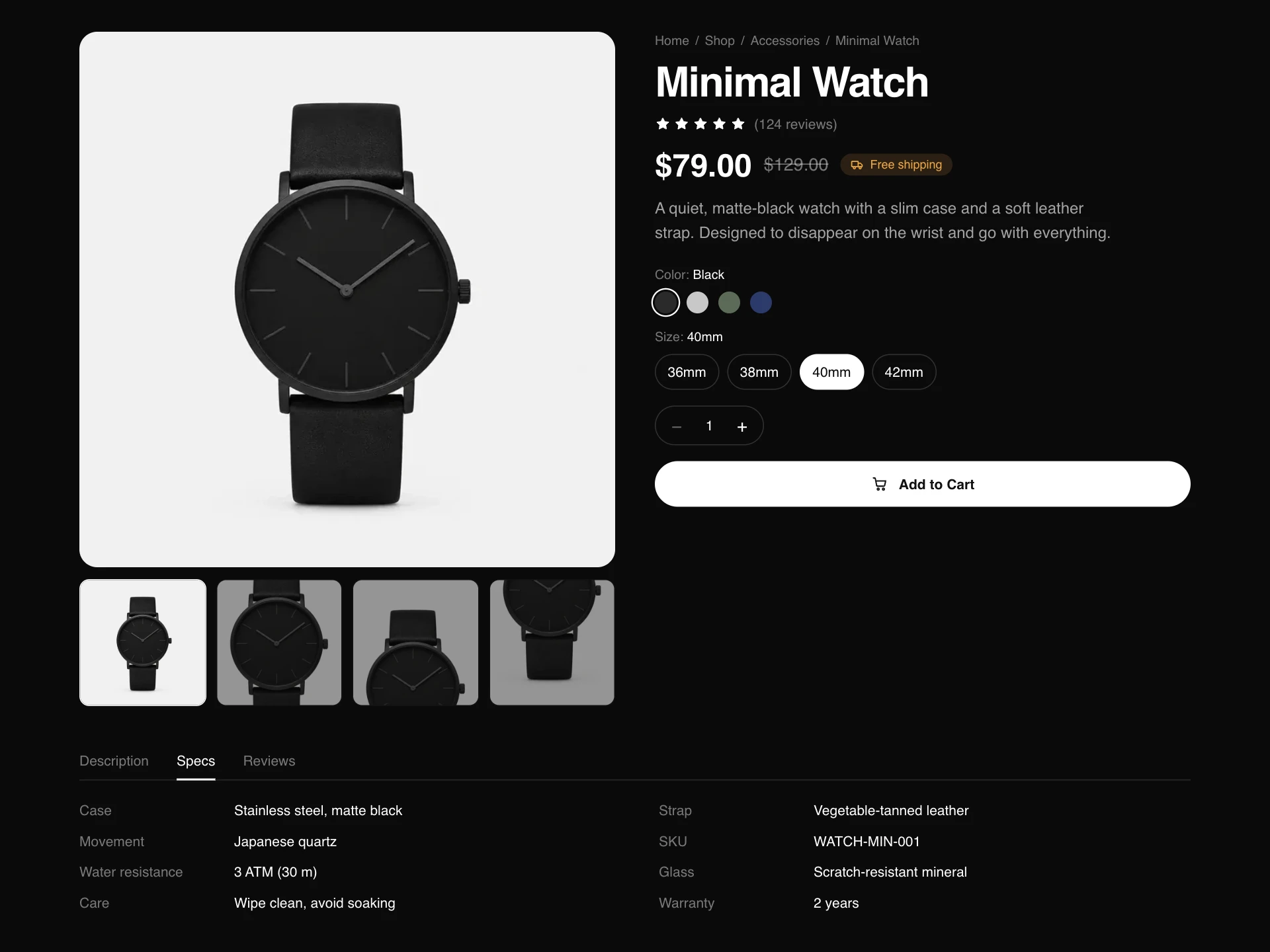
- Product DetailFree
- An eCommerce product page block with a switchable image gallery, color and size pickers, quantity stepper, animated add-to-cart button and Description / Specs / Reviews tabs.
- npx shadcn@latest add https://reactframe.com/r/product-detail.json
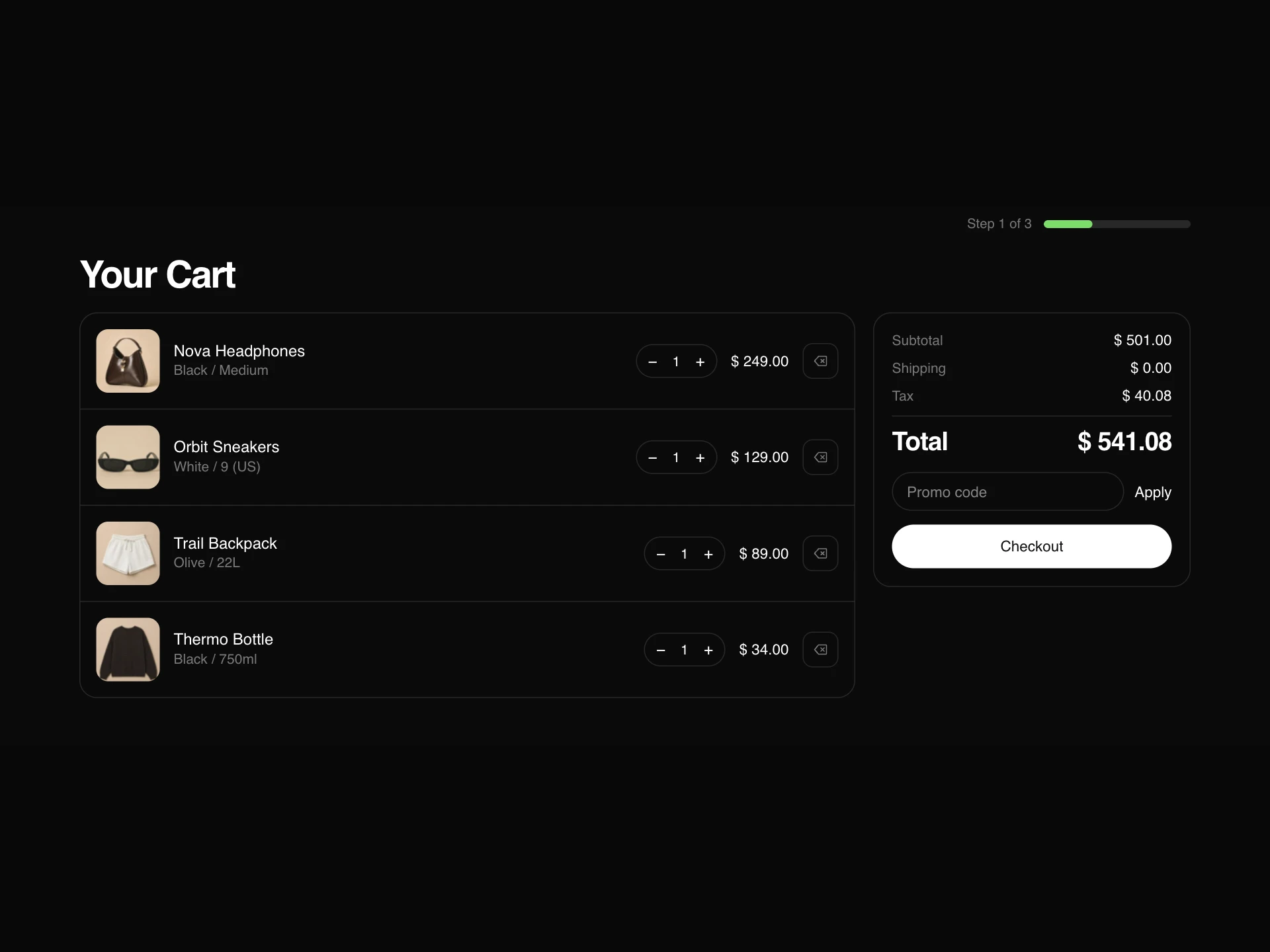
- Your Cart PageFree
- A three-step eCommerce flow in one block: a cart with quantity steppers and promo code, a checkout form with an order summary, and an animated order-confirmed screen.
- npx shadcn@latest add https://reactframe.com/r/your-cart-page.json
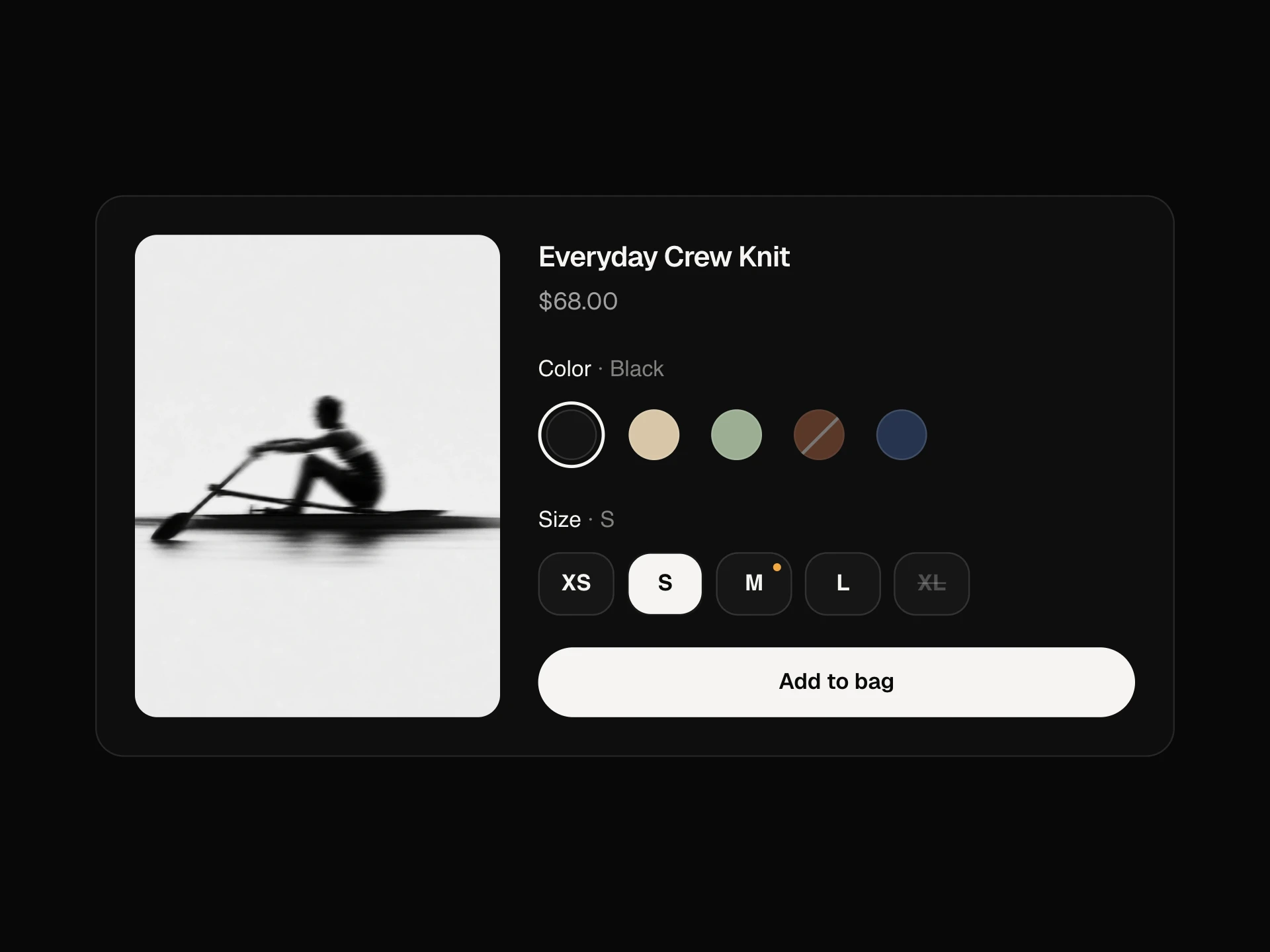
- Variant SwatchesFree
- Product option pickers for colour and size: round colour swatches with a ring that glides to the pick, size chips with a sliding fill, the chosen value named in the label, sold-out options struck through, and a low-stock warning when only a few are left.
- npx shadcn@latest add https://reactframe.com/r/variant-swatches.json
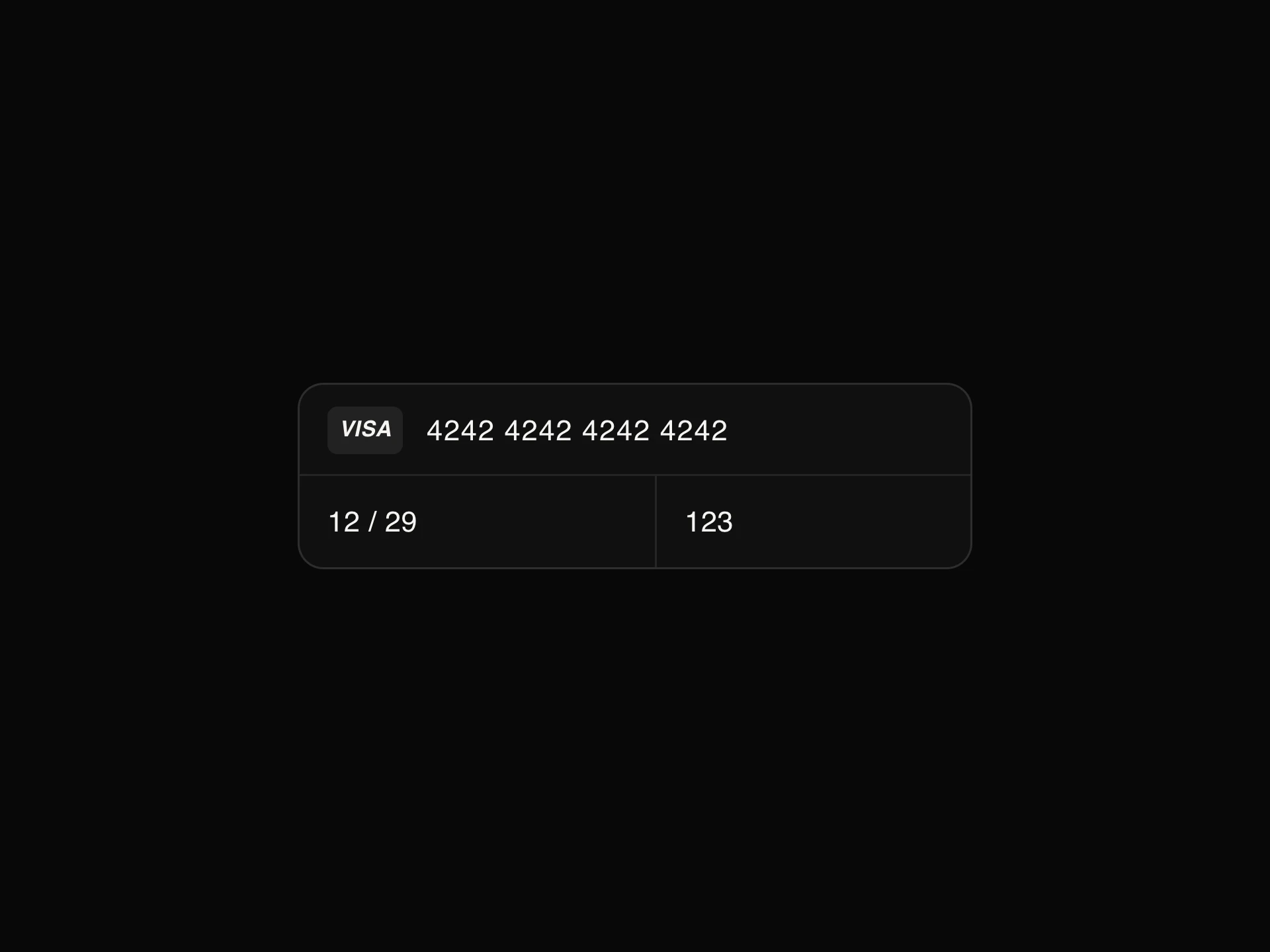
- Credit Card InputFree
- A grouped card number, expiry and CVC field: brand detection with an animated mark, 4-4-4-4 or Amex 4-6-5 spacing, Luhn and expiry checks, and focus that moves on as each part is complete.
- npx shadcn@latest add https://reactframe.com/r/credit-card-input.json
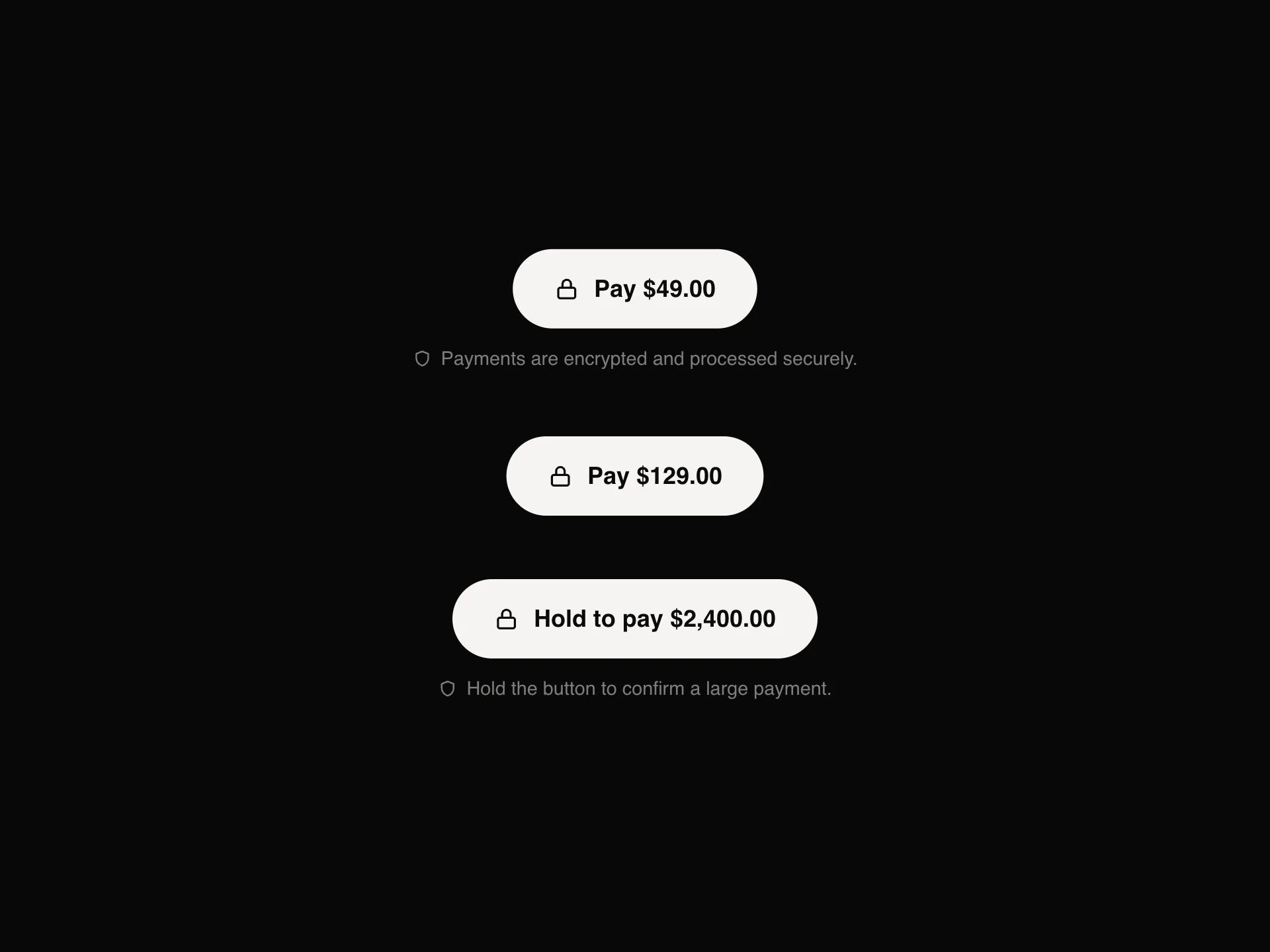
- Payment ButtonFree
- A pay button that shows every step of a payment: the amount, a spinner while it processes, a drawn tick when it's paid, a shake and a clear message when a card is declined, and an optional press-and-hold mode that fills up before it charges.
- npx shadcn@latest add https://reactframe.com/r/payment-button.json
- Image ShowcaseFree
- A product-style image viewer, a large main frame with prev/next arrows and an image counter, backed by a click-to-jump thumbnail strip and a reset-to-first button.
- npx shadcn@latest add https://reactframe.com/r/image-showcase.json
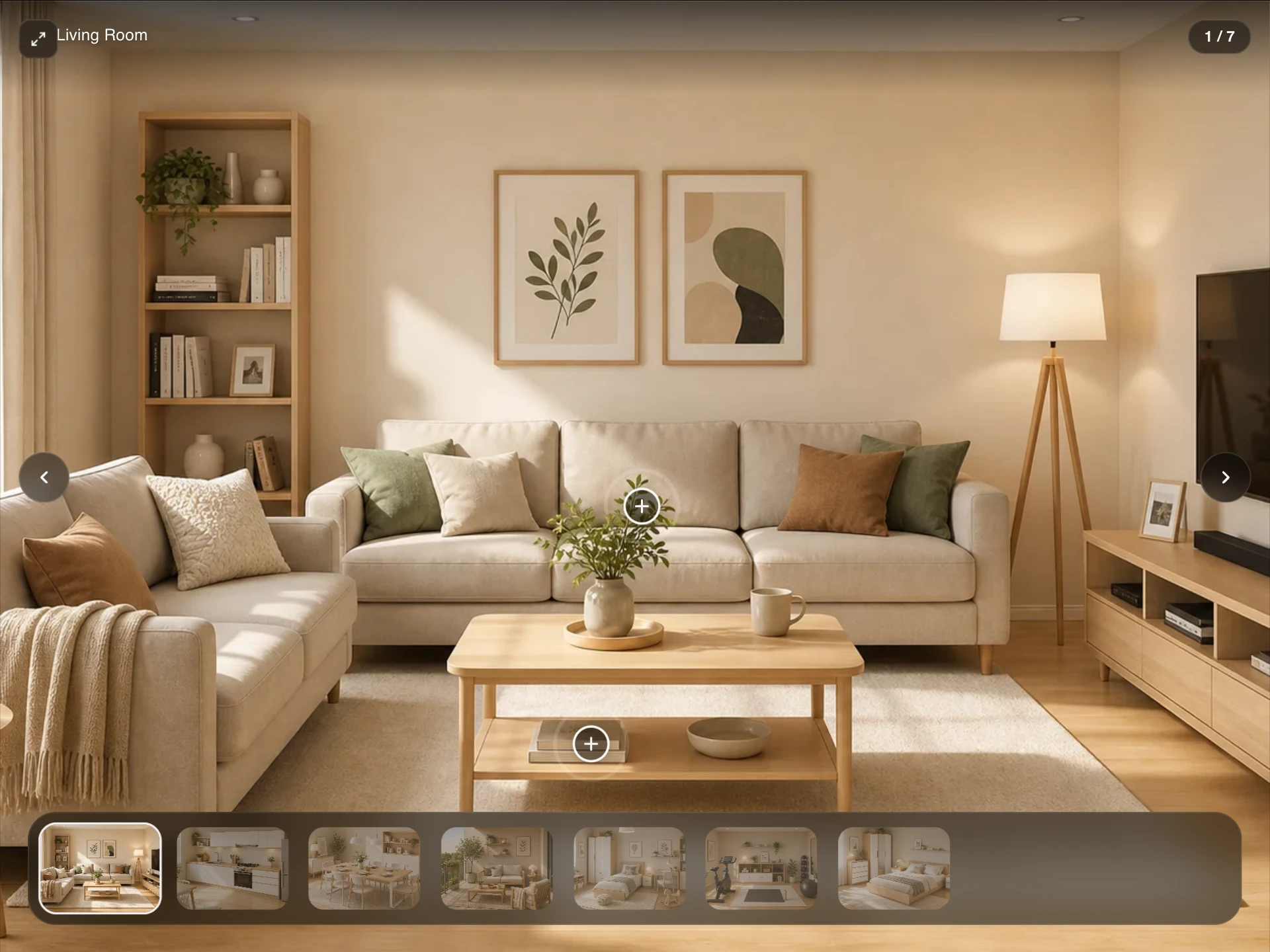
- Hotspot CarouselPremium · $4
- A product image carousel with clickable annotated hotspots, thumbnail strip, captions, autoplay, and a keyboard-accessible fullscreen lightbox.
- Hero Slider CarouselPremium · $4
- An e-commerce hero slider with split and full-width slide layouts, badges, CTA buttons, Ken Burns effect, ring-progress indicators, and swipe/keyboard navigation.
Questions
- Do these components process payments?
- No. They are the storefront interface. Connect the add-to-cart, checkout and pay actions to your own backend or a provider such as Stripe, Shopify or Lemon Squeezy; payment-button shows the processing, paid and declined states you report back.
- Can I use them with Shopify or another headless commerce API?
- Yes. They take products, prices and images as props, so map the data from your commerce API onto them.
- Are these components free?
- 8 of the 10 are free (Product List, Product Grid Section, Product Detail, Your Cart Page, Variant Swatches, Credit Card Input, Payment Button, Image Showcase); the others are premium, sold one by one or all together with All-Access.
- How do I install them?
- Free components install with the shadcn CLI, for example: npx shadcn@latest add @reactframe/<slug>. You get the full React + Tailwind source in your project, with Motion as the only animation dependency.
Related collections
Want a whole page built from these? Ask your AI to build it with ReactFrame.