Promo Banner Block React component
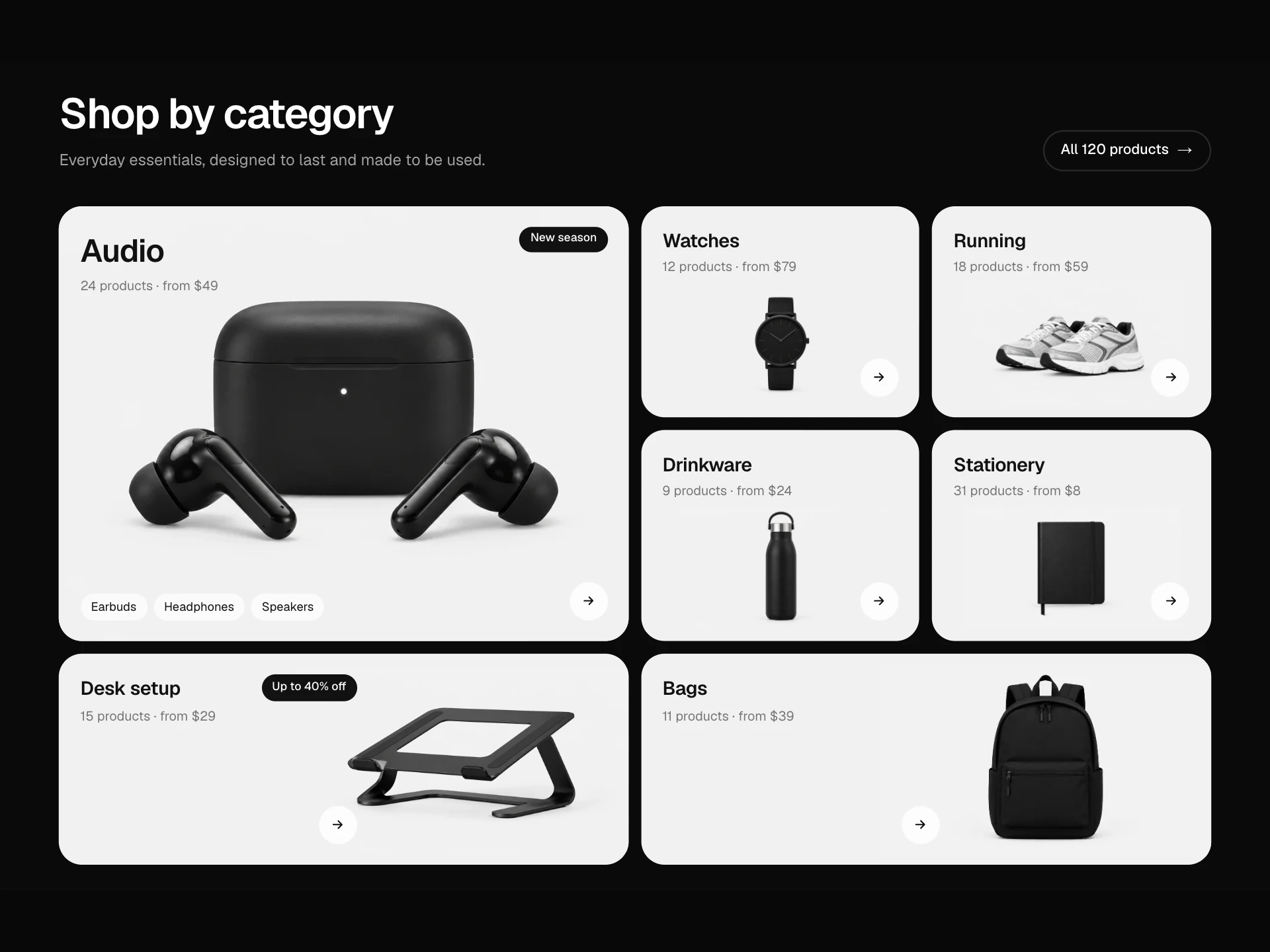
A sale banner for store pages: a big headline that rises in word by word, a copyable discount code, a shop button, a live countdown to a real end date (hidden after it ends), terms, and a collage of product photos that drifts with the pointer next to a springy '40% off' sticker.
About the Promo Banner Block component
Promo Banner Block announces a sale with everything a shopper needs in one panel: what's discounted, the code to use, when it ends and a button straight into the sale.
The countdown is honest: it counts down to a real end date and disappears afterwards. Product photos drift gently with the pointer and the sticker springs in, so the banner feels alive without blinking or shouting.
When to use it
Use it on a store homepage, a collection page or a campaign landing page during a time-limited promotion.
For a thin message across the top of every page use the Announcement Banner; for a pop-up offer use the Welcome Offer Modal.
Installation
Add the Promo Banner Block component to your project with the shadcn CLI. It lands in components/promo-banner-block.tsx as plain React + Tailwind CSS source you own and can edit.
npx shadcn@latest add @reactframe/promo-banner-blockOr copy the source by hand and install its dependencies:
npm install motion clsx tailwind-mergeProps
<PromoBannerBlock /> accepts 12 props, all optional.
| Prop | Type | Default |
|---|---|---|
| eyebrow | string | "Desk week" |
| title | string | "Up to 40% off" |
| highlight | string | "desk essentials" |
| description | string | "Stands, lamps and notebooks for a better workspace. Use the code at checkout, on top of … |
| code | string | "DESK40" |
| endsAt ISO date-time the offer ends. The countdown hides after it. | string | "2026-12-01T00:00:00Z" |
| ctaLabel | string | "Shop the sale" |
| ctaHref | string | "#" |
| images | { src: string; alt: string }[] | IMAGES |
| terms | string | "Ends 30 Nov, 23:59 UTC. Selected items only, while stock lasts." |
| theme | "dark" | "light" | "dark" |
| className | string | — |
- eyebrowstringDefault: "Desk week"
- titlestringDefault: "Up to 40% off"
- highlightstringDefault: "desk essentials"
- descriptionstringDefault: "Stands, lamps and notebooks for a better workspace. Use the code at checkout, on top of …
- codestringDefault: "DESK40"
- endsAt
ISO date-time the offer ends. The countdown hides after it.
stringDefault: "2026-12-01T00:00:00Z" - ctaLabelstringDefault: "Shop the sale"
- ctaHrefstringDefault: "#"
- images{ src: string; alt: string }[]Default: IMAGES
- termsstringDefault: "Ends 30 Nov, 23:59 UTC. Selected items only, while stock lasts."
- theme"dark" | "light"Default: "dark"
- classNamestring
Collections
Use-case pages that compare Promo Banner Block with the other components that do a similar job.
npm dependencies
Installed for you by the shadcn CLI.
Promo Banner Block FAQ
- Is the countdown fake urgency?
- No. It counts down to endsAt and shows 'This offer has ended' afterwards. Set endsAt to your real end time; avoid resetting it per visitor.
- Why does the countdown appear after a moment?
- It's calculated only in the browser after the page loads, so the server-rendered HTML always matches and there is no hydration warning.
- How many images can I use?
- Three, positioned for the right side of the panel. Products photographed on a plain light background look best.
- Does the parallax work on phones?
- Parallax follows a mouse or trackpad pointer only; on touch screens and with reduced motion the photos stay still.
- Is it accessible?
- The code button has a label and announces 'Copied', the photo collage is decorative, the CTA is a real link and terms stay visible as text.