Upsell / Cross-sell Block React component
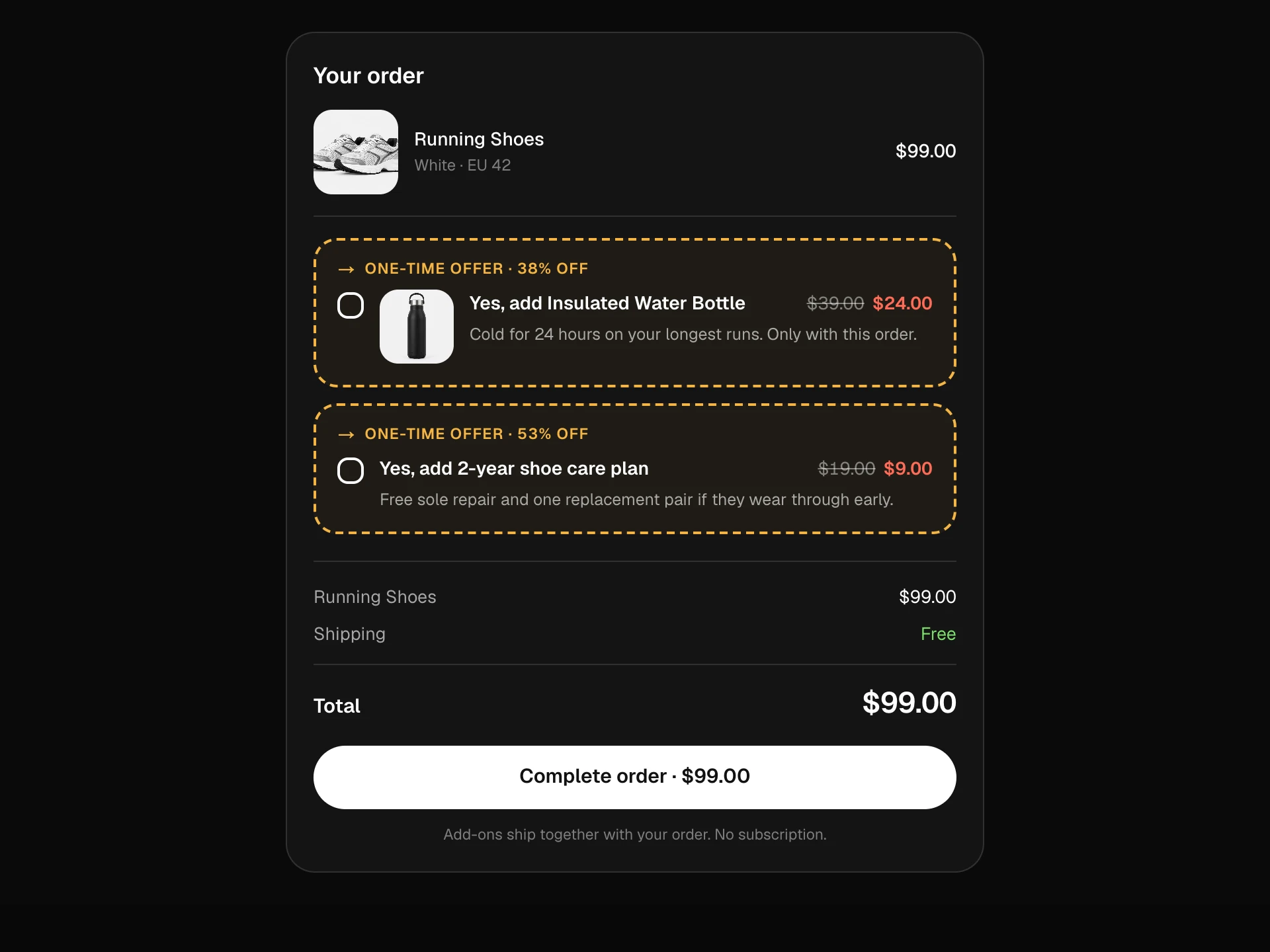
A post-add offer screen: choose between your pick and a highlighted upgrade with a side-by-side spec table that follows the choice, add accessories at a bundle discount with struck-through prices, and watch the total and savings update before adding everything to the cart.
About the Upsell / Cross-sell Block component
Upsell / Cross-sell Block appears right after someone adds a product and offers two kinds of 'better': a step-up model, compared spec by spec so the difference is obvious, and a few accessories that are cheaper when bought together.
Every choice updates the total and the bundle saving immediately, and a clear 'no thanks' keeps the original choice one tap away, so the offer helps instead of getting in the way.
When to use it
Use it on an added-to-cart page, inside a cart step or as a section under a product page.
For a single checkbox offer at checkout use the Order Bump Block; for a recommendation row use the Related Products Block.
Installation
Add the Upsell / Cross-sell Block component to your project with the shadcn CLI. It lands in components/upsell-cross-sell-block.tsx as plain React + Tailwind CSS source you own and can edit.
npx shadcn@latest add @reactframe/upsell-cross-sell-blockOr copy the source by hand and install its dependencies:
npm install motion clsx tailwind-mergeProps
<UpsellCrossSellBlock /> accepts 8 props (required ones are marked *).
| Prop | Type | Default |
|---|---|---|
| current | object | CURRENT |
| current.id* | string | — |
| current.title* | string | — |
| current.price* | number | — |
| current.image | string | — |
| current.specs* | Record<string, string> | — |
| current.tag | string | — |
| upgrade | object | UPGRADE |
| upgrade.id* | string | — |
| upgrade.title* | string | — |
| upgrade.price* | number | — |
| upgrade.image | string | — |
- currentobjectDefault: CURRENT
- current.id*string
- current.title*string
- current.price*number
- current.imagestring
- current.specs*Record<string, string>
- current.tagstring
- upgradeobjectDefault: UPGRADE
- upgrade.id*string
- upgrade.title*string
- upgrade.price*number
- upgrade.imagestring
Show all 20 propsShow fewer
| upgrade.specs* | Record<string, string> | — |
| upgrade.tag | string | — |
| crossSells | { id: string; title: string; note: string; price: number; image?: string }[] | CROSS |
| bundleDiscount Percent off the cross-sells when bought together with the main product. | number | 15 |
| currency | string | "$" |
| onAddToCart | (items: { id: string; price: number }[]) => void | Promise<void> | — |
| theme | "dark" | "light" | "dark" |
| className | string | — |
- upgrade.specs*Record<string, string>
- upgrade.tagstring
- crossSells{ id: string; title: string; note: string; price: number; image?: string }[]Default: CROSS
- bundleDiscount
Percent off the cross-sells when bought together with the main product.
numberDefault: 15 - currencystringDefault: "$"
- onAddToCart(items: { id: string; price: number }[]) => void | Promise<void>
- theme"dark" | "light"Default: "dark"
- classNamestring
Collections
Use-case pages that compare Upsell / Cross-sell Block with the other components that do a similar job.
npm dependencies
Installed for you by the shadcn CLI.
Upsell / Cross-sell Block FAQ
- How does the comparison table work?
- It lists the keys from the current product's specs and shows both values side by side. The chosen column is highlighted; keep the same keys on both products.
- How is the bundle discount applied?
- Only to the accessories, and only when they're bought with the main product. The struck-through price shows the regular price.
- What gets passed to my cart?
- onAddToCart receives the chosen main product and each selected accessory with its discounted price.
- Can I hide the upgrade?
- Pass the same product for current and upgrade, or remove the upgrade card in your copy and keep only the cross-sells.
- Is it accessible?
- The product choice is a radio group, accessories are checkboxes with full labels, the comparison is a captioned table and the savings and cart state are announced.