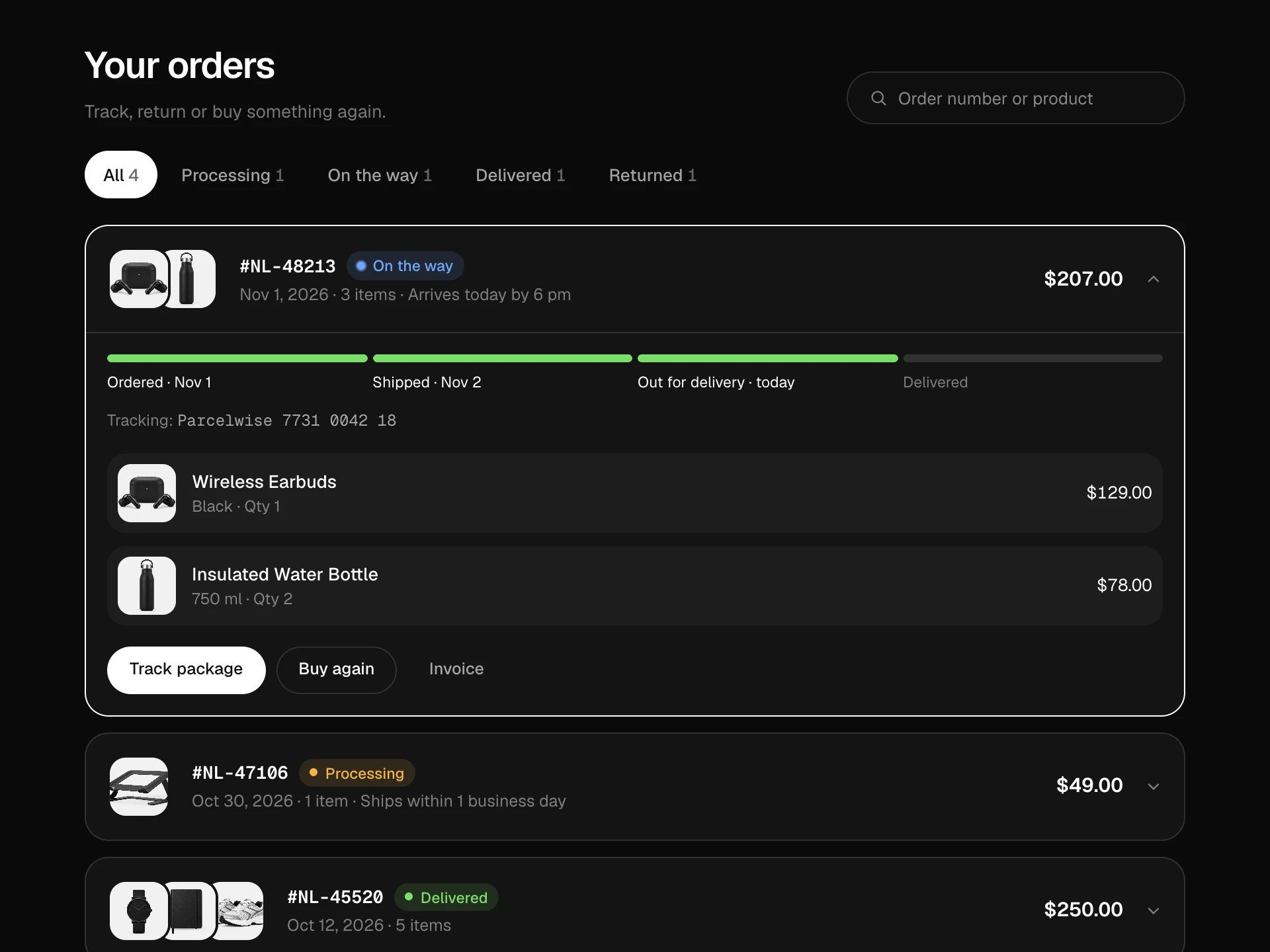
Free Shipping Progress Bar React component
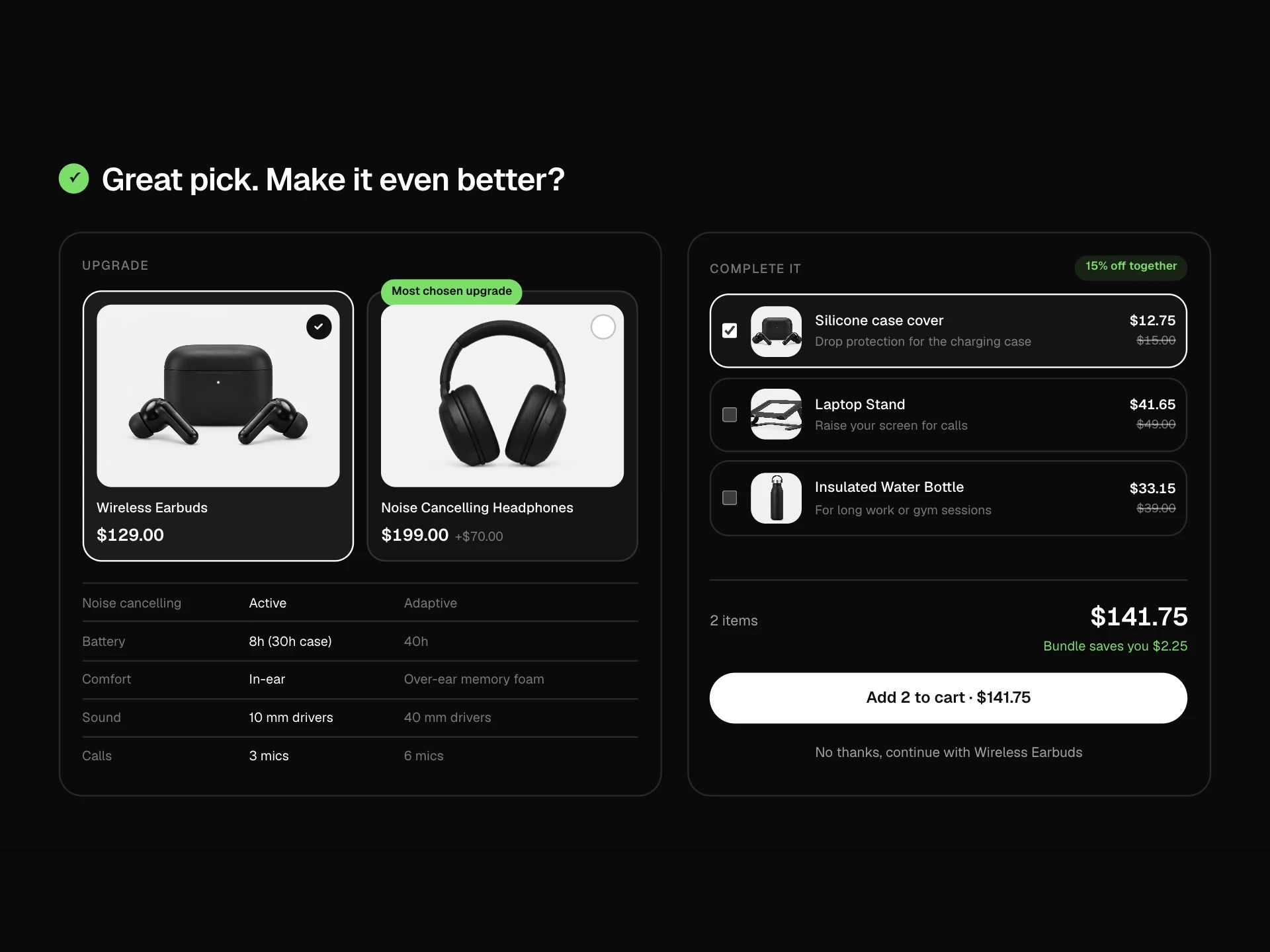
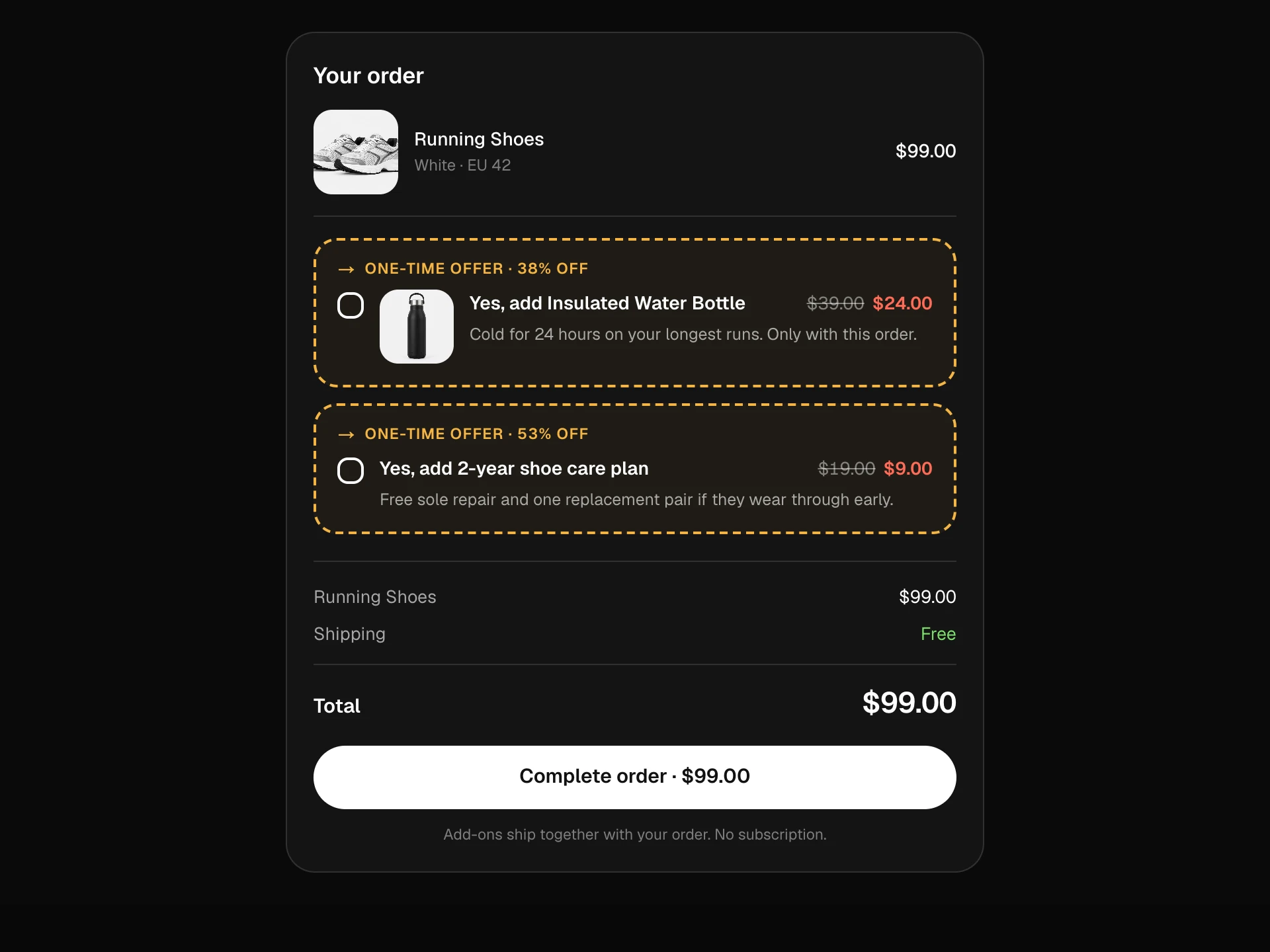
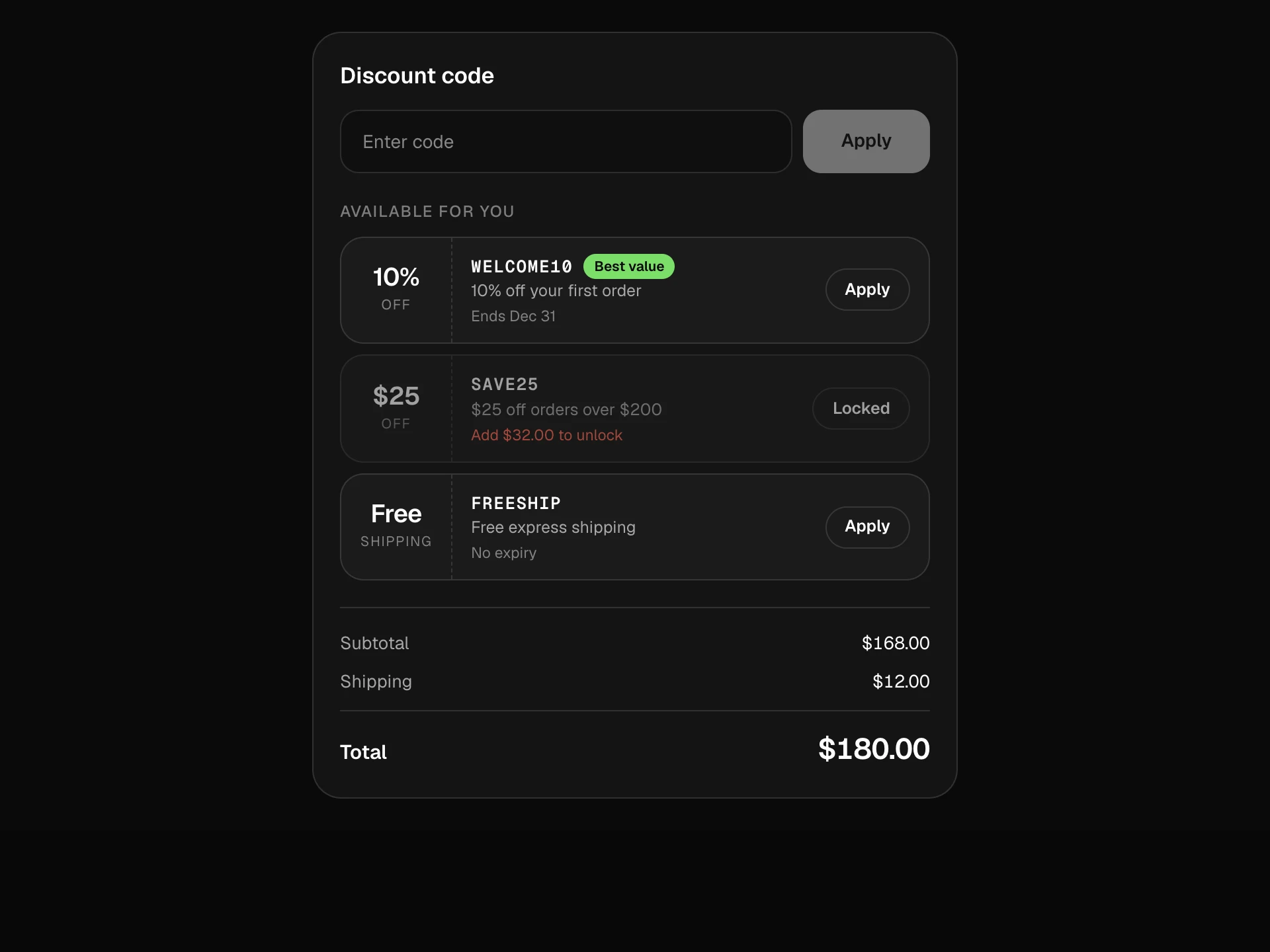
A tiered cart reward bar: free shipping, a free gift and free express milestones on one striped progress track, a message that says exactly how much more to add, milestone icons that pop when reached, an unlocked toast and 'close the gap' add-ons that pick the cheapest item that gets you there.
About the Free Shipping Progress Bar component
Free Shipping Progress Bar turns 'spend more to get free shipping' into a clear goal. One track shows every reward tier, the headline says exactly how much is left, and reaching a milestone gets a small celebration.
Instead of leaving people to hunt for something to add, it suggests the cheapest item that actually crosses the next threshold, so topping up is one click.
When to use it
Use it at the top of the cart, inside a cart drawer, or as a banner on product pages.
For a single threshold inside a drawer, the Mini Cart Drawer already includes a simple bar.
Installation
Add the Free Shipping Progress Bar component to your project with the shadcn CLI. It lands in components/free-shipping-progress-bar.tsx as plain React + Tailwind CSS source you own and can edit.
npx shadcn@latest add @reactframe/free-shipping-progress-barOr copy the source by hand and install its dependencies:
npm install motion clsx tailwind-mergeProps
<FreeShippingProgressBar /> accepts 7 props, all optional.
| Prop | Type | Default |
|---|---|---|
| subtotal | number | 38 |
| tiers | { at: number; label: string; icon: "truck" | "gift" | "bolt" }[] | TIERS |
| suggestions Small add-ons that close the gap, shown until the last tier is reached. | { id: string; title: string; price: number; image?: string }[] | SUGGESTIONS |
| currency | string | "$" |
| onAdd | (id: string) => void | — |
| theme | "dark" | "light" | "dark" |
| className | string | — |
- subtotalnumberDefault: 38
- tiers{ at: number; label: string; icon: "truck" | "gift" | "bolt" }[]Default: TIERS
- suggestions
Small add-ons that close the gap, shown until the last tier is reached.
{ id: string; title: string; price: number; image?: string }[]Default: SUGGESTIONS - currencystringDefault: "$"
- onAdd(id: string) => void
- theme"dark" | "light"Default: "dark"
- classNamestring
Collections
Use-case pages that compare Free Shipping Progress Bar with the other components that do a similar job.
npm dependencies
Installed for you by the shadcn CLI.
Free Shipping Progress Bar FAQ
- How many tiers can I use?
- Any number, but two or three read best. Milestones are placed by amount relative to the last tier.
- How are suggestions chosen?
- Items that would reach the next tier come first, cheapest first; if none do, the most expensive items that get closest are shown.
- How do I connect it to my cart?
- Pass the real subtotal and handle onAdd. Remount with a key when the cart changes elsewhere, or lift subtotal into your cart state.
- Why stripes on the bar?
- The drifting stripes make the bar feel alive while there's still progress to make; they stop with reduced motion.
- Is it accessible?
- The headline is a polite live region, the unlock toast is a status message, milestone labels are visible text and add buttons name the product.