Product List View (Rows) React component
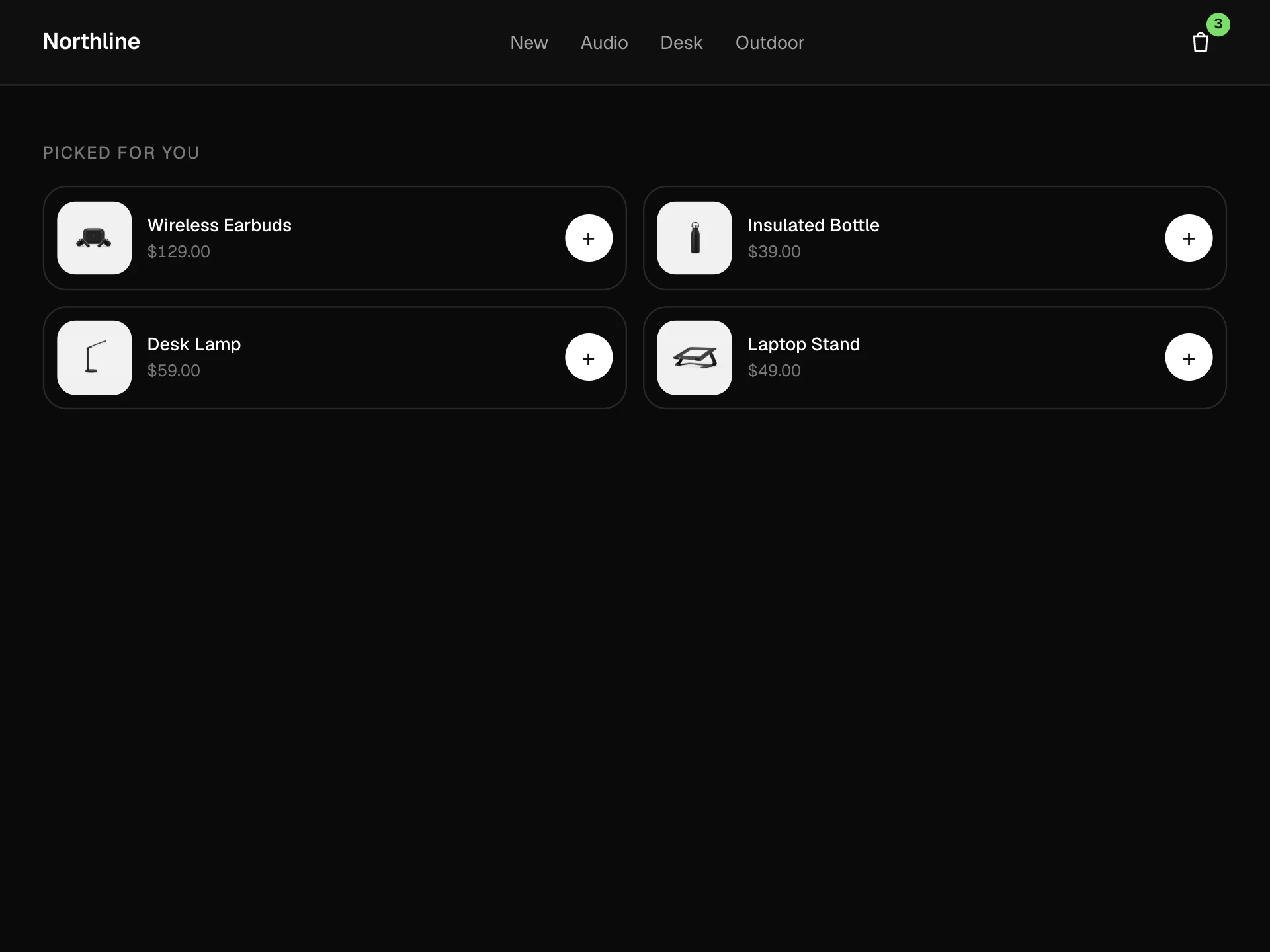
A product list laid out as rows: photo, blurb, spec chips, stars and live stock, price with the old price, a quantity stepper and add to cart, wishlist hearts, expandable details, a compare checkbox that fills a tray, sorting and a comfortable / compact density switch.
About the Product List View (Rows) component
Product List View (Rows) is the catalogue as a list rather than a grid: one product per row, with room for the facts people compare (specs, stock, rating) next to the photo, and the buy controls at the end of the row so nobody has to open the product page to add two of something.
Sorting reorders the rows with a short glide, Details expands a row in place, and ticking Compare on two or three products slides up a tray with their thumbnails and a Compare button. A density switch trades the blurb and chips for a tighter list.
When to use it
Use it for catalogues where specs matter (electronics, tools, parts, supplements) or where people often buy more than one, so the quantity stepper earns its place.
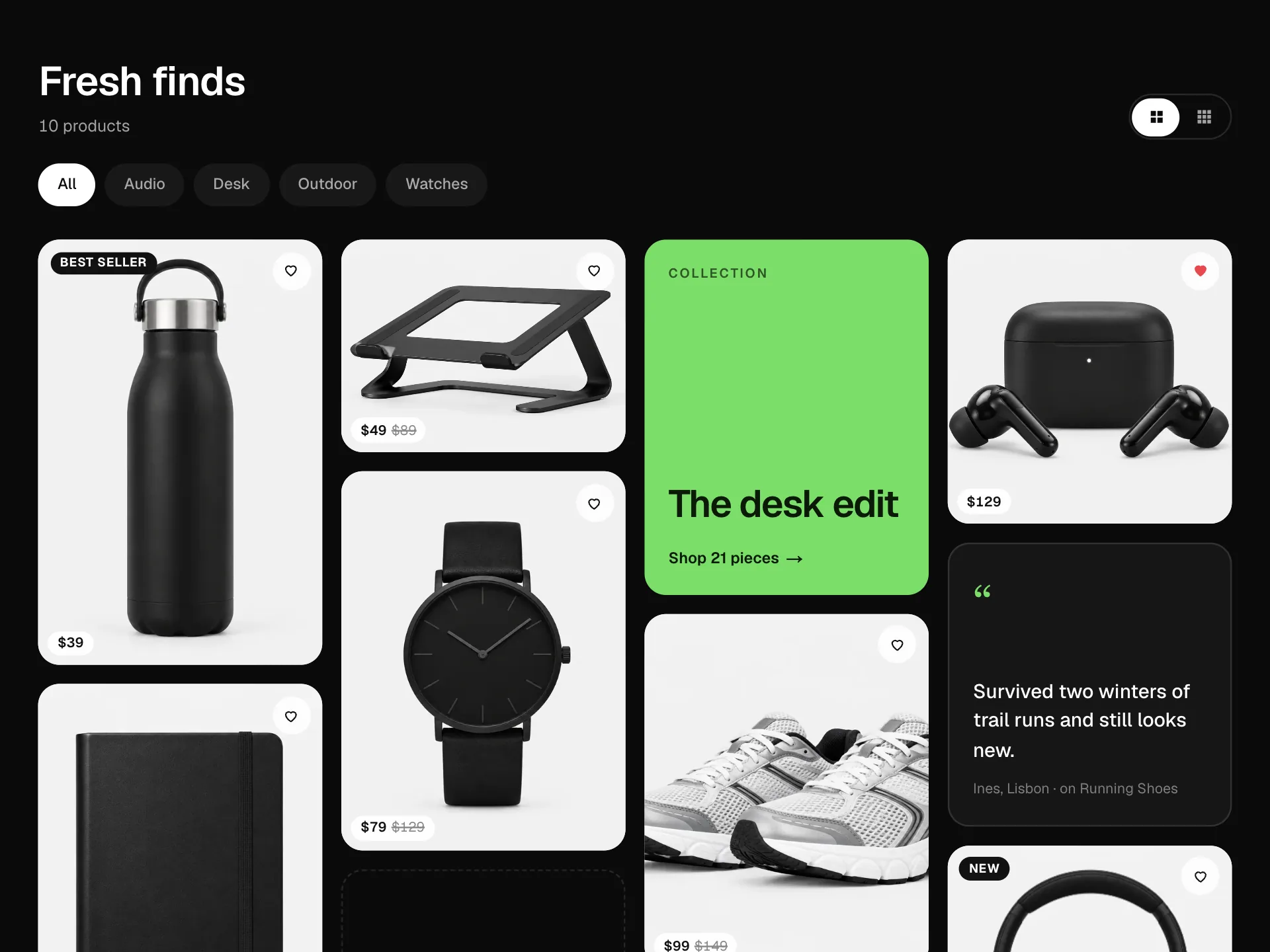
Pair it with a grid view toggle on the same page if shoppers browse visually; rows are better for comparing, grids for discovering.
Installation
Add the Product List View (Rows) component to your project with the shadcn CLI. It lands in components/product-list-rows.tsx as plain React + Tailwind CSS source you own and can edit.
npx shadcn@latest add @reactframe/product-list-rowsOr copy the source by hand and install its dependencies:
npm install motion clsx tailwind-mergeCollections
Use-case pages that compare Product List View (Rows) with the other components that do a similar job.
npm dependencies
Installed for you by the shadcn CLI.
Product List View (Rows) FAQ
- How does stock show?
- Each product has a stock count. Above 8 it reads In stock, 1 to 8 reads Only N left in amber, and 0 greys the photo, says Sold out and turns the button into Notify me, which calls onWishlist so you can subscribe the shopper.
- What does the quantity stepper do?
- It sets how many the Add to cart button adds, capped at 9 and at the units in stock. onAdd receives the product and the quantity.
- How does compare work?
- The Compare checkbox adds a product to a tray at the bottom of the block, up to maxCompare (3 by default; further boxes disable). The Compare button turns on at two products and calls onCompare with them. Tap a thumbnail in the tray to drop it.
- Can I change how many details a row shows?
- Specs are the chips under the blurb (keep them to two or three short facts); details are the bullet points shown when Details is opened. Compact density hides the blurb and chips but keeps rating, stock and price.
- Is it accessible?
- Rows are a list of headings, Details is a disclosure button with aria-expanded, the density control is a radio group, stock and the product count are plain text, and every icon button has a name that includes the product.