Newsletter Discount Modal React component
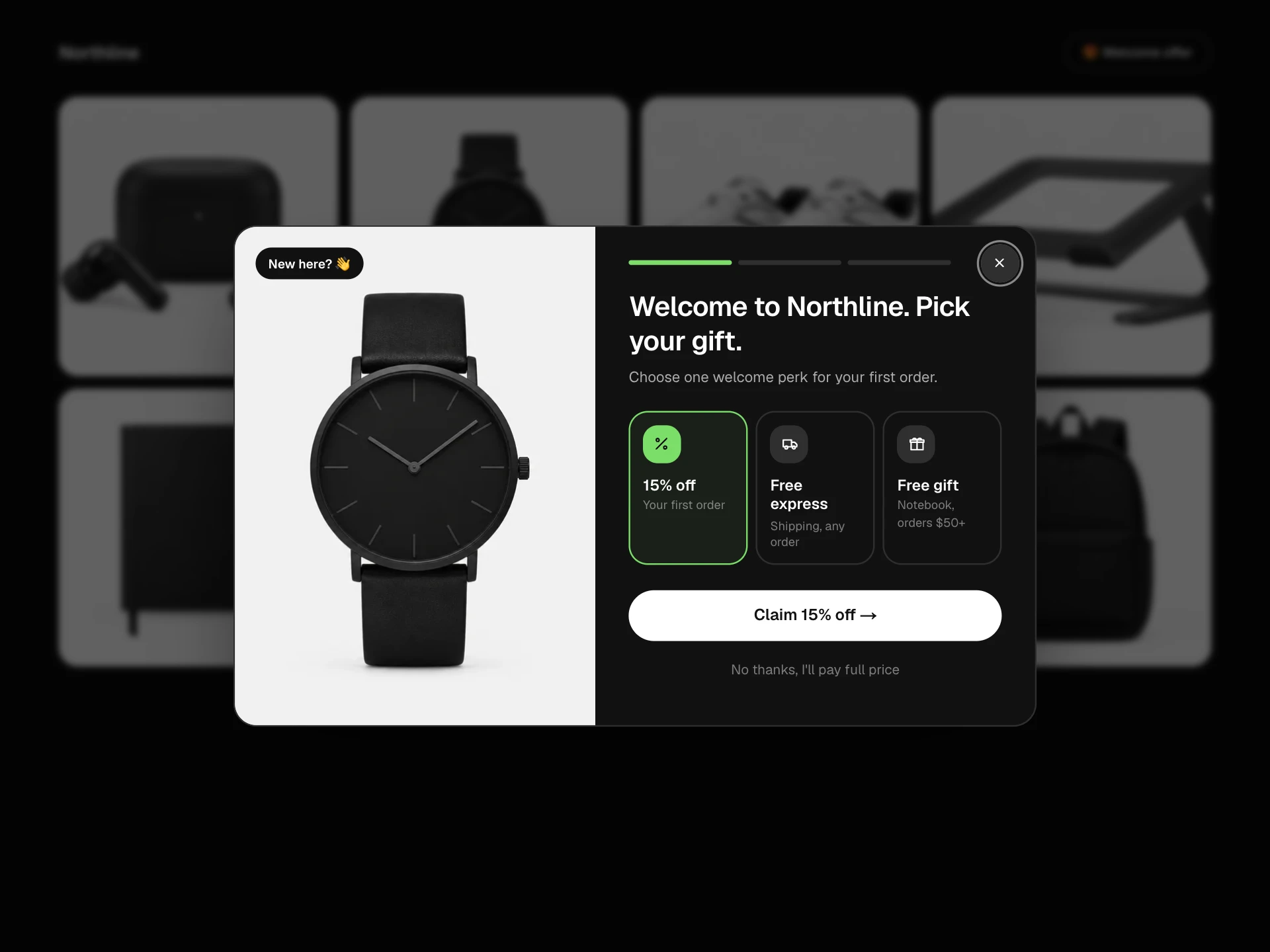
A newsletter sign-up popup with a first-order discount: a sample issue on paper, weekly or drops-only frequency, interest chips and an email field, then a stamped letter and a perforated coupon ticket with copy, apply to cart and an expiry countdown, plus a corner teaser if it's dismissed.
About the Newsletter Discount Modal component
Newsletter Discount Modal is the sign-up popup a store shows to new visitors: join the email list and get money off the first order. Instead of a bare email box, it shows a sample of the newsletter on paper so people can see what they're signing up for, and lets them choose a weekly letter or drop alerts only.
When they join, a rubber stamp lands on the letter and the code appears on a coupon ticket with a copy button, an Apply to cart button and a countdown to when it expires. If someone closes it without signing up, a small offer pill stays in the corner so they can come back to it later.
When to use it
Use it on an online shop's home, collection or product pages to grow the email list with a first-order discount.
Open it after a few seconds or on exit intent rather than straight away, and keep the discount and expiry honest: they're on the ticket for everyone to see.
Installation
Add the Newsletter Discount Modal component to your project with the shadcn CLI. It lands in components/newsletter-discount-modal.tsx as plain React + Tailwind CSS source you own and can edit.
npx shadcn@latest add @reactframe/newsletter-discount-modalOr copy the source by hand and install its dependencies:
npm install motion clsx tailwind-mergeProps
<NewsletterDiscountModal /> accepts 11 props (required ones are marked *).
| Prop | Type | Default |
|---|---|---|
| store | string | "Northline" |
| discount Percent off the first order. | number | 15 |
| code | string | "LETTER15" |
| validHours How long the code is valid after signing up, in hours. | number | 48 |
| issue | object | ISSUE |
| issue.number* | number | — |
| issue.title* | string | — |
| issue.images* | string[] | — |
| interests | string[] | INTERESTS |
| openAfter Open automatically after this many milliseconds. Set to null to wait for the teaser. | number | null | 900 |
| onSubscribe Return a Promise to keep the button busy while you subscribe the email. | (value: { email: string; frequency: "weekly" | "drops"; interests: string[] }) => void | Promise<void> | — |
| onApply | (code: string) => void | — |
- storestringDefault: "Northline"
- discount
Percent off the first order.
numberDefault: 15 - codestringDefault: "LETTER15"
- validHours
How long the code is valid after signing up, in hours.
numberDefault: 48 - issueobjectDefault: ISSUE
- issue.number*number
- issue.title*string
- issue.images*string[]
- interestsstring[]Default: INTERESTS
- openAfter
Open automatically after this many milliseconds. Set to null to wait for the teaser.
number | nullDefault: 900 - onSubscribe
Return a Promise to keep the button busy while you subscribe the email.
(value: { email: string; frequency: "weekly" | "drops"; interests: string[] }) => void | Promise<void> - onApply(code: string) => void
Show all 14 propsShow fewer
| theme | "dark" | "light" | "dark" |
| className | string | — |
- theme"dark" | "light"Default: "dark"
- classNamestring
Collections
Use-case pages that compare Newsletter Discount Modal with the other components that do a similar job.
npm dependencies
Installed for you by the shadcn CLI.
Newsletter Discount Modal FAQ
- How do I connect it to my email tool?
- Pass onSubscribe. It gets the email, the chosen frequency and the interest chips, so you can tag the contact. Return a promise to keep the button busy; if it throws, the form shows an error and stays open.
- Where does the code come from?
- From the code prop. For unique codes per person, create one on your server inside onSubscribe and pass it back in, or render the block again with the new code.
- How does the expiry countdown work?
- It starts when the person signs up and counts down validHours (48 by default). It only runs in the browser, so the page always renders the same on the server. Enforce the real expiry on your discount code too.
- What happens when someone clicks Not now?
- The modal closes and a small '15% off your first order' pill appears in the bottom-left corner. Clicking it reopens the modal; the × hides it for the rest of the visit.
- Is it accessible?
- The popup is a labelled modal dialog, focus starts on the close button and returns to the corner pill, Escape and the backdrop close it, the frequency is a radio group, chips are toggle buttons, errors are announced and the copy and apply results are read out politely.