Accordion Checkout React component
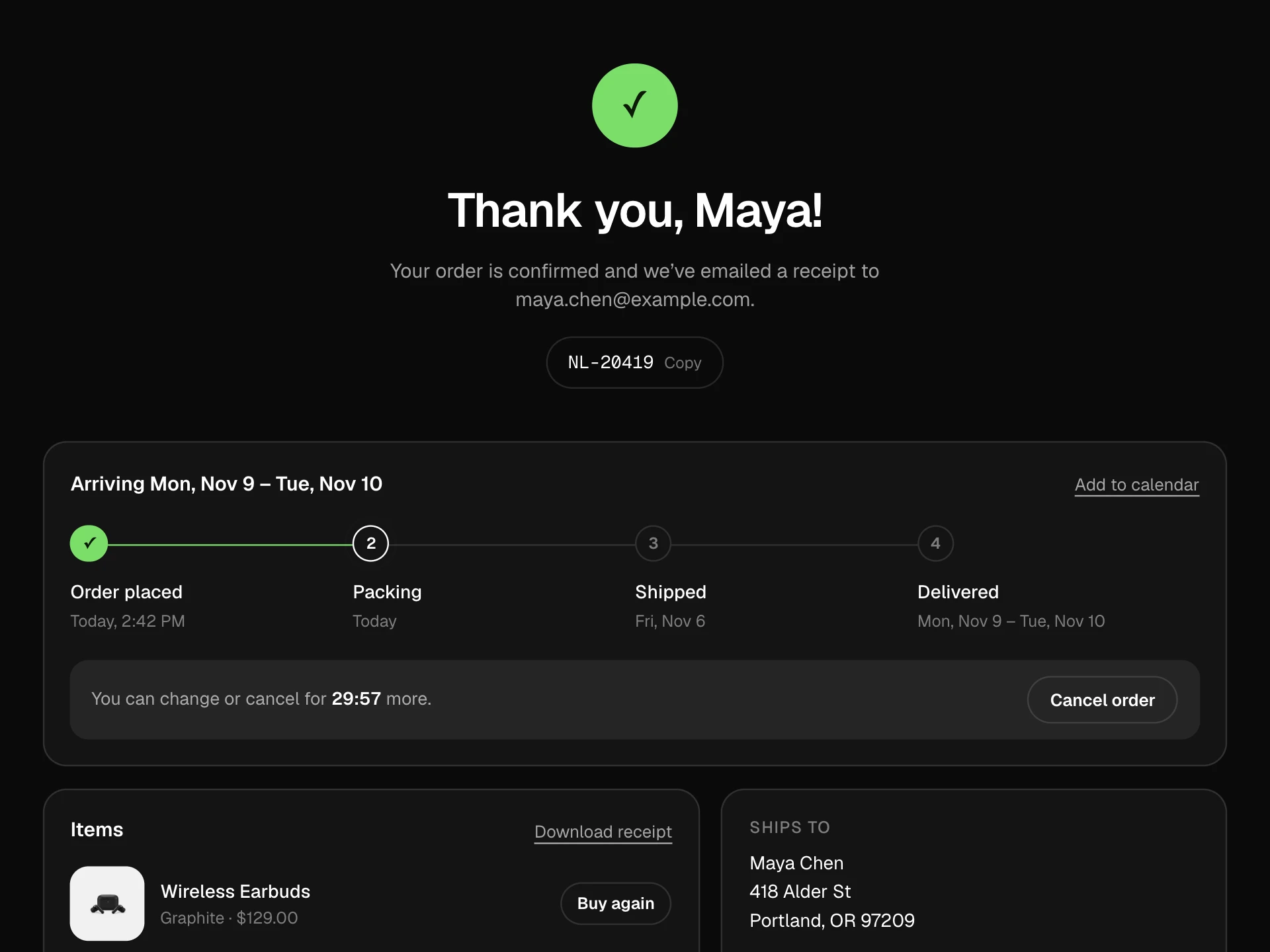
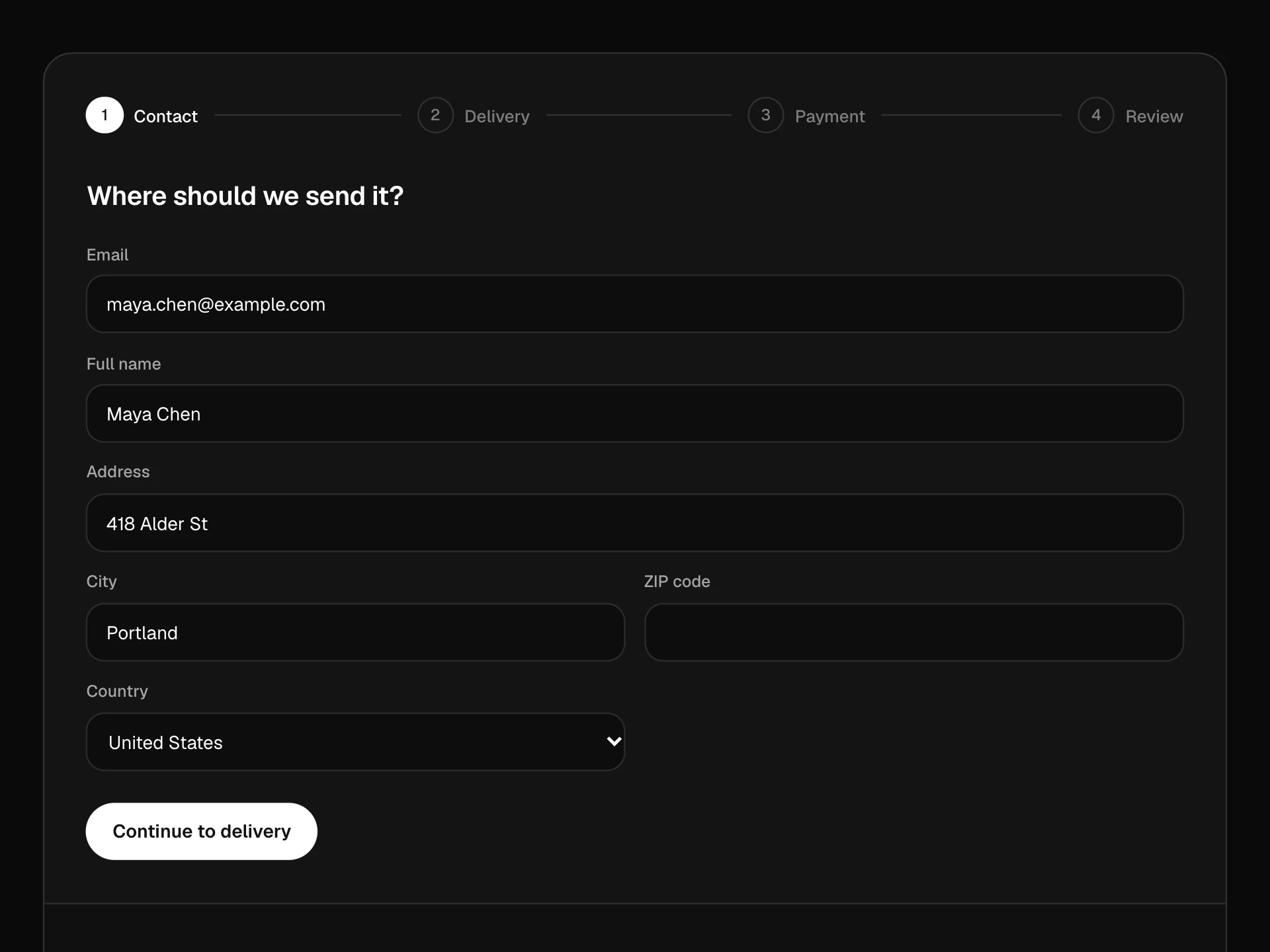
A one-page checkout made of four accordion sections (contact, shipping address, delivery, payment) that open in turn, check their fields and fold into a one-line summary with edit, a segmented progress bar, a pay button that unlocks when everything is filled, and a sticky order summary with discount codes and tax.
About the Accordion Checkout component
Accordion Checkout keeps the whole checkout on one page but only shows one part at a time: contact, shipping address, delivery and payment open in order, and each folds into a one-line summary once it's filled, so the page stays short and the shopper always knows what's left.
A segmented bar and an n of 4 counter show progress, any finished section can be reopened with Edit, and the Pay button stays locked until the details it depends on are in. The order summary sits alongside with discount codes, shipping and tax.
When to use it
Use it when you want a single-page checkout that doesn't overwhelm: returning customers can skim the summaries, new ones get one small form at a time.
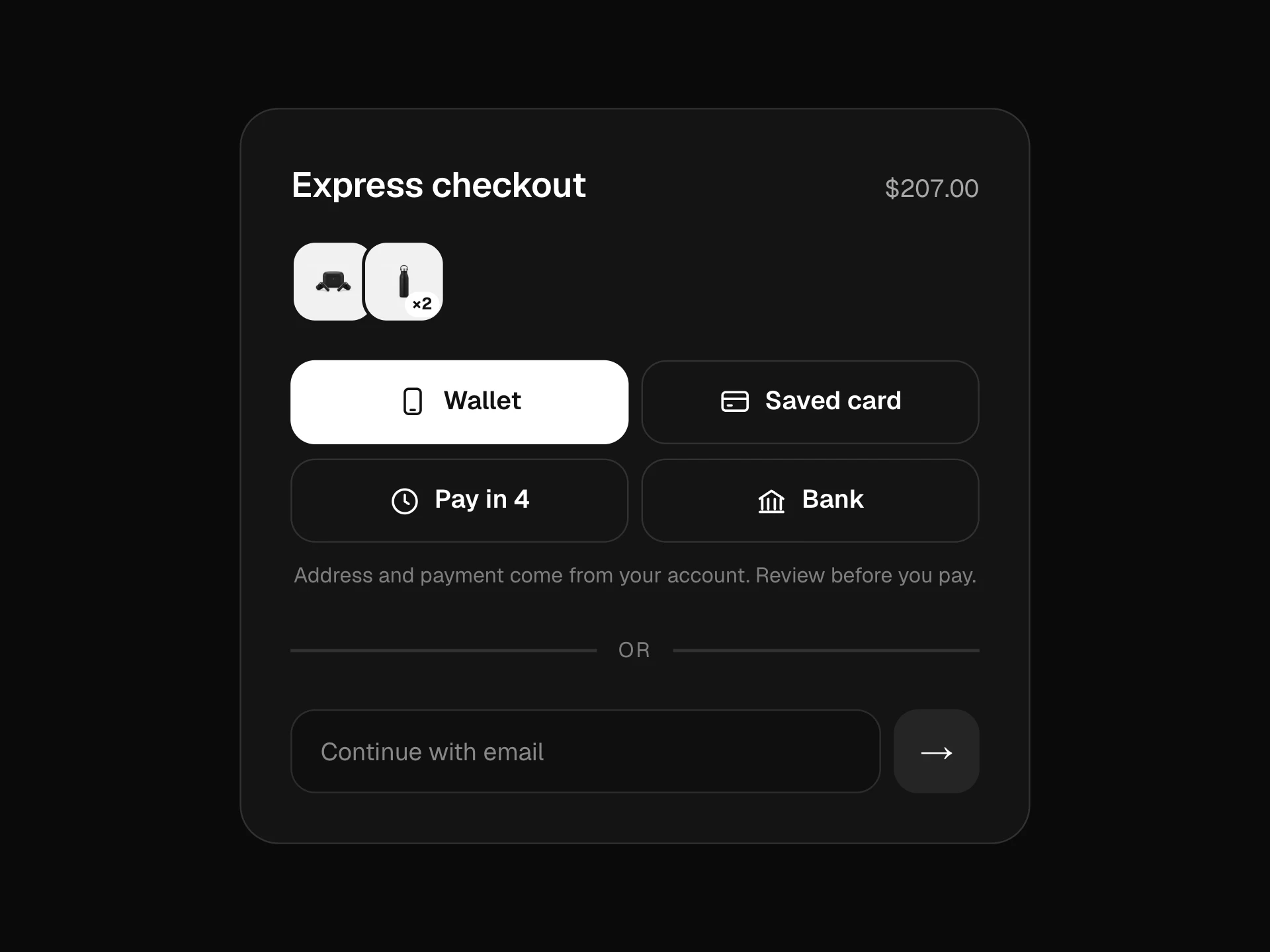
If most shoppers pay with a wallet or saved details, put express buttons above it; if you need extra steps (gift options, account creation), add them as more sections.
Installation
Add the Accordion Checkout component to your project with the shadcn CLI. It lands in components/accordion-checkout.tsx as plain React + Tailwind CSS source you own and can edit.
npx shadcn@latest add @reactframe/accordion-checkoutOr copy the source by hand and install its dependencies:
npm install motion clsx tailwind-mergeCollections
Use-case pages that compare Accordion Checkout with the other components that do a similar job.
npm dependencies
Installed for you by the shadcn CLI.
Accordion Checkout FAQ
- How does it decide what opens next?
- Continue checks the open section. If it's valid, the section is marked done, folds into its summary and the first section that isn't done yet opens, with focus moved to its header.
- When can the shopper pay?
- Pay unlocks once contact, address and delivery are done. Pressing it checks the card fields; if they need work, the payment section opens with the errors shown.
- What do the sample codes do?
- SAVE10 takes 10% off the subtotal and FREESHIP makes delivery free (the delivery options show Free too). Pass your own codes map to replace them.
- Does it take real card data?
- The fields demonstrate the pattern. In production use your payment provider's hosted card fields in the payment section; onPay only receives the brand and the last four digits.
- Is it accessible?
- Section headers are buttons with aria-expanded inside headings, fields have labels, autocomplete hints and error text linked with aria-describedby, delivery is a radio group, and the total and progress counter are announced politely.