Multi-step Checkout Block React component
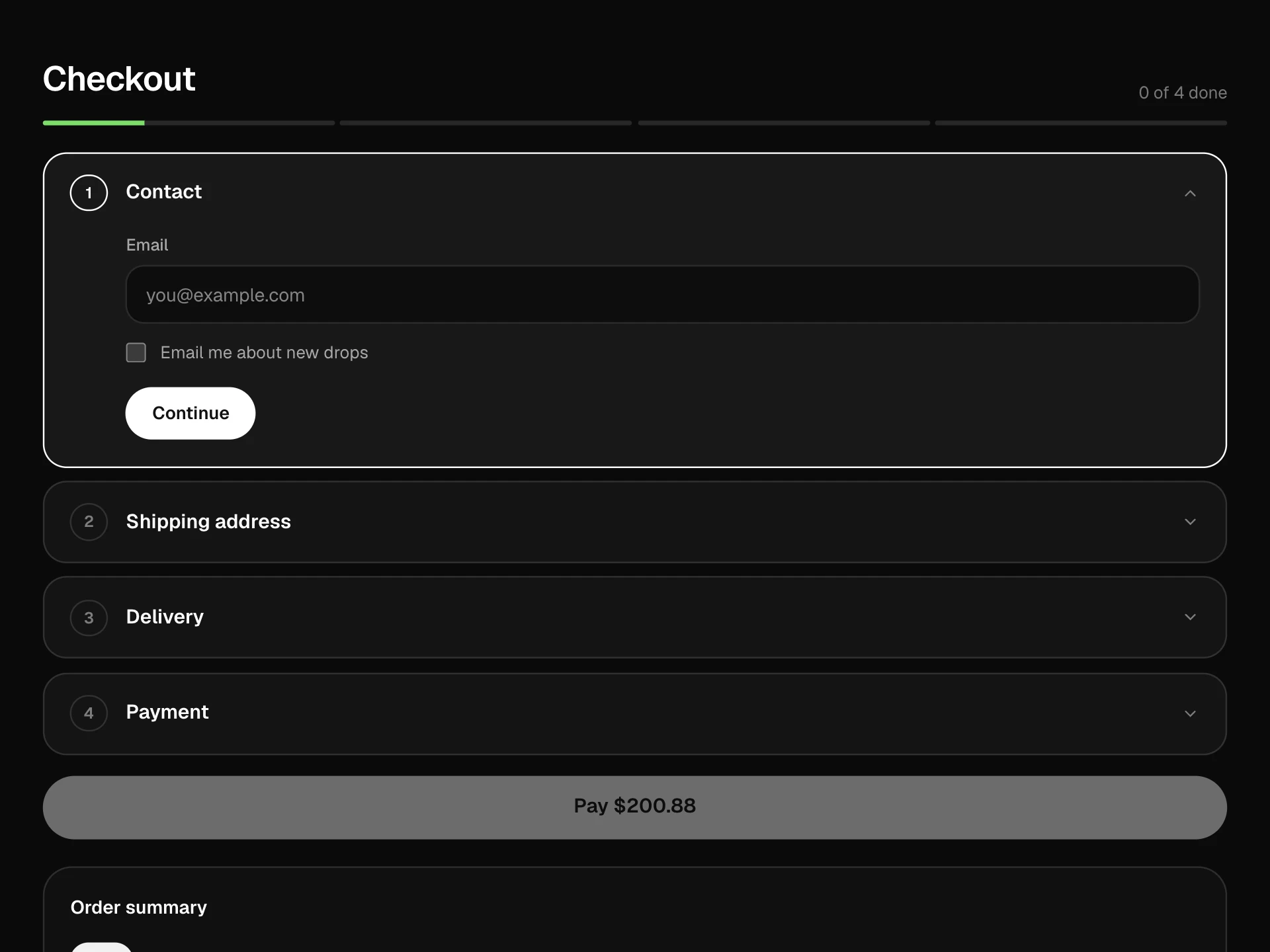
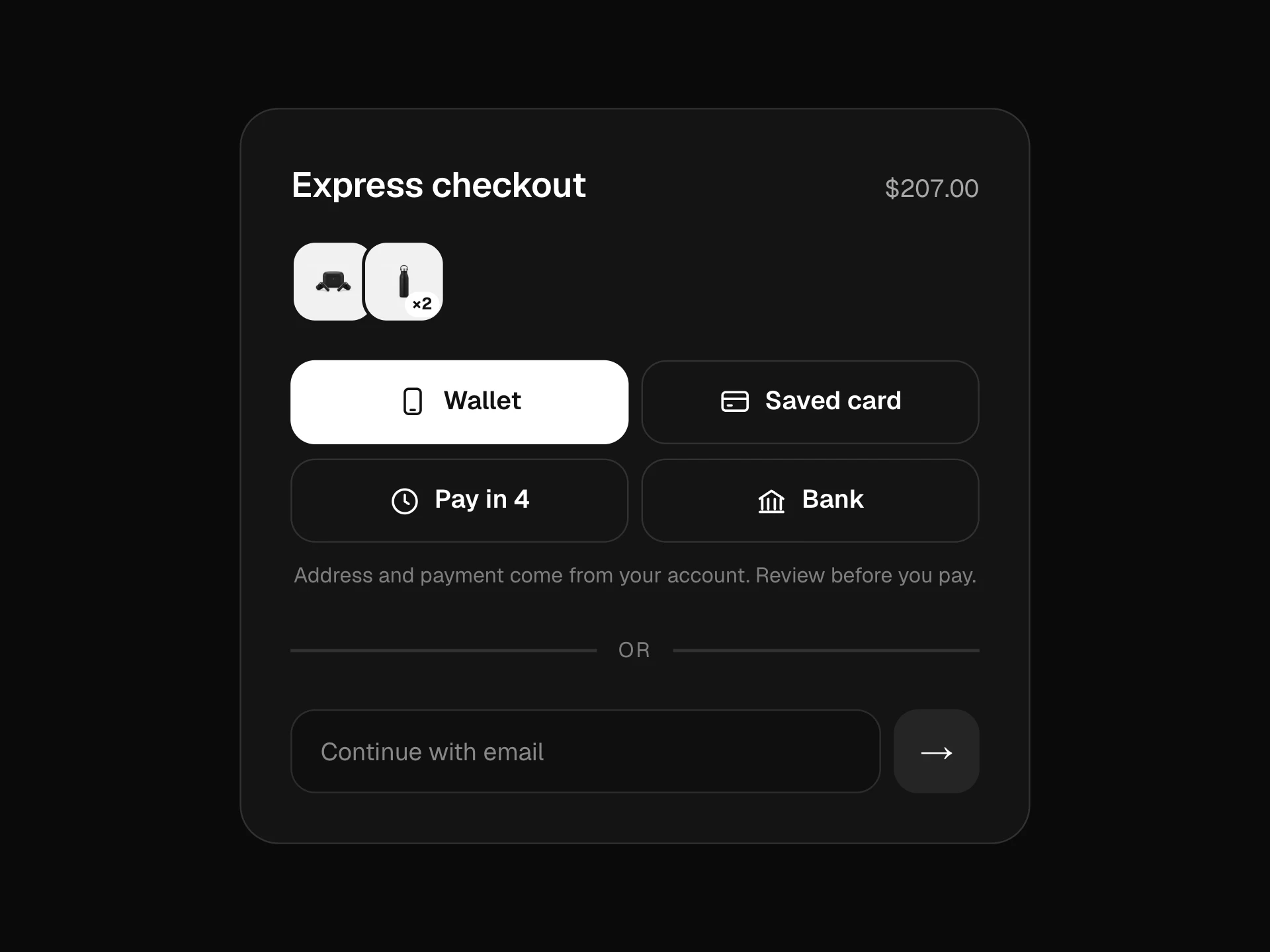
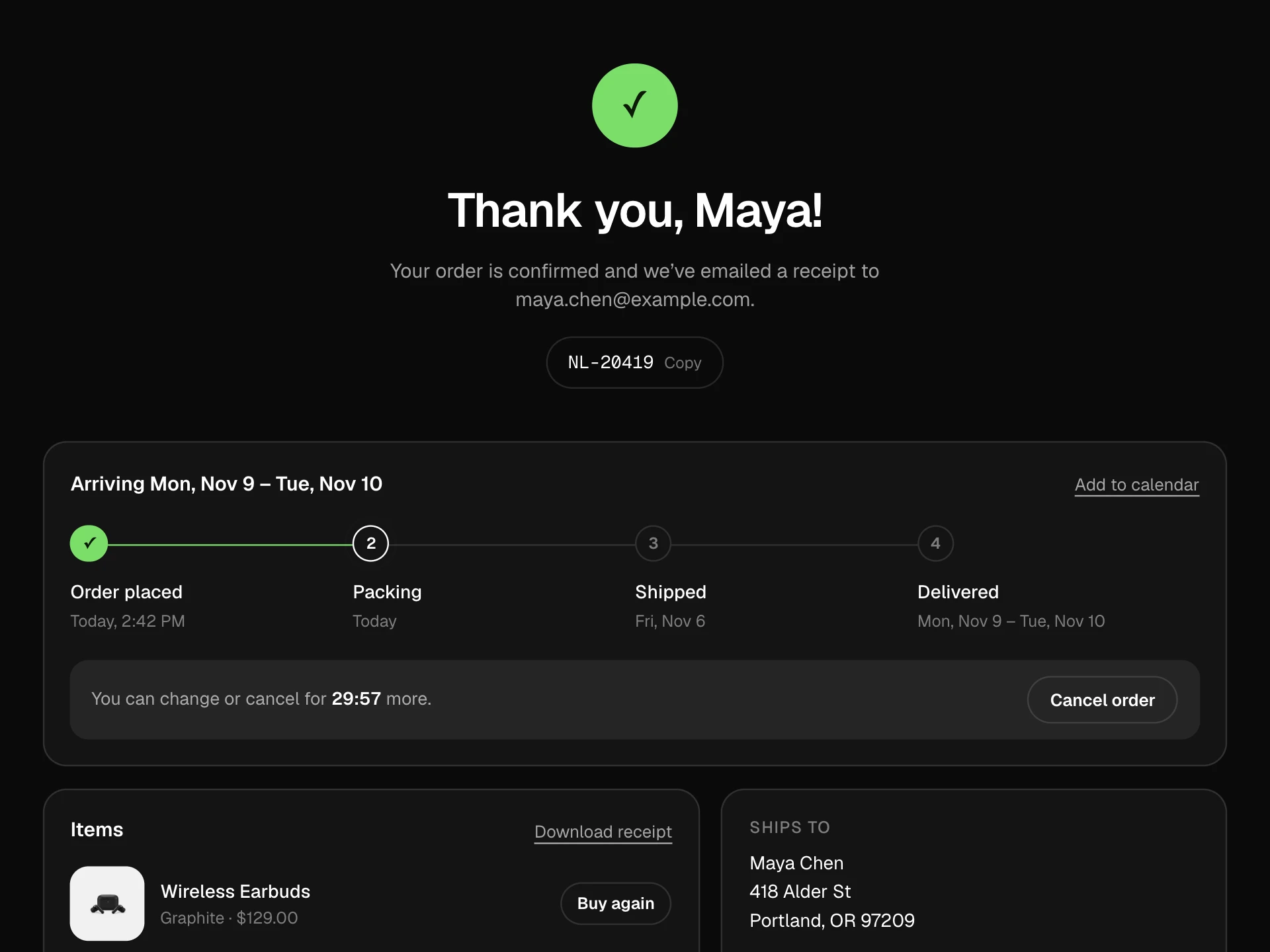
A four-step checkout in one card: a stepper whose connectors fill as you go, contact and address with country-aware postcode checks, delivery options, card payment with brand detection and a Luhn check, a review with edit links, then a placing-order state and a success screen, next to an order summary with tax.
About the Multi-step Checkout Block component
Multi-step Checkout Block splits checkout into four short screens (contact, delivery, payment, review) inside one card, with the order summary alongside. Each step only asks for a few things, checks them when you press Continue and slides to the next.
The stepper at the top fills in as steps are finished and lets shoppers jump back to anything they've already done. The review step repeats every choice with an Edit link, and placing the order shows progress and then a success screen with the order number.
When to use it
Use it for checkouts with real choices to make (several delivery options, saved cards, gift messages) where one long form would feel heavy, especially on phones.
For a short cart with one delivery option, a single-page checkout is quicker; four steps for three fields feels slow.
Installation
Add the Multi-step Checkout Block component to your project with the shadcn CLI. It lands in components/multi-step-checkout-block.tsx as plain React + Tailwind CSS source you own and can edit.
npx shadcn@latest add @reactframe/multi-step-checkout-blockOr copy the source by hand and install its dependencies:
npm install motion clsx tailwind-mergeCollections
Use-case pages that compare Multi-step Checkout Block with the other components that do a similar job.
npm dependencies
Installed for you by the shadcn CLI.
Multi-step Checkout Block FAQ
- What gets validated?
- Email format, a first and last name, a street, a city and the ZIP or postcode for the chosen country (US, Canada and UK patterns). On payment it checks the card number with a Luhn check, that the expiry isn't in the past, a 3 or 4 digit CVC and a name. Errors appear under each field after Continue.
- Does it handle real card data?
- It shouldn't. The fields are there to show the pattern; in production put your payment provider's hosted fields in the payment step. onComplete only receives the last four digits, the brand and whether to save the card.
- How is tax worked out?
- taxRate is a fraction of the subtotal (0.08 for 8%), rounded to cents and shown on its own line; shipping comes from the chosen delivery option.
- Can shoppers go back?
- Yes. Back moves one step, every finished step in the stepper is a button, and each row on the review step has an Edit link that jumps straight to its step.
- Is it accessible?
- The stepper marks the current step with aria-current, each step's heading takes focus when it appears, delivery is a radio group, fields have labels and autocomplete hints, the total is announced politely and the success message is a status.