Horizontal Filter Bar React component
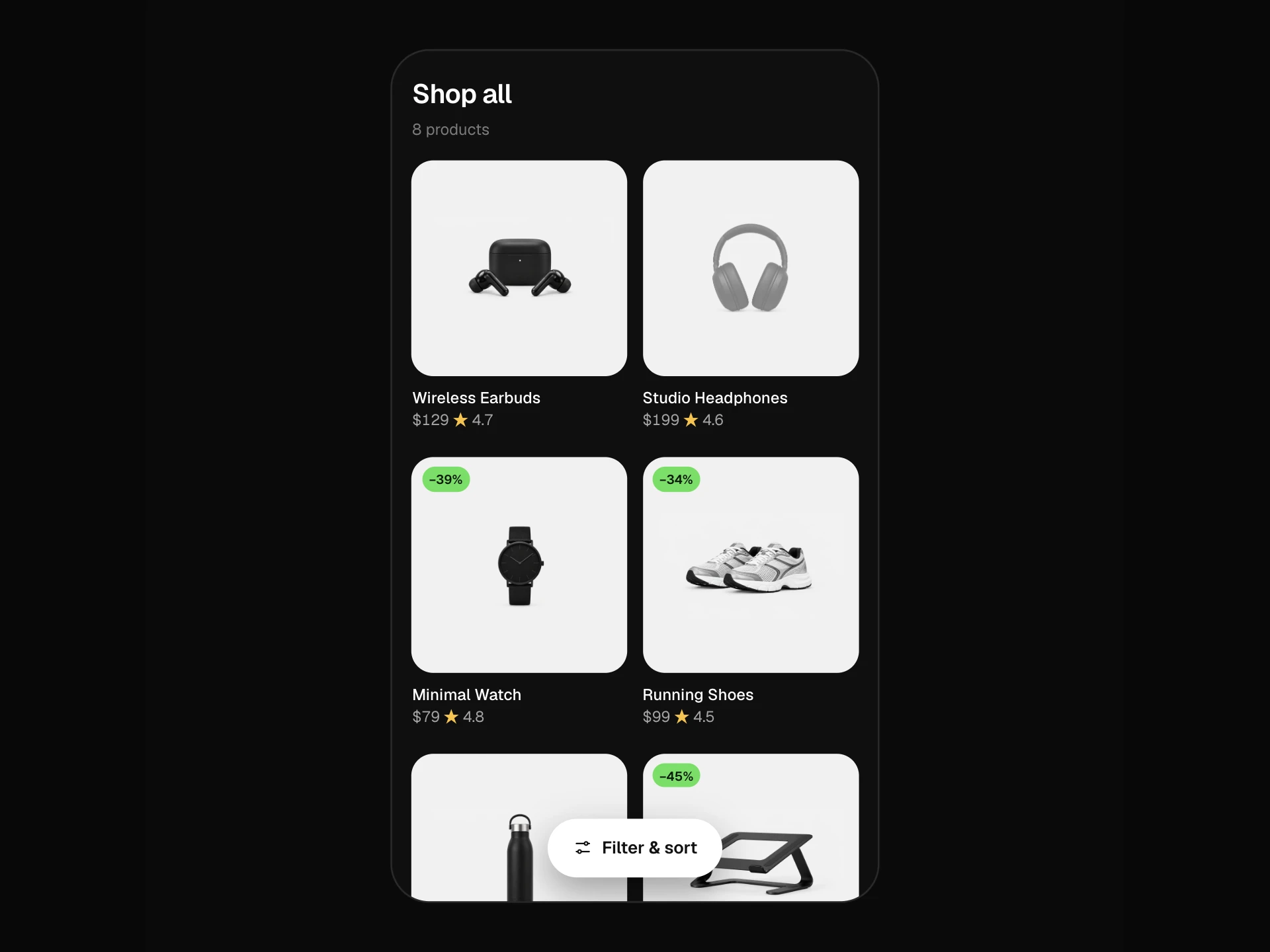
A sticky filter bar above a product grid: dropdown pills for category (with live counts), price range with presets, colour swatches and rating, one-tap On sale and In stock toggles, a sort menu, removable active-filter chips with clear all, and a grid that reflows with animation; scrolls sideways on phones.
About the Horizontal Filter Bar component
Horizontal Filter Bar puts a store's filters in one row above the products instead of a sidebar, which leaves the full width for the grid. Each filter is a pill that opens a small panel: categories with counts, a price range, colour swatches and a minimum rating, plus On sale and In stock toggles and a sort menu.
Choices show up straight away as removable chips under the bar, the pills fill in with a count when they're active, and the grid reflows with a short animation. The bar sticks to the top while scrolling, and on phones it scrolls sideways.
When to use it
Use it for catalogues with a handful of filters where a sidebar would waste space, such as small to mid-size stores, collection pages and search results.
With many filter groups (ten or more), a sidebar or a full-screen filter modal on phones is easier to scan.
Installation
Add the Horizontal Filter Bar component to your project with the shadcn CLI. It lands in components/horizontal-filter-bar.tsx as plain React + Tailwind CSS source you own and can edit.
npx shadcn@latest add @reactframe/horizontal-filter-barOr copy the source by hand and install its dependencies:
npm install motion clsx tailwind-mergeCollections
Use-case pages that compare Horizontal Filter Bar with the other components that do a similar job.
npm dependencies
Installed for you by the shadcn CLI.
Horizontal Filter Bar FAQ
- How are the counts worked out?
- Each category and colour count shows how many products would match if you picked it, given every other active filter. So the numbers never promise results that aren't there.
- How do panels close?
- Clicking the same pill, pressing Escape or clicking anywhere outside the bar closes the open panel. Rating and Sort close after a choice; Category, Price and Colour stay open so you can pick several things.
- Why don't the panels get cut off on phones?
- On narrow screens the pills scroll sideways inside the bar, so panels are positioned against the bar itself and span its width instead of hanging off a pill inside the scroller.
- Can I keep filters in the URL?
- onFiltersChange fires with every change (categories, colours, min, max, rating, sale, inStock, sort); write them to the query string there, and pass a filtered product list back in if you filter on the server.
- Is it accessible?
- Pills are buttons with aria-expanded pointing at their panels, toggles use aria-pressed, rating is a radio group, sort is a listbox with the selected option marked, chips are named Remove …, and the product count is announced politely.