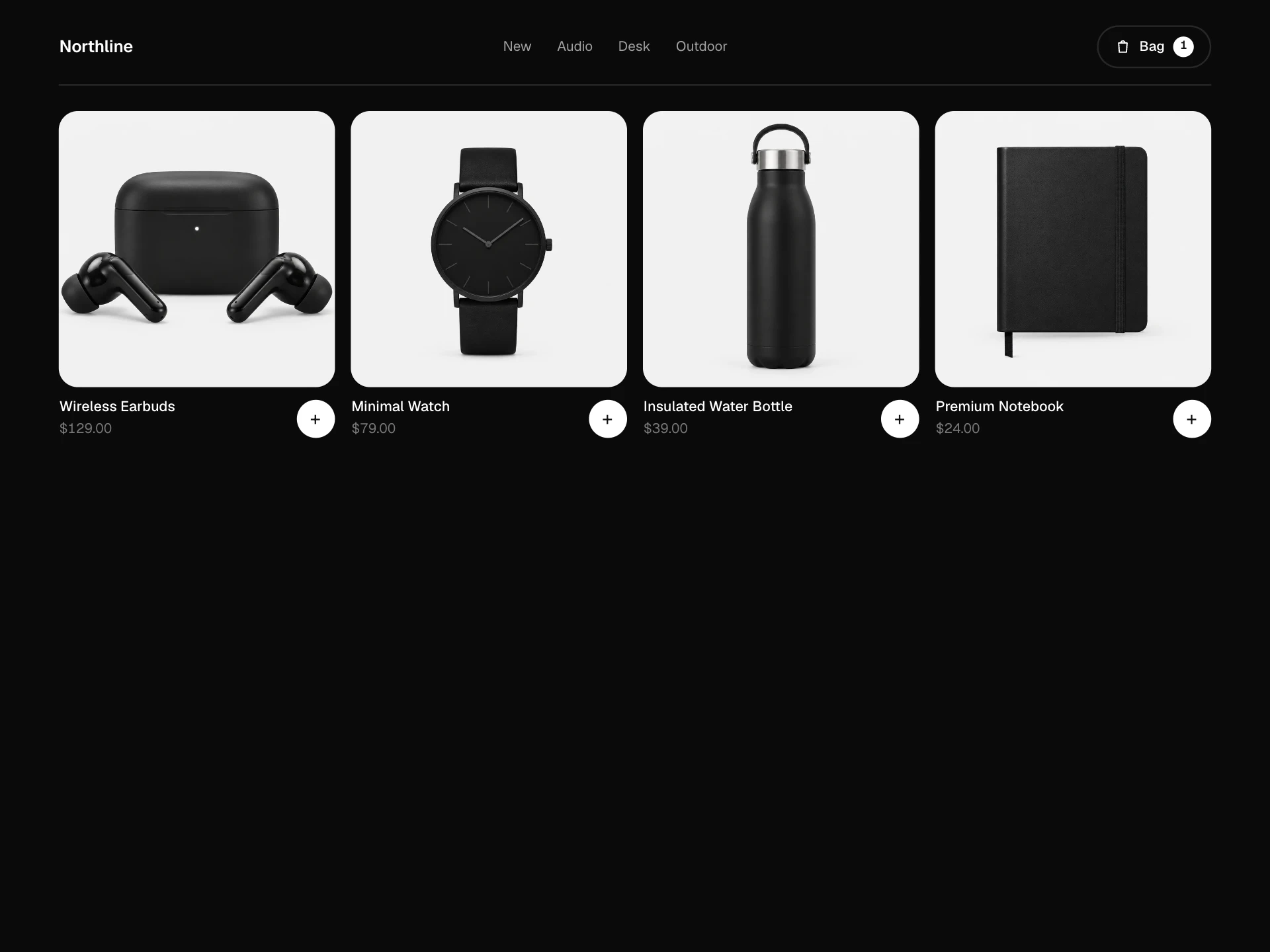
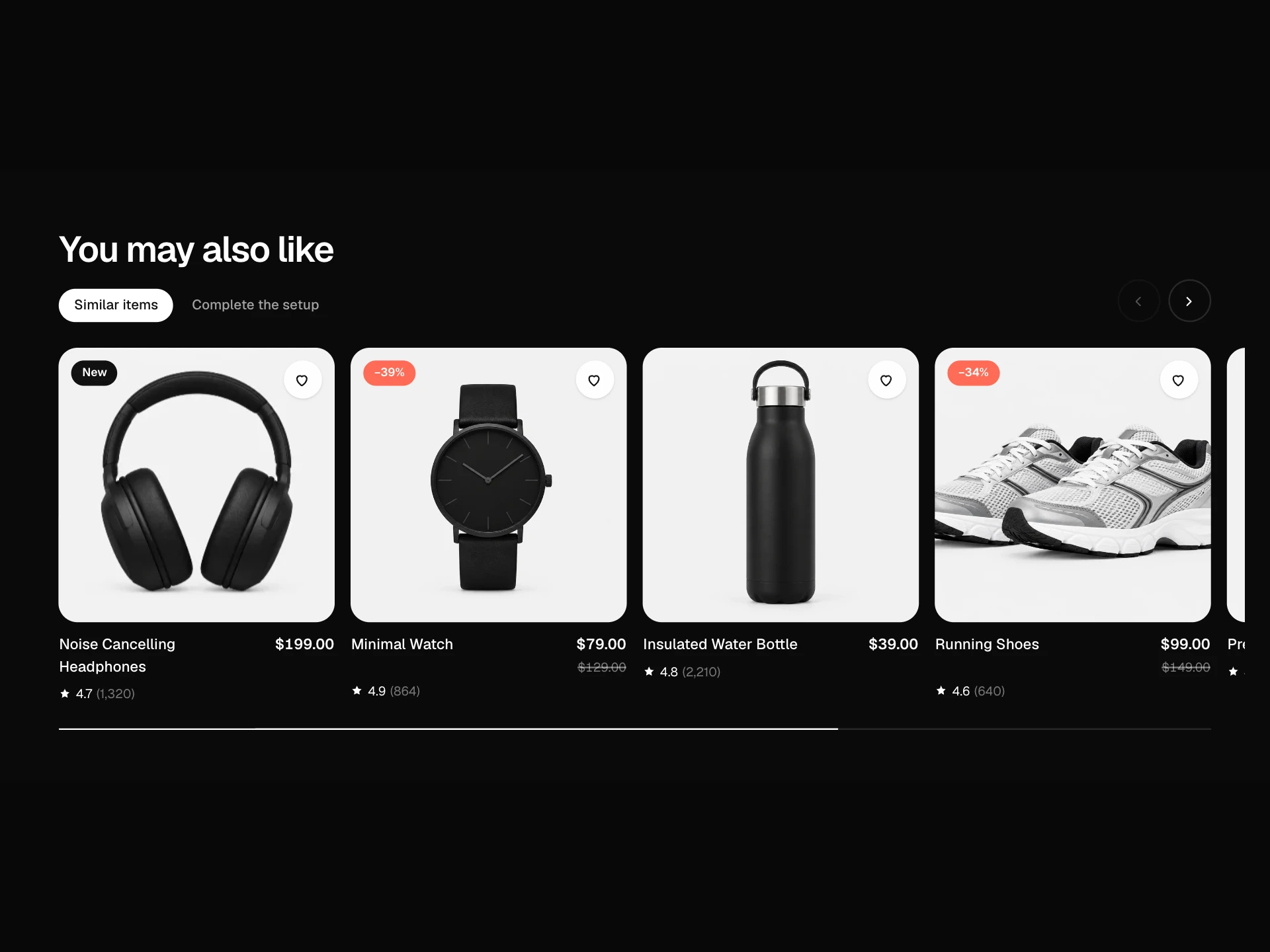
Order Summary Block React component
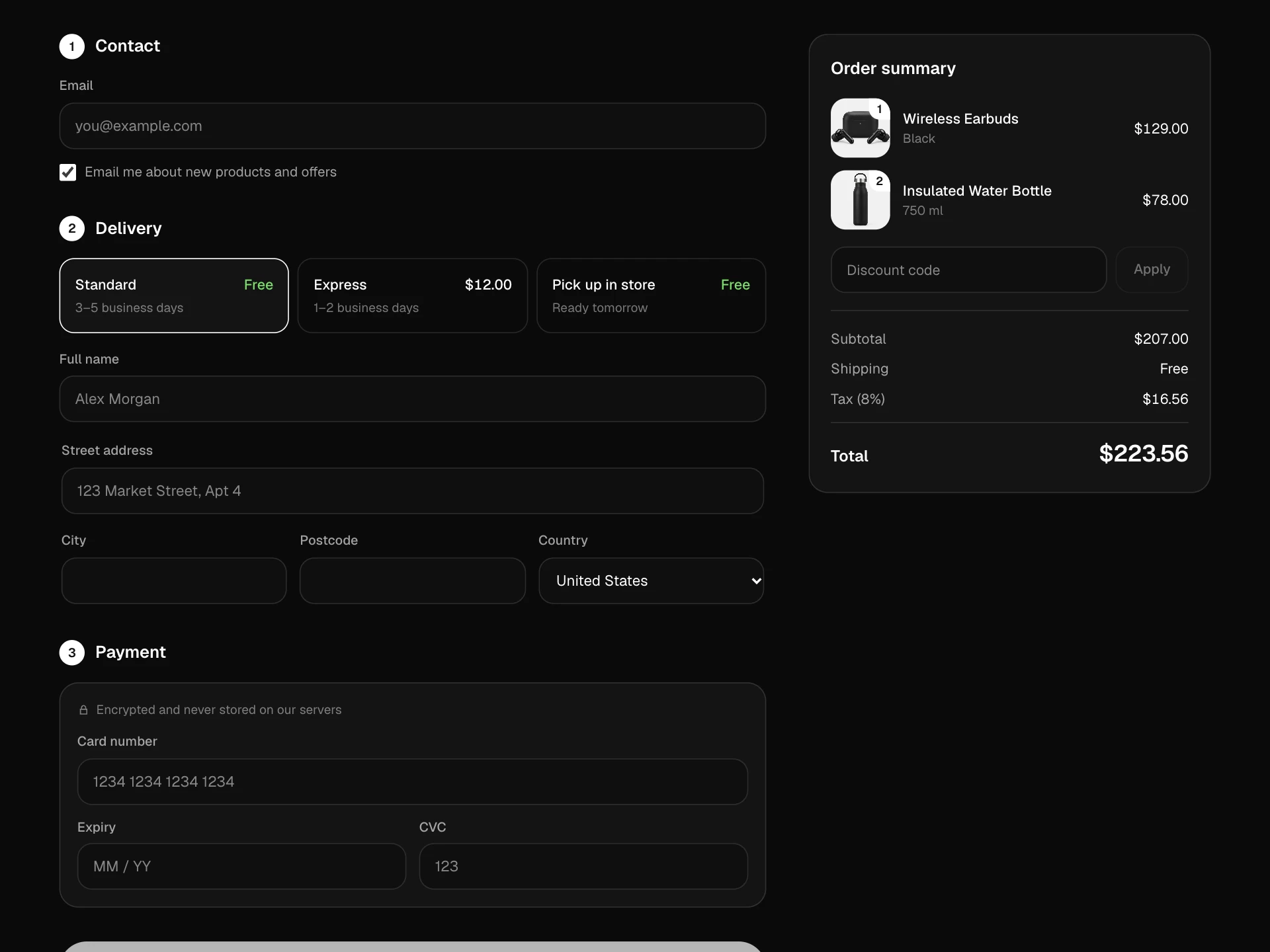
An editable order summary card: line items with thumbnails, quantity steppers, struck-through original prices and remove with undo, 'show more' for long orders, a gift-wrap option with a note, a delivery estimate worked out in business days, collapsible price details, a counting total and a savings callout.
About the Order Summary Block component
Order Summary Block is the 'review your order' card that sits beside or before payment. People can still change quantities or remove things, with an undo in case they tap the wrong one, and every change updates the total with a quick count.
It also answers the last questions before paying: when will it arrive, how much am I saving, and can I send it as a gift? Long orders stay compact behind 'show more'.
When to use it
Use it in a checkout sidebar, on a review step, or as the summary inside a cart page.
For the full checkout form use the Checkout Form Block; for discount codes use the Coupon Code Block.
Installation
Add the Order Summary Block component to your project with the shadcn CLI. It lands in components/order-summary-block.tsx as plain React + Tailwind CSS source you own and can edit.
npx shadcn@latest add @reactframe/order-summary-blockOr copy the source by hand and install its dependencies:
npm install motion clsx tailwind-mergeProps
<OrderSummaryBlock /> accepts 10 props, all optional.
| Prop | Type | Default |
|---|---|---|
| lines | { id: string; title: string; variant: string; price: number; compareAtPrice?: number; quantity: number; image?: string }[] | LINES |
| currency | string | "$" |
| shipping | number | 0 |
| taxRate | number | 0.08 |
| giftWrapPrice | number | 5 |
| deliveryDays Business days until delivery, as [min, max]. Dates are worked out in the browser. | [number, number] | [2, 4] |
| ctaLabel | string | "Continue to payment" |
| onContinue | (summary: { lines: SummaryLine[]; gift: { wrap: boolean; message: string }; total: number }) => void | — |
| theme | "dark" | "light" | "dark" |
| className | string | — |
- lines{ id: string; title: string; variant: string; price: number; compareAtPrice?: number; quantity: number; image?: string }[]Default: LINES
- currencystringDefault: "$"
- shippingnumberDefault: 0
- taxRatenumberDefault: 0.08
- giftWrapPricenumberDefault: 5
- deliveryDays
Business days until delivery, as [min, max]. Dates are worked out in the browser.
[number, number]Default: [2, 4] - ctaLabelstringDefault: "Continue to payment"
- onContinue(summary: { lines: SummaryLine[]; gift: { wrap: boolean; message: string }; total: number }) => void
- theme"dark" | "light"Default: "dark"
- classNamestring
Collections
Use-case pages that compare Order Summary Block with the other components that do a similar job.
npm dependencies
Installed for you by the shadcn CLI.
Order Summary Block FAQ
- How is the delivery date calculated?
- In the browser, after the page loads: today plus deliveryDays business days (weekends skipped). Server and browser never disagree because the server renders a plain '2–4 business days' first.
- How does undo work?
- Removing a line keeps it for four seconds in an inline bar; Undo puts it back at the same position. After that it's gone.
- Where do I save changes?
- onContinue receives the edited lines, the gift choice and the total. Sync quantities with your cart there, or wire setQty and remove to your cart API directly.
- How are savings shown?
- Lines with compareAtPrice show the original price struck through, and their difference is summed into the green savings message.
- Is it accessible?
- Steppers and remove buttons are labelled per product, the item count and undo bar are announced, price details and 'show more' use aria-expanded, and the gift note has a label.