Recently Viewed Products React component
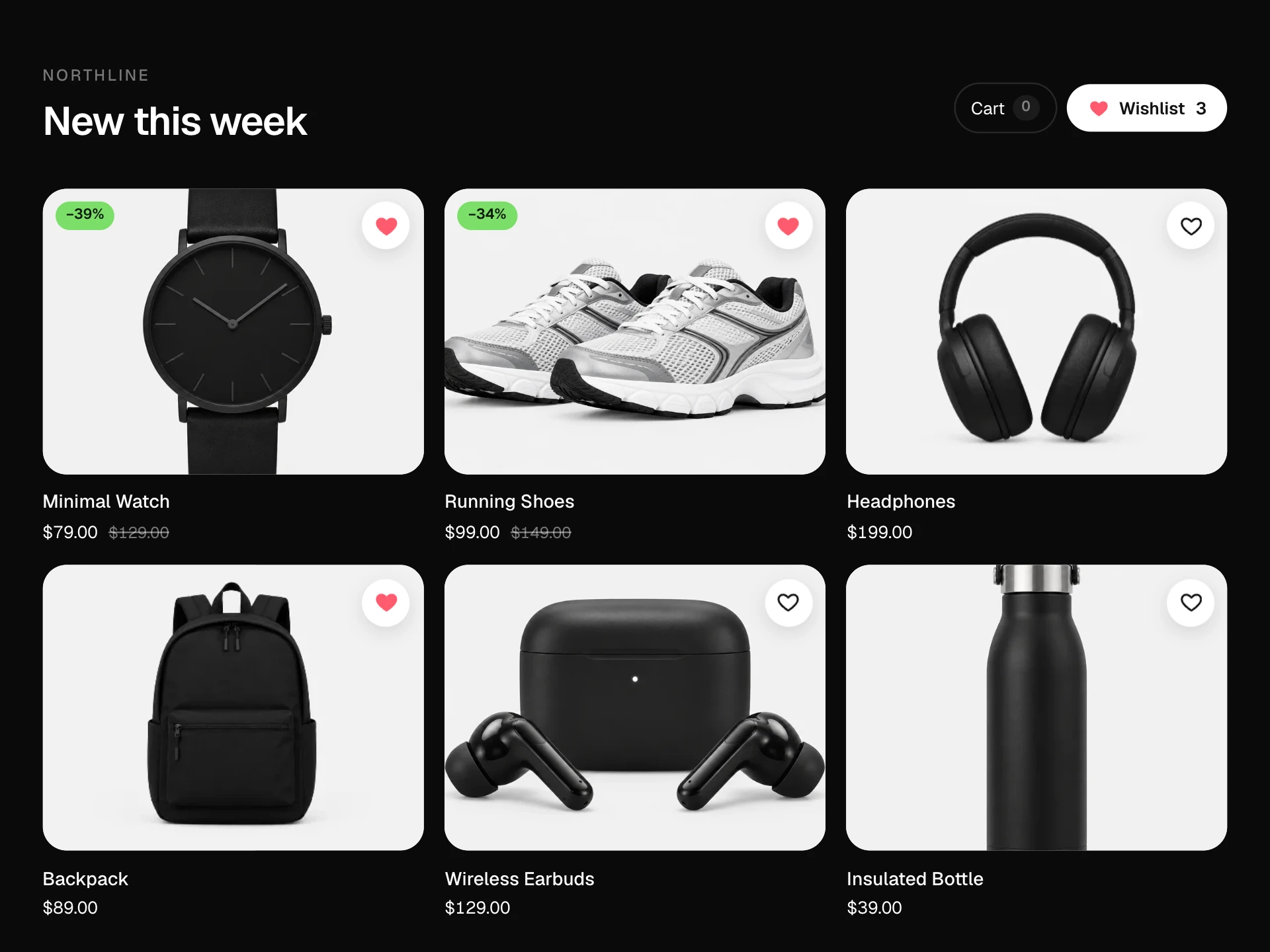
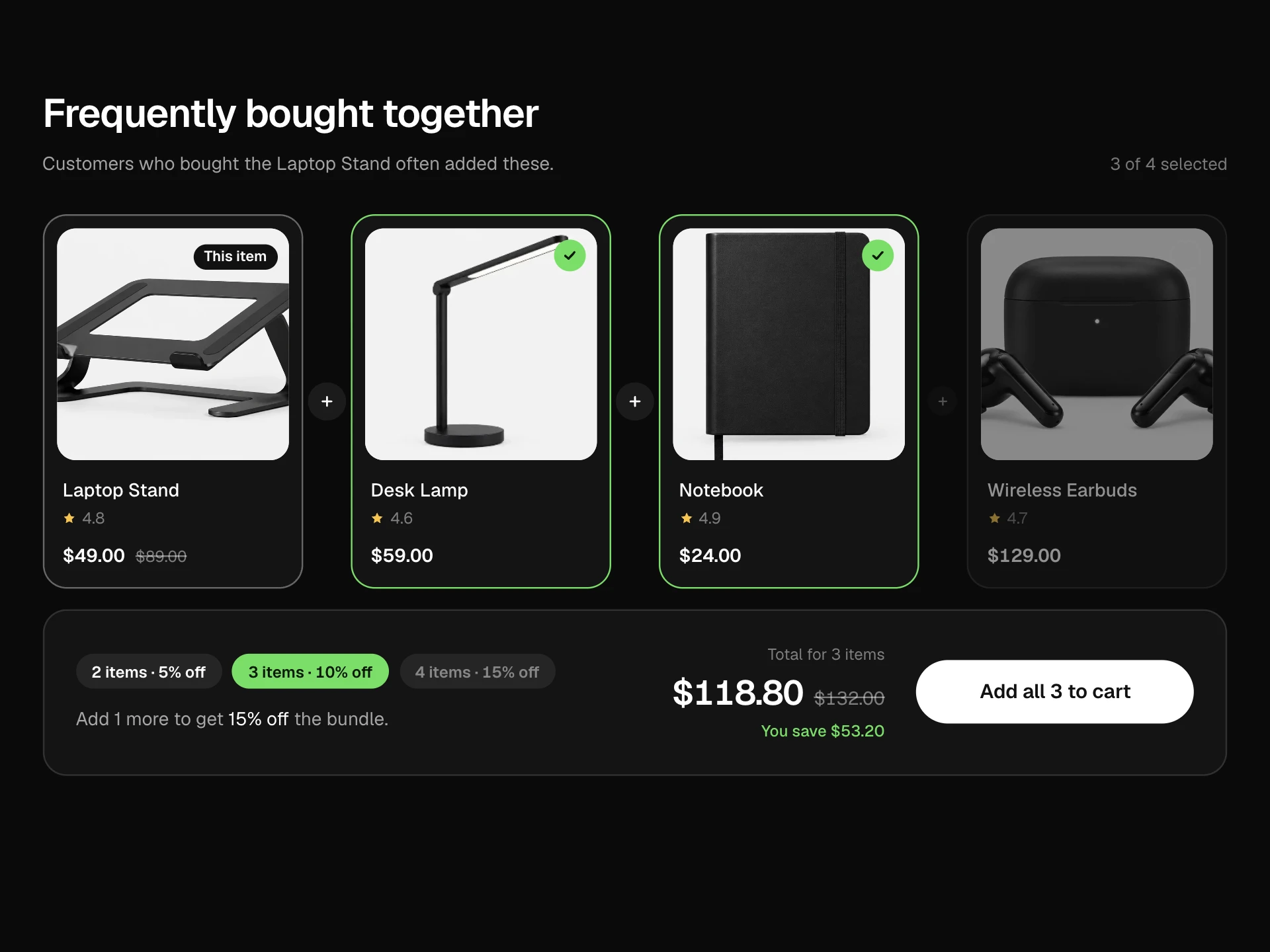
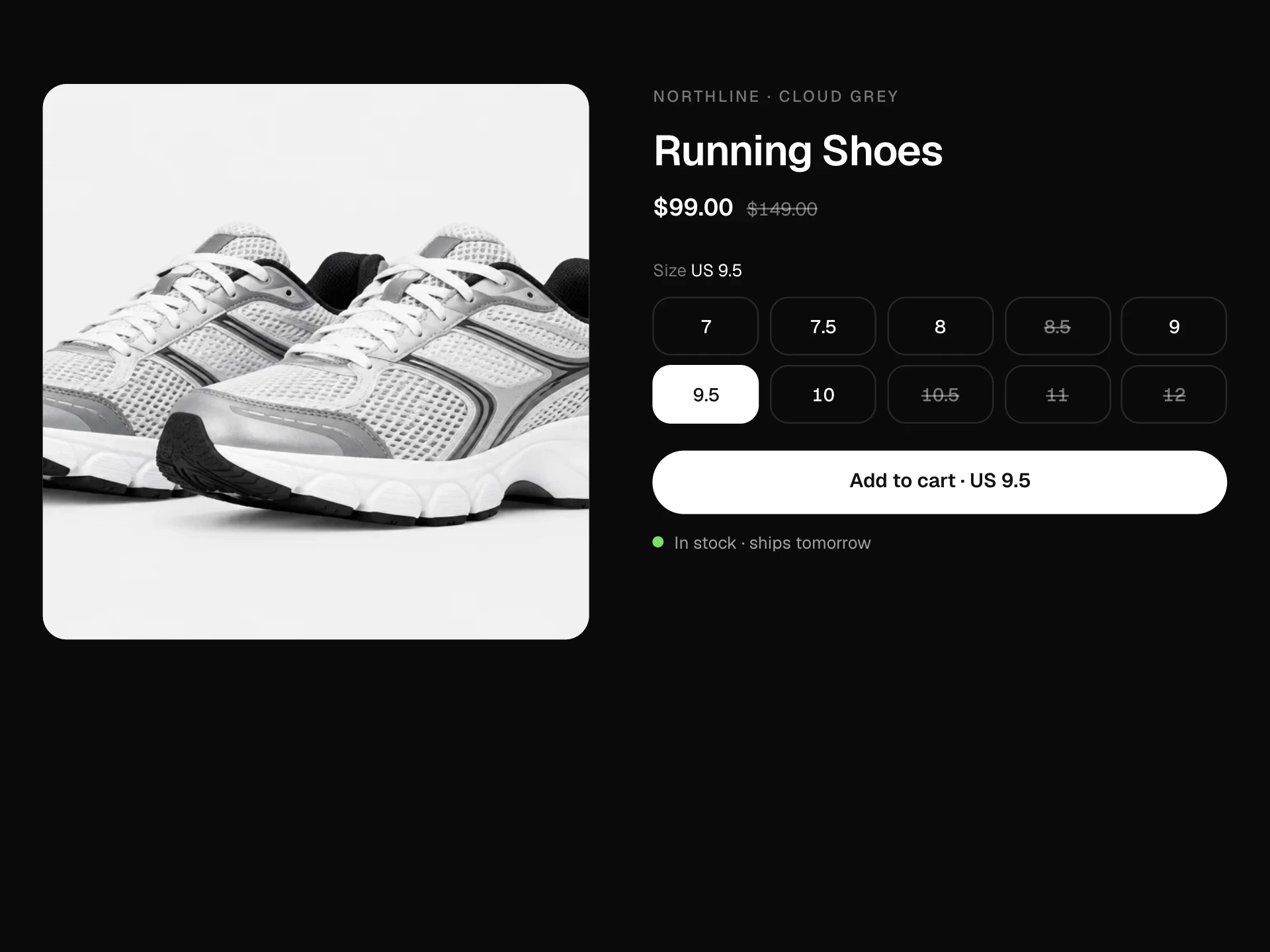
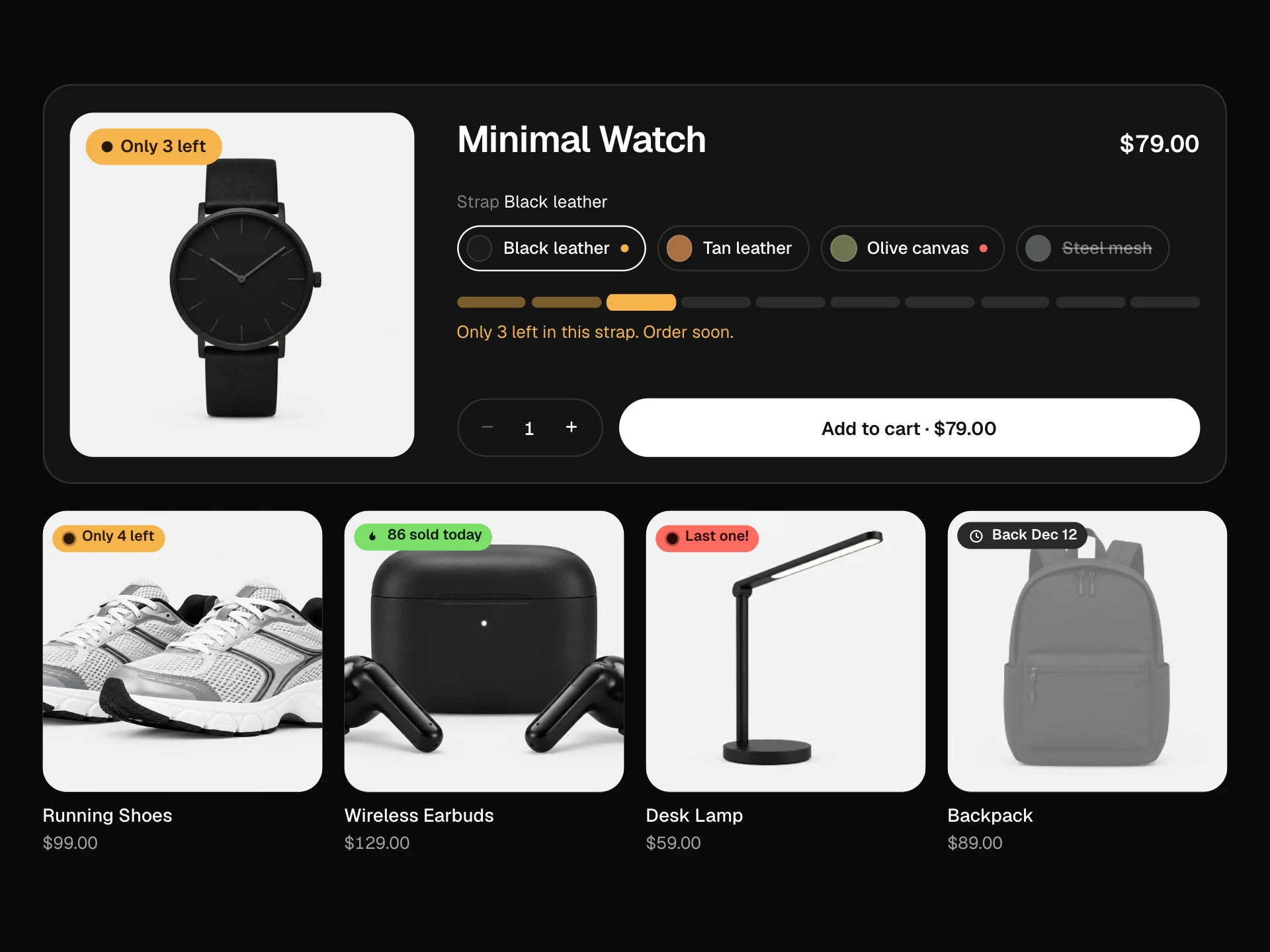
A browsing history strip grouped into Today, Yesterday and This week: snap-scrolling product cards with viewed times, price drop, back in stock and low stock badges, a quick add button that expands to Added, per-item removal and Clear history with an undo toast, and an empty state.
About the Recently Viewed Products component
Recently Viewed Products brings back the items a shopper has looked at, grouped by when they saw them. It is often the quickest way back to a product someone was comparing or meant to buy.
Badges flag what changed since the last visit, such as a price drop or a restock, and each card can be added to the cart or removed from the history. Clearing everything is one click and can be undone.
When to use it
Show it on the home page, the cart and product pages for returning visitors, fed from local storage or the customer's account history.
Hide it for first-time visitors or when there are fewer than two items; an almost empty history strip looks like a bug.
Installation
Add the Recently Viewed Products component to your project with the shadcn CLI. It lands in components/recently-viewed-products.tsx as plain React + Tailwind CSS source you own and can edit.
npx shadcn@latest add @reactframe/recently-viewed-productsOr copy the source by hand and install its dependencies:
npm install motion clsx tailwind-mergeCollections
Use-case pages that compare Recently Viewed Products with the other components that do a similar job.
npm dependencies
Installed for you by the shadcn CLI.
Recently Viewed Products FAQ
- Where does the history come from?
- The block only renders what you pass. Most stores keep the last 10 to 20 product ids in localStorage for guests and in the account for signed-in customers, then fetch fresh prices before rendering.
- Why are viewed times passed as text?
- Formatting dates during render can differ between the server and the browser and cause hydration warnings. Format them where you load the history, for example with Intl.RelativeTimeFormat on the client.
- How does undo work?
- Removing an item or clearing the history keeps the previous list in the toast for five seconds. Undo puts it back in place. Call onRemove or onClear only when you want the change saved, or delay saving until the toast closes.
- Do the arrows work with touch scrolling?
- Yes. Touch and trackpad scrolling use native scroll snap. The arrows scroll by most of a screen with a smooth tween and turn snapping off while they move so the two don't fight.
- Is it accessible?
- The strip is a labelled list of articles with full labels, each card has a product link, a named remove button and an add button whose label changes to added, the arrows disable at the ends and the toast is announced.