Low Stock Urgency Badge React component
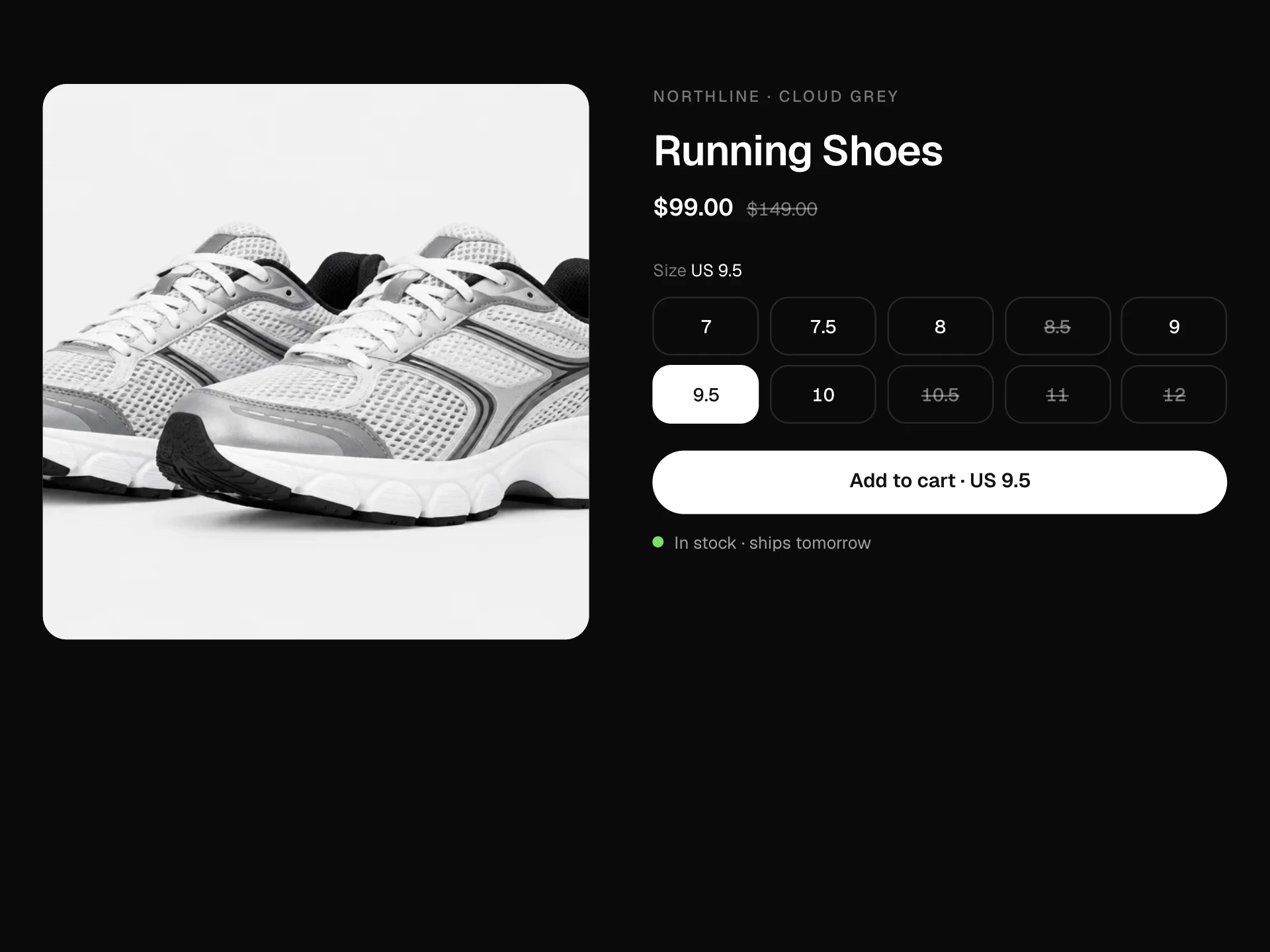
Honest stock urgency for product pages and cards: badges that switch between In stock, Selling fast, Only n left (pulsing amber), Last one! (red with a shake) and Back on a date, plus a segmented stock meter that highlights the units you're about to take and drops when you add to cart.
About the Low Stock Urgency Badge component
Low Stock Urgency Badge shows shoppers when an item is running out, using your real inventory and sales numbers. Badges move from In stock to Only a few left, Last one and Back soon, and popular items can show how many sold today.
On the product page, a segmented meter makes the remaining stock easy to read at a glance and highlights the units the shopper is about to take. Adding to cart lowers the count, so the page always reflects what is left.
When to use it
Use it when stock is genuinely limited, such as small batches, sale items or the last sizes of a season, to help people decide before an item is gone.
Don't invent scarcity. Showing 'Only 3 left' on items you have plenty of, or fake viewer counts, erodes trust and can break consumer protection rules in some regions.
Installation
Add the Low Stock Urgency Badge component to your project with the shadcn CLI. It lands in components/low-stock-urgency-badge.tsx as plain React + Tailwind CSS source you own and can edit.
npx shadcn@latest add @reactframe/low-stock-urgency-badgeOr copy the source by hand and install its dependencies:
npm install motion clsx tailwind-mergeCollections
Use-case pages that compare Low Stock Urgency Badge with the other components that do a similar job.
npm dependencies
Installed for you by the shadcn CLI.
Low Stock Urgency Badge FAQ
- Where should the numbers come from?
- Pass inventory from your store for stock and units sold in the last 24 hours from your analytics for sold24h. The block never makes numbers up or simulates activity.
- How are the levels chosen?
- Zero stock is sold out, one is Last one!, up to lowAt is Only n left, and otherwise Selling fast if sold24h reaches hotAt. Everything else shows In stock. Change lowAt and hotAt to suit your catalogue.
- What does the meter show when stock is high?
- It caps at meterMax segments, so above that number every segment is filled in green. The meter matters most when only a few units are left.
- Does adding to cart really reserve stock?
- The block lowers its own count so the page stays consistent, and calls onAdd with the variant and quantity. Real reservation happens in your cart or checkout; the status line mentions the hold time as an example.
- Is it accessible?
- Variant buttons are radios whose labels include how many are left, the stock line and quantity are announced politely, the decorative meter is hidden from screen readers and the pulse and shake are turned off with reduced motion.