React Scroll Animation Components
ReactFrame has 15 React components that animate with scroll (3 free): a wrapper that reveals any content as it enters the viewport, text that appears word by word, sticky feature sections whose content changes as you scroll, galleries that zoom, skew or drift, pinned video stories and reading progress bars.
How to choose
- Bring existing content in as it appears: animate-on-scroll (fades, zooms, wipes, one child after another).
- Headlines and statements: word-reveal, or scroll-word-highlight for a list of words with the one in focus lit up.
- Product features: sticky-scroll-reveal, sticky-phone-scroll or scroll-card-stack.
- Images and video: bento-scroll-zoom-gallery, scroll-zoom-mosaic-gallery, skew-scroll-gallery, scroll-zoom-media-reveal or video-scroll-story.
- Long articles: scroll-progress-bar.
All 15 components
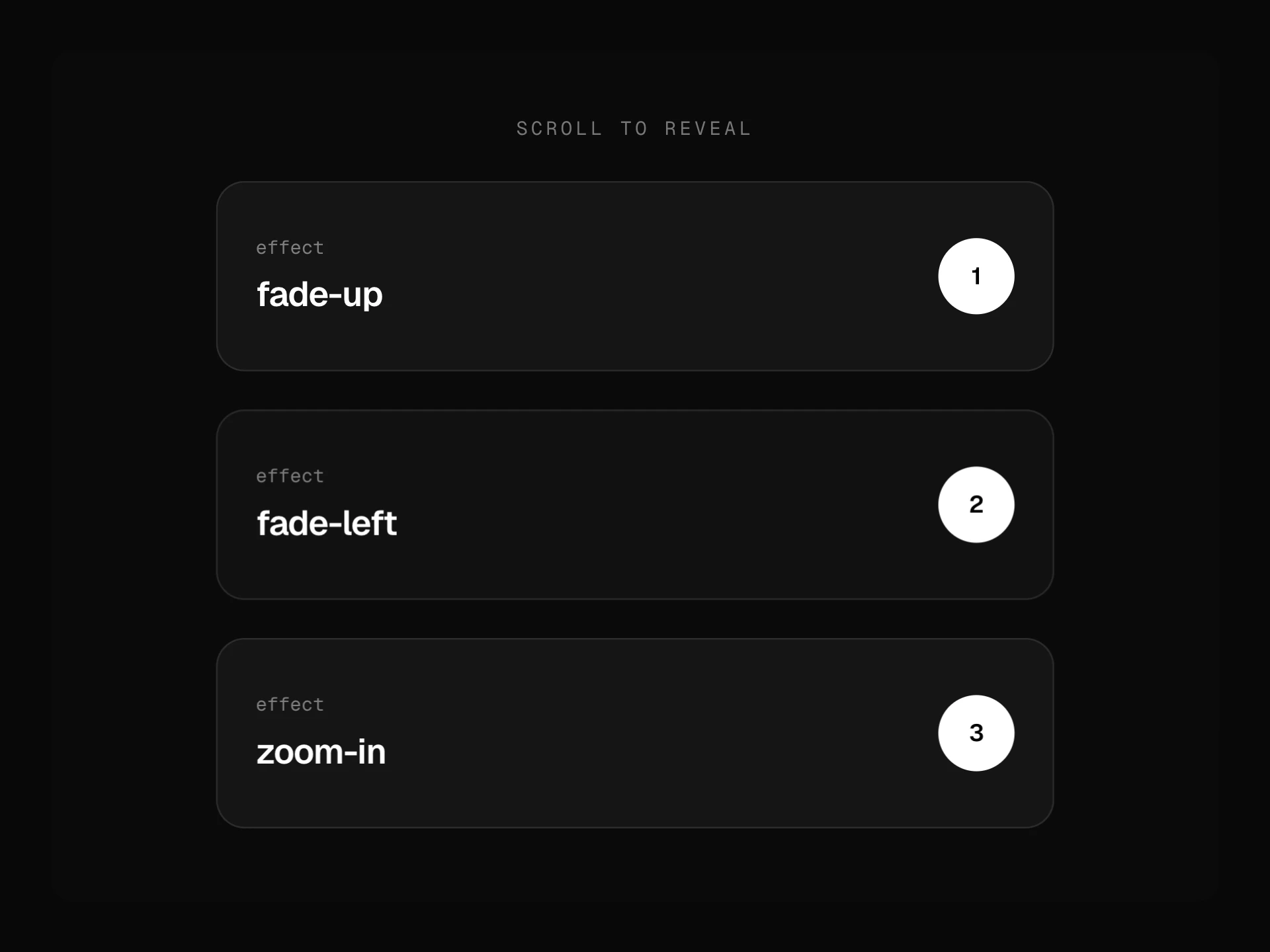


- Animate on ScrollFree
- A wrapper that brings content in as it scrolls into view: fade from any side, zoom, blur, flip or a clip-path wipe, one block at once or each child in turn, once or every time, watching the window or any scroll box.
- npx shadcn@latest add https://reactframe.com/r/animate-on-scroll.json
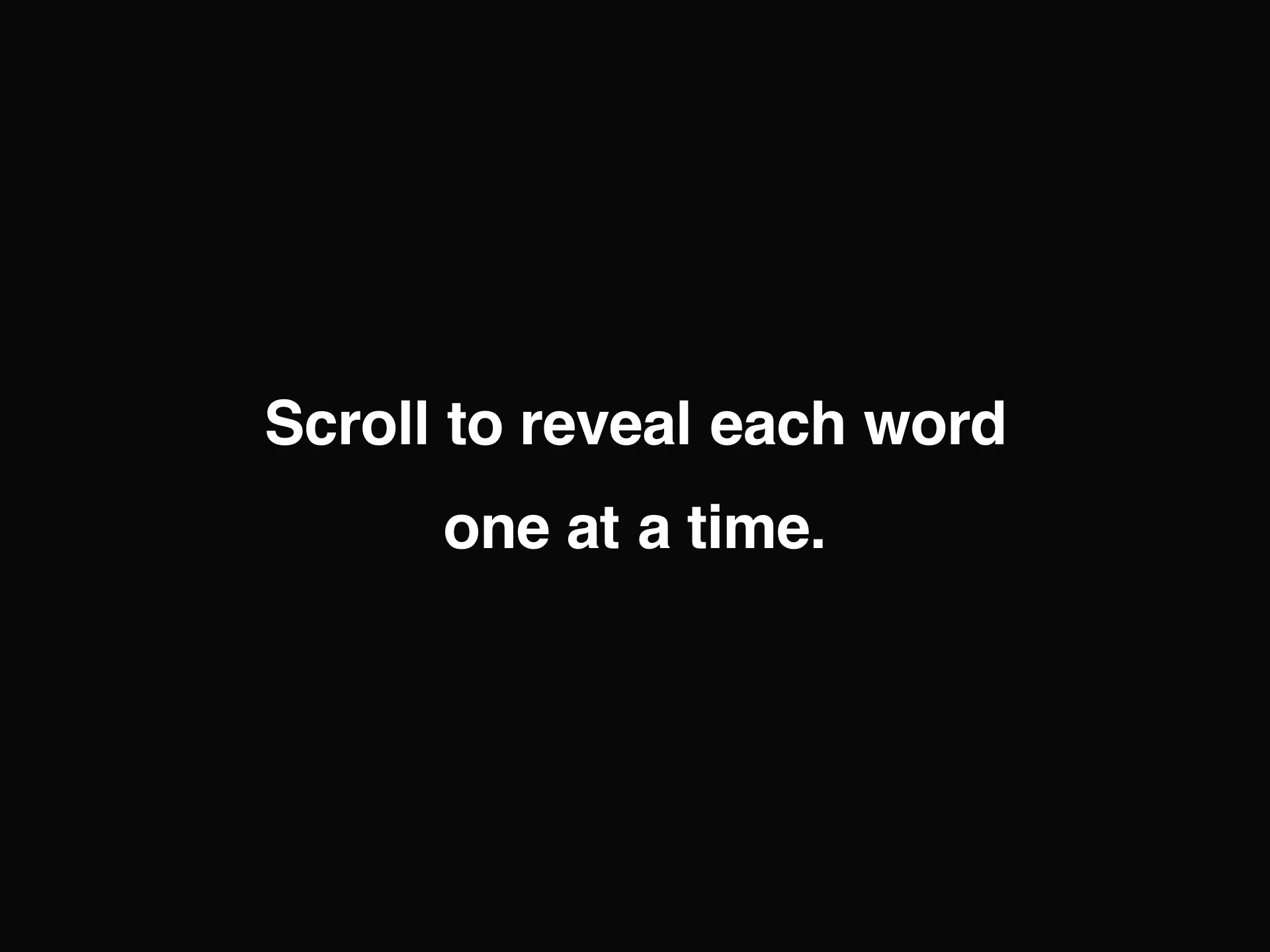
- Word RevealFree
- Staggered word or character reveal text, driven by scroll progress, viewport entry, or a manual trigger, 4 animation presets, 3 stagger patterns, and word highlighting.
- npx shadcn@latest add https://reactframe.com/r/word-reveal.json
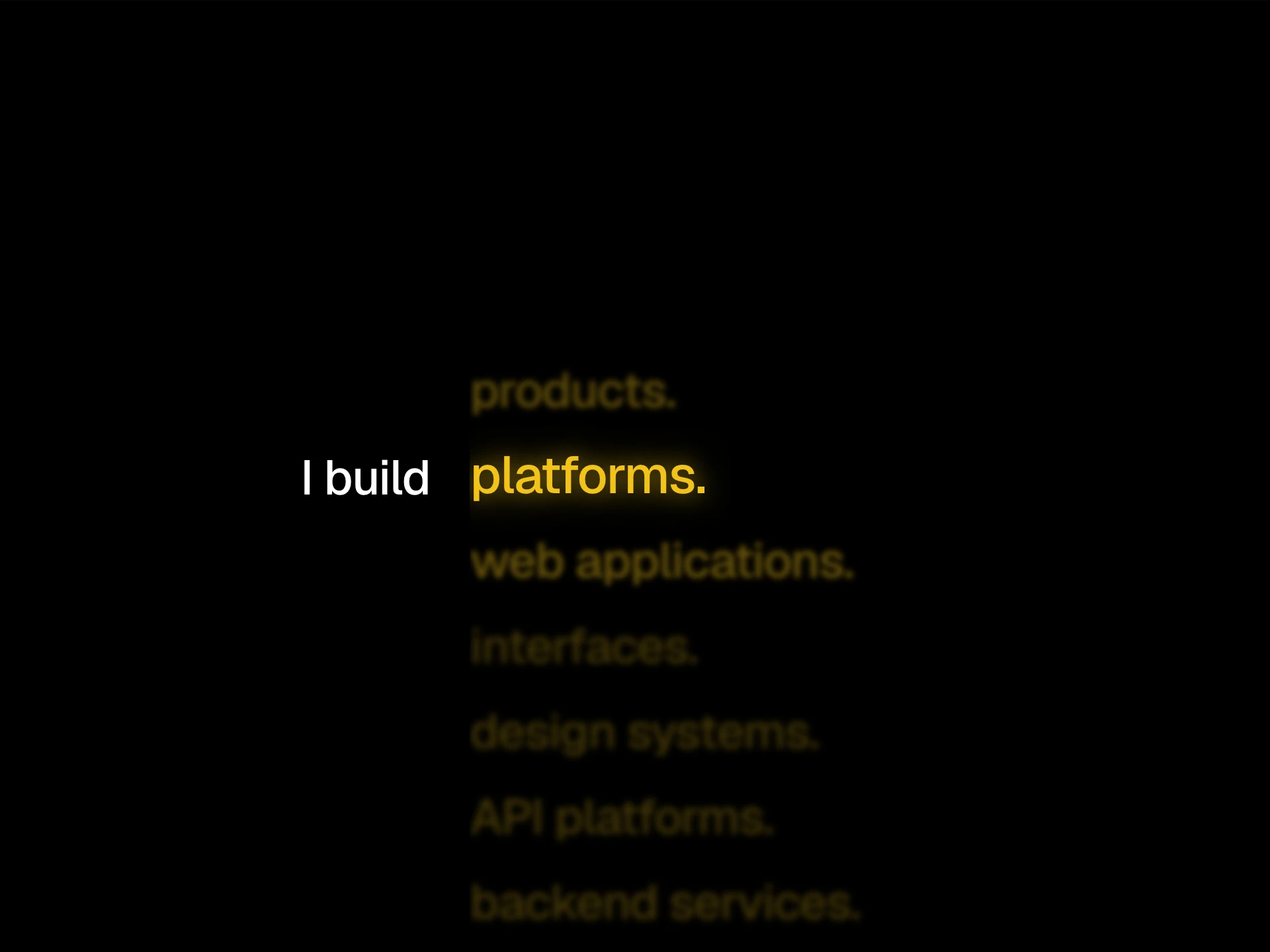
- Scroll Word HighlightPremium · $4
- A vertical snap-scrolling list of words next to a sticky prefix label, using CSS scroll-driven animation to glow, scale, and unblur the word nearest the center.
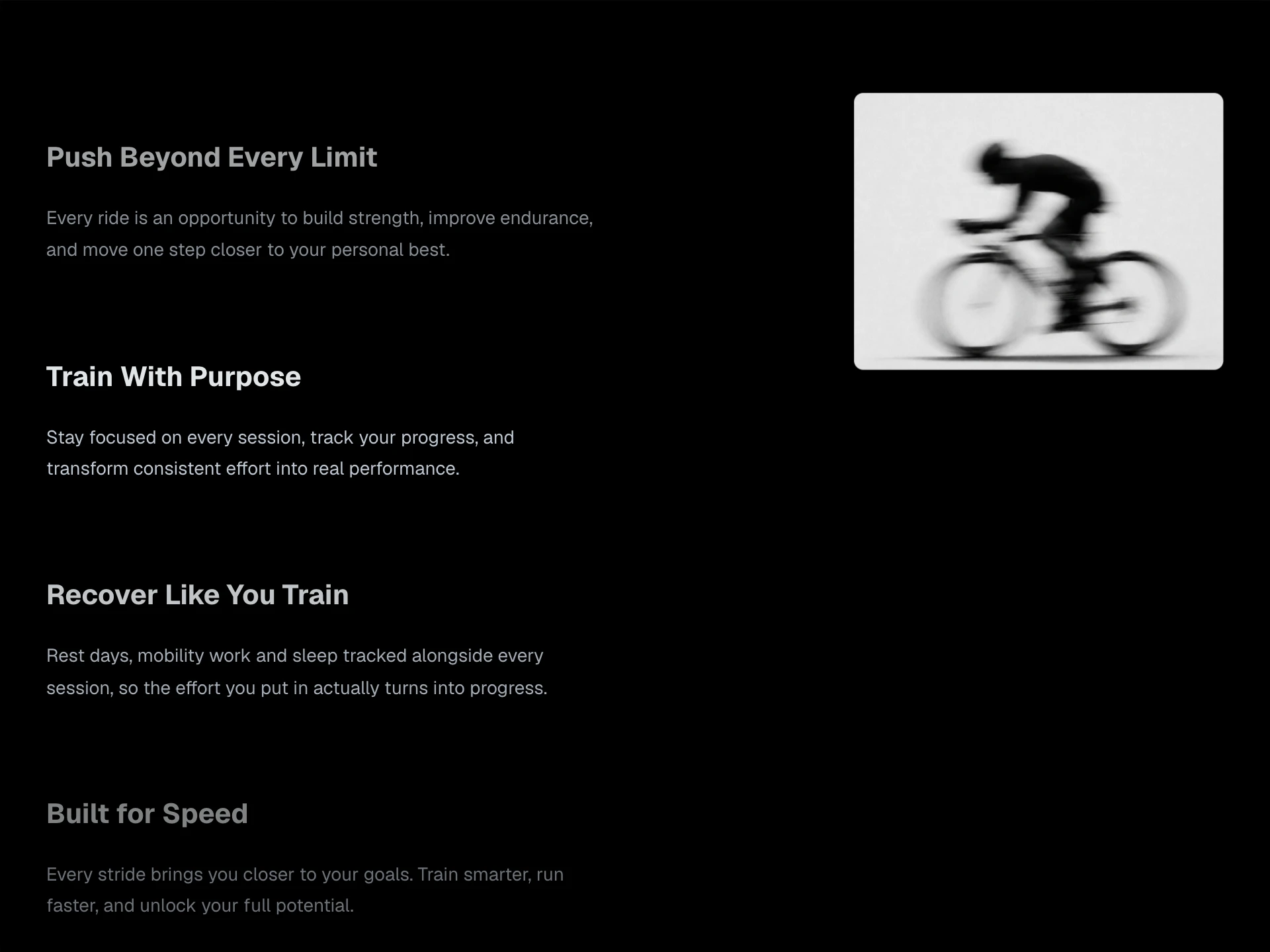
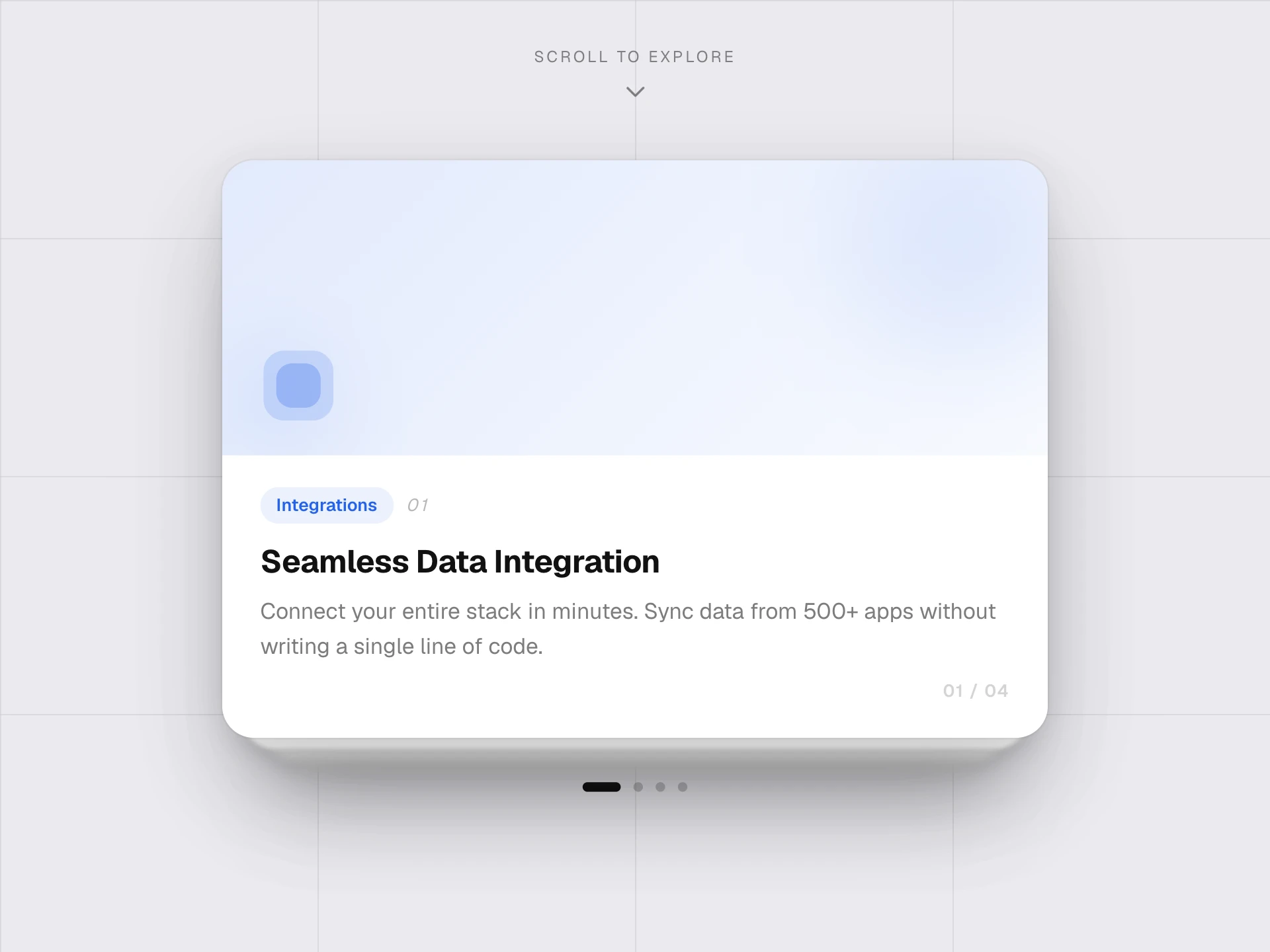
- Sticky Scroll RevealPremium · $4
- A feature section with a sticky preview card and a scrolling text column, the card's content and background swap as each section scrolls into focus. Collapses to a flat stacked list on mobile.
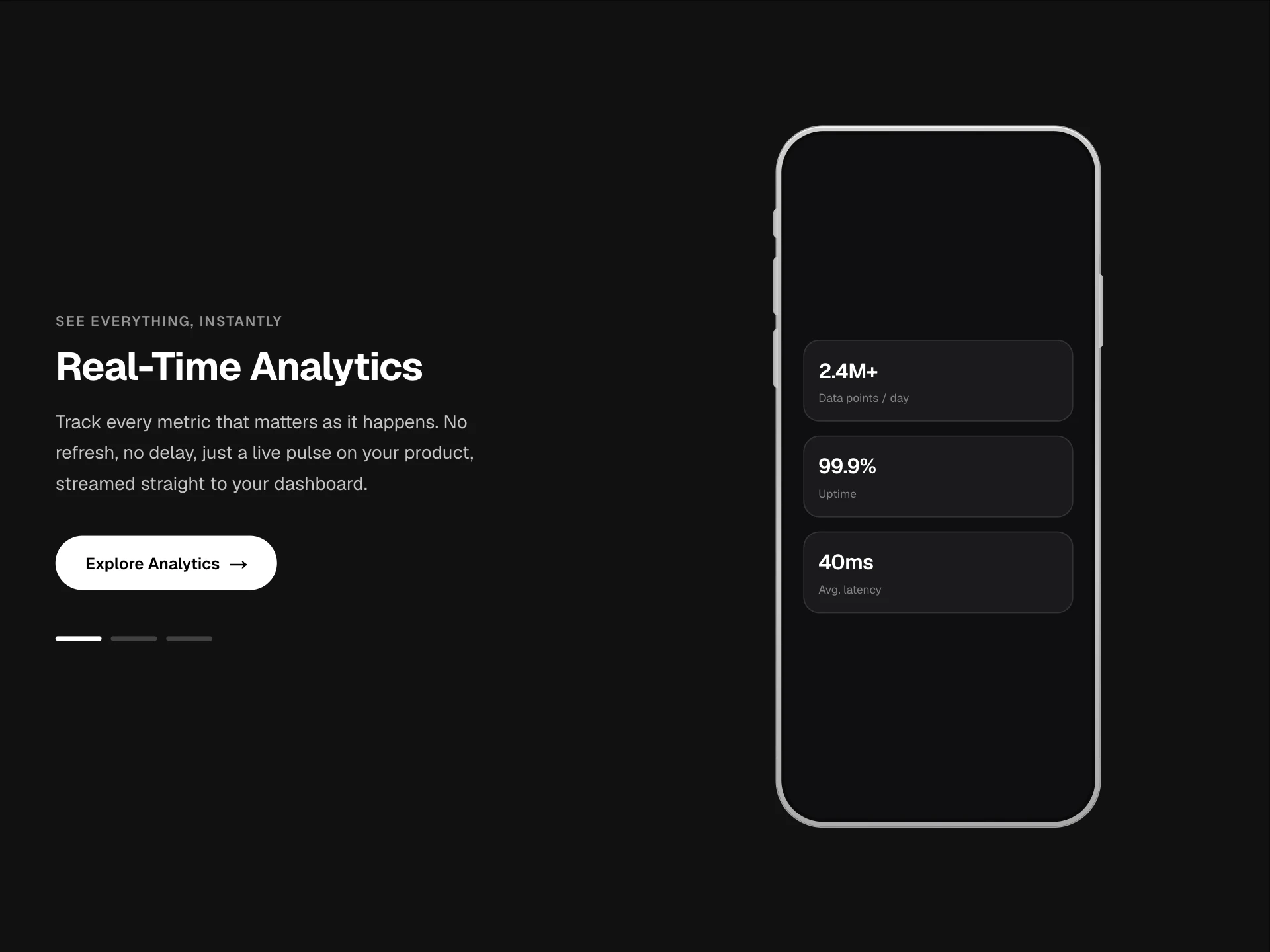
- Sticky Phone ScrollPremium · $4
- A scroll-driven feature section, a sticky iPhone frame and crossfading stat cards on one side, a heading/description/CTA that swaps per slide on the other, with an animated background color transition and a progress rail.
- Scroll Card StackPremium · $4
- A scroll-driven feature card stack, each card flies away with a rotation/scale as the next one peeks up from behind, self-scrolling within its own container so it can be embedded anywhere.
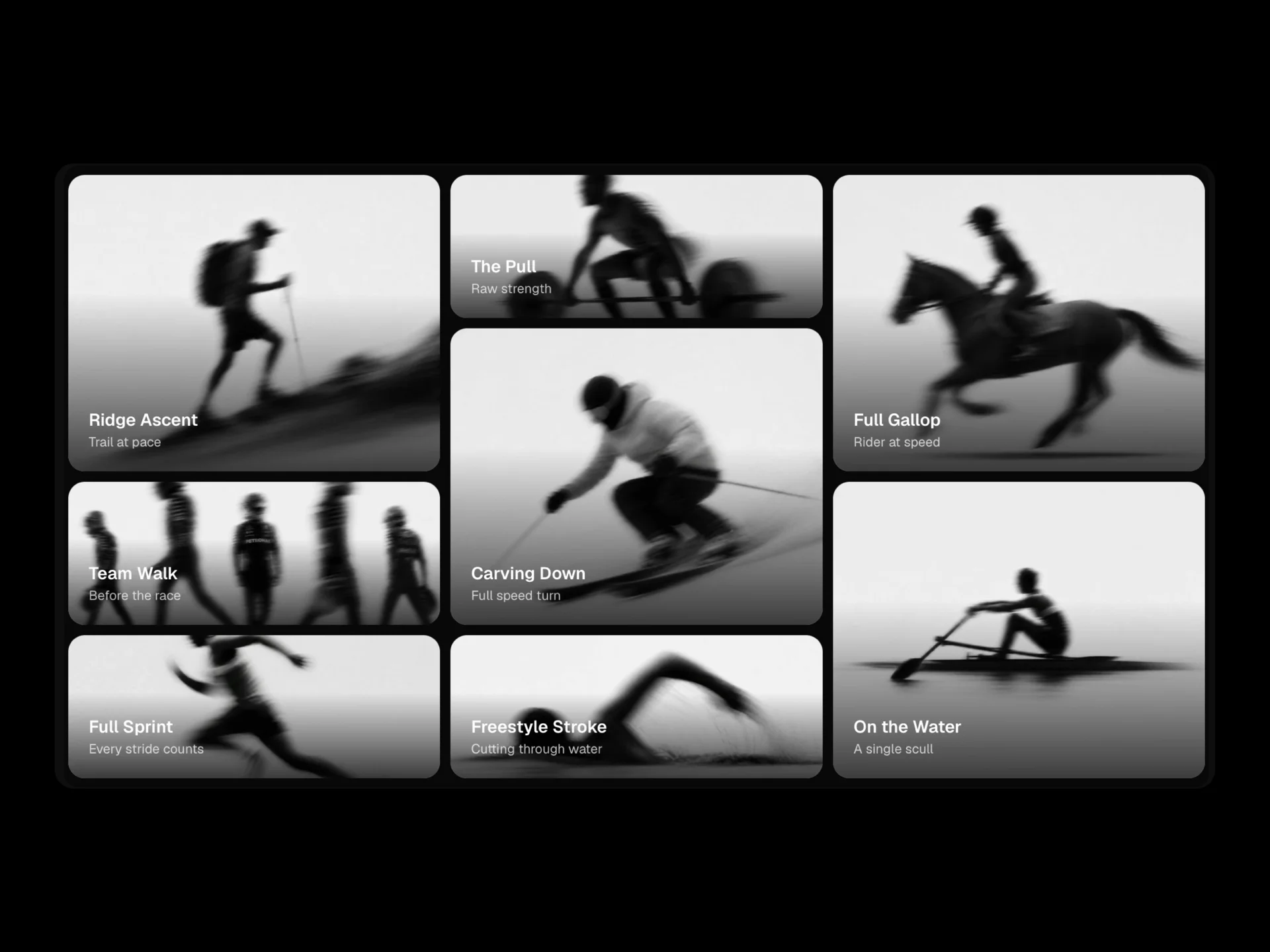
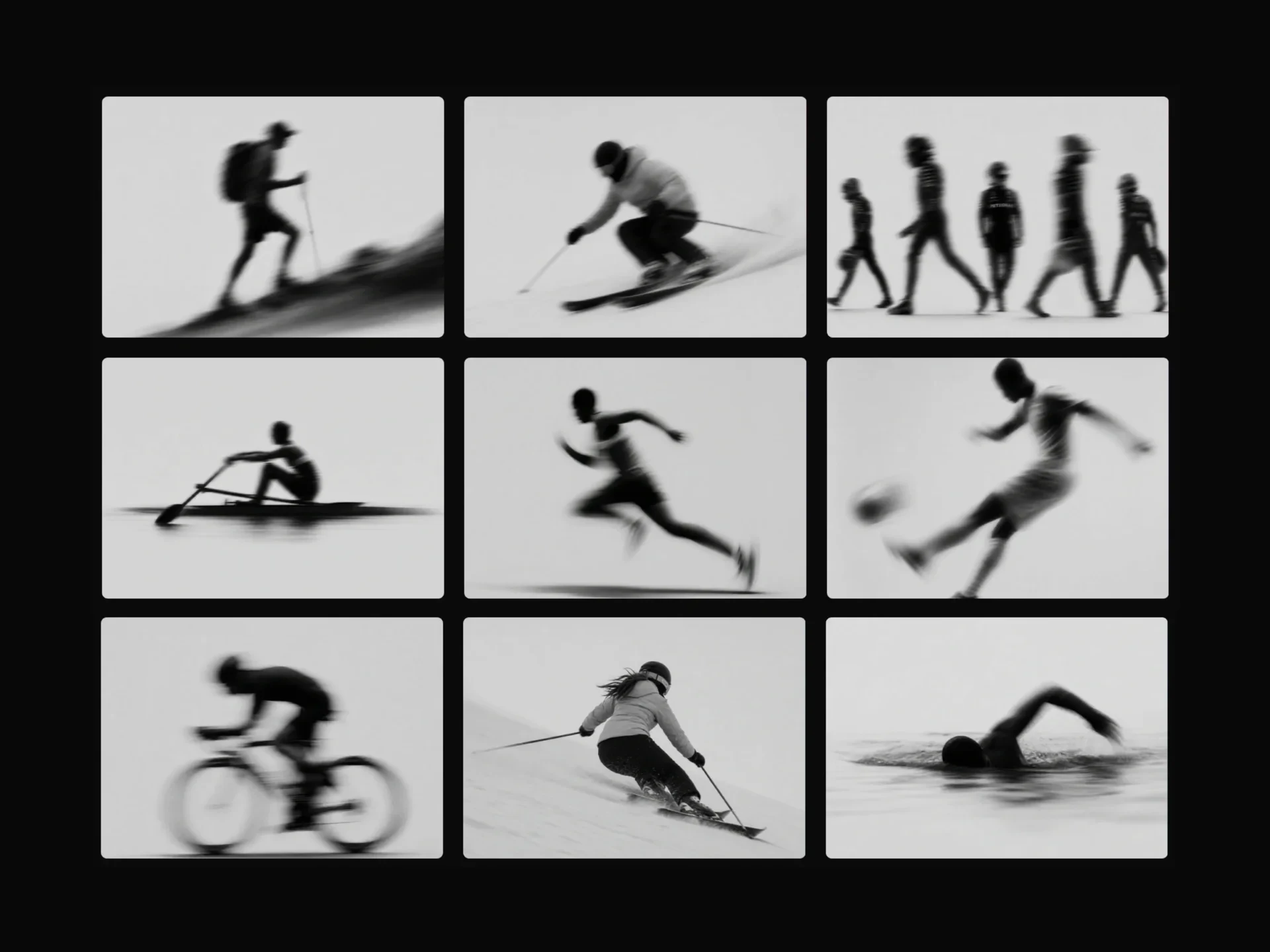
- Bento Scroll Zoom GalleryPremium · $4
- A pinned bento-grid media gallery whose 8 image/video cells zoom out from a compact grid to a near-fullscreen mosaic as the user scrolls, with per-cell parallax, shimmer loading placeholders, and a stacked single-column layout on mobile.
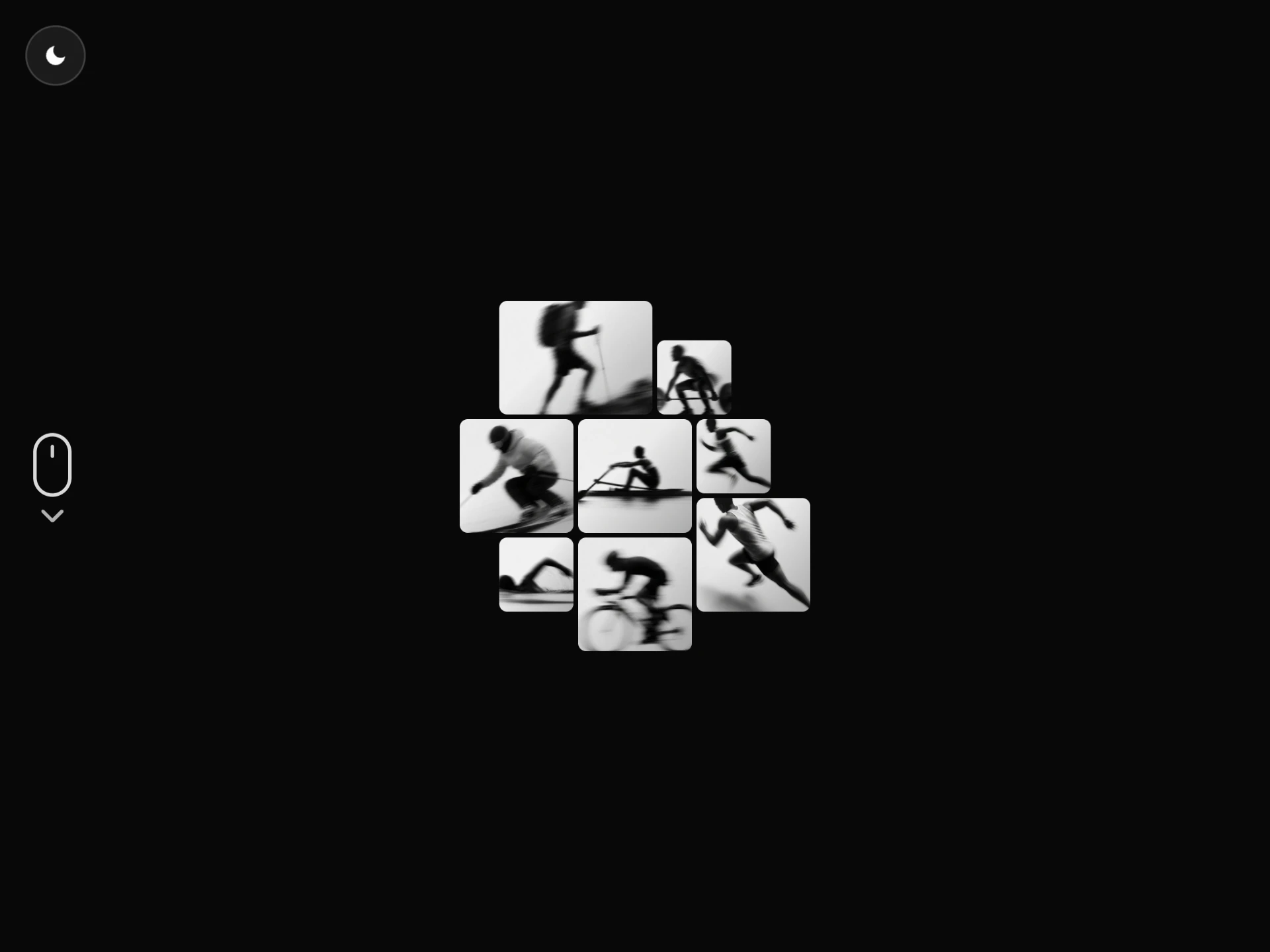
- Scroll Zoom Mosaic GalleryPremium · $4
- A self-contained scroll-driven photo mosaic that starts tiny and rotated, then scales up and spins to rest as its own internal scroll container is scrolled, with mouse parallax tilt, a click-to-expand lightbox, and a light/dark toggle.
- Skew Scroll GalleryPremium · $4
- A 3-column masonry image gallery that skews in response to scroll velocity, the faster you scroll, the more it tilts, settling back with a spring.
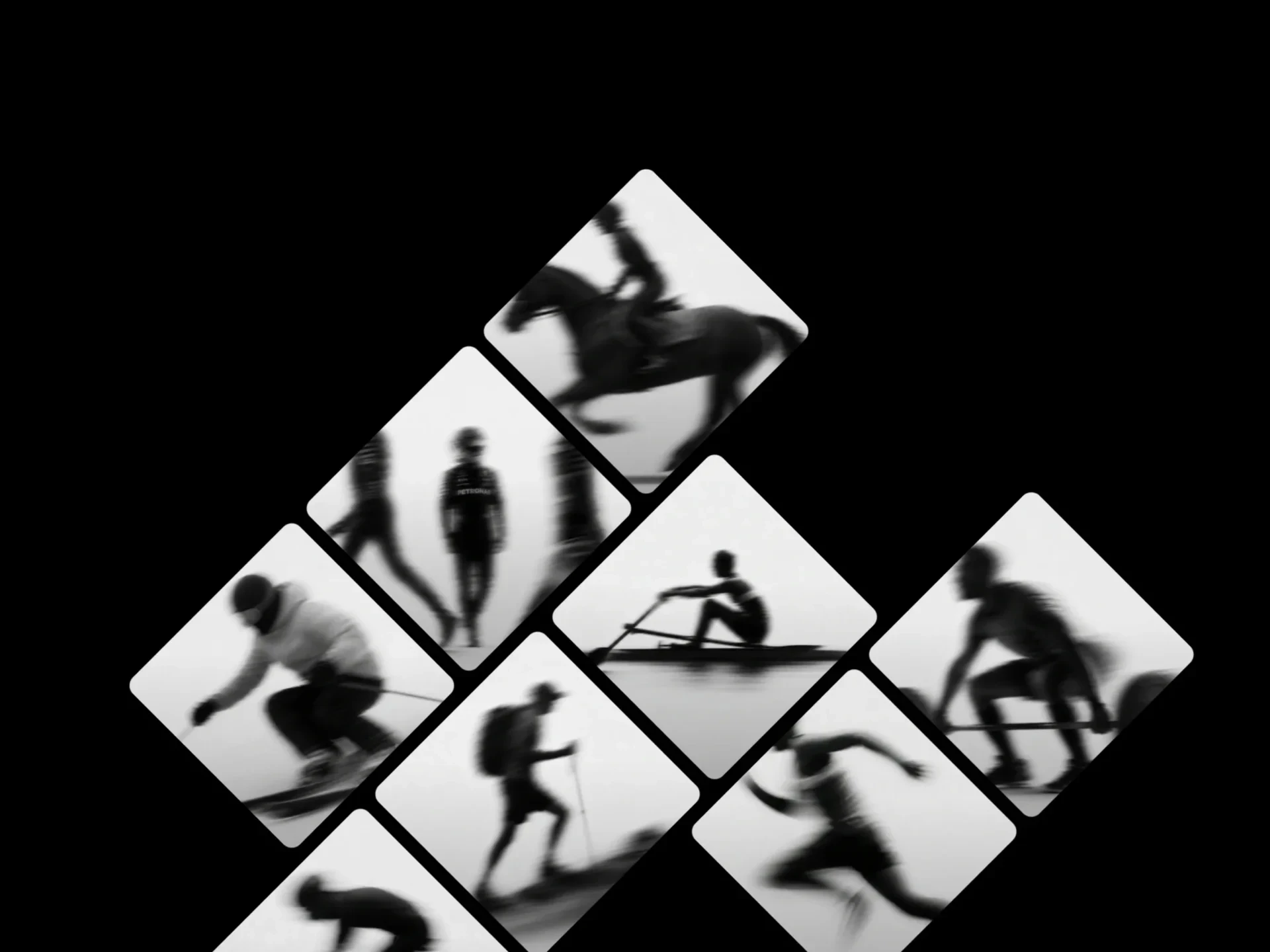
- Diamond Scroll GalleryPremium · $4
- A rotated grid of diamond-cropped images that drift at different parallax speeds per column as you scroll, self-scrolling within its own container.
- Scroll Title GalleryPremium · $4
- A self-scrolling, snap-scroll image gallery with a giant outlined title column that skews with scroll velocity and fills in on the active panel, plus Ken Burns zoom, a progress rail, and nav dots.
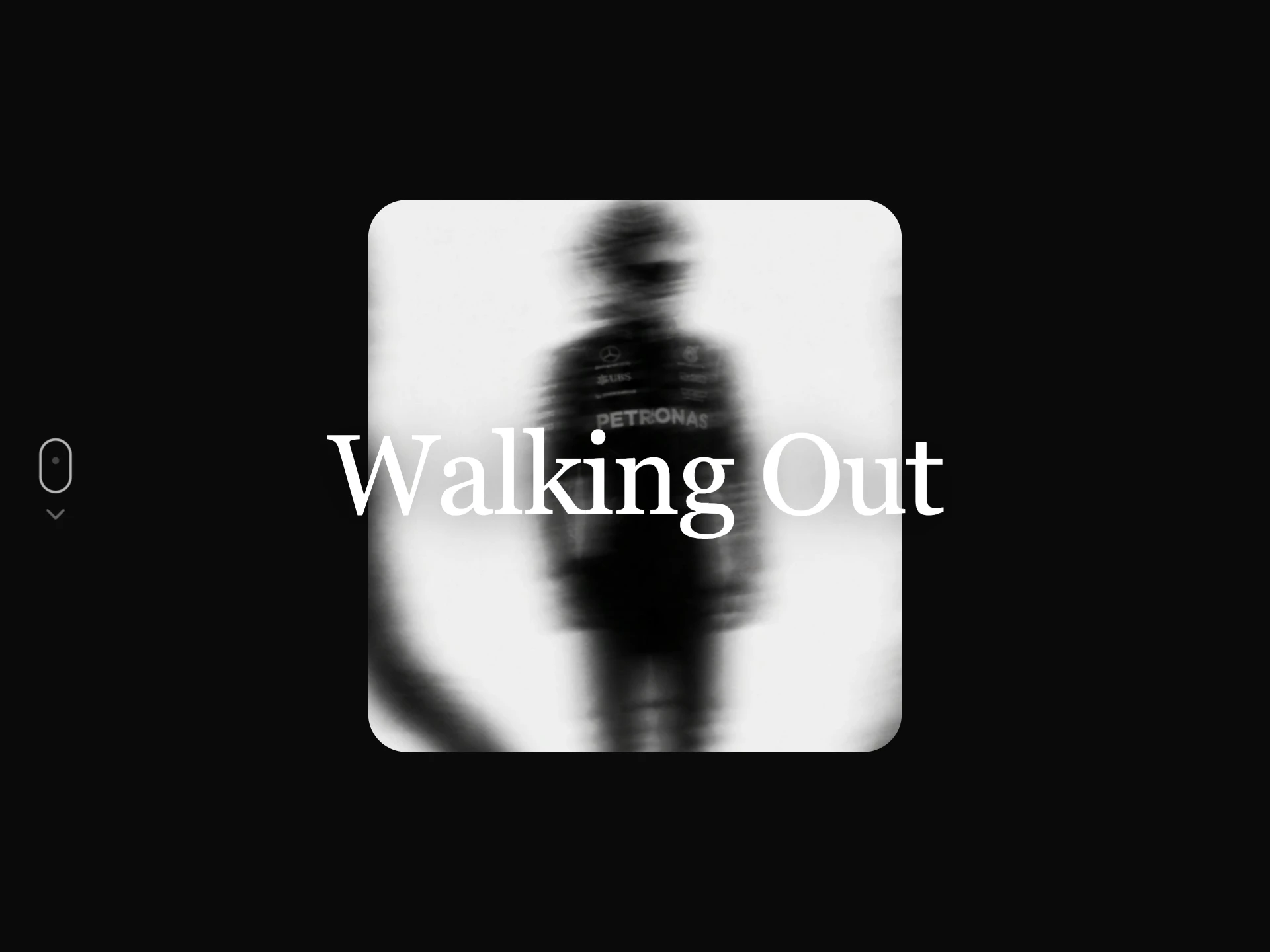
- Scroll Zoom Media RevealPremium · $4
- A self-contained scroll-scrubbed media reveal: a small rounded frame expands to full bleed as its internal scroll container is scrolled, then unveils a glassmorphism caption, an optional count-up stat row, and a scroll indicator.
- Video Scroll StoryPremium · $4
- A self-scrolling, pinned full-bleed video story, each scene crossfades in with its own background color, a staggered word-by-word title reveal, an optional giant ambient scene number, progress dots, a vertical progress bar, and a scroll hint.
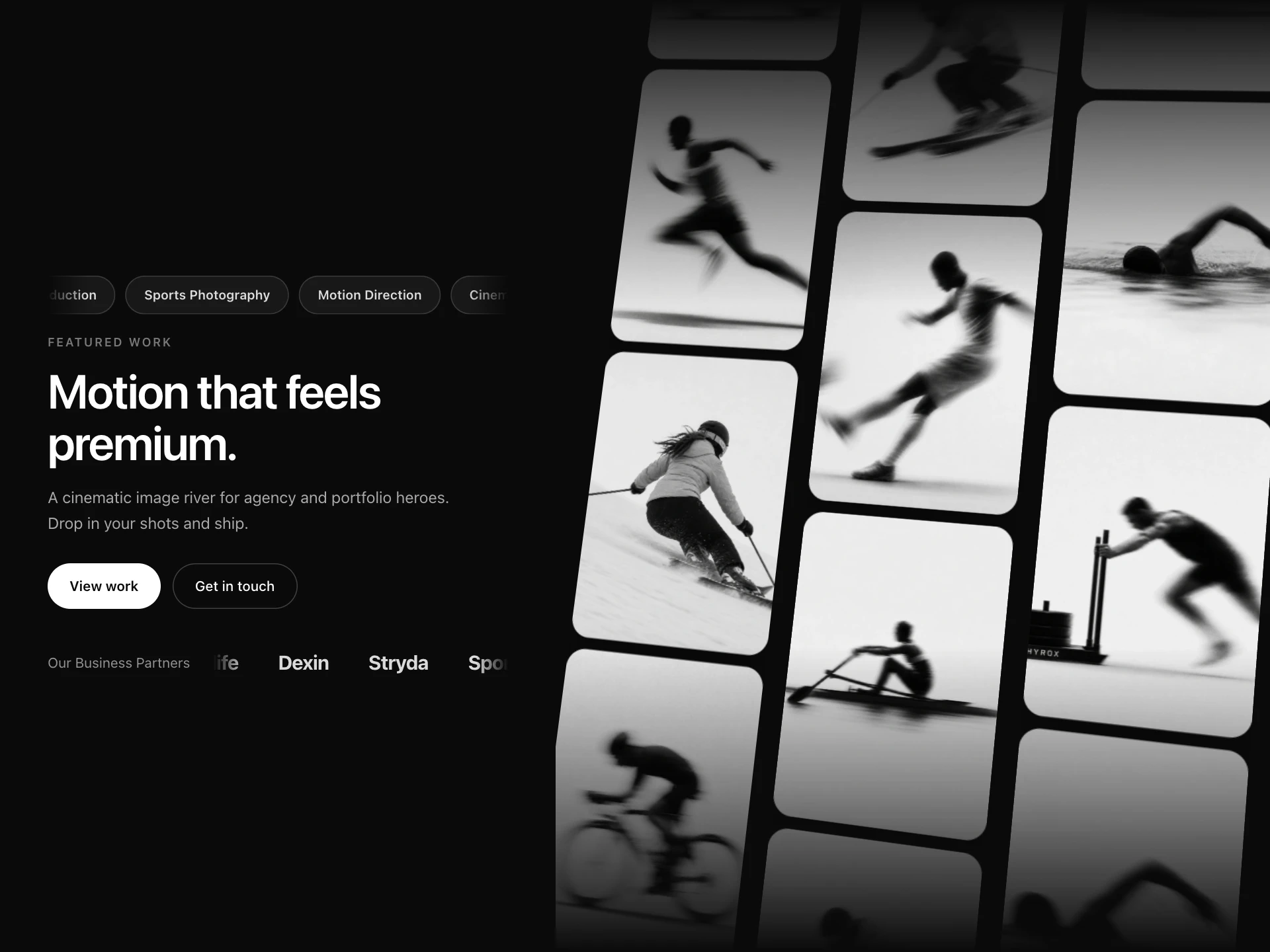
- Hero Scroll GalleryPremium · $4
- A cinematic hero, a content panel with an animated ticker, eyebrow, heading and CTAs beside a tilted three-column photo wall that drifts continuously, columns alternating direction and speed.
- Scroll Progress BarFree
- Reading progress in three forms: a thin spring-smoothed bar, a corner ring with the percentage that becomes a back-to-top button at the end, or a track split into your page's sections that labels the current one and jumps to any other.
- npx shadcn@latest add https://reactframe.com/r/scroll-progress-bar.json
Questions
- Do scroll animations hurt performance or Core Web Vitals?
- Not when they animate transform and opacity, as these mostly do. The content is in the page from the start, so it is indexed and does not shift the layout. animate-on-scroll, skew-scroll-gallery and bento-scroll-zoom-gallery also tone down for visitors who ask for reduced motion.
- Why do some of them scroll inside their own box?
- Components marked self-scrolling pin and scrub within their own container, so you can drop them anywhere on a page (or in a preview) without wiring them to the window's scroll position.
- Are these components free?
- 3 of the 15 are free (Animate on Scroll, Word Reveal, Scroll Progress Bar); the others are premium, sold one by one or all together with All-Access.
- How do I install them?
- Free components install with the shadcn CLI, for example: npx shadcn@latest add @reactframe/<slug>. You get the full React + Tailwind source in your project, with Motion as the only animation dependency.
Related collections
Want a whole page built from these? Ask your AI to build it with ReactFrame.