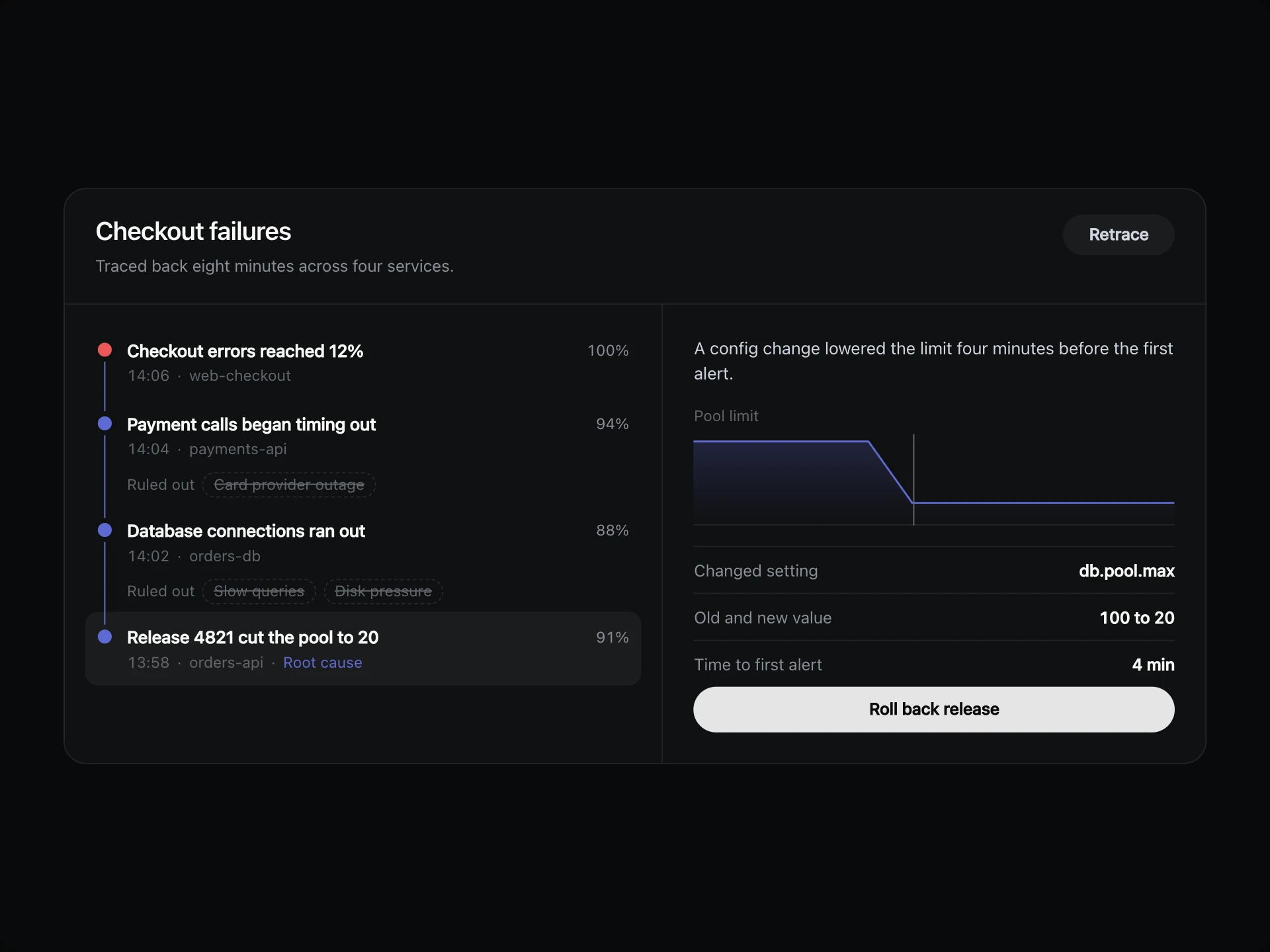
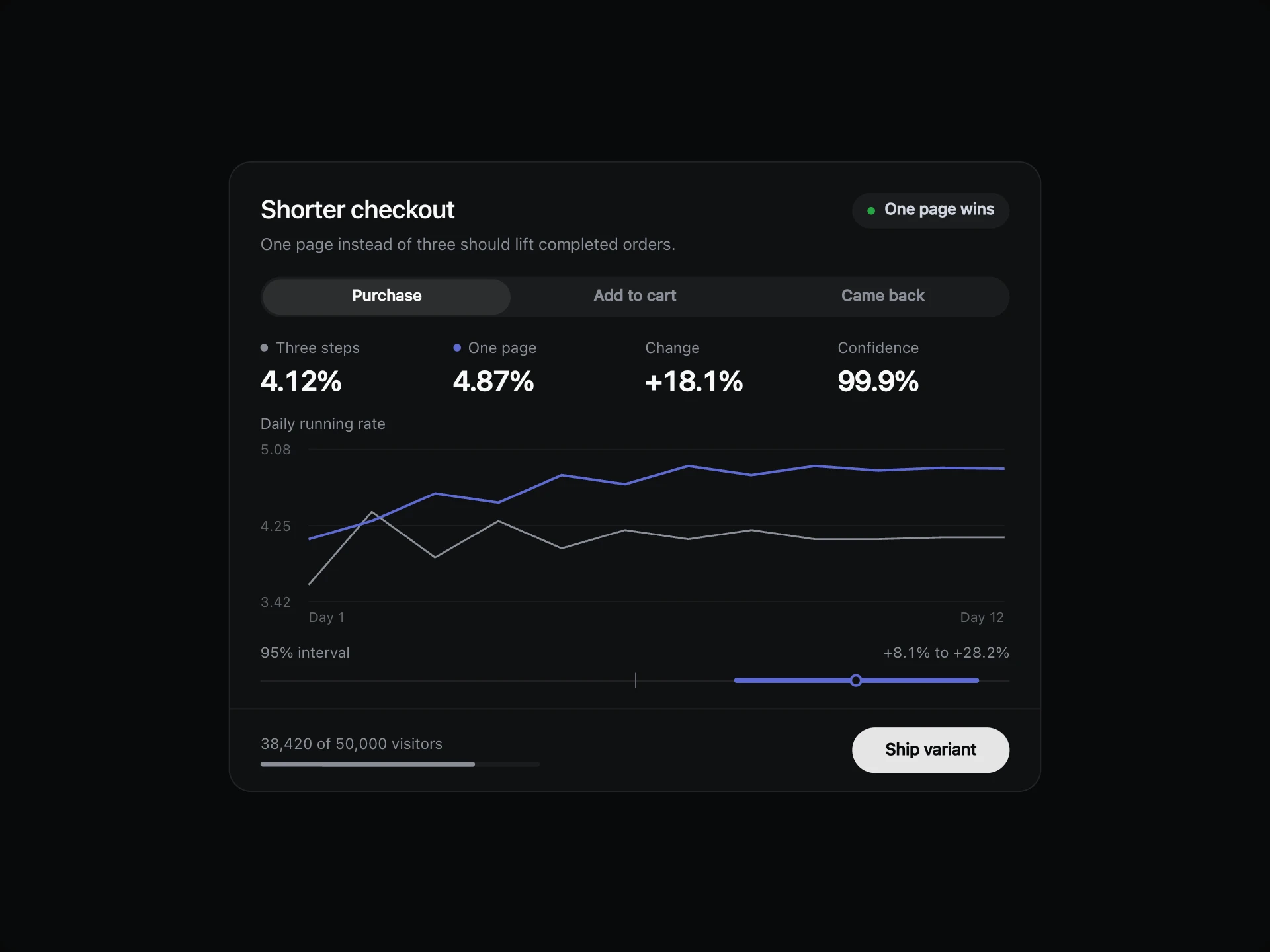
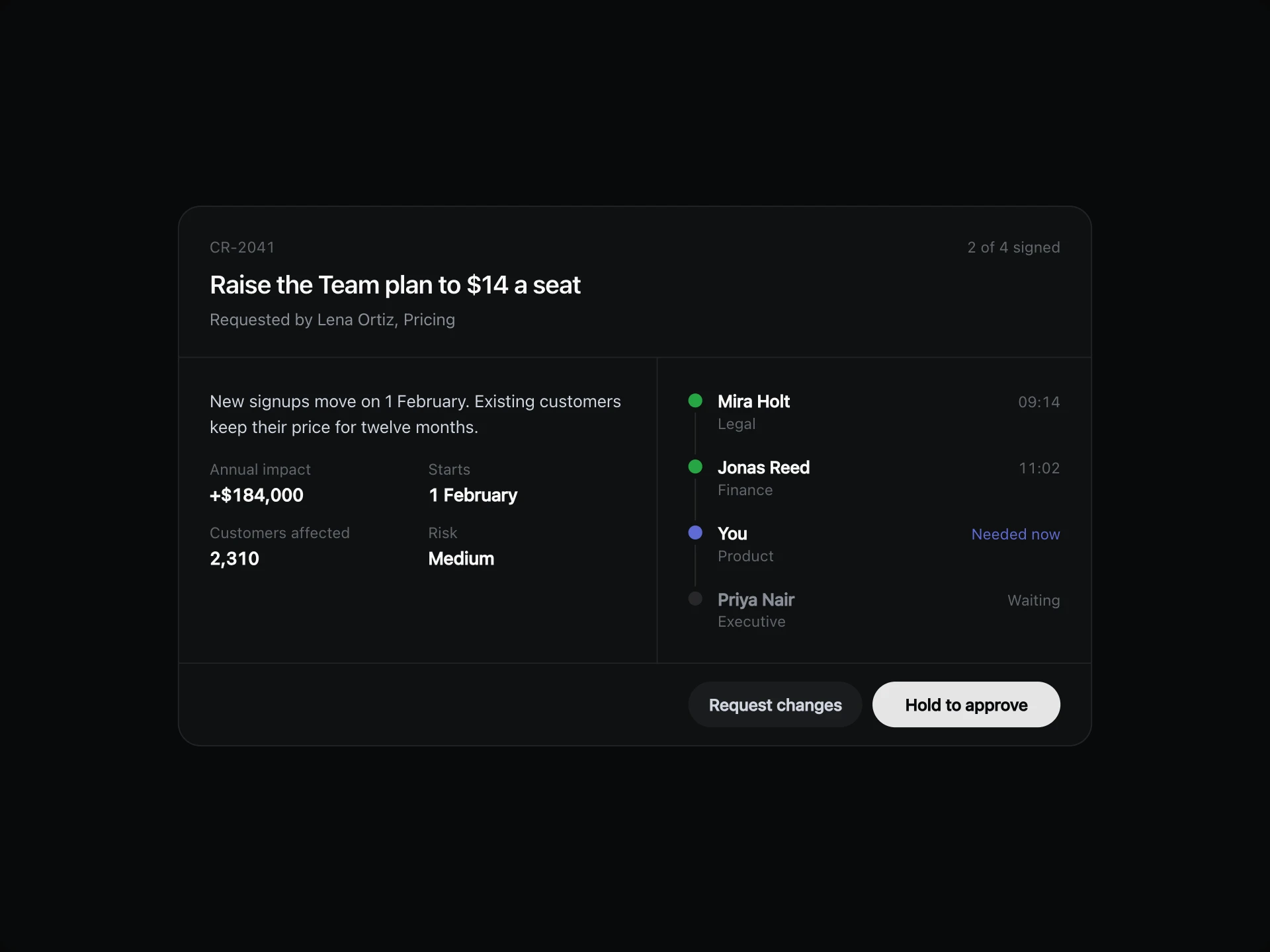
Branching Logic Explorer React component
A rule map you can walk: pick any step to light the path to it, see what share of cases goes each way, and read the outcome. On phones it asks one question at a time.
About the Branching Logic Explorer component
Branching Logic Explorer turns a set of rules into something people can follow. Each question leads to its answers, and every step shows the share of cases that reaches it.
Pick any step and the path to it lights up in order, so it's easy to explain why a case ended where it did. On a phone the same rules become one question at a time.
When to use it
Use it to explain routing rules, eligibility checks, support playbooks and automation logic.
Keep it to rules with a handful of outcomes. A very large tree needs search and collapsing, not one map.
Installation
Add the Branching Logic Explorer component to your project with the shadcn CLI. It lands in components/branching-logic-explorer.tsx as plain React + Tailwind CSS source you own and can edit.
npx shadcn@latest add @reactframe/branching-logic-explorerProps
<BranchingLogicExplorer /> accepts 6 props (required ones are marked *). It also accepts the usual <section> attributes, like className, style, id and aria-*, and passes them to its root element.
| Prop | Type | Default |
|---|---|---|
| theme | "dark" | "light" | "dark" |
| title | string | "Refund routing" |
| subtitle | string | "Follow a request through the rules to see where it ends up." |
| tree | object | DEFAULT_TREE |
| tree.id* | string | — |
| tree.label* | string | — |
| tree.answer The answer that leads here, e.g. "Yes". | string | — |
| tree.share Share of all cases that reach this node, from 0 to 100. | number | — |
| tree.tone Colours the dot on an outcome. | "positive" | "warning" | "critical" | "neutral" | — |
| tree.note One line about an outcome. | string | — |
| tree.children Leave empty on an outcome. | { id: string; label: string; answer?: string; share?: number; tone?: BranchTone; note?: string; children?: BranchNode[] }[] | — |
| defaultSelected The id of the node that starts selected. | string | "instant" |
- theme"dark" | "light"Default: "dark"
- titlestringDefault: "Refund routing"
- subtitlestringDefault: "Follow a request through the rules to see where it ends up."
- treeobjectDefault: DEFAULT_TREE
- tree.id*string
- tree.label*string
- tree.answer
The answer that leads here, e.g. "Yes".
string - tree.share
Share of all cases that reach this node, from 0 to 100.
number - tree.tone
Colours the dot on an outcome.
"positive" | "warning" | "critical" | "neutral" - tree.note
One line about an outcome.
string - tree.children
Leave empty on an outcome.
{ id: string; label: string; answer?: string; share?: number; tone?: BranchTone; note?: string; children?: BranchNode[] }[] - defaultSelected
The id of the node that starts selected.
stringDefault: "instant"
Show all 13 propsShow fewer
| onOutcome Fires when an outcome is reached. | (node: BranchNode) => void | — |
- onOutcome
Fires when an outcome is reached.
(node: BranchNode) => void
Branching Logic Explorer FAQ
- What do the percentages mean?
- Each one is the share of all cases that reaches that step, so the busiest routes are easy to spot.
- Can I go straight to an outcome?
- Yes. Click it and the whole path to it is selected.
- How does it work on a phone?
- Under about 670px it shows one question with its answers, and the card keeps the same height at every step.
- Can it be used from the keyboard?
- Yes. Tab to a node, use the arrow keys to move around the map, and press Enter to select.