Back to components
ComponentCollaborationFree
Margin Notes Panel React component
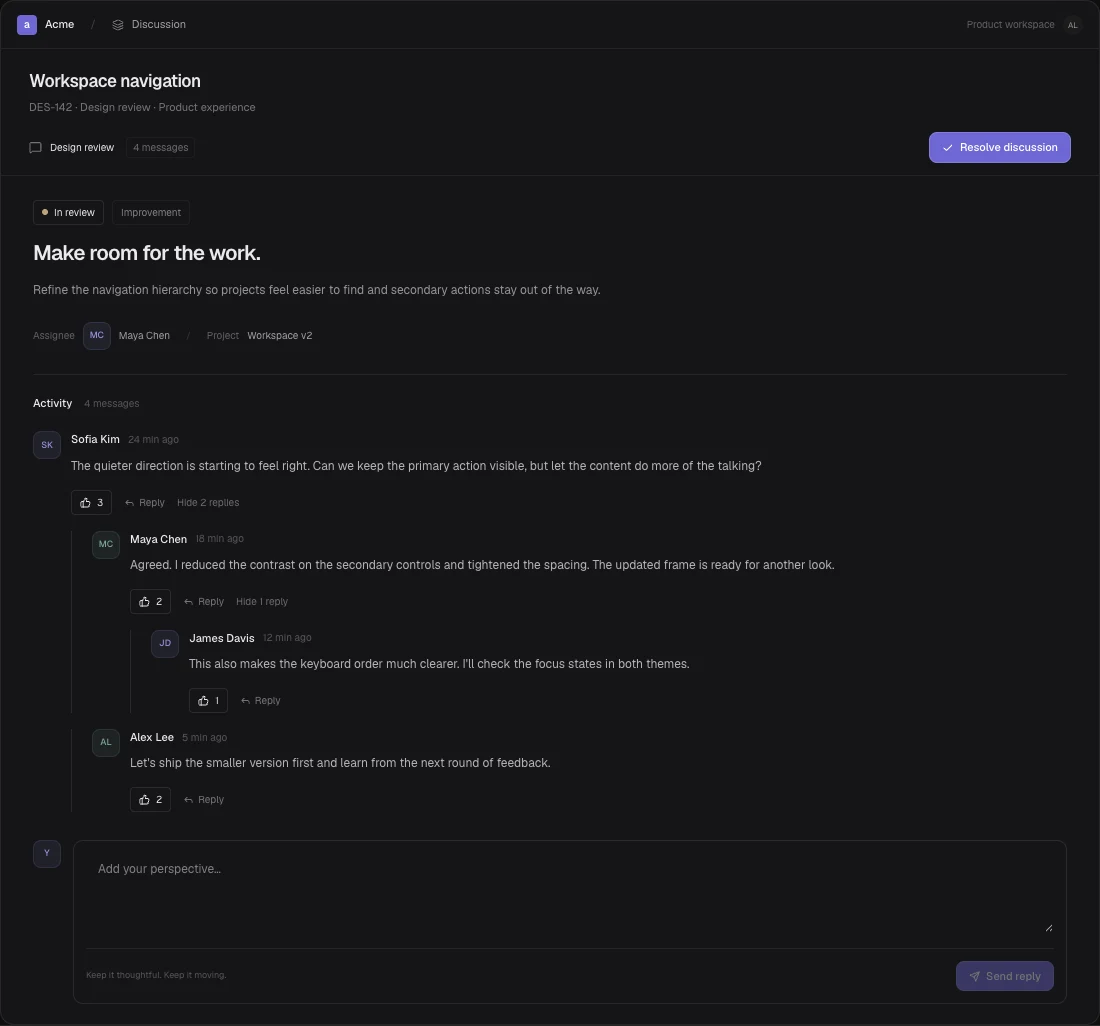
A document with anchored margin notes, section highlighting, contextual replies and open/resolved note workflows.
About the Margin Notes Panel component
A document with anchored margin notes, section highlighting, contextual replies and open/resolved note workflows.
When to use it
Review a document without moving feedback away from its source.
Track which section-level comments remain open.
Installation
Add the Margin Notes Panel component to your project with the shadcn CLI. It lands in components/margin-notes-panel.tsx as plain React + Tailwind CSS source you own and can edit.
Install
Copied!
npx shadcn@latest add @reactframe/margin-notes-panelOr copy the source by hand and install its dependencies:
Install
Copied!
npm install lucide-react clsx tailwind-mergeProps
<MarginNotesPanel /> accepts 7 props, all optional.
| Prop | Type | Default |
|---|---|---|
| title | string | "Workspace direction" |
| theme | "dark" | "light" | "dark" |
| sections | { id: string; title: string; text: string }[] | document |
| initialNotes | { id: string; sectionId: string; author: string; text: string; resolved?: boolean; replies?: MarginReply[] }[] | seed |
| onNotesChange | (notes: MarginNote[]) => void | — |
| currentUser | string | "You" |
| className | string | — |
- titlestringDefault: "Workspace direction"
- theme"dark" | "light"Default: "dark"
- sections{ id: string; title: string; text: string }[]Default: document
- initialNotes{ id: string; sectionId: string; author: string; text: string; resolved?: boolean; replies?: MarginReply[] }[]Default: seed
- onNotesChange(notes: MarginNote[]) => void
- currentUserstringDefault: "You"
- classNamestring
npm dependencies
Installed for you by the shadcn CLI.
Margin Notes Panel FAQ
- What anchors a note to the document?
- A note references the id of a document section. Clicking its anchor highlights and scrolls to that section. Provide matching section ids when supplying custom sections and notes. The component does not support arbitrary text-range anchoring.
- Where are notes and replies stored?
- Notes, replies and resolution state are local. onNotesChange provides updated data for your storage service. There is no built-in server, authentication or real-time collaboration.