Back to components
ComponentCollaborationFree
Workspace Pulse Feed React component
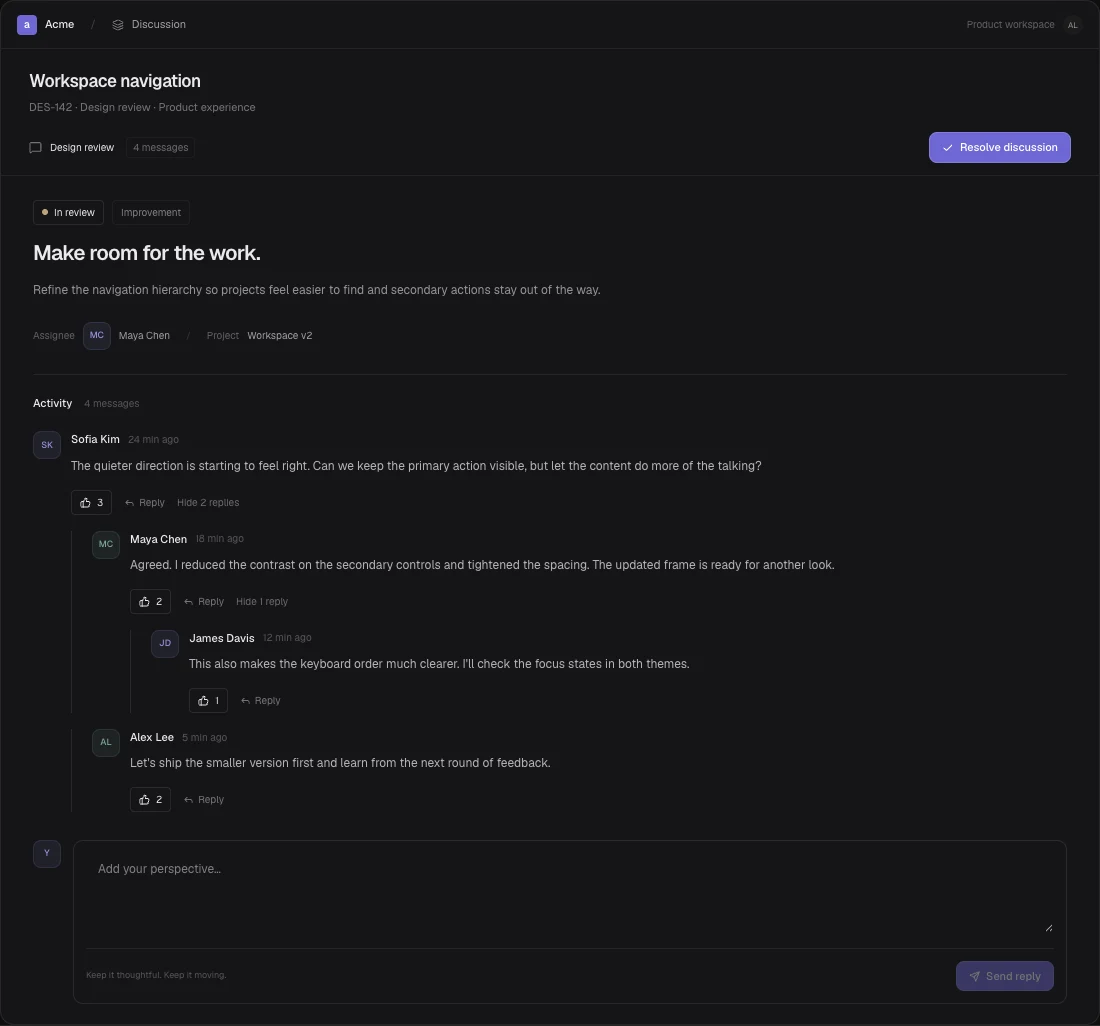
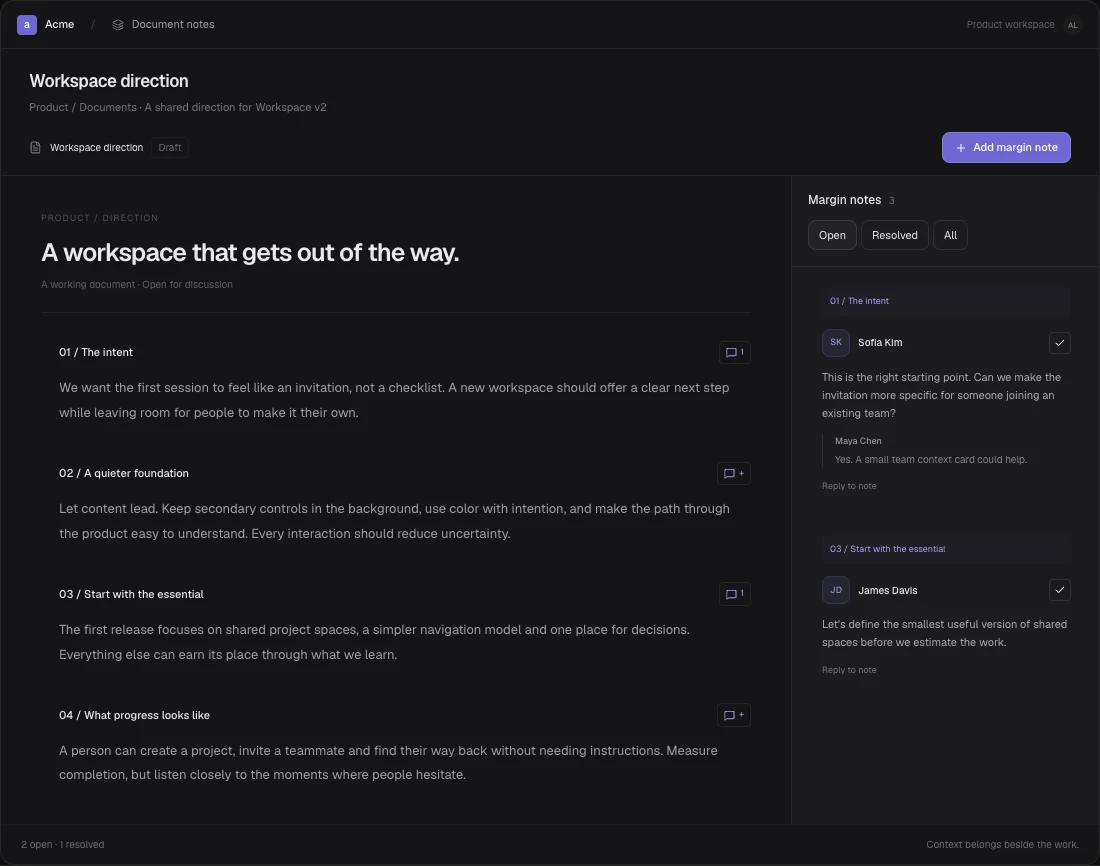
A focused workspace activity stream with mentions and following filters, event details, read states and activity type filtering.
About the Workspace Pulse Feed component
A focused workspace activity stream with mentions and following filters, event details, read states and activity type filtering.
When to use it
Summarize activity across projects in a workspace.
Keep mentions and followed work visible without opening every project.
Installation
Add the Workspace Pulse Feed component to your project with the shadcn CLI. It lands in components/workspace-pulse-feed.tsx as plain React + Tailwind CSS source you own and can edit.
Install
Copied!
npx shadcn@latest add @reactframe/workspace-pulse-feedOr copy the source by hand and install its dependencies:
Install
Copied!
npm install lucide-react clsx tailwind-mergeProps
<WorkspacePulseFeed /> accepts 6 props, all optional.
| Prop | Type | Default |
|---|---|---|
| title | string | "Workspace activity" |
| theme | "dark" | "light" | "dark" |
| initialEvents | PulseEvent[] | seed |
| onEventsChange | (events: PulseEvent[]) => void | — |
| onEventOpen | (event: PulseEvent) => void | — |
| className | string | — |
- titlestringDefault: "Workspace activity"
- theme"dark" | "light"Default: "dark"
- initialEventsPulseEvent[]Default: seed
- onEventsChange(events: PulseEvent[]) => void
- onEventOpen(event: PulseEvent) => void
- classNamestring
npm dependencies
Installed for you by the shadcn CLI.
Workspace Pulse Feed FAQ
- Is the activity feed live?
- Events are initialized from initialEvents. This component does not connect to a live service or compute relative times; provide the display time strings in your data. onEventsChange receives read-state changes, and onEventOpen lets the application handle navigation or analytics.