Glow Jump Widget React component
A glowing 4-level platformer, jump between walls, dodge moving lava, and collect coins to finish each level. Renders directly on the page, or as a floating-action-button popup. Keyboard and on-screen touch controls included.
About the Glow Jump Widget component
Glow Jump Widget is a small platform game with four levels. You run and jump across glowing platforms with the arrow keys, collect every coin to clear a level, and avoid the lava, some of which moves back and forth or up and down. Touching lava or falling off the bottom restarts the level, and clearing all four shows "All levels complete!" and starts again from level one.
It can sit inline on the page, or with asPopup as a round button in the bottom corner of its container that opens the game in a panel. position puts that button and panel on the bottom-right or bottom-left, and defaultOpen starts the panel open. On touch screens left, right and jump buttons appear over the game. The game takes keyboard focus when it starts, so the arrow keys work straight away.
When to use it
Use it as a hidden extra on a portfolio or an agency site, or as a floating game button on a 404 page or a long waiting screen.
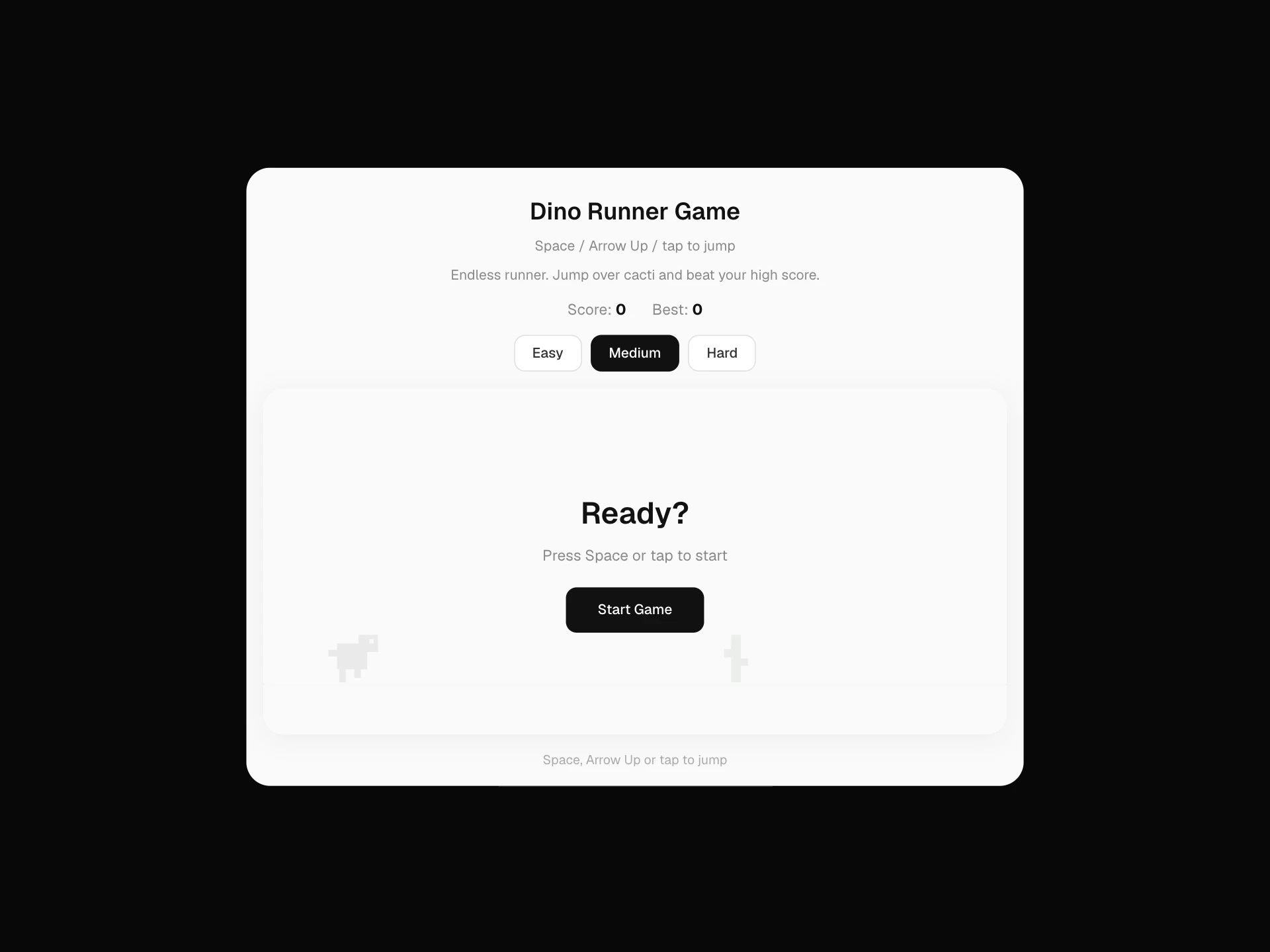
For a game with a single control that anyone gets in a second, use Dino Runner Game.
Installation
Add the Glow Jump Widget component to your project with the shadcn CLI. It lands in components/glow-jump-widget.tsx as plain React + Tailwind CSS source you own and can edit.
npx shadcn@latest add @reactframe/glow-jump-widgetOr copy the source by hand and install its dependencies:
npm install clsx tailwind-mergeProps
<GlowJumpWidget /> accepts 3 props, all optional. It also accepts the usual <div> attributes, like className, style, id and aria-*, and passes them to its root element.
| Prop | Type | Default |
|---|---|---|
| asPopup | boolean | false |
| position | "bottom-right" | "bottom-left" | "bottom-right" |
| defaultOpen | boolean | false |
- asPopupbooleanDefault: false
- position"bottom-right" | "bottom-left"Default: "bottom-right"
- defaultOpenbooleanDefault: false
Collections
Use-case pages that compare Glow Jump Widget with the other components that do a similar job.
npm dependencies
Installed for you by the shadcn CLI.
Glow Jump Widget FAQ
- What are the controls?
- Left and right arrows to run, the up arrow to jump. W, A, S and D are not used. On touch screens use the on-screen buttons.
- Does the floating button stick to the corner of the screen?
- It sits in the bottom corner of the component's own box (position: absolute), not of the window. To pin it to the screen corner, put the component inside your own fixed container that covers the area you want.
- Can I add my own levels?
- Yes, in the file. LEVELS is a list of text grids where x is a wall, @ the player, o a coin, ! still lava, = lava moving sideways, | lava moving up and down and v dripping lava. Add a grid to the list and the level counter follows.
- Can I change the colors?
- There are no color props. The look comes from the style block inside the component, where the platform, lava, coin and player colors are plain CSS.