Pong Game React component
A canvas Pong against a bot opponent, four glass themes, three difficulty levels, multi-round progression with a speed increase each round, keyboard and pointer paddle control, and an optional popup/widget mode.
About the Pong Game component
Pong Game is a one-player table tennis match against the computer, drawn on a canvas. You control the left paddle and the computer the right one. A match runs over ten rounds, each won by reaching a target score (5 points in the first rounds, down to a single point in the last), and each new round makes the ball and both paddles faster.
You move the paddle with W and S or the arrow keys, or by dragging on the court with a mouse or a finger. Clicking or tapping the court starts the game. Players pick Easy, Medium or Hard, which change the ball speed and how quickly the computer follows it. theme picks arcade, neon, tournament or classic, and lightMode switches to a light court. The game pauses its loop while it is scrolled out of view.
When to use it
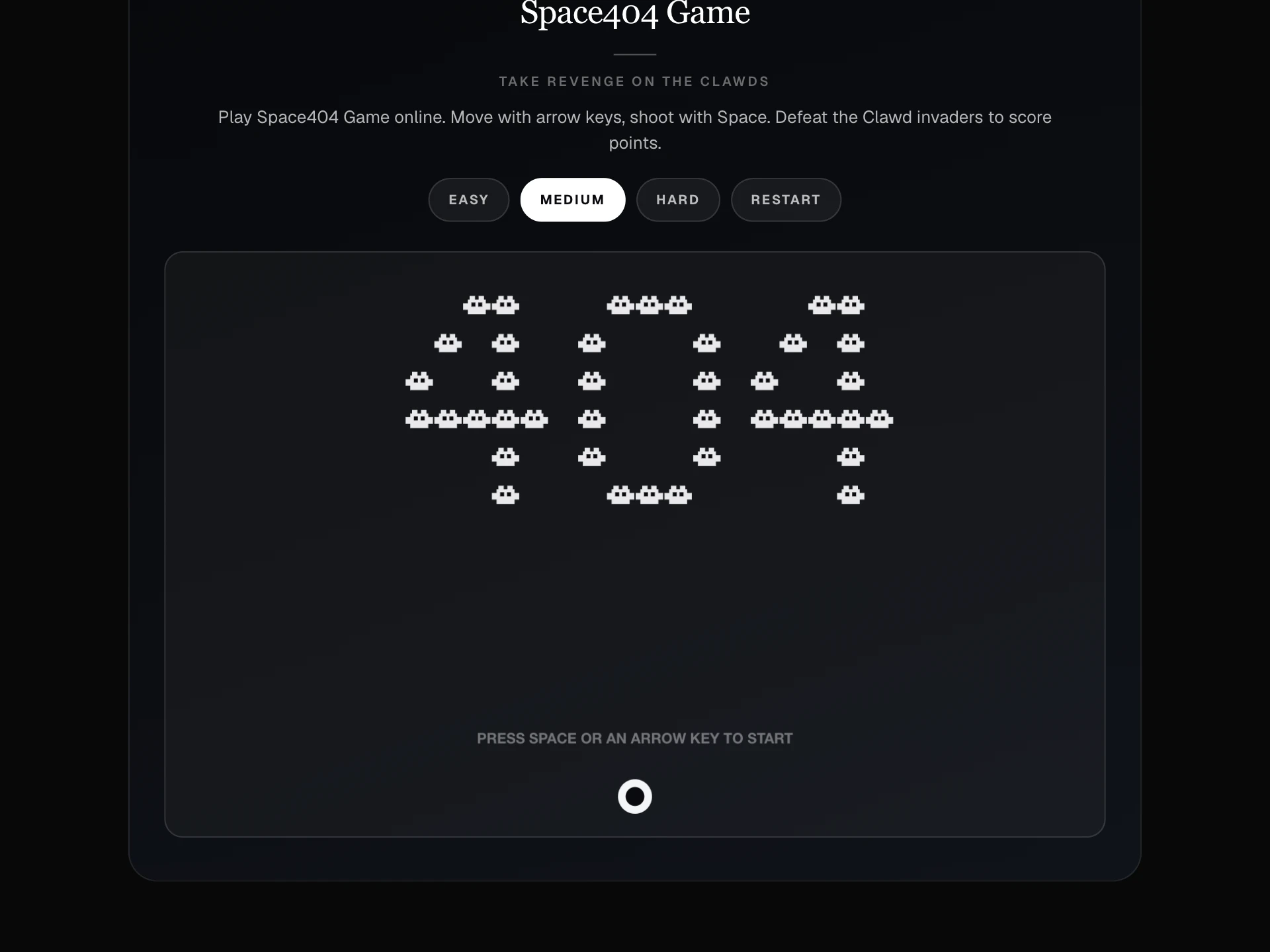
Use it on an agency or developer portfolio, a sports or gaming site, a 404 page or as a popup game a visitor can open from a button.
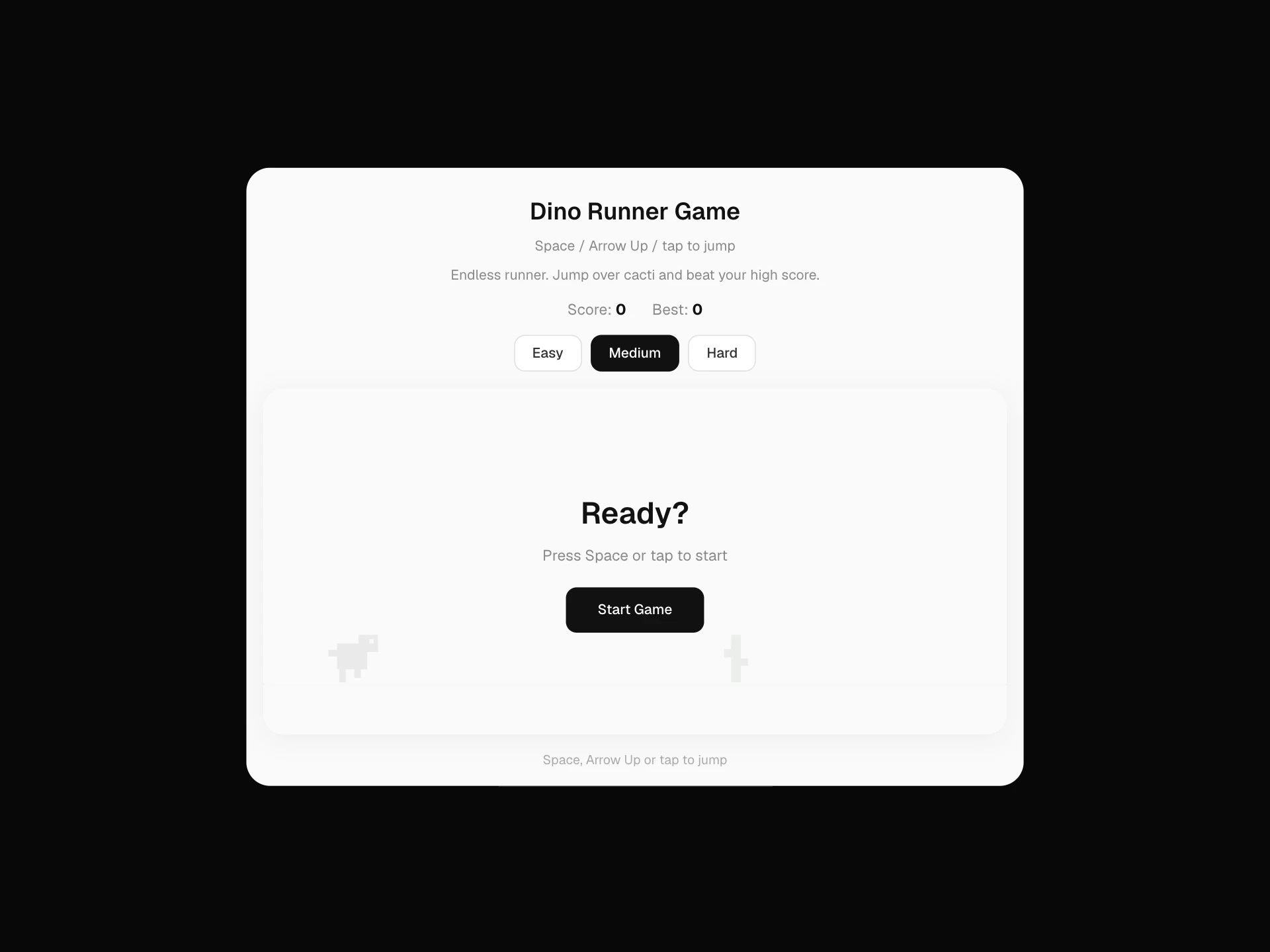
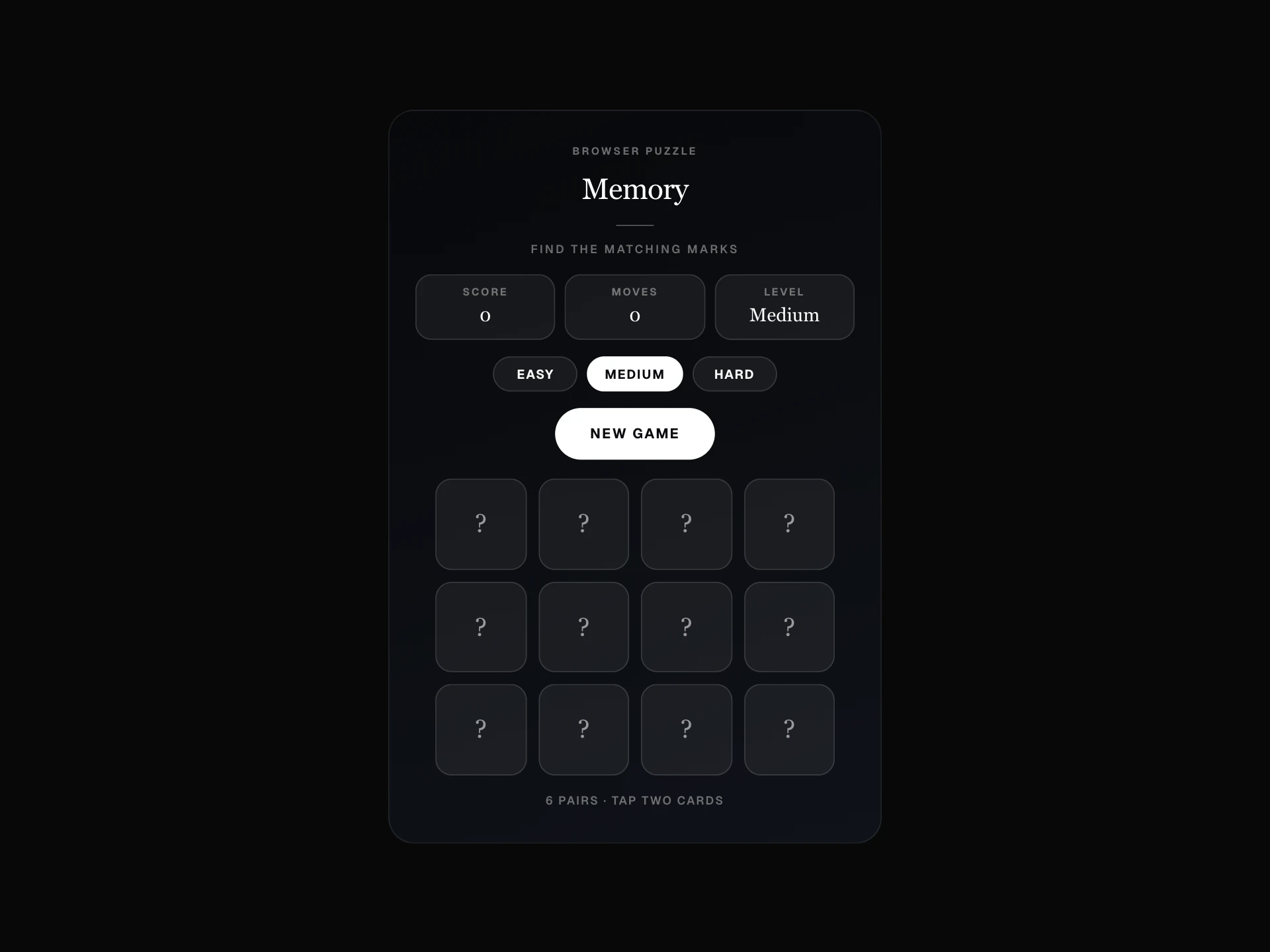
For a game that can be played with one finger and no timing, use Memory Match Game or 2048 Game.
Installation
Add the Pong Game component to your project with the shadcn CLI. It lands in components/pong-game.tsx as plain React + Tailwind CSS source you own and can edit.
npx shadcn@latest add @reactframe/pong-gameOr copy the source by hand and install its dependencies:
npm install motion clsx tailwind-mergeProps
<PongGame /> accepts 8 props, all optional. It also accepts the usual <div> attributes, like className, style, id and aria-*, and passes them to its root element.
| Prop | Type | Default |
|---|---|---|
| theme | "arcade" | "neon" | "tournament" | "classic" | "arcade" |
| lightMode | boolean | false |
| accentColor | string | "#ffffff" |
| asPopup | boolean | false |
| trigger | "manual" | "delay" | "scroll" | "manual" |
| delaySeconds | number | 4 |
| widgetPosition | "bottom-right" | "bottom-left" | "bottom-right" |
| widgetIcon | string | — |
- theme"arcade" | "neon" | "tournament" | "classic"Default: "arcade"
- lightModebooleanDefault: false
- accentColorstringDefault: "#ffffff"
- asPopupbooleanDefault: false
- trigger"manual" | "delay" | "scroll"Default: "manual"
- delaySecondsnumberDefault: 4
- widgetPosition"bottom-right" | "bottom-left"Default: "bottom-right"
- widgetIconstring
Collections
Use-case pages that compare Pong Game with the other components that do a similar job.
npm dependencies
Installed for you by the shadcn CLI.
Pong Game FAQ
- How do you win?
- Win all ten rounds. Each round ends when one side reaches its target (5, 5, 5, 4, 4, 4, 3, 3, 3 and finally 1 point). If the computer reaches the target first in any round, the game is over.
- How do I play on a phone?
- Drag on the court and the paddle follows your finger. The start message changes to "Tap the court to start" on touch screens.
- What does the difficulty change?
- The starting speeds. Hard has a faster ball and a quicker computer paddle, Easy a slower ball and a faster paddle for you. Every round adds speed on top of that.
- Why don't the arrow keys move my paddle?
- The game only reads keys while it has focus, so the page can still scroll normally. Click the court once, or tab to the game, and the keys take over.