Minesweeper Game React component
A Minesweeper with four glass themes, three board sizes, flood-fill reveal, right-click flagging, a live mine counter and timer, and an optional popup/widget mode.
About the Minesweeper Game component
Minesweeper Game is the classic logic puzzle. Clicking a cell opens it and shows how many of its neighbors hide a mine, empty areas open up on their own, and you win when every safe cell is open. The mines are placed after your first click, so the first cell you open is never a mine.
Three levels can be picked under the board: Beginner (9 by 9 with 10 mines), Medium (16 by 16 with 40) and Expert (16 by 30 with 99). A counter shows the mines left and a timer runs from the first click, pausing while the game is scrolled out of view. The board shrinks to fit narrow containers. theme picks night, neon, gold or tide, and lightMode switches to a light background.
When to use it
Use it as a nostalgic extra on a portfolio, a retro or developer-themed site, a 404 page or a waiting screen.
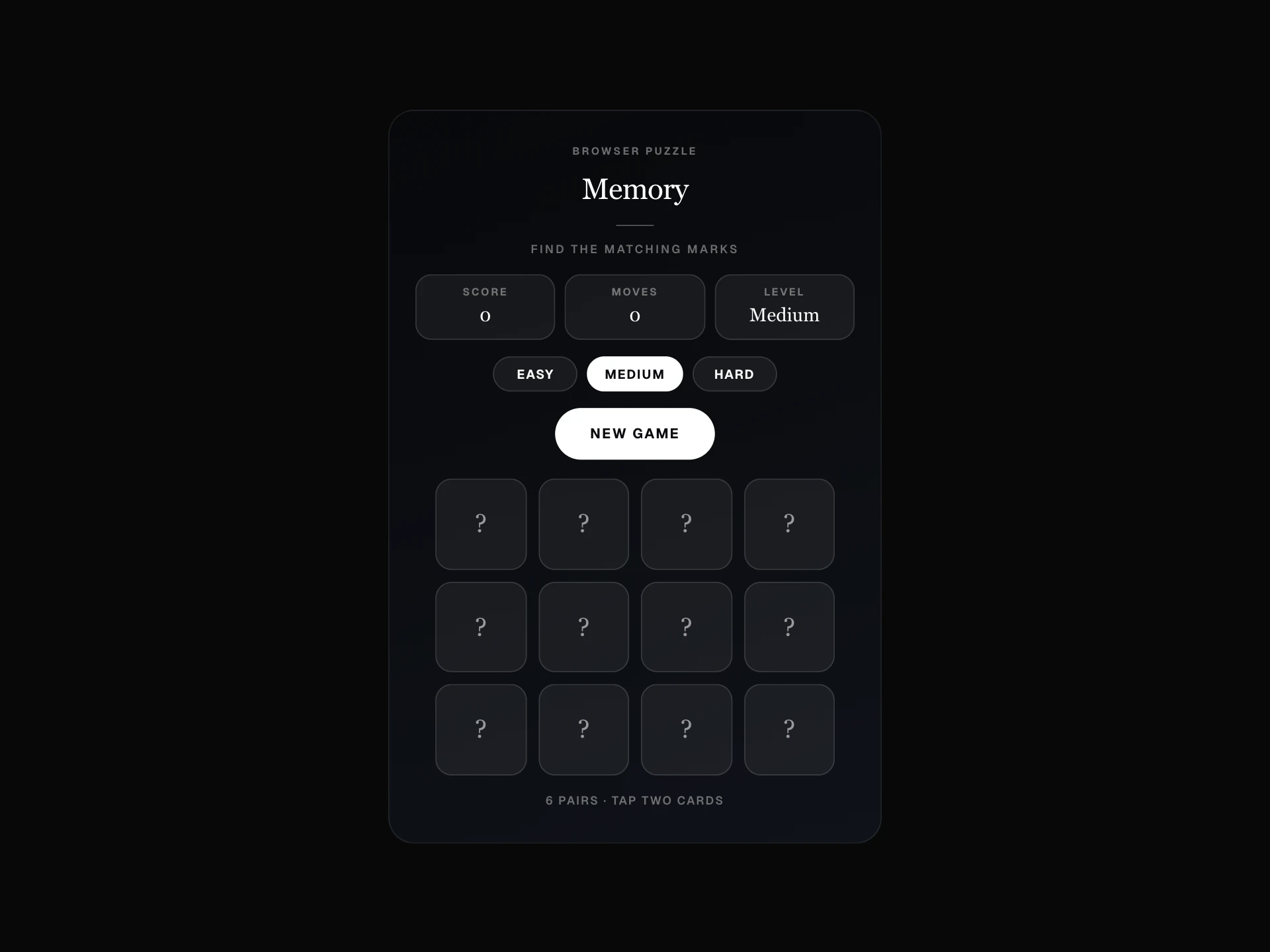
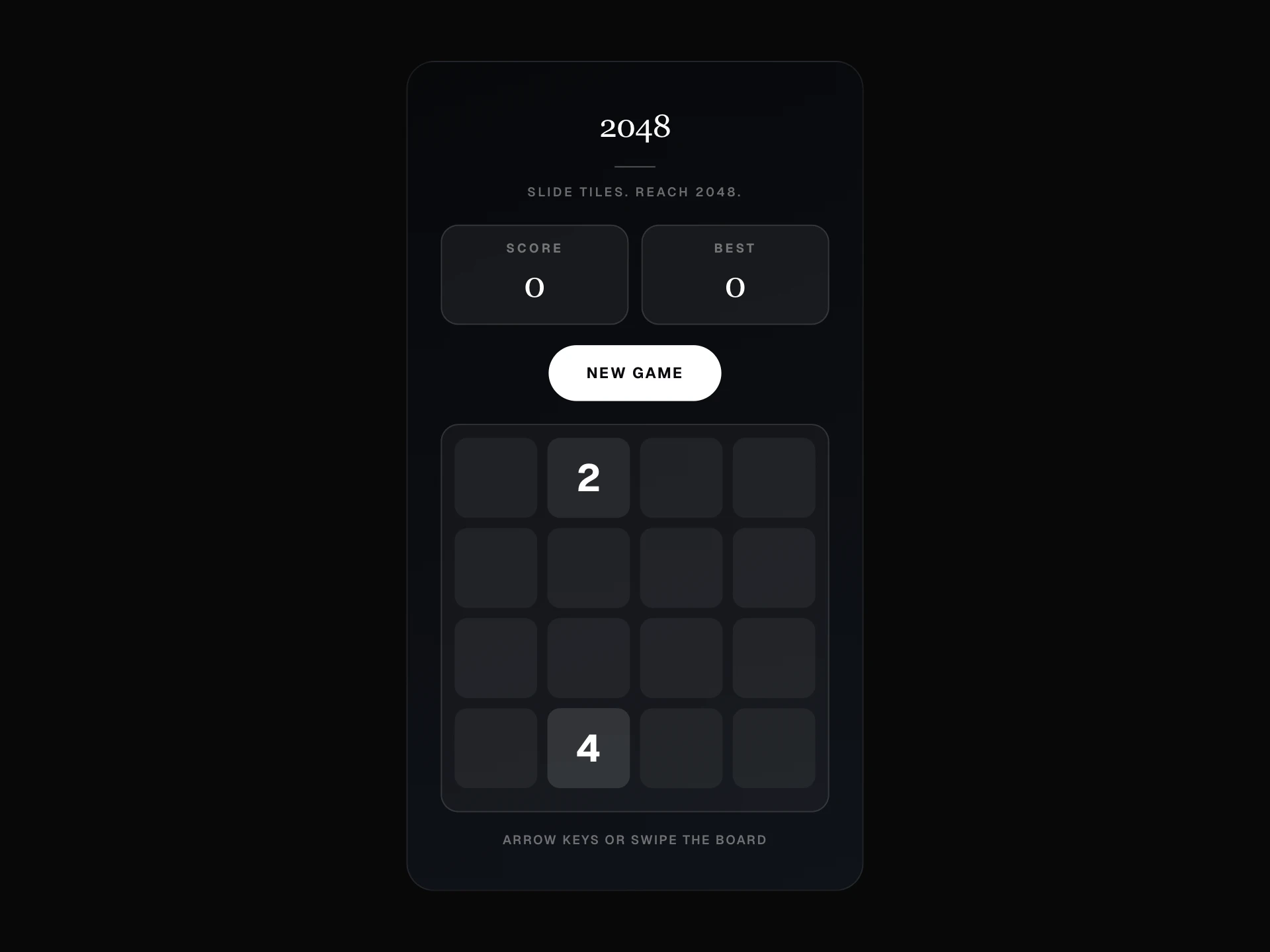
For a game that can be played with one hand on a phone, 2048 Game is a better fit, because Minesweeper needs a right-click to place flags.
Installation
Add the Minesweeper Game component to your project with the shadcn CLI. It lands in components/minesweeper-game.tsx as plain React + Tailwind CSS source you own and can edit.
npx shadcn@latest add @reactframe/minesweeper-gameOr copy the source by hand and install its dependencies:
npm install motion clsx tailwind-mergeProps
<MinesweeperGame /> accepts 9 props, all optional. It also accepts the usual <div> attributes, like className, style, id and aria-*, and passes them to its root element.
| Prop | Type | Default |
|---|---|---|
| theme | "night" | "neon" | "gold" | "tide" | "night" |
| lightMode | boolean | false |
| accentColor | string | "#ffffff" |
| difficulty | "beginner" | "intermediate" | "expert" | "beginner" |
| asPopup | boolean | false |
| trigger | "manual" | "delay" | "scroll" | "manual" |
| delaySeconds | number | 4 |
| widgetPosition | "bottom-right" | "bottom-left" | "bottom-right" |
| widgetIcon | string | — |
- theme"night" | "neon" | "gold" | "tide"Default: "night"
- lightModebooleanDefault: false
- accentColorstringDefault: "#ffffff"
- difficulty"beginner" | "intermediate" | "expert"Default: "beginner"
- asPopupbooleanDefault: false
- trigger"manual" | "delay" | "scroll"Default: "manual"
- delaySecondsnumberDefault: 4
- widgetPosition"bottom-right" | "bottom-left"Default: "bottom-right"
- widgetIconstring
Collections
Use-case pages that compare Minesweeper Game with the other components that do a similar job.
npm dependencies
Installed for you by the shadcn CLI.
Minesweeper Game FAQ
- How do I place a flag?
- Right-click a hidden cell. That also removes the flag again. On touch screens a long press works where the browser turns it into a right-click, as Android Chrome does, but iOS Safari does not, so iPhone players can only open cells.
- Is the first click always safe?
- Yes. Mines are placed only after the first click, and never on the cell you clicked. Its neighbors can still hold mines.
- How do I start on a harder level?
- Set difficulty to intermediate or expert. Players can still switch level with the buttons under the score, which starts a new board.
- Does the Expert board fit on mobile?
- The 30-column Expert board is scaled down to the container width, so it fits, but the cells get very small on a phone. Beginner is the best default for mobile.
- Can it be played with the keyboard?
- Each cell is a button, so Tab and Enter open cells. Flags need a right-click, so there is no keyboard way to place them.