Snake Game React component
A canvas-rendered Snake game with three difficulty speeds, keyboard and swipe controls, a directional-eyes snake head, high-score tracking, and ready/game-over overlays.
About the Snake Game component
Snake Game is the classic arcade game drawn on a canvas. The snake moves across a square grid, grows by one segment for each piece of food it eats, and the game ends when it hits a wall or its own tail. Each piece of food is a point, and the high score is kept in localStorage.
It is controlled with the arrow keys, W, A, S and D, or a swipe, and pressing an arrow key or Space starts a new game. defaultDifficulty sets the speed (easy, medium or hard, one step every 160, 110 or 70ms) and gridSize the number of cells per side, from 8 to 24 (15 by default). theme picks classic, violet or retro colors. The game pauses its loop while it is scrolled out of view.
When to use it
Use it on a 404 page, a launch countdown, a developer portfolio or any page where a quick game fits the tone, inline or as a popup opened from a button.
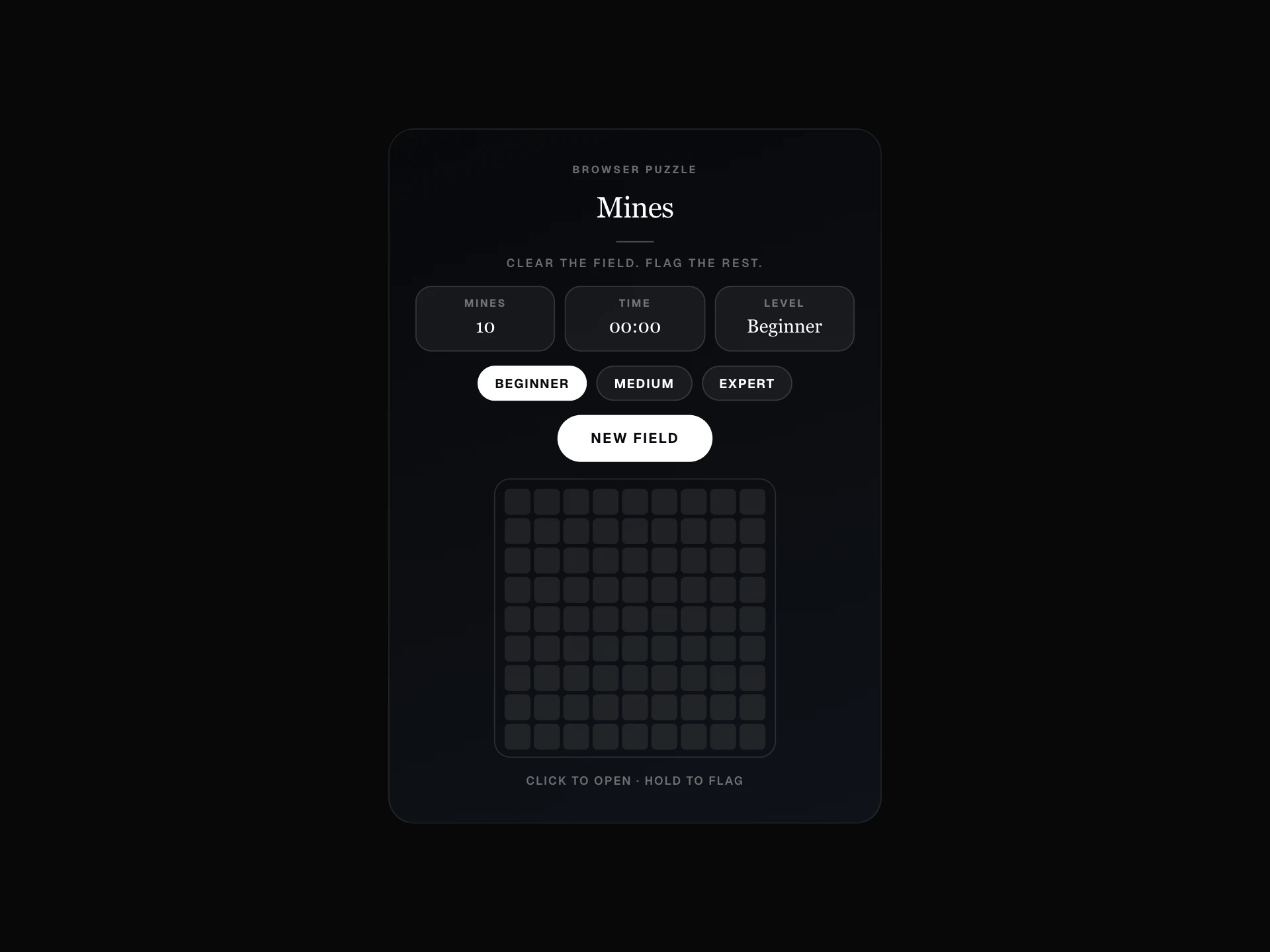
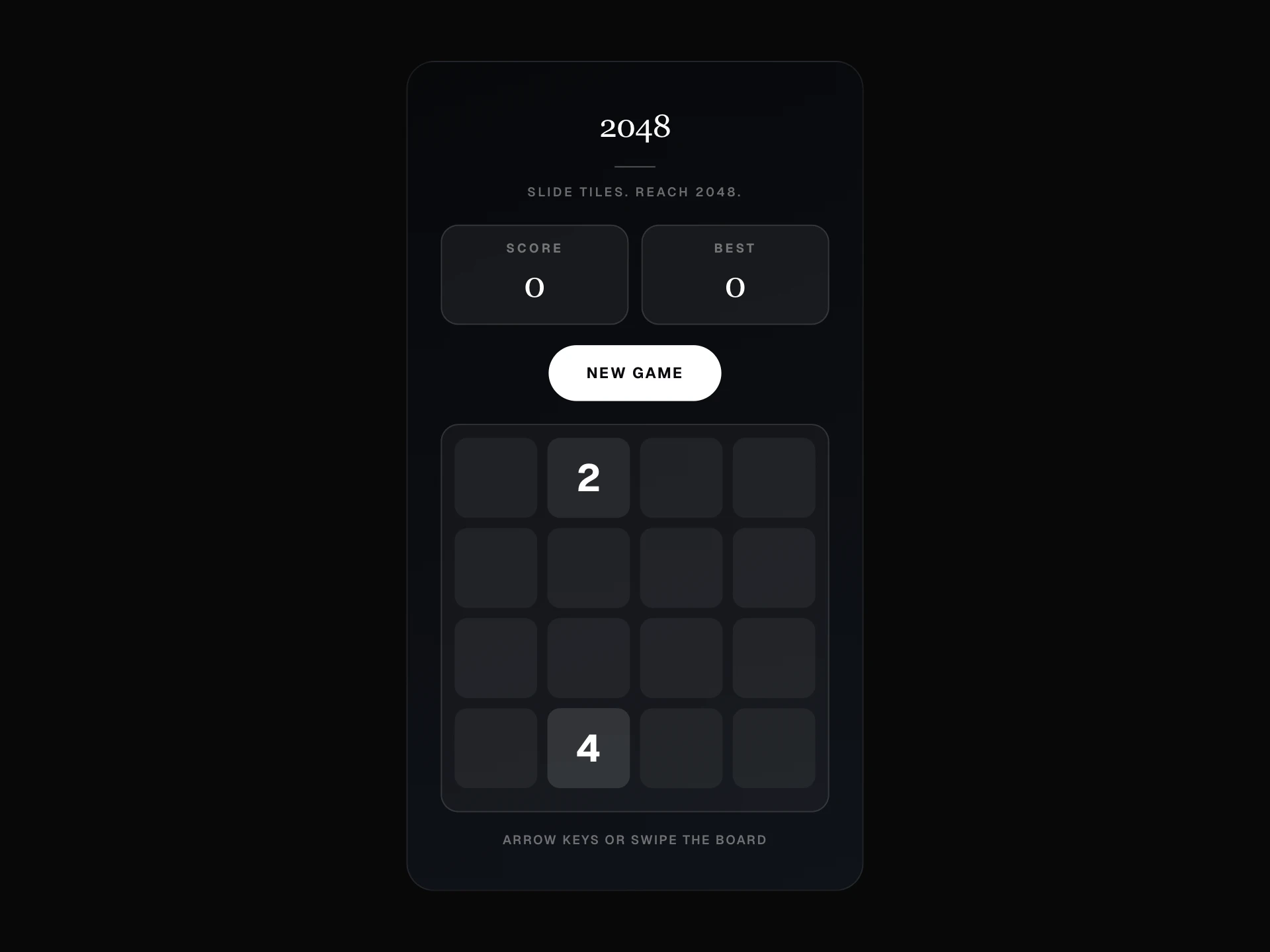
For a calmer puzzle without a time pressure, use 2048 Game or Minesweeper Game.
Installation
Add the Snake Game component to your project with the shadcn CLI. It lands in components/snake-game.tsx as plain React + Tailwind CSS source you own and can edit.
npx shadcn@latest add @reactframe/snake-gameOr copy the source by hand and install its dependencies:
npm install clsx tailwind-mergeProps
<SnakeGame /> accepts 8 props, all optional. It also accepts the usual <div> attributes, like className, style, id and aria-*, and passes them to its root element.
| Prop | Type | Default |
|---|---|---|
| theme | "classic" | "violet" | "retro" | "classic" |
| asPopup | boolean | false |
| trigger | "manual" | "delay" | "scroll" | "manual" |
| delaySeconds | number | 4 |
| widgetPosition | "bottom-right" | "bottom-left" | "bottom-right" |
| defaultDifficulty | "easy" | "medium" | "hard" | "medium" |
| gridSize | number | 15 |
| storageKey | string | "" |
- theme"classic" | "violet" | "retro"Default: "classic"
- asPopupbooleanDefault: false
- trigger"manual" | "delay" | "scroll"Default: "manual"
- delaySecondsnumberDefault: 4
- widgetPosition"bottom-right" | "bottom-left"Default: "bottom-right"
- defaultDifficulty"easy" | "medium" | "hard"Default: "medium"
- gridSizenumberDefault: 15
- storageKeystringDefault: ""
Collections
Use-case pages that compare Snake Game with the other components that do a similar job.
npm dependencies
Installed for you by the shadcn CLI.
Snake Game FAQ
- Can players change the speed?
- Not from the game itself. defaultDifficulty sets it when the game mounts, so if you want a speed picker, render your own buttons and remount the component with a new defaultDifficulty (for example with a key).
- Does the snake wrap around the edges?
- No. Hitting any wall ends the game, as does running into the snake's own body. The snake also cannot turn straight back on itself.
- How do I keep separate high scores for two games?
- The high score is saved in localStorage under snake-highscore. Give each game its own storageKey and the key gets that suffix.
- What happens to the page while the popup is open?
- With asPopup, the page behind it stops scrolling, focus moves into the game and Tab stays inside the popup. Escape, the close button or a click on the backdrop closes it, page scrolling comes back and focus returns to the button that opened it.