Human Review Desk React component
A workspace for checking what AI wants to do: a queue, the proposal with its checks and confidence, edit in place, and approve or reject from the keyboard.
About the Human Review Desk component
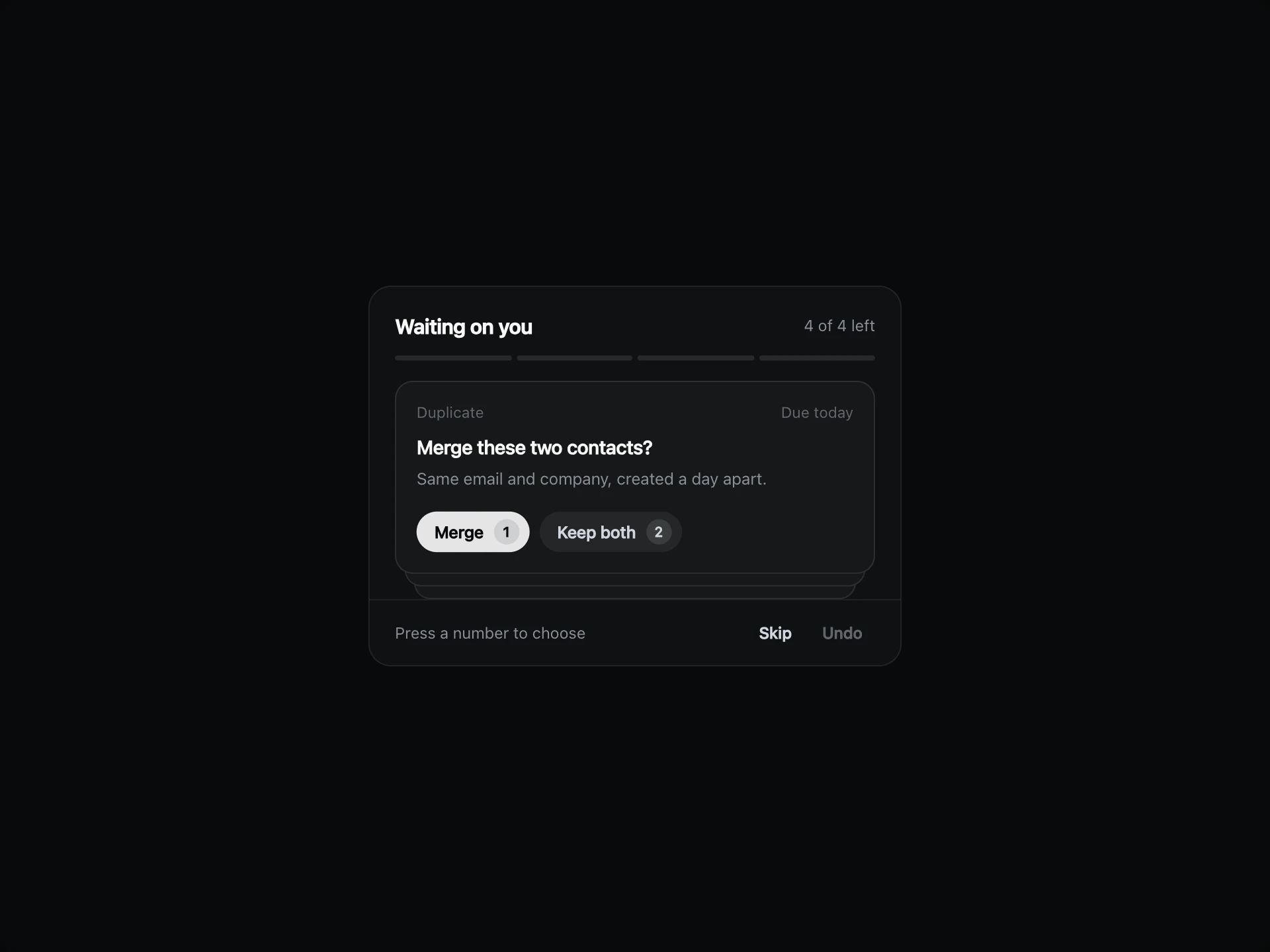
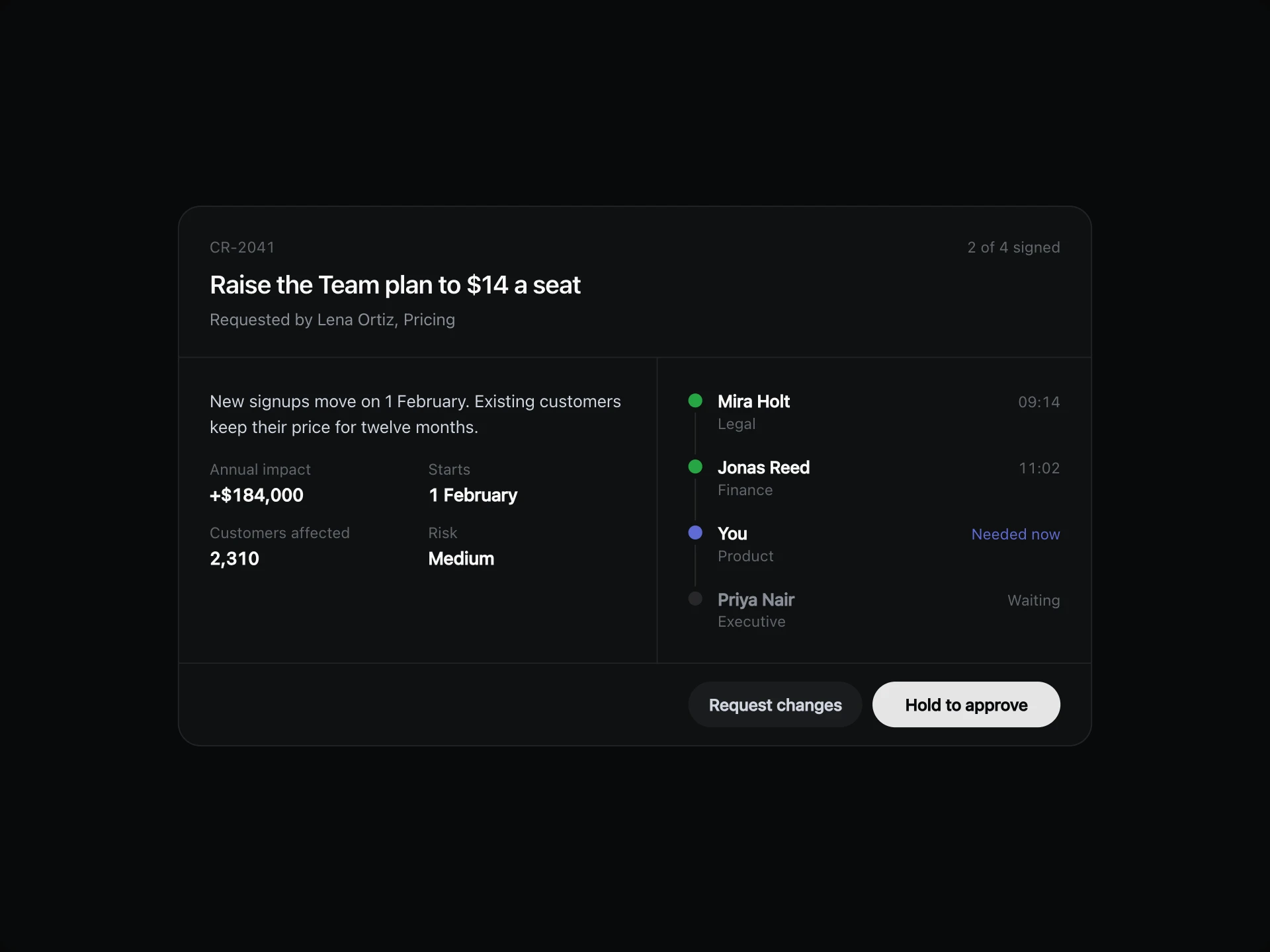
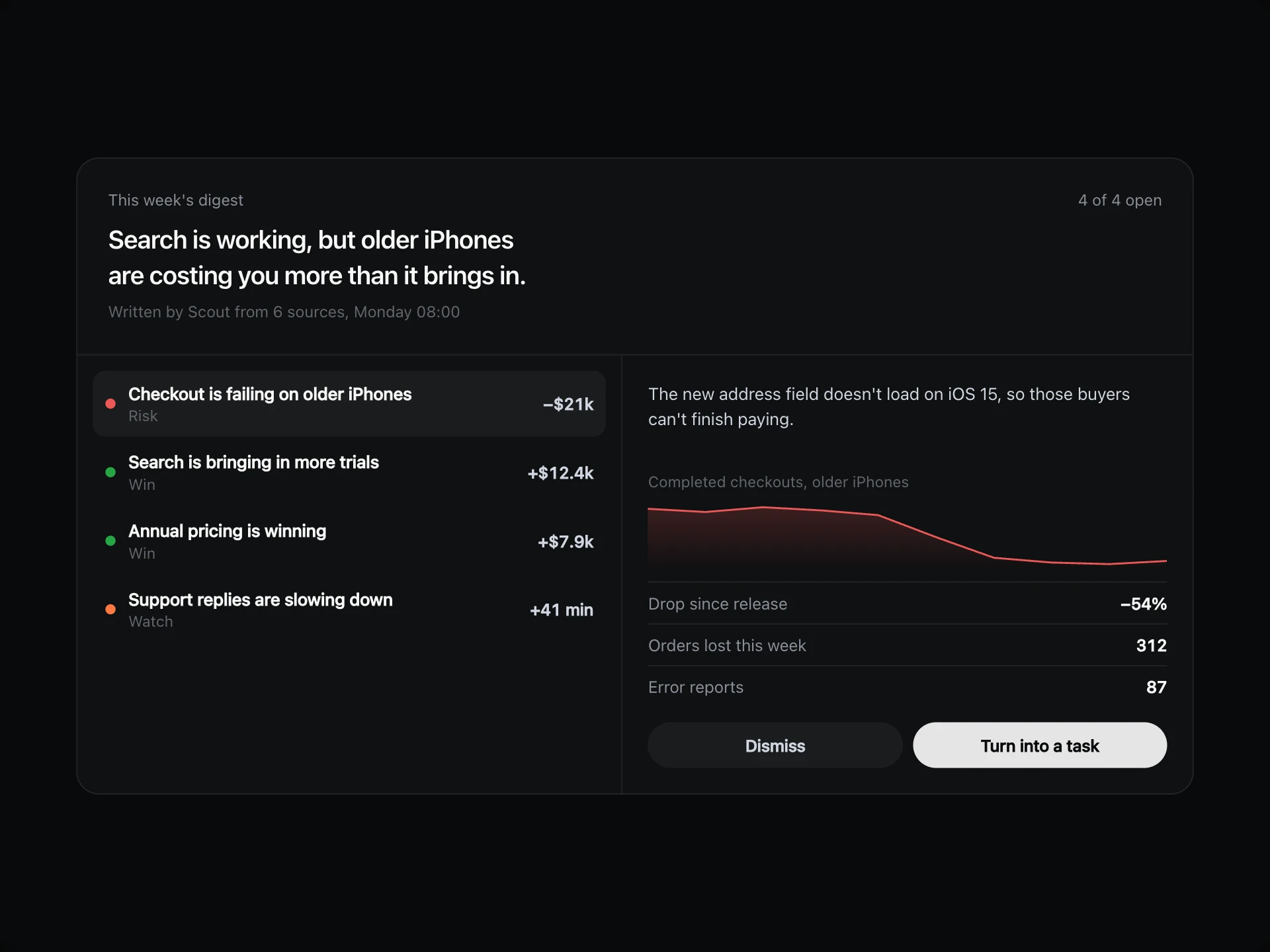
Human Review Desk is where people check AI's work before it goes out. The queue sits on one side, and the proposal sits on the other with the checks it passed and how sure the model is.
Reviewers can approve, reject or fix the text in place, and the desk moves on to the next open item by itself. The header keeps count of progress and how often people agreed with the model.
When to use it
Use it for AI-drafted replies, refunds, moderation calls and any automated action that needs a person in the loop.
Let high-confidence items through elsewhere if you can. A desk full of easy approvals teaches people to stop reading.
Installation
Add the Human Review Desk component to your project with the shadcn CLI. It lands in components/human-review-desk.tsx as plain React + Tailwind CSS source you own and can edit.
npx shadcn@latest add @reactframe/human-review-deskProps
<HumanReviewDesk /> accepts 5 props, all optional. It also accepts the usual <section> attributes, like className, style, id and aria-*, and passes them to its root element.
| Prop | Type | Default |
|---|---|---|
| theme | "dark" | "light" | "dark" |
| title | string | "Review desk" |
| items | { id: string; title: string; source: string; confidence: number; proposal: string; checks: ReviewCheck[] }[] | DEFAULT_ITEMS |
| lowConfidence Items under this confidence show up in the "Needs a look" filter. | number | 70 |
| onDecide | (item: ReviewItem, decision: ReviewDecision, text: string) => void | — |
- theme"dark" | "light"Default: "dark"
- titlestringDefault: "Review desk"
- items{ id: string; title: string; source: string; confidence: number; proposal: string; checks: ReviewCheck[] }[]Default: DEFAULT_ITEMS
- lowConfidence
Items under this confidence show up in the "Needs a look" filter.
numberDefault: 70 - onDecide(item: ReviewItem, decision: ReviewDecision, text: string) => void
Human Review Desk FAQ
- What keys can I use?
- J and K move through the queue, A approves, E edits and R rejects.
- What does agreement mean?
- The share of reviewed items that were approved without any edits.
- How do I get the edited text?
- onDecide receives the item, the decision and the final text.
- How does it work on a phone?
- The list becomes Previous and Next buttons, and the card keeps the same height.