Pending Choices Tray React component
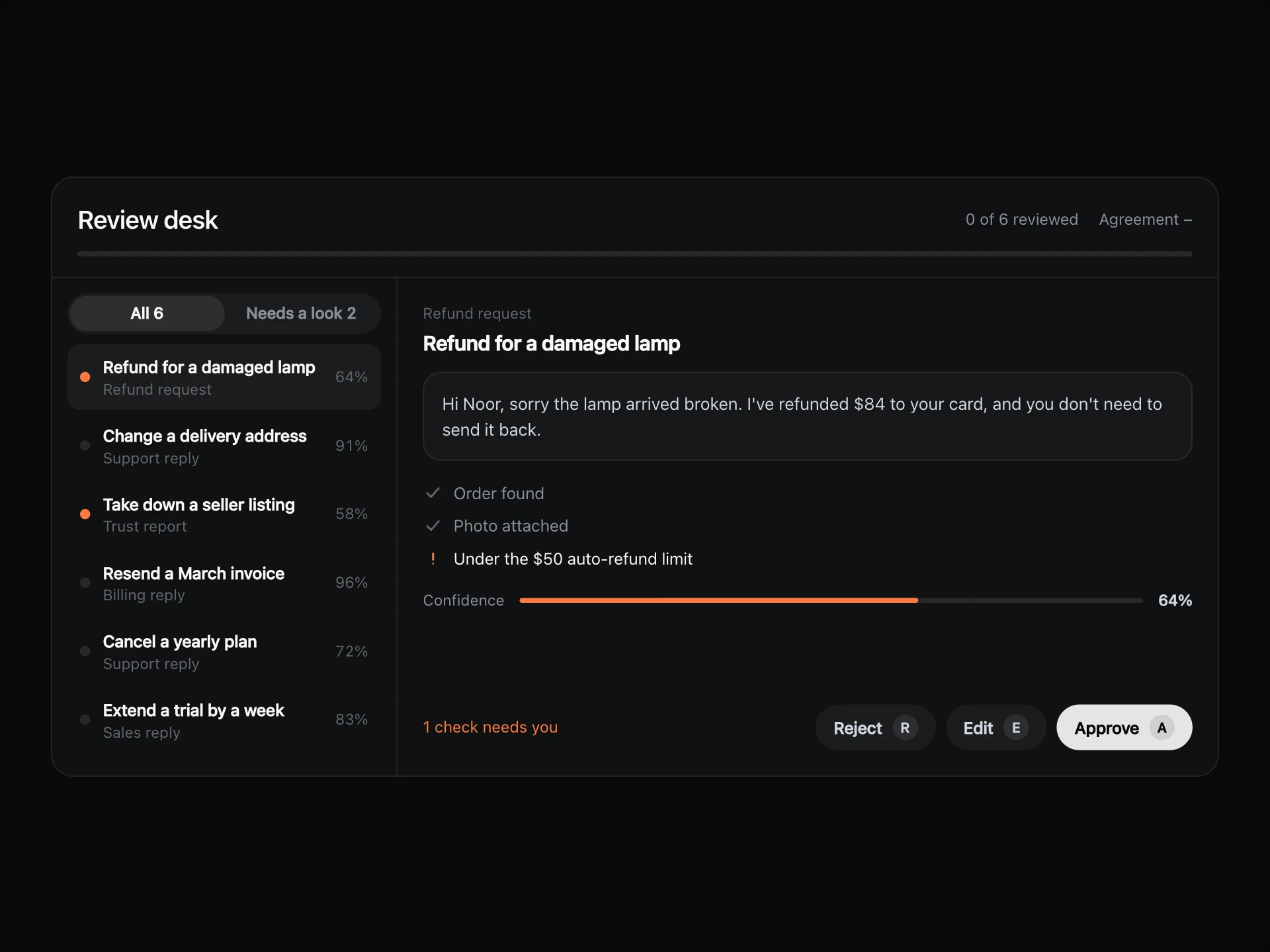
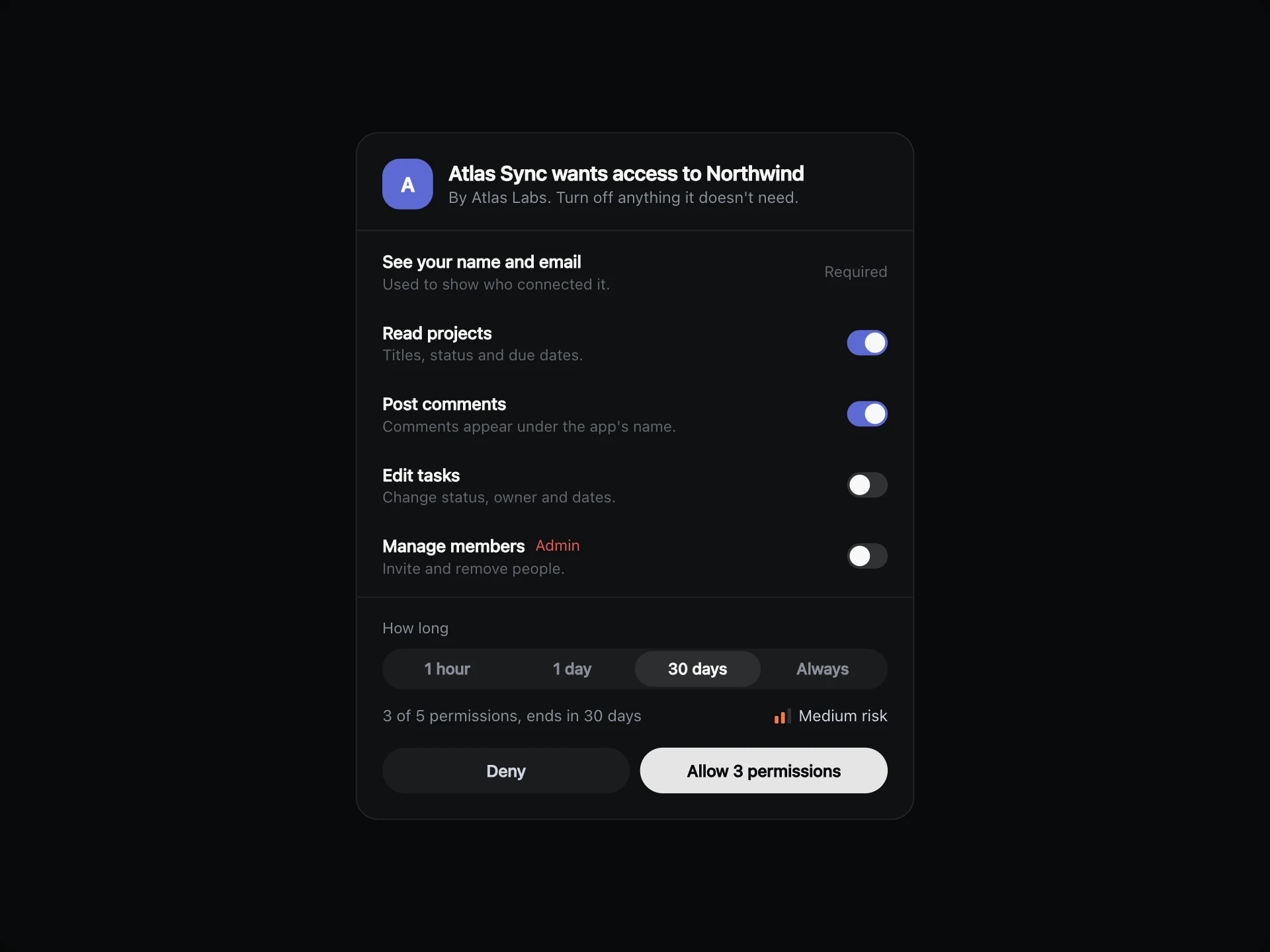
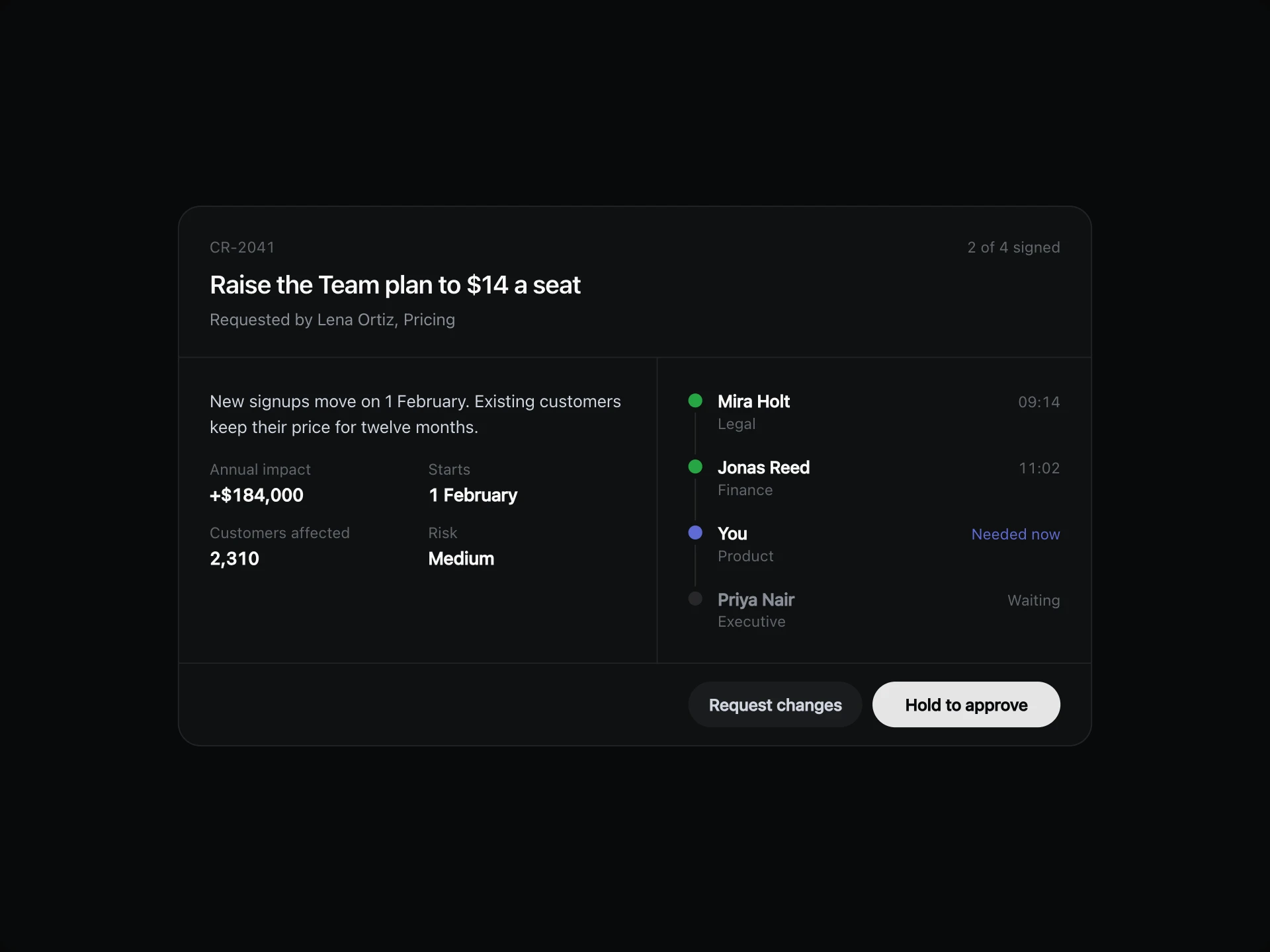
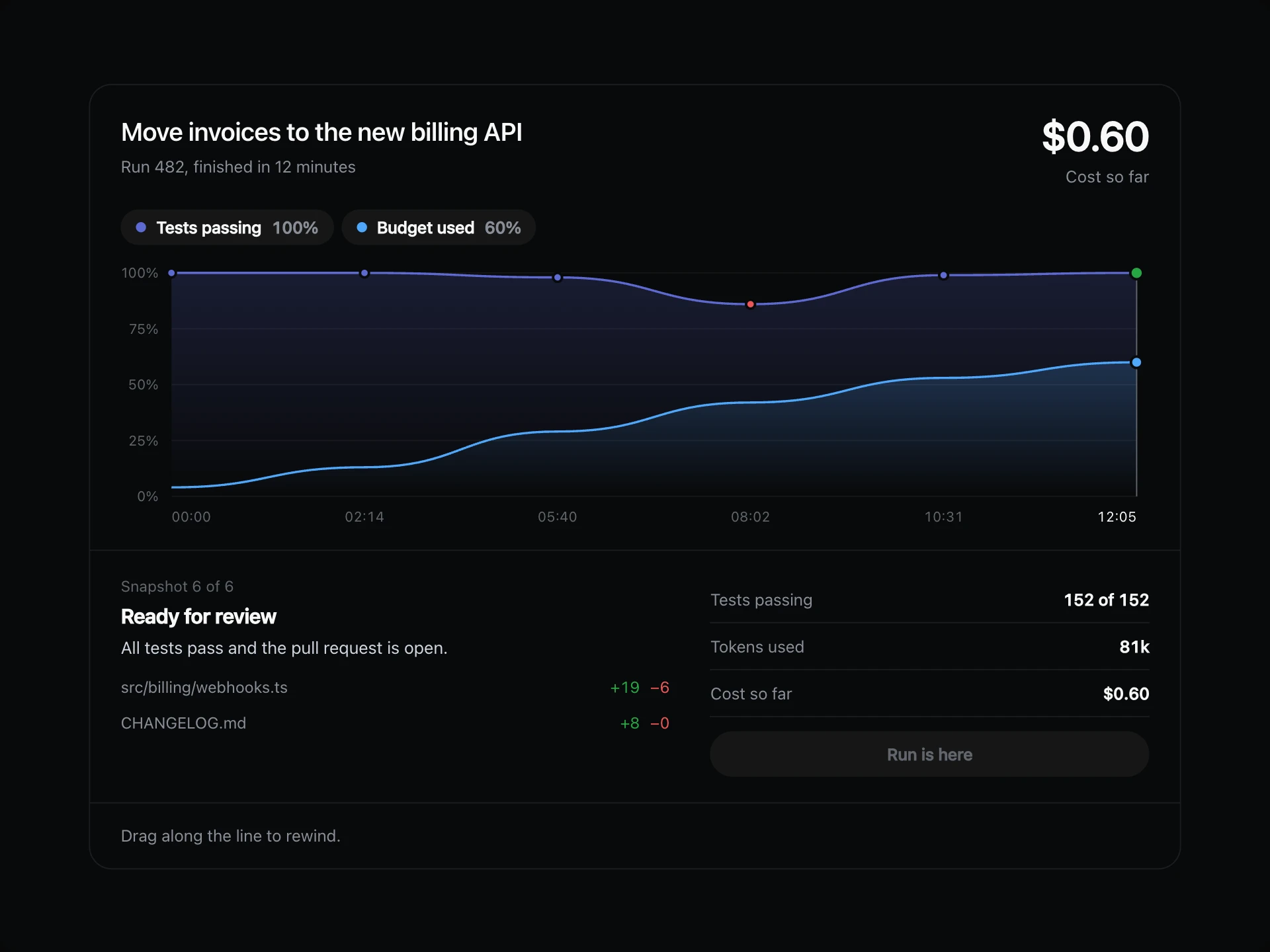
A stack of small decisions waiting on you: answer the top card with a click or a number key, skip it for later, and undo the last one if you change your mind.
About the Pending Choices Tray component
Pending Choices Tray turns a pile of small decisions into something you can clear in a minute. You only ever see one at a time, with the next ones stacked behind it.
Answer with a click or a number key, skip what needs more thought, and take back the last answer with Undo. When the stack is empty it simply says so.
When to use it
Use it in inboxes, dashboards and assistants for quick calls such as merging records, renewing seats or moving dates.
Keep each card to a question that takes seconds. Anything needing real reading belongs in a full review screen.
Installation
Add the Pending Choices Tray component to your project with the shadcn CLI. It lands in components/pending-choices-tray.tsx as plain React + Tailwind CSS source you own and can edit.
npx shadcn@latest add @reactframe/pending-choices-trayProps
<PendingChoicesTray /> accepts 7 props, all optional. It also accepts the usual <section> attributes, like className, style, id and aria-*, and passes them to its root element.
| Prop | Type | Default |
|---|---|---|
| theme | "dark" | "light" | "dark" |
| title | string | "Waiting on you" |
| items | { id: string; kind: string; question: string; context?: string; due?: string; options: PendingOption[] }[] | DEFAULT_ITEMS |
| emptyTitle | string | "All clear" |
| emptyText | string | "Nothing needs a decision right now." |
| onChoose | (item: PendingChoice, option: PendingOption) => void | — |
| onUndo | (item: PendingChoice) => void | — |
- theme"dark" | "light"Default: "dark"
- titlestringDefault: "Waiting on you"
- items{ id: string; kind: string; question: string; context?: string; due?: string; options: PendingOption[] }[]Default: DEFAULT_ITEMS
- emptyTitlestringDefault: "All clear"
- emptyTextstringDefault: "Nothing needs a decision right now."
- onChoose(item: PendingChoice, option: PendingOption) => void
- onUndo(item: PendingChoice) => void
Pending Choices Tray FAQ
- What keys can I use?
- 1, 2 and 3 pick an option, S skips and U undoes, while focus is inside the tray.
- What does Skip do?
- It moves the card to the back of the stack, so it comes round again.
- Can undo go back more than once?
- Yes. It steps back through every decision in order.
- Does the tray change height?
- No. All the cards share one grid cell, so the tallest sets the height.