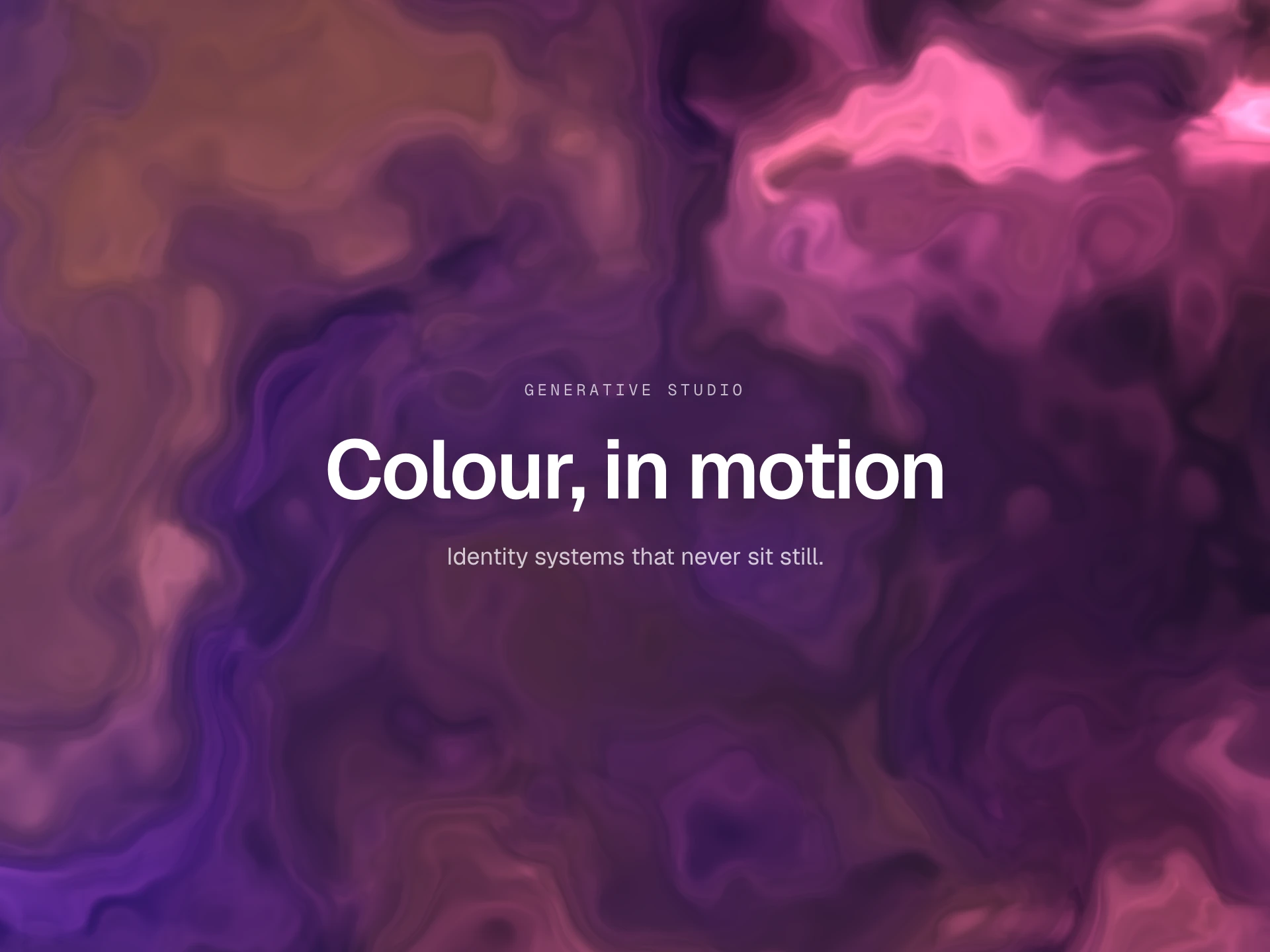
Noise Background React component
A canvas background with animated film-grain noise, soft color blob gradients, 7 built-in themes (or fully custom colors), drifting blob animation, and a vignette.
About the Noise Background component
Noise Background is a free canvas backdrop of animated film grain over soft radial color blobs on a dark base, finished with a vignette. The grain tile is regenerated many times a second, so it flickers like real film instead of sitting still.
colorTheme picks one of seven looks: cognac, crimson, orchid, forest, midnight, slate or obsidian (which has no blobs). With colorTheme="custom" you place a single blob over backgroundColor using blobX, blobY, blobRadiusX, blobRadiusY, blobColor and blobOpacity. noiseOpacity, noiseSpeed, grainSize and blendMode control the grain, and animateBlobs lets the blobs drift.
When to use it
Use it behind dark hero sections and on editorial, agency, album and film pages, where a textured, analog feel suits the brand.
For light pastel color fields, use Soft Background.
Installation
Add the Noise Background component to your project with the shadcn CLI. It lands in components/noise-background.tsx as plain React + Tailwind CSS source you own and can edit.
npx shadcn@latest add @reactframe/noise-backgroundOr copy the source by hand and install its dependencies:
npm install clsx tailwind-mergeProps
<NoiseBackground /> accepts 16 props, all optional. It also accepts the usual <div> attributes, like className, style, id and aria-*, and passes them to its root element.
| Prop | Type | Default |
|---|---|---|
| colorTheme | "cognac" | "crimson" | "orchid" | "forest" | "midnight" | "slate" | "obsidian" | "custom" | "slate" |
| backgroundColor | string | "#060403" |
| blobColor | string | "#c84010" |
| blobX | number | 0.2 |
| blobY | number | 0.5 |
| blobRadiusX | number | 0.5 |
| blobRadiusY | number | 0.8 |
| blobOpacity | number | 0.7 |
| noiseOpacity | number | 0.1 |
| noiseSpeed | number | 24 |
| grainSize | number | 150 |
| blendMode | "soft-light" | "screen" | "screen" |
- colorTheme"cognac" | "crimson" | "orchid" | "forest" | "midnight" | "slate" | "obsidian" | "custom"Default: "slate"
- backgroundColorstringDefault: "#060403"
- blobColorstringDefault: "#c84010"
- blobXnumberDefault: 0.2
- blobYnumberDefault: 0.5
- blobRadiusXnumberDefault: 0.5
- blobRadiusYnumberDefault: 0.8
- blobOpacitynumberDefault: 0.7
- noiseOpacitynumberDefault: 0.1
- noiseSpeednumberDefault: 24
- grainSizenumberDefault: 150
- blendMode"soft-light" | "screen"Default: "screen"
Show all 16 propsShow fewer
| vignetteEnabled | boolean | true |
| vignetteIntensity | number | 0.62 |
| animateBlobs | boolean | false |
| animateSpeed | number | 0.5 |
- vignetteEnabledbooleanDefault: true
- vignetteIntensitynumberDefault: 0.62
- animateBlobsbooleanDefault: false
- animateSpeednumberDefault: 0.5
Collections
Use-case pages that compare Noise Background with the other components that do a similar job.
npm dependencies
Installed for you by the shadcn CLI.
Noise Background FAQ
- How do I stop the grain flickering?
- Set noiseSpeed={0} and the grain tile is drawn once and stays static. The default of 24 regenerates it 24 times a second.
- Are blobX and blobY in pixels?
- No, they are fractions of the width and height from 0 to 1, so 0.2 and 0.5 put the blob a fifth of the way across and halfway down. Both radii are fractions of the width. These props only apply when colorTheme="custom".
- What does grainSize change?
- It sets the size in pixels of the random noise tile repeated across the canvas (default 150). Larger tiles make the repetition less noticeable.
- Does it pause off screen or respect reduced motion?
- No, the draw loop runs as long as it is mounted. For a still result, set noiseSpeed={0} and keep animateBlobs={false} (the default).