Plasma Cloud React component
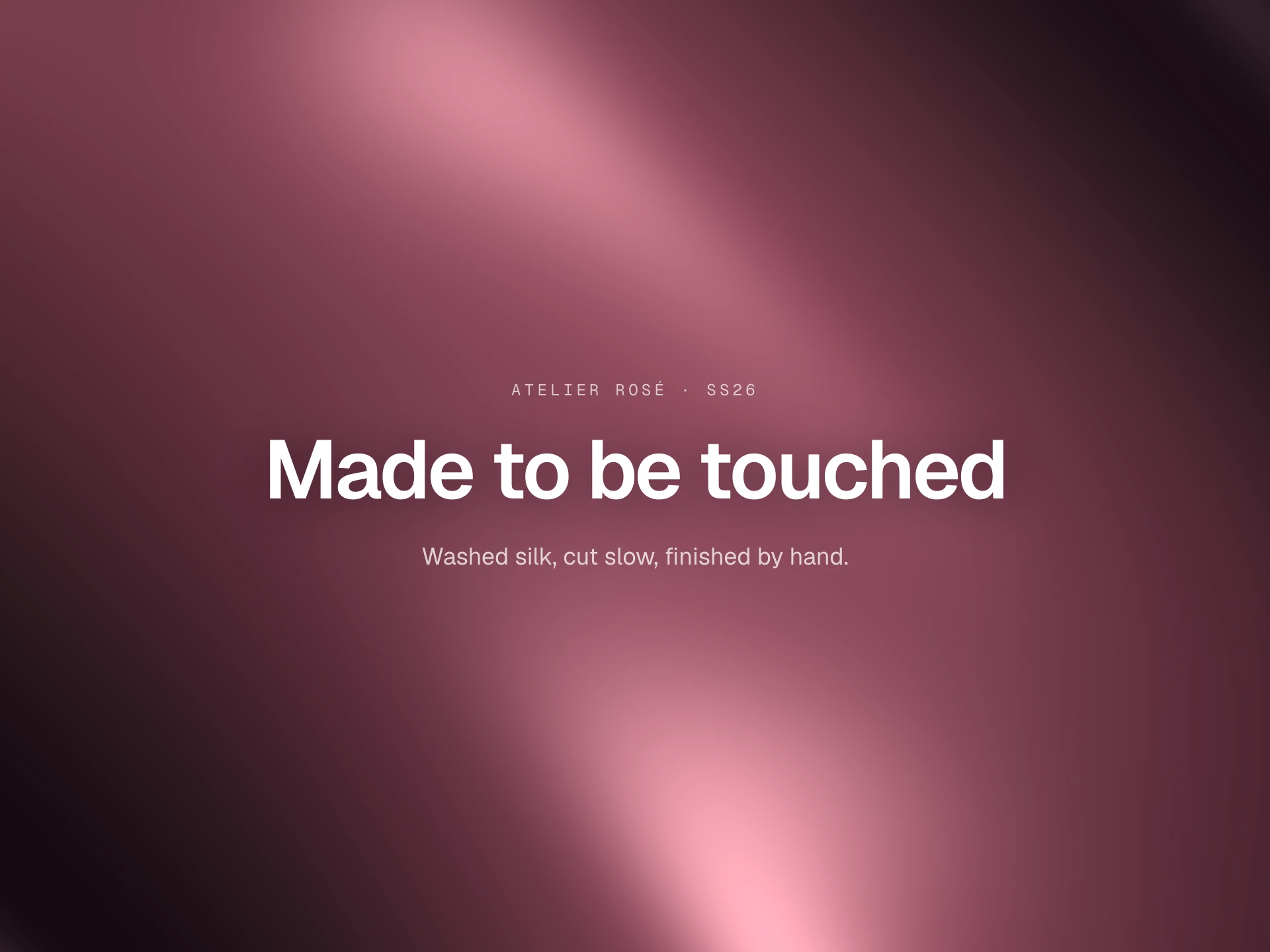
A glowing plasma cloud shader that folds in on itself like coloured smoke, built from layered domain-warped noise; the pointer stirs a slow swirl into it, and anything you place inside sits on top.
About the Plasma Cloud component
Plasma Cloud is a background of glowing colour that folds and rolls over itself like smoke lit from inside. It's made by feeding noise into noise, which gives it those slow, organic swirls instead of a repeating pattern.
Move the pointer over it and the cloud stirs into a gentle whirl around it. It runs as a WebGL shader and pauses when it's off screen.
When to use it
Use it behind a creative studio's hero, a music or event page, a product launch, or as a living backdrop for a big statement.
It's colourful and busy by nature, so pair it with a single bold line of text rather than paragraphs.
Installation
Add the Plasma Cloud component to your project with the shadcn CLI. It lands in components/plasma-cloud.tsx as plain React + Tailwind CSS source you own and can edit.
npx shadcn@latest add @reactframe/plasma-cloudOr copy the source by hand and install its dependencies:
npm install clsx tailwind-mergeProps
<PlasmaCloud /> accepts 8 props, all optional. It also accepts the usual <div> attributes, like className, style, id and aria-*, and passes them to its root element.
| Prop | Type | Default |
|---|---|---|
| children Content shown on top of the background. | React.ReactNode | — |
| colors Plasma colours: main body, deep folds, warm streaks and the hot highlights. | [string, string, string, string] | DEFAULT_COLORS |
| background Base colour behind the effect. | string | DEFAULT_BACKGROUND |
| speed Animation speed multiplier. | number | 1 |
| intensity Overall brightness of the effect. | number | 1 |
| interactive The pointer stirs the plasma into a slow swirl around it. | boolean | true |
| resolution Render scale: 1 is full resolution, lower values are cheaper on very large screens. | number | 1 |
| paused Freeze the animation on its current frame. | boolean | false |
- children
Content shown on top of the background.
React.ReactNode - colors
Plasma colours: main body, deep folds, warm streaks and the hot highlights.
[string, string, string, string]Default: DEFAULT_COLORS - background
Base colour behind the effect.
stringDefault: DEFAULT_BACKGROUND - speed
Animation speed multiplier.
numberDefault: 1 - intensity
Overall brightness of the effect.
numberDefault: 1 - interactive
The pointer stirs the plasma into a slow swirl around it.
booleanDefault: true - resolution
Render scale: 1 is full resolution, lower values are cheaper on very large screens.
numberDefault: 1 - paused
Freeze the animation on its current frame.
booleanDefault: false
npm dependencies
Installed for you by the shadcn CLI.
Plasma Cloud FAQ
- How do I put content on top?
- Pass it as children. PlasmaCloud is a relative container with the effect drawn behind its children, so give it a height (or make it absolute inset-0 inside a section) and lay your content out inside.
- Can I change the colours?
- Pass colors with four colours: the main body, the deep folds, warm streaks and the hottest highlights. Two close hues with one contrast colour gives the richest result.
- Is it heavy on performance?
- It's one small WebGL shader. It only animates while it's on screen and the tab is visible, caps the pixel density at 1.5x, and resolution={0.6} renders it smaller and scales it up on very large screens.
- What about reduced motion?
- With reduced motion turned on, or paused set, it draws a single still frame instead of animating. Without WebGL it falls back to a soft CSS gradient in the same colours.