Parallax Section React component
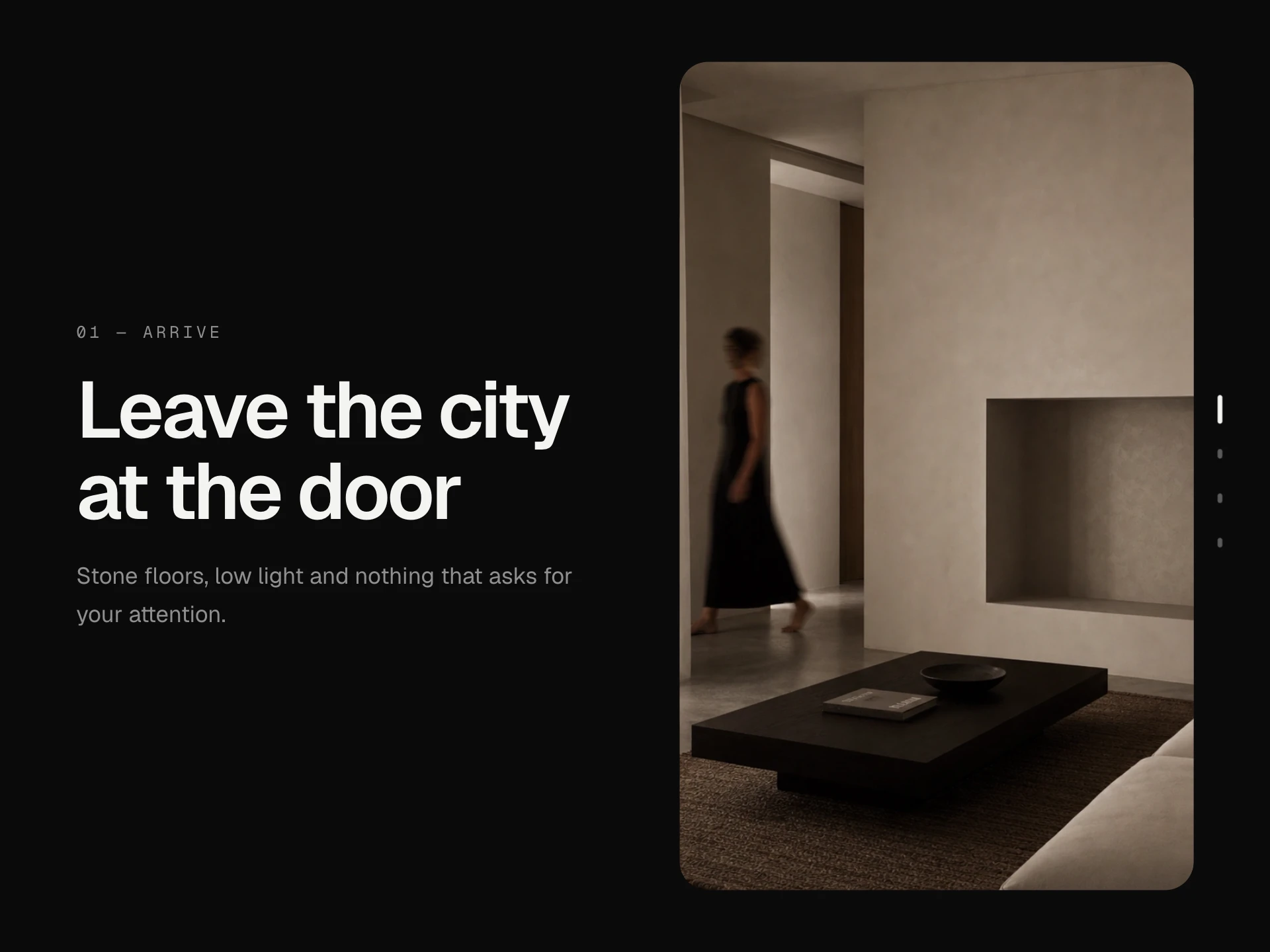
A section of floating photos and type that drift at different speeds as it scrolls past, so the layers separate into depth, and lean slightly toward the pointer; works with page scrolling and scroll containers alike.
About the Parallax Section component
Parallax Section gives a flat section real depth: photos and type float at different distances and drift at different speeds as the page scrolls past, so near things move faster than far ones, and the whole scene leans a little toward the pointer.
It measures itself against whatever is scrolling — the page or a scroll box — and only animates while something is actually moving, so it stays smooth and costs nothing at rest.
When to use it
Use it for a portfolio or interior studio's showcase, a product story section, an editorial break between chapters or a landing page hero with a few strong photos.
Keep layers to a handful; three to six give a convincing sense of depth without turning the section into noise.
Installation
Add the Parallax Section component to your project with the shadcn CLI. It lands in components/parallax-section.tsx as plain React + Tailwind CSS source you own and can edit.
npx shadcn@latest add @reactframe/parallax-sectionOr copy the source by hand and install its dependencies:
npm install clsx tailwind-mergeProps
<ParallaxSection /> accepts 6 props, all optional. It also accepts the usual <section> attributes, like className, style, id and aria-*, and passes them to its root element.
| Prop | Type | Default |
|---|---|---|
| layers | { src?: string; alt?: string; content?: React.ReactNode; speed: number; depth?: number; className?: string; style?: React.CSSProperties }[] | LAYERS |
| children Foreground content, drawn above the layers at speed 0. | React.ReactNode | — |
| height | number | 560 |
| distance Pixels of travel per unit of speed. | number | 90 |
| pointer Layers also shift a little with the pointer. | boolean | true |
| theme | "dark" | "light" | "dark" |
- layers{ src?: string; alt?: string; content?: React.ReactNode; speed: number; depth?: number; className?: string; style?: React.CSSProperties }[]Default: LAYERS
- children
Foreground content, drawn above the layers at speed 0.
React.ReactNode - heightnumberDefault: 560
- distance
Pixels of travel per unit of speed.
numberDefault: 90 - pointer
Layers also shift a little with the pointer.
booleanDefault: true - theme"dark" | "light"Default: "dark"
npm dependencies
Installed for you by the shadcn CLI.
Parallax Section FAQ
- How do I set the depth of each layer?
- speed decides how far a layer travels while the section scrolls past: 0 stays put, bigger numbers move more, negative numbers move against the scroll. distance scales all of them at once.
- Does it work inside a scroll container?
- Yes. It finds the nearest scrolling ancestor and measures against that, falling back to the window, so it works on the page and inside modals or scroll boxes.
- Can a layer be text or a component?
- Yes. Pass content instead of src and anything renders in that layer, positioned with className.
- What about reduced motion?
- With reduced motion turned on, the layers stay in place and nothing moves.