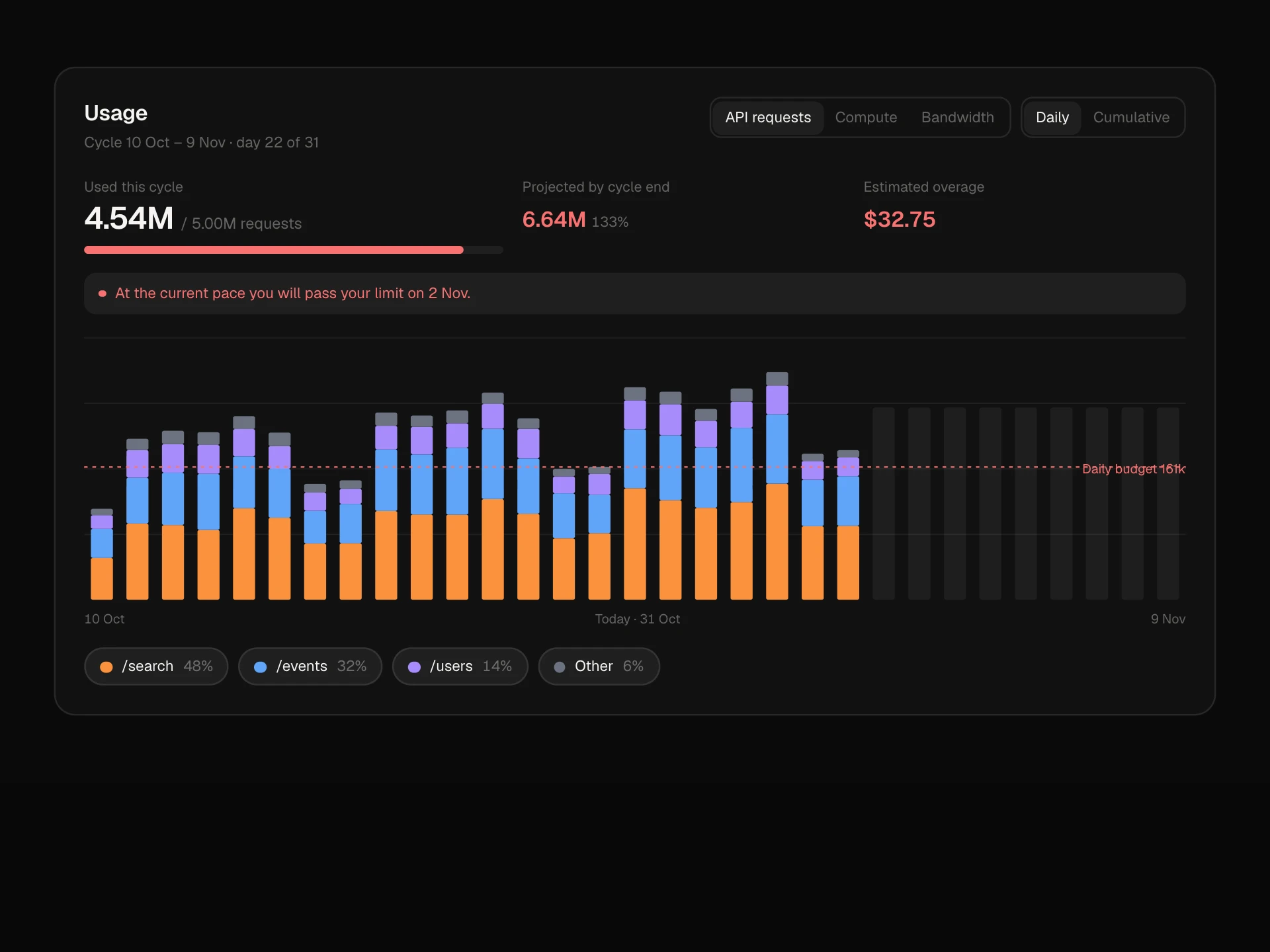
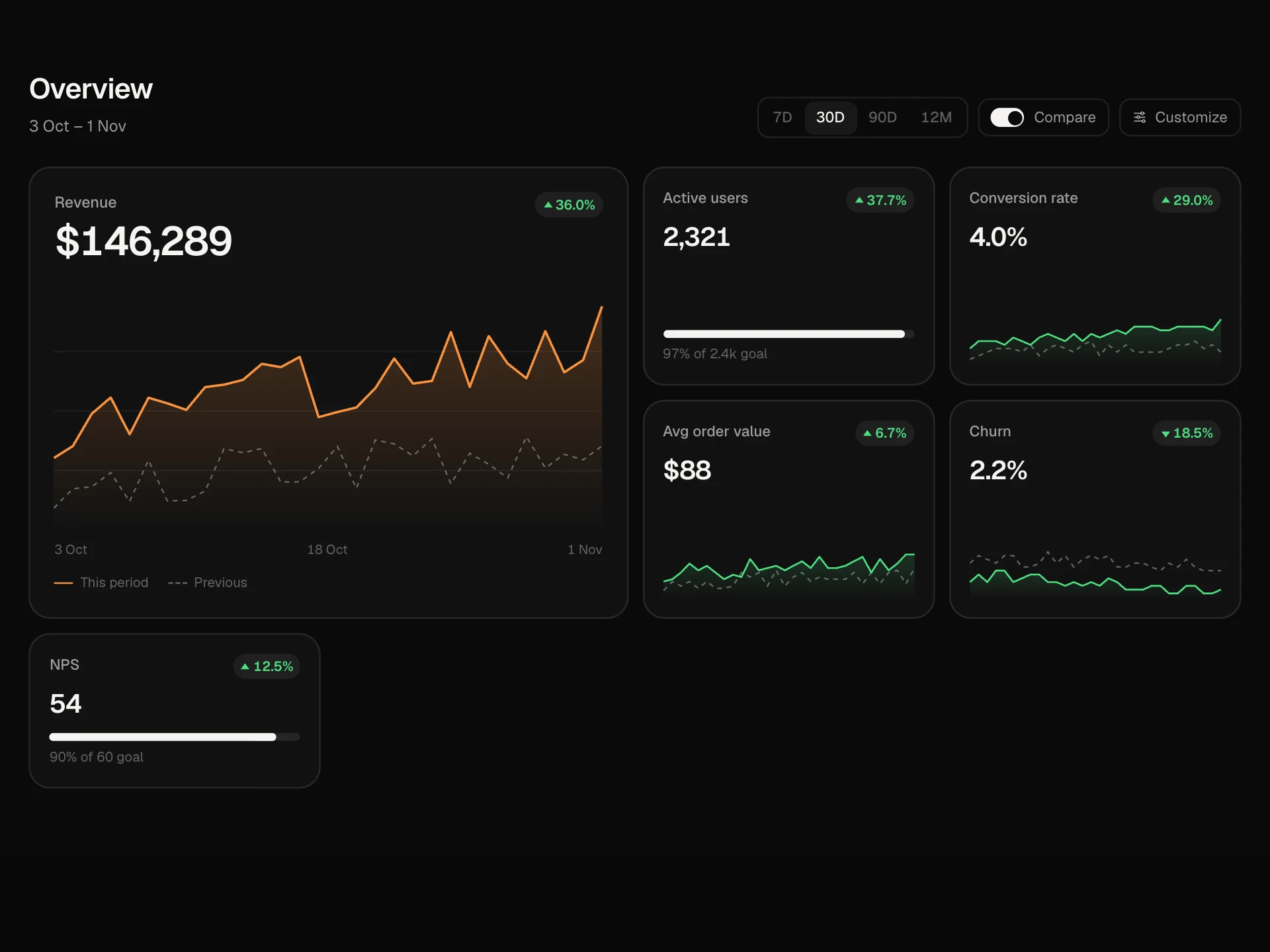
Billing Summary Card React component
A subscription billing card: plan and renewal date, a monthly or annual switch with the yearly saving, a seat stepper that cannot drop below seats in use, usage meters that warn near their limits, a live next-invoice breakdown with VAT, saved payment cards, and a two-step cancel with undo.
About the Billing Summary Card component
Billing Summary Card puts everything about a subscription in one place: the plan, when it renews, how much of each limit has been used and what the next invoice will be. Switch to annual billing and the price per seat drops with the saving shown next to it.
Add or remove seats and the next invoice recalculates line by line, tax included. Meters turn amber and then red as limits get close. People can switch between saved cards, save their changes, or cancel with a clear explanation of what happens and a way to undo.
When to use it
Use it on the billing page of any SaaS product, in team or workspace settings, or in an account area where customers manage seats.
Explain consequences before cancelling, and never let seats drop below the number of people already using them.
Installation
Add the Billing Summary Card component to your project with the shadcn CLI. It lands in components/billing-summary-card.tsx as plain React + Tailwind CSS source you own and can edit.
npx shadcn@latest add @reactframe/billing-summary-cardOr copy the source by hand and install its dependencies:
npm install motion clsx tailwind-mergeProps
<BillingSummaryCard /> accepts 14 props, all optional.
| Prop | Type | Default |
|---|---|---|
| plan | string | "Business" |
| seatPrice Price per seat per month on monthly billing. | number | 24 |
| annualDiscount Discount for annual billing, 0–1. | number | 0.2 |
| seats | number | 20 |
| seatsUsed Seats included before extra seats are charged (shown as used in the seats meter). | number | 18 |
| usage | { label: string; used: number; limit: number; unit?: string }[] | DEFAULT_USAGE |
| usageCharge Usage-based charge on the next invoice. | number | 38.4 |
| renews | string | "1 Dec 2026" |
| cards | { id: string; brand: string; last4: string; expires: string }[] | DEFAULT_CARDS |
| currency | string | "$" |
| onChange | (state: { cycle: "monthly" | "annual"; seats: number; card: string }) => void | — |
| onCancel | () => void | — |
- planstringDefault: "Business"
- seatPrice
Price per seat per month on monthly billing.
numberDefault: 24 - annualDiscount
Discount for annual billing, 0–1.
numberDefault: 0.2 - seatsnumberDefault: 20
- seatsUsed
Seats included before extra seats are charged (shown as used in the seats meter).
numberDefault: 18 - usage{ label: string; used: number; limit: number; unit?: string }[]Default: DEFAULT_USAGE
- usageCharge
Usage-based charge on the next invoice.
numberDefault: 38.4 - renewsstringDefault: "1 Dec 2026"
- cards{ id: string; brand: string; last4: string; expires: string }[]Default: DEFAULT_CARDS
- currencystringDefault: "$"
- onChange(state: { cycle: "monthly" | "annual"; seats: number; card: string }) => void
- onCancel() => void
Show all 14 propsShow fewer
| theme | "dark" | "light" | "dark" |
| className | string | — |
- theme"dark" | "light"Default: "dark"
- classNamestring
npm dependencies
Installed for you by the shadcn CLI.
Billing Summary Card FAQ
- How is the next invoice worked out?
- Seats times the per-seat price (times 12 on annual), plus usageCharge, plus 19% VAT. Change the tax line in the source if your rates differ, or pass the numbers from your billing provider.
- Why can't I remove seats?
- The minus button stops at seatsUsed, the number of seats already assigned, so nobody loses access by accident. The row explains how many are free.
- Does it show real card logos?
- No. Cards show a neutral card glyph with the brand written as text, so there are no third-party logos in your UI.
- What happens when someone cancels?
- They see a confirmation that explains access lasts until the renewal date. Confirming calls onCancel and shows a status line with Undo.
- Is it accessible?
- The billing cycle is a radiogroup, the seat buttons have labels and a live count, meters are progressbars, the invoice total updates politely, the card picker uses real radio buttons and the cancel step is an alertdialog that focuses Keep plan.