Bottom Sheet React component
A mobile bottom sheet that slides up over a dimmed backdrop, rests at snap points you drag between from its handle, closes on a downward flick, and keeps its own content scrollable.
When to use the Bottom Sheet component
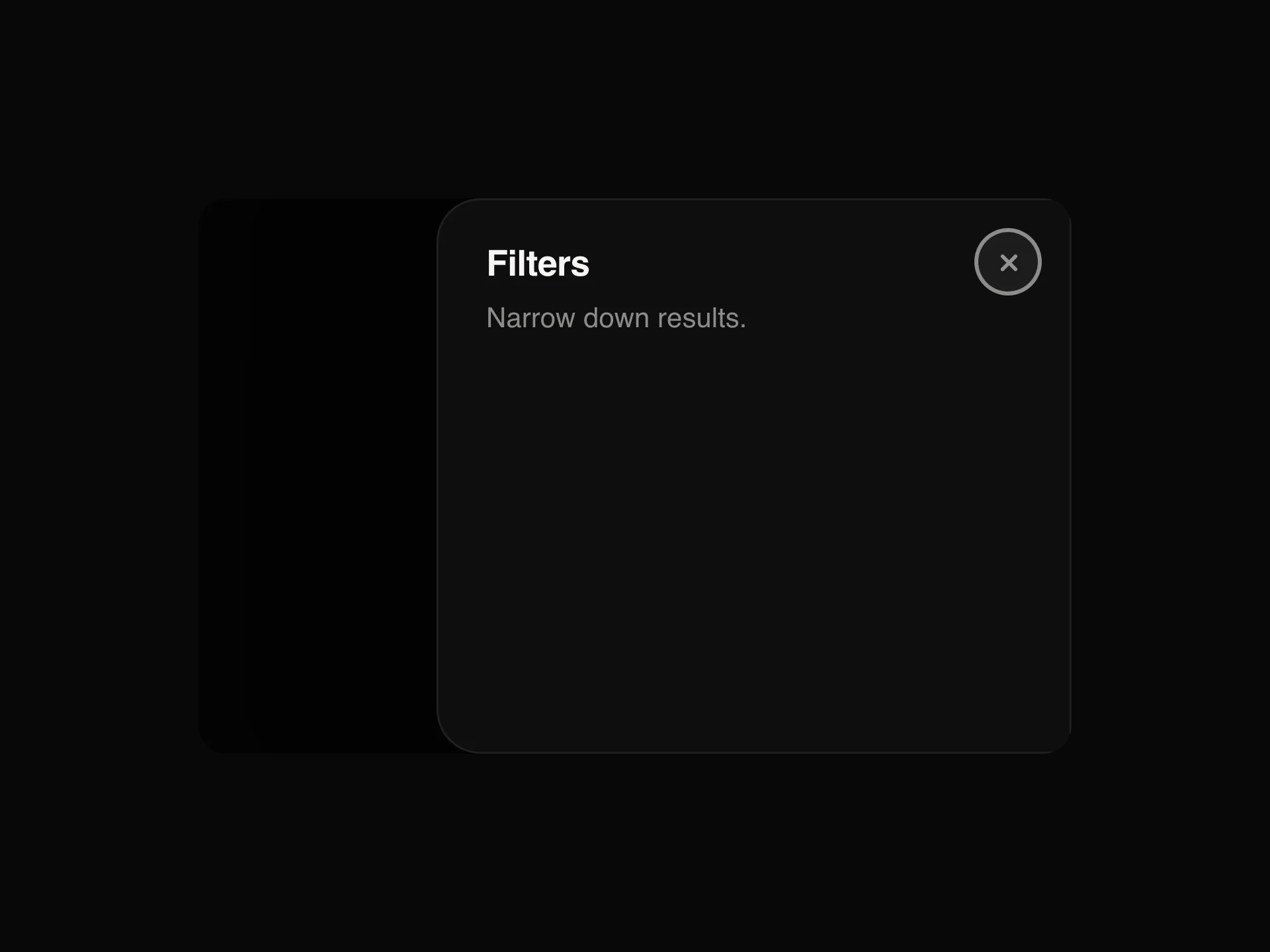
Use Bottom Sheet on phones for secondary tasks that should keep the page in view: filters, a list of results over a map, share targets, quick settings. People can pull it up for more room or flick it away with one thumb.
On larger screens a Drawer from the side or a Popover usually fits better; many apps render a Bottom Sheet on mobile and a Drawer on desktop.
Installation
Add the Bottom Sheet component to your project with the shadcn CLI. It lands in components/bottom-sheet.tsx as plain React + Tailwind CSS source you own and can edit.
npx shadcn@latest add https://reactframe.com/r/bottom-sheet.jsonOr copy the source by hand and install its dependencies:
npm install motion clsx tailwind-mergeProps
<BottomSheet /> accepts 14 props, all optional.
| Prop | Type | Default |
|---|---|---|
| open | boolean | — |
| defaultOpen | boolean | false |
| onOpenChange | (open: boolean) => void | — |
| snapPoints Heights it rests at, as fractions of the screen (or container), smallest first. | number[] | [0.45, 0.92] |
| defaultSnap Which snap point it opens to (index into snapPoints). | number | 0 |
| onSnapChange | (index: number) => void | — |
| title | string | — |
| description | string | — |
| children | React.ReactNode | — |
| triggerLabel A button that opens the sheet. Leave out and control it with open / onOpenChange. | string | — |
| dismissible Drag down, tap the backdrop or press Escape to close. | boolean | true |
| contained Place the sheet inside the nearest positioned ancestor instead of over the whole page. | boolean | false |
- openboolean
- defaultOpenbooleanDefault: false
- onOpenChange(open: boolean) => void
- snapPoints
Heights it rests at, as fractions of the screen (or container), smallest first.
number[]Default: [0.45, 0.92] - defaultSnap
Which snap point it opens to (index into snapPoints).
numberDefault: 0 - onSnapChange(index: number) => void
- titlestring
- descriptionstring
- childrenReact.ReactNode
- triggerLabel
A button that opens the sheet. Leave out and control it with open / onOpenChange.
string - dismissible
Drag down, tap the backdrop or press Escape to close.
booleanDefault: true - contained
Place the sheet inside the nearest positioned ancestor instead of over the whole page.
booleanDefault: false
Show all 14 propsShow fewer
| theme | "dark" | "light" | "dark" |
| className | string | — |
- theme"dark" | "light"Default: "dark"
- classNamestring
FAQ
- How do snap points work?
- They're heights as fractions of the screen (or container with contained). The sheet opens at defaultSnap and settles on whichever point is closest to where a drag or flick carries it.
- Why can't I drag it from the content?
- On purpose: dragging starts only from the handle and header, so a long list inside scrolls normally. Tapping the handle also steps between snap points.
- Can it stay open instead of closing when dragged down?
- Set dismissible={false}. It then settles on the lowest snap point and ignores the backdrop and Escape.