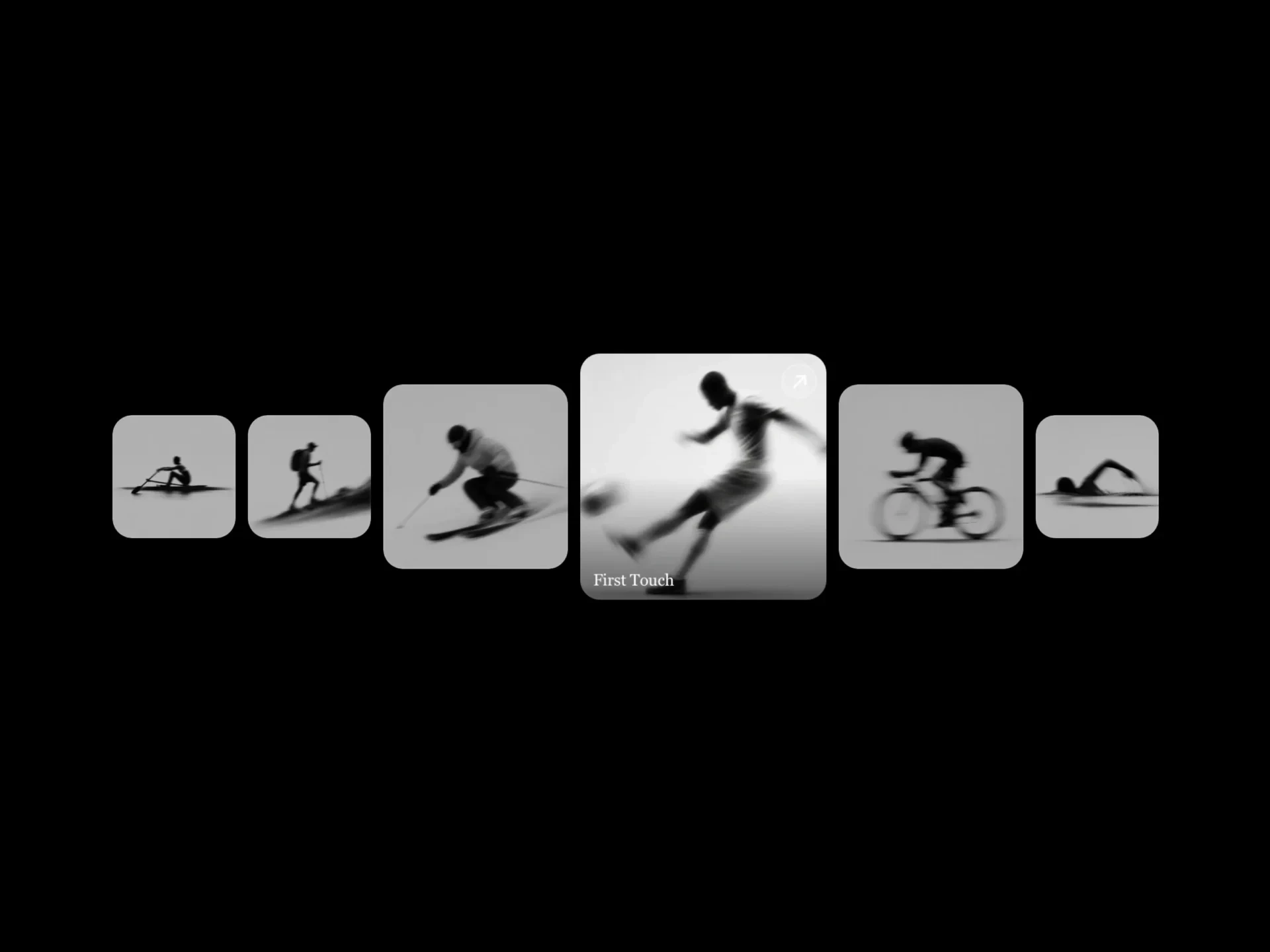
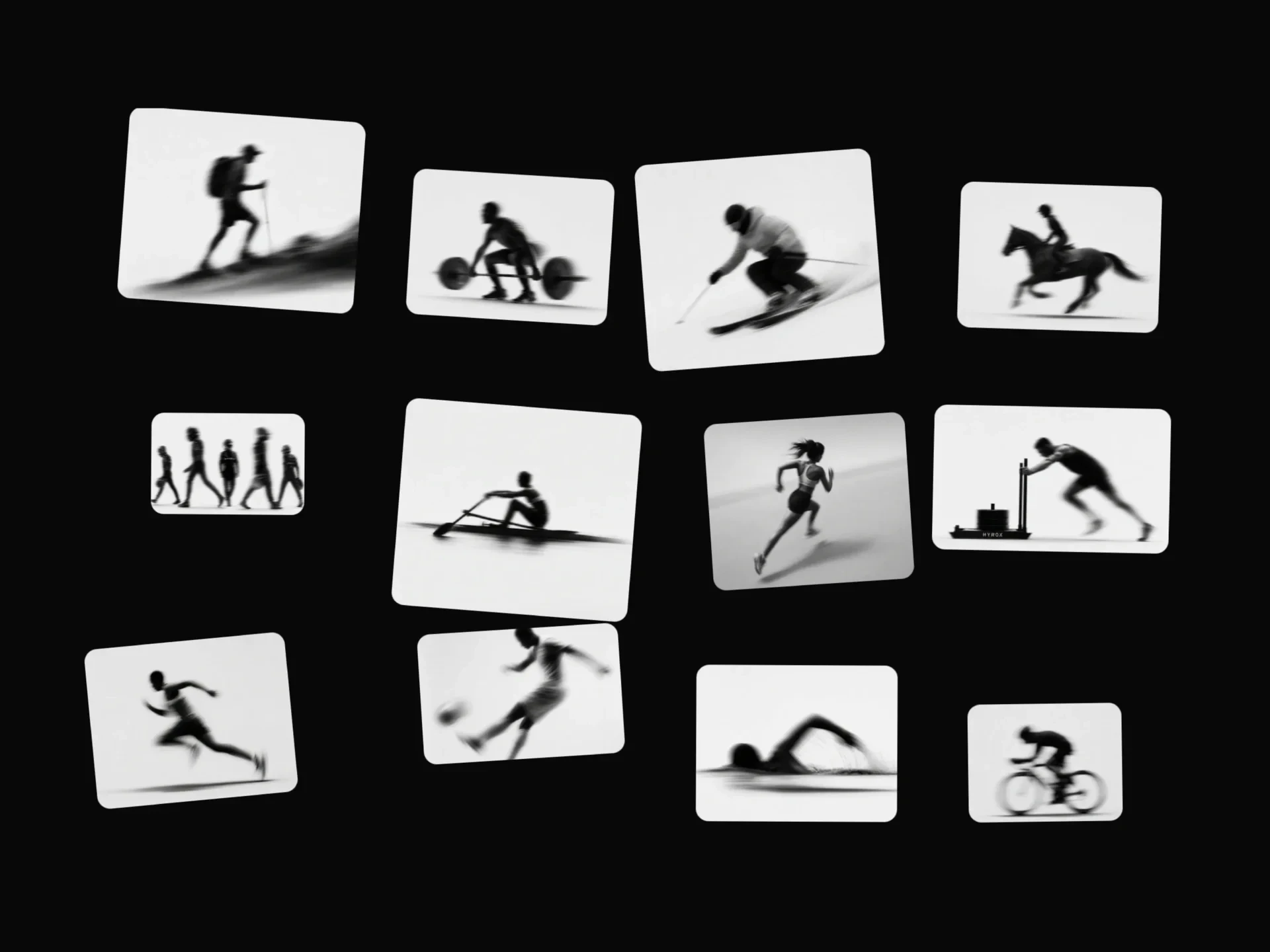
Cylinder Gallery React component
A 3D image gallery arranged around an auto-rotating cylinder, with configurable rows/columns, tilt angle, and rotation speed.
About the Cylinder Gallery component
Cylinder Gallery is a free 3D gallery that wraps your images around a slowly rotating cylinder, in as many rows and columns as you set, tilted toward the viewer. It can be dragged to turn it by hand.
Rows, columns, cylinder radius, card size, gap, corner radius, rotation speed and tilt angle are props.
When to use it
Use it as an eye-catching hero or section visual for photographers, creative agencies, event recaps and product collections, where the overall impression matters more than any single image.
Installation
Add the Cylinder Gallery component to your project with the shadcn CLI. It lands in components/cylinder-gallery.tsx as plain React + Tailwind CSS source you own and can edit.
npx shadcn@latest add @reactframe/cylinder-galleryOr copy the source by hand and install its dependencies:
npm install clsx tailwind-mergeProps
<CylinderGallery /> accepts 10 props, all optional. It also accepts the usual <div> attributes, like className, style, id and aria-*, and passes them to its root element.
| Prop | Type | Default |
|---|---|---|
| images | { src: string; alt?: string }[] | DEFAULT_IMAGES |
| rows | number | 3 |
| columns | number | 6 |
| cylinderRadius | number | 320 |
| cardWidth | number | 320 |
| cardHeight | number | 280 |
| gap | number | 16 |
| borderRadius | number | 18 |
| rotationSpeed | number | 2.2 |
| tiltAngle | number | -12 |
- images{ src: string; alt?: string }[]Default: DEFAULT_IMAGES
- rowsnumberDefault: 3
- columnsnumberDefault: 6
- cylinderRadiusnumberDefault: 320
- cardWidthnumberDefault: 320
- cardHeightnumberDefault: 280
- gapnumberDefault: 16
- borderRadiusnumberDefault: 18
- rotationSpeednumberDefault: 2.2
- tiltAnglenumberDefault: -12
Collections
Use-case pages that compare Cylinder Gallery with the other components that do a similar job.
npm dependencies
Installed for you by the shadcn CLI.
Cylinder Gallery FAQ
- How many images does it need?
- rows × columns cards are shown (3 × 6 = 18 by default); if you pass fewer images they repeat to fill the cylinder.
- Can I stop the rotation?
- Set rotationSpeed to 0; people can still drag to turn it.
- How do I make it flatter or more tilted?
- tiltAngle sets the tilt in degrees (-12 by default) and cylinderRadius how wide the cylinder is.