Dice Discount Popup React component
A gamified discount popup, roll two animated 3D dice for a reward tier (with a doubles bonus), copy the code, and track rolls left across a session. Inline or corner-widget popup with manual, delay or scroll triggers.
About the Dice Discount Popup component
Dice Discount Popup is a free gamified offer. Visitors roll two 3D dice, the total maps to a reward tier and doubles win a bonus prize, and each win opens a 'You won' dialog with a code to copy. Each visitor gets three rolls, and the rolls left and rewards won are saved in localStorage so a reload doesn't reset them.
theme picks ecommerce, campaign or saas. Each theme's title, reward tiers, codes and doubles bonus are defined in the THEMES object in the source, not in props. accentColor colors the buttons. asPopup turns it into a floating corner widget that opens a modal, trigger (manual, delay or scroll) with delaySeconds decides when it opens, widgetPosition picks the corner and storageKey namespaces the saved state. The result and status lines are aria-live regions, the dialogs are labeled and close with Escape, and focus returns to the widget button when the popup closes.
When to use it
Use it for e-commerce welcome offers, sale campaigns and SaaS trial nudges, where an element of play can raise engagement.
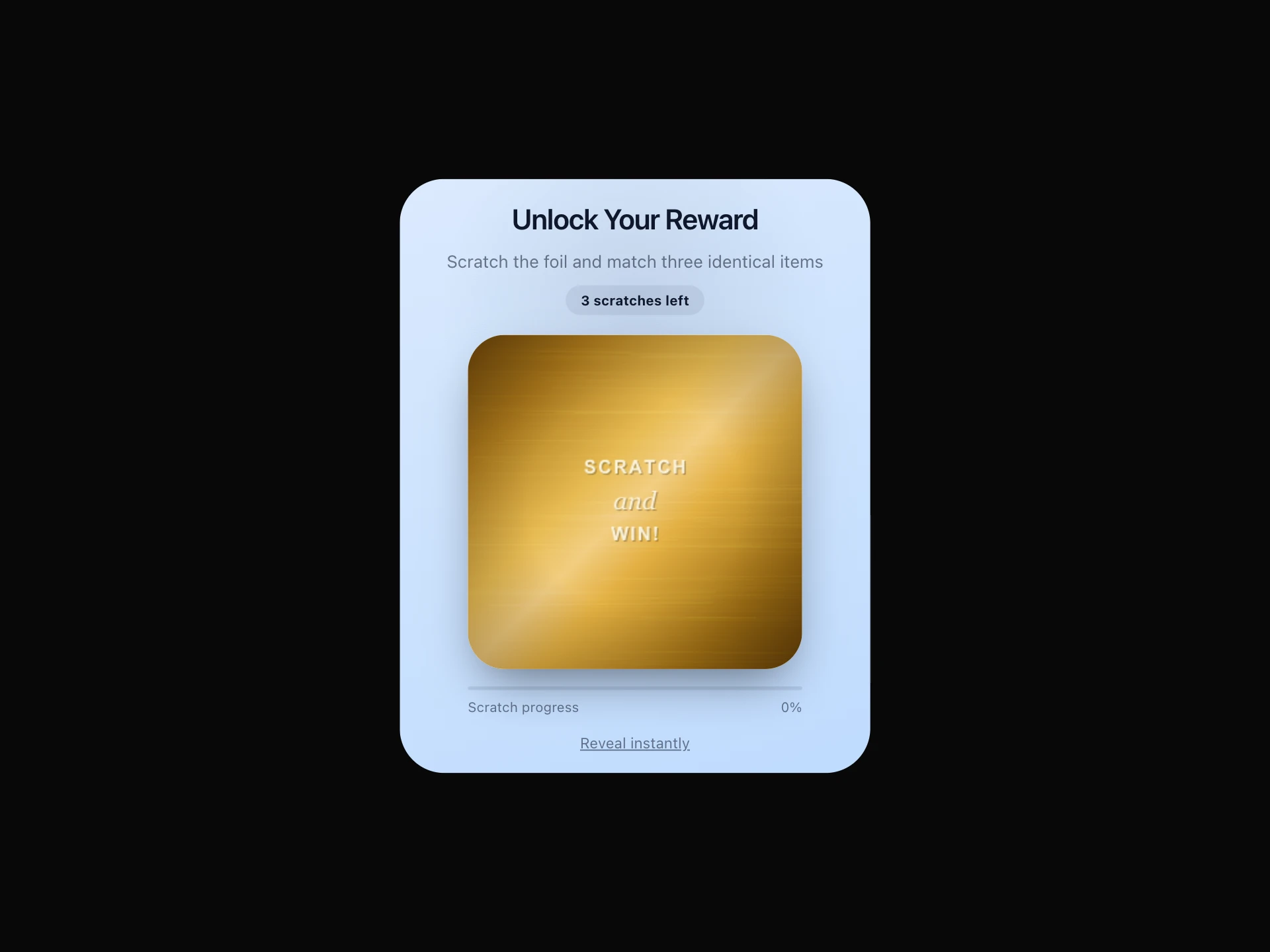
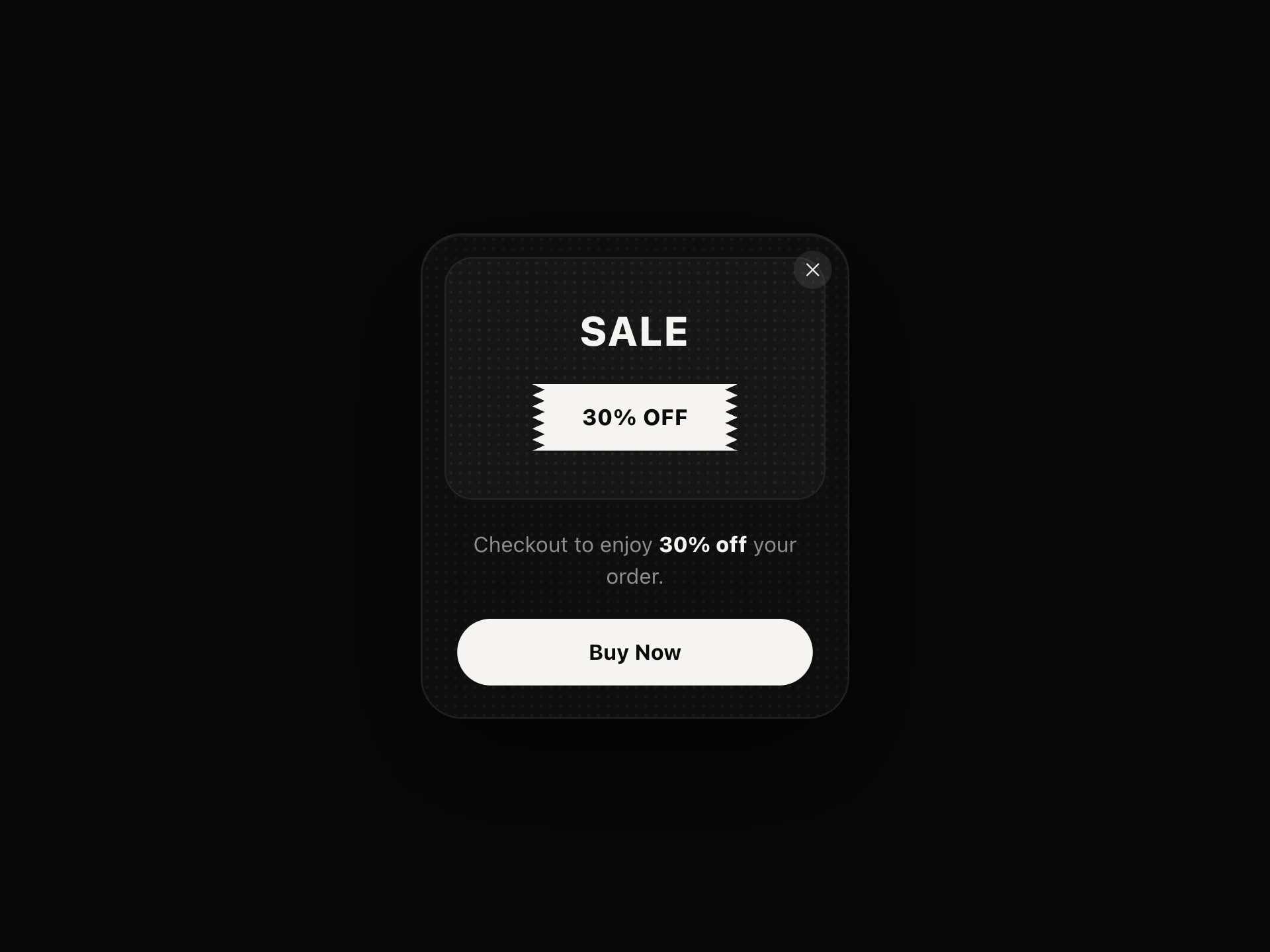
For a scratch-off mechanic, use Scratch Card Popup. For a plain offer card, use Sales Ticket Popup.
Installation
Add the Dice Discount Popup component to your project with the shadcn CLI. It lands in components/dice-discount-popup.tsx as plain React + Tailwind CSS source you own and can edit.
npx shadcn@latest add @reactframe/dice-discount-popupOr copy the source by hand and install its dependencies:
npm install motion clsx tailwind-mergeProps
<DiceDiscountPopup /> accepts 7 props, all optional. It also accepts the usual <div> attributes, like className, style, id and aria-*, and passes them to its root element.
| Prop | Type | Default |
|---|---|---|
| accentColor | string | "#ffffff" |
| theme | "ecommerce" | "campaign" | "saas" | "ecommerce" |
| asPopup | boolean | false |
| trigger | "manual" | "delay" | "scroll" | "manual" |
| delaySeconds | number | 4 |
| widgetPosition | "bottom-right" | "bottom-left" | "bottom-right" |
| storageKey Namespaces the free-rolls/rewards persisted in localStorage — only needed if you place more than one instance on the same page. | string | "" |
- accentColorstringDefault: "#ffffff"
- theme"ecommerce" | "campaign" | "saas"Default: "ecommerce"
- asPopupbooleanDefault: false
- trigger"manual" | "delay" | "scroll"Default: "manual"
- delaySecondsnumberDefault: 4
- widgetPosition"bottom-right" | "bottom-left"Default: "bottom-right"
- storageKey
Namespaces the free-rolls/rewards persisted in localStorage — only needed if you place more than one instance on the same page.
stringDefault: ""
Kits
Sets of components designed to be used together on one site, Dice Discount Popup included.
Collections
Use-case pages that compare Dice Discount Popup with the other components that do a similar job.
npm dependencies
Installed for you by the shadcn CLI.
Dice Discount Popup FAQ
- Are the codes real discounts?
- No. They are fixed strings in the source, such as DICE10 or SAAS-3MO, and the roll uses Math.random in the browser. Create matching codes in your store and validate them server-side, because anyone can read the codes in the bundle or clear localStorage to roll again.
- What are the odds?
- The sum of the two dice picks the first tier whose max it doesn't exceed (4, 6, 8, 10, 12), and doubles (1 in 6) win the doubles reward instead. Edit the rewards arrays in THEMES to change the prizes or tiers.
- Can I change the number of rolls?
- Not through props. The three rolls are hard-coded in the source, in the initial state and message.
- When do I need storageKey?
- Rolls and rewards are stored under dice-rolls-left and dice-rewards. If you put two instances on one page, give each a storageKey so they don't share state.