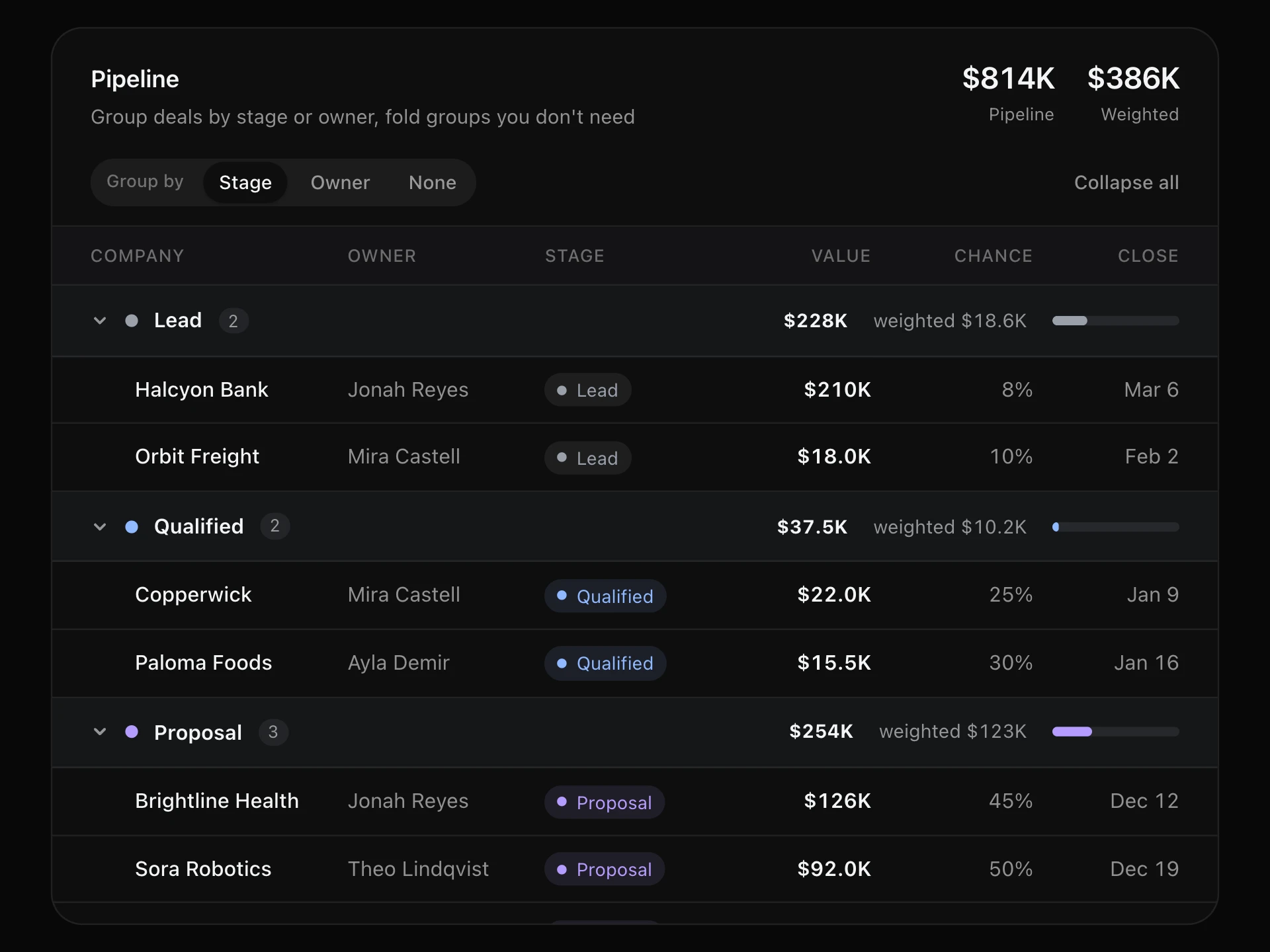
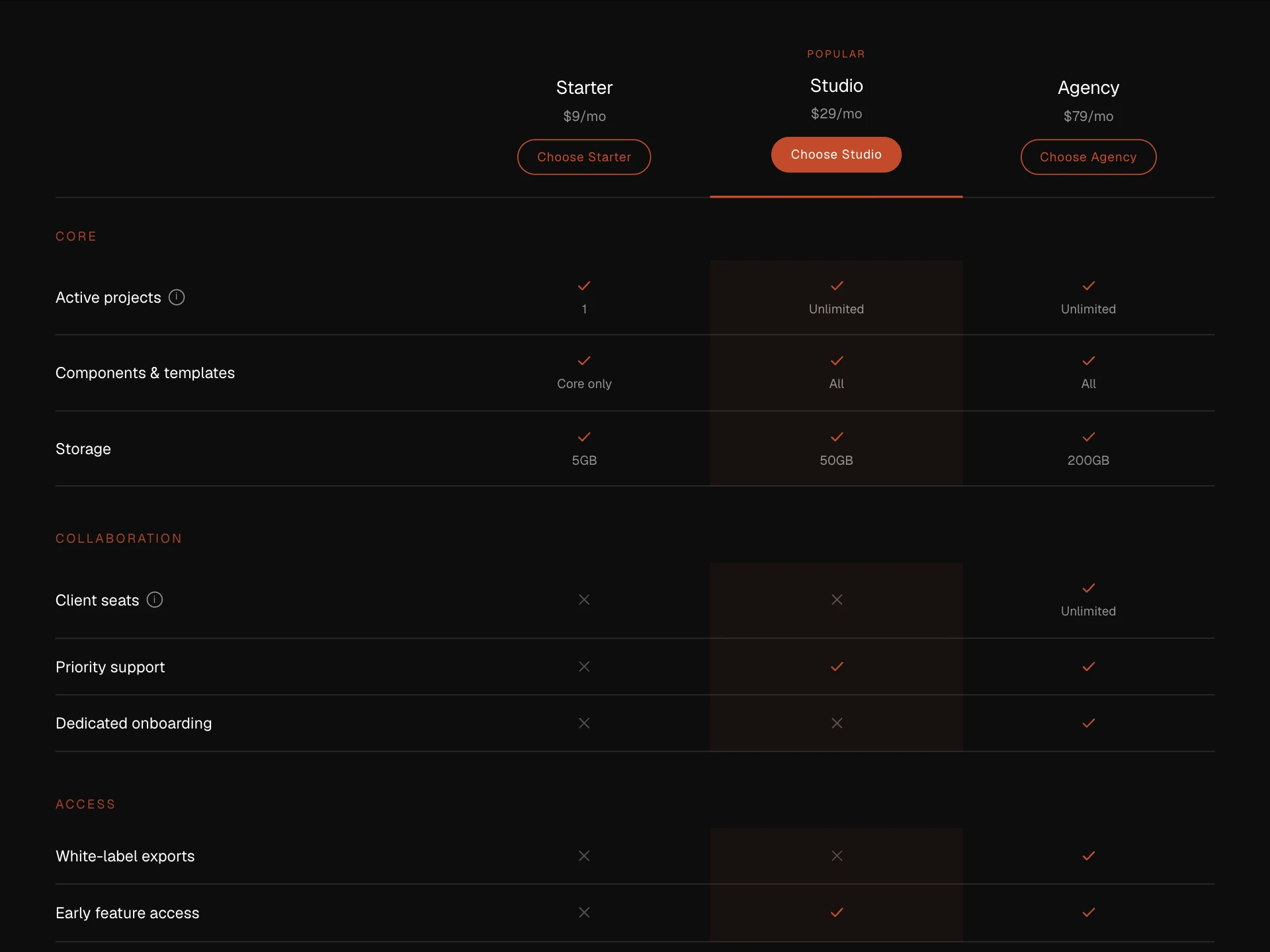
Frozen Columns Table React component
A wide table that scrolls sideways while the first column, any pinned columns and the total stay frozen, with a sticky header, a sticky totals footer, edge shadows that appear as you scroll and pin buttons in the headers.
About the Frozen Columns Table component
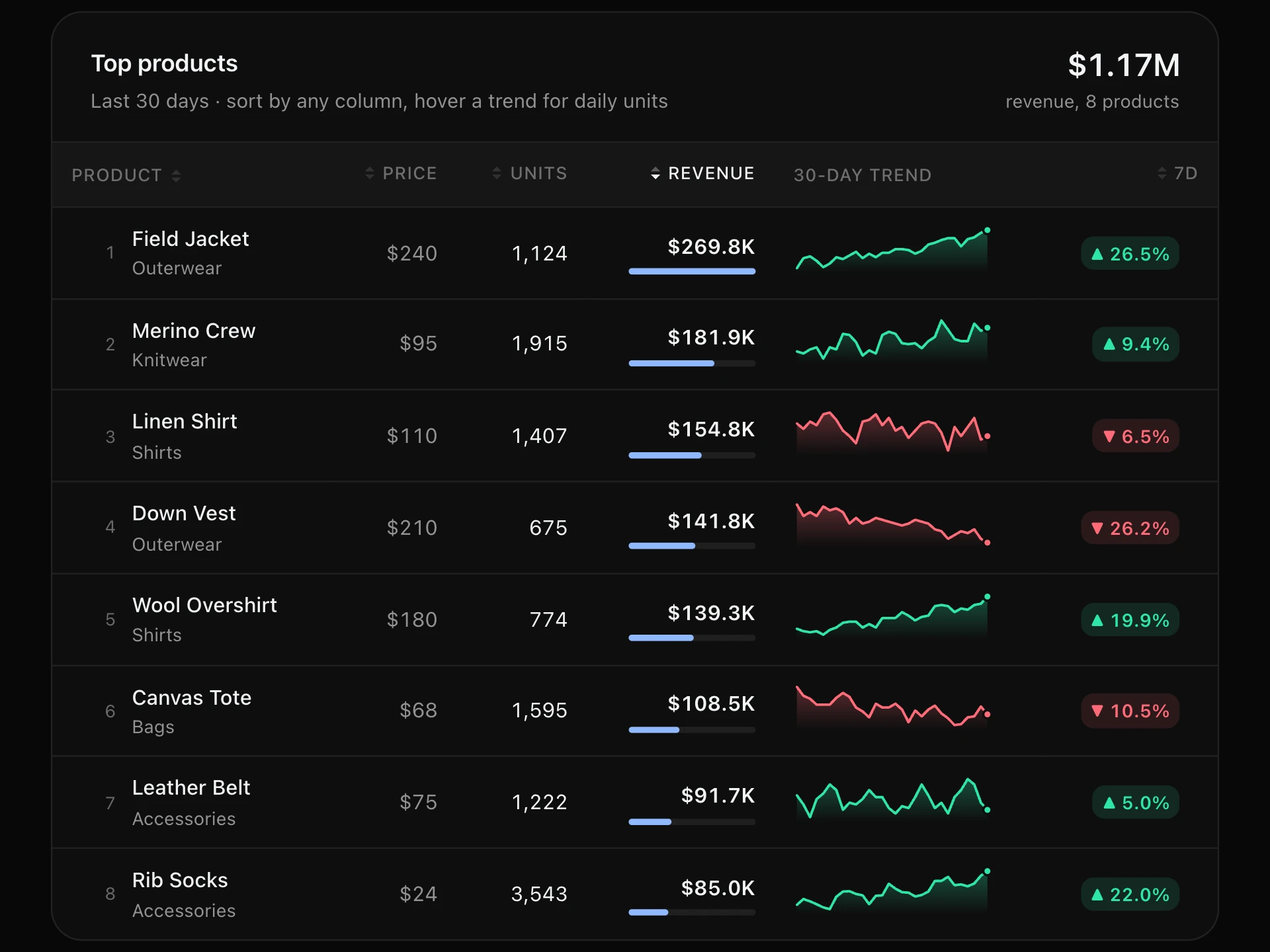
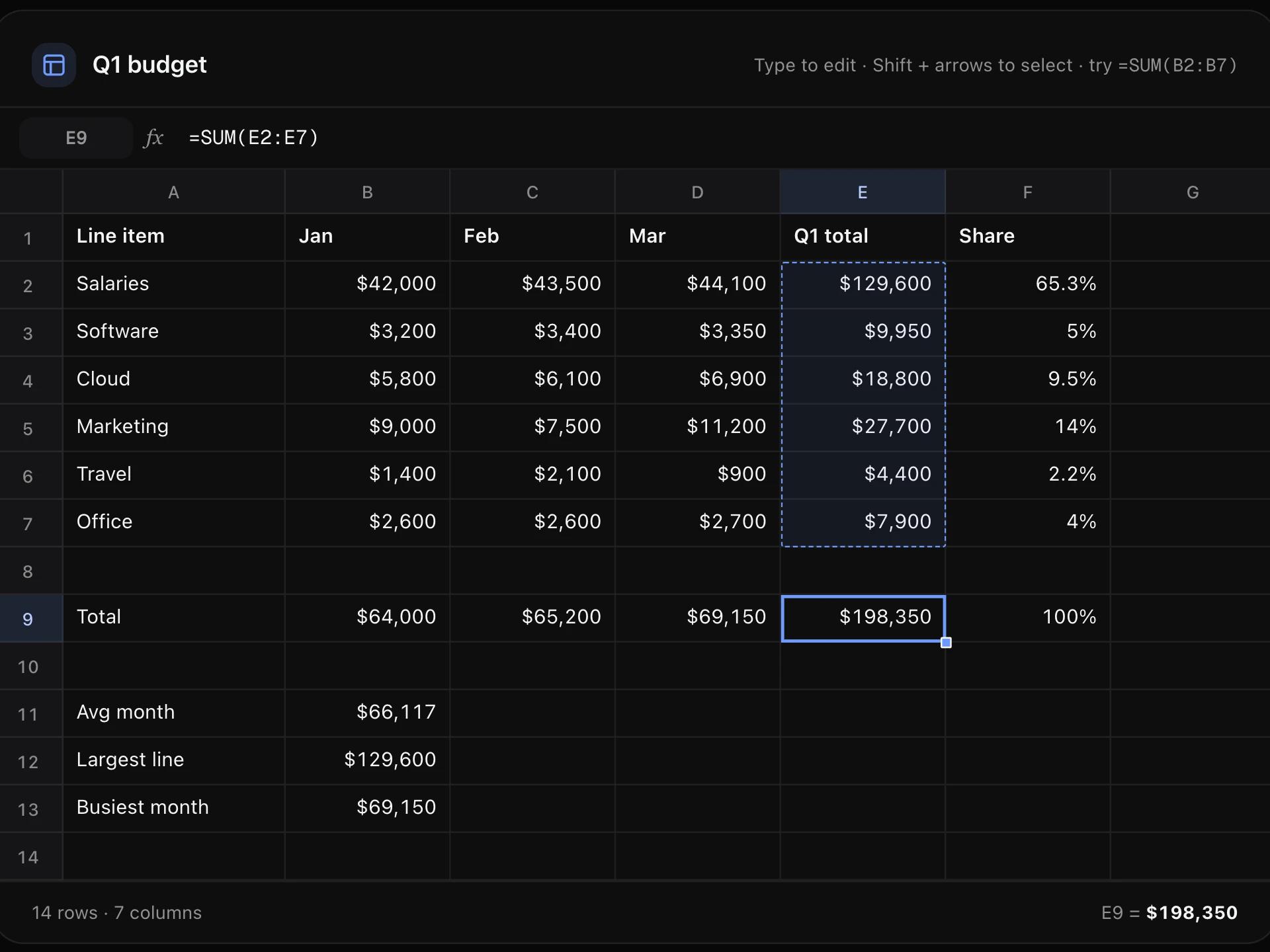
Frozen Columns Table is for data that's wider than the screen: the name column and the total stay in place while the months in between scroll sideways, the header stays on top while you scroll down, and a totals row stays at the bottom.
Soft shadows show where content is scrolling underneath the frozen edges, and any column can be pinned from its header so the numbers you're comparing stay side by side.
When to use it
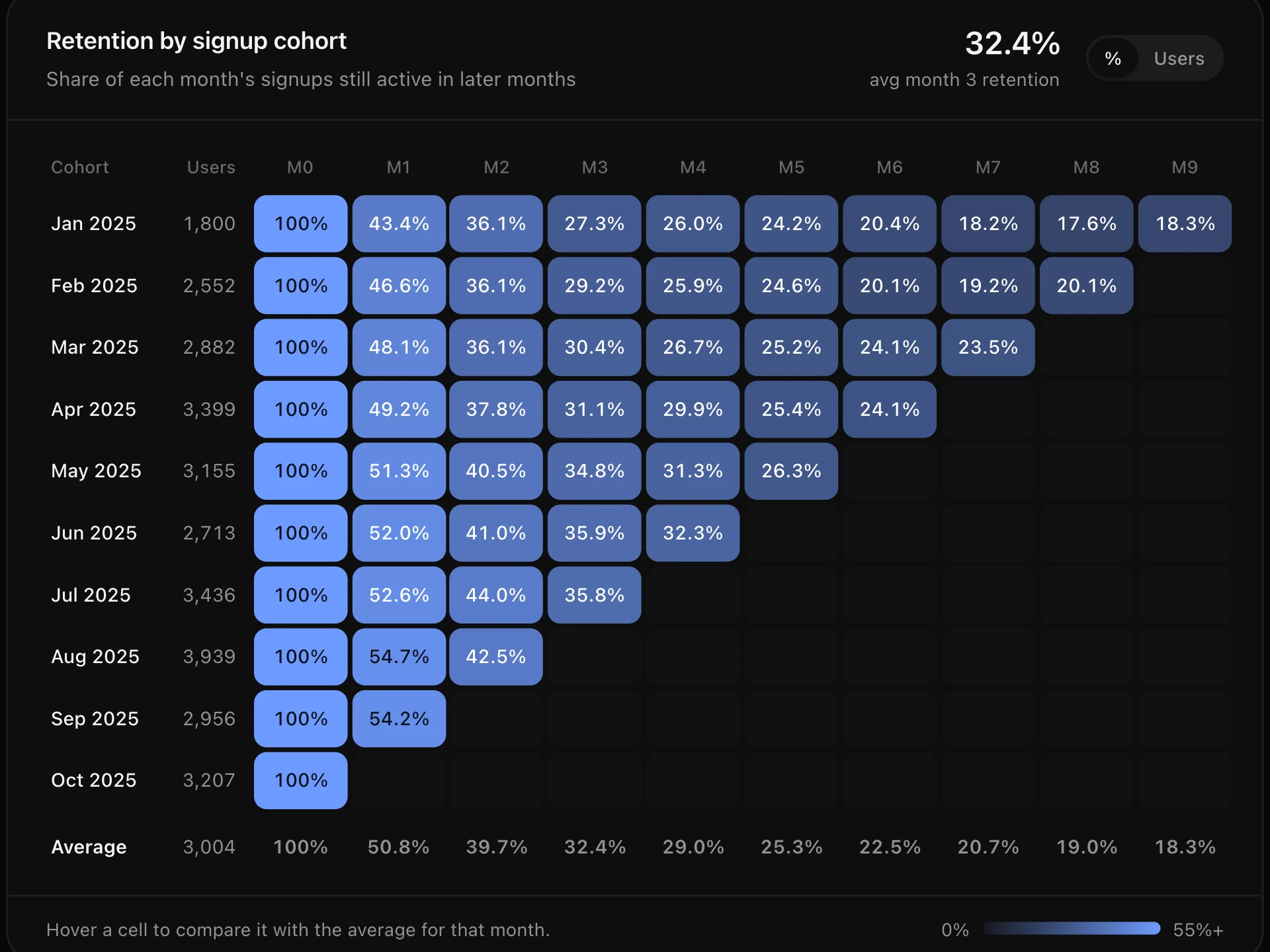
Use it for monthly reports, financial statements, cohort data, feature comparison grids and any table with a label column and many value columns.
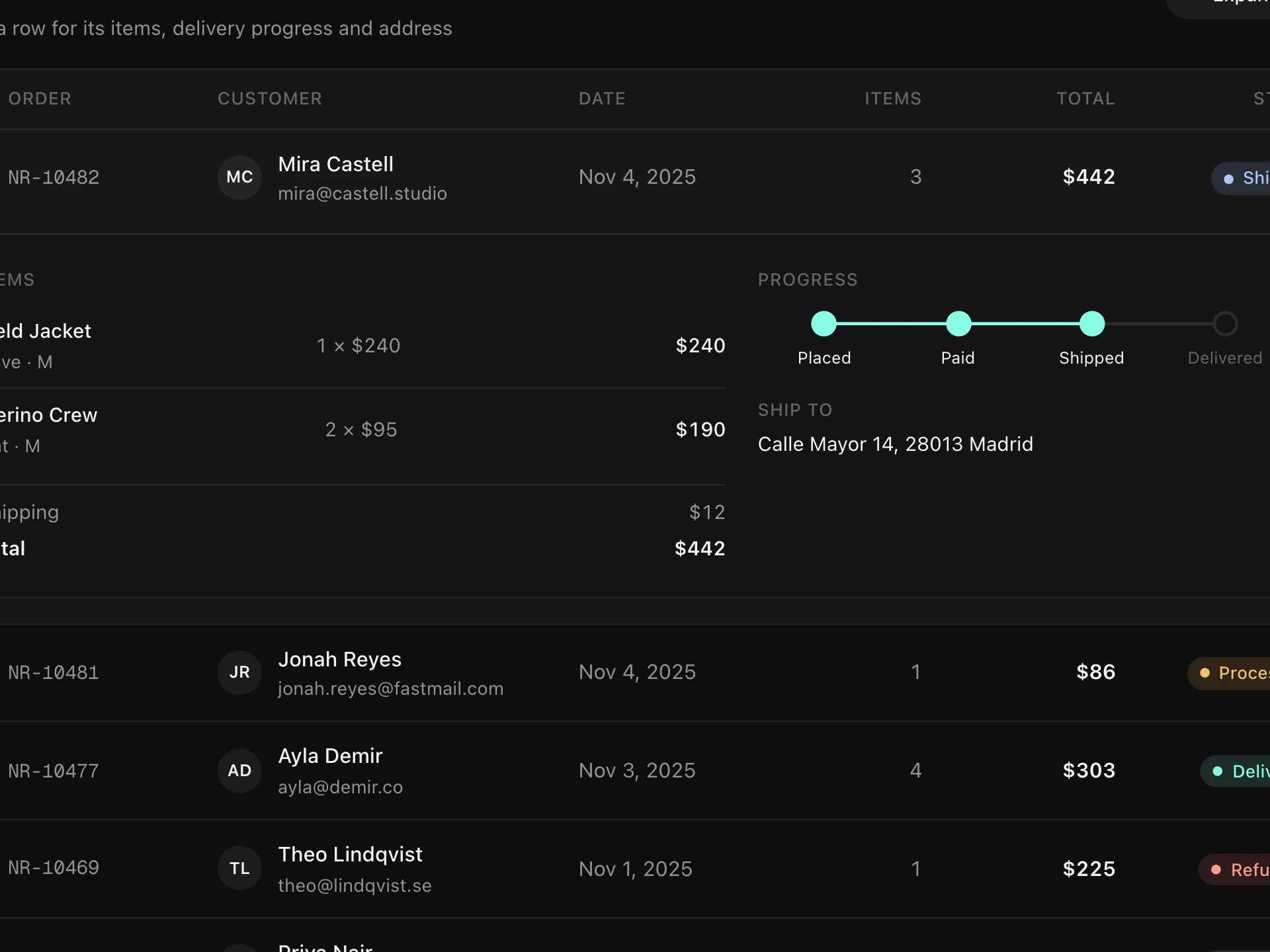
If the table fits the width, a regular table is simpler; for row-level detail, pair it with an expandable row.
Installation
Add the Frozen Columns Table component to your project with the shadcn CLI. It lands in components/frozen-columns-table.tsx as plain React + Tailwind CSS source you own and can edit.
npx shadcn@latest add @reactframe/frozen-columns-tableOr copy the source by hand and install its dependencies:
npm install clsx tailwind-mergeProps
<FrozenColumnsTable /> accepts 7 props, all optional. It also accepts the usual <div> attributes, like className, style, id and aria-*, and passes them to its root element.
| Prop | Type | Default |
|---|---|---|
| theme | "dark" | "light" | "dark" |
| title | string | "Revenue by account" |
| subtitle | string | "Scroll sideways: the account and total columns stay put. Pin any column from its header." |
| columns | FrozenColumn[] | — |
| rows | Record<string, unknown>[] | DEFAULT_ROWS |
| height Height of the scroll area, in px. | number | 420 |
| formatTotal | (value: number) => string | money |
- theme"dark" | "light"Default: "dark"
- titlestringDefault: "Revenue by account"
- subtitlestringDefault: "Scroll sideways: the account and total columns stay put. Pin any column from its header."
- columnsFrozenColumn[]
- rowsRecord<string, unknown>[]Default: DEFAULT_ROWS
- height
Height of the scroll area, in px.
numberDefault: 420 - formatTotal(value: number) => stringDefault: money
npm dependencies
Installed for you by the shadcn CLI.
Frozen Columns Table FAQ
- How do I freeze columns?
- The first column is always frozen. Set pin: "left" or pin: "right" on others to freeze them from the start, and pinnable: true to let people pin or unpin them from the header.
- Where do the totals come from?
- Columns with total: true are summed into the sticky footer row; formatTotal formats them. Cells use each column's format function.
- What happens on phones?
- Below 560px wide only the first column stays frozen, so there's still room to scroll through the rest.
- Is it accessible?
- It's a real <table> with column headers, the scroll area is focusable so arrow keys scroll it, and the pin buttons are labelled toggle buttons.