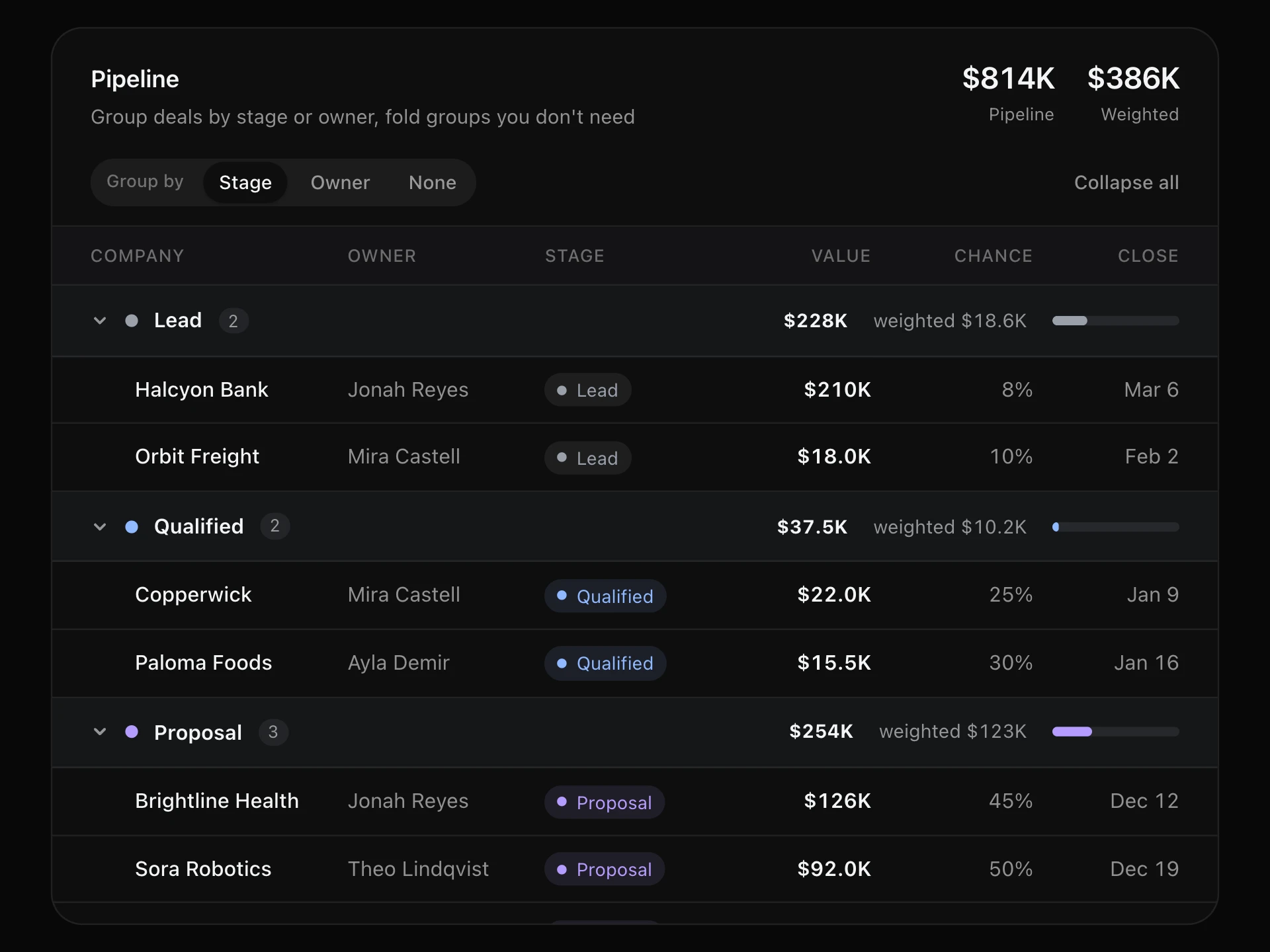
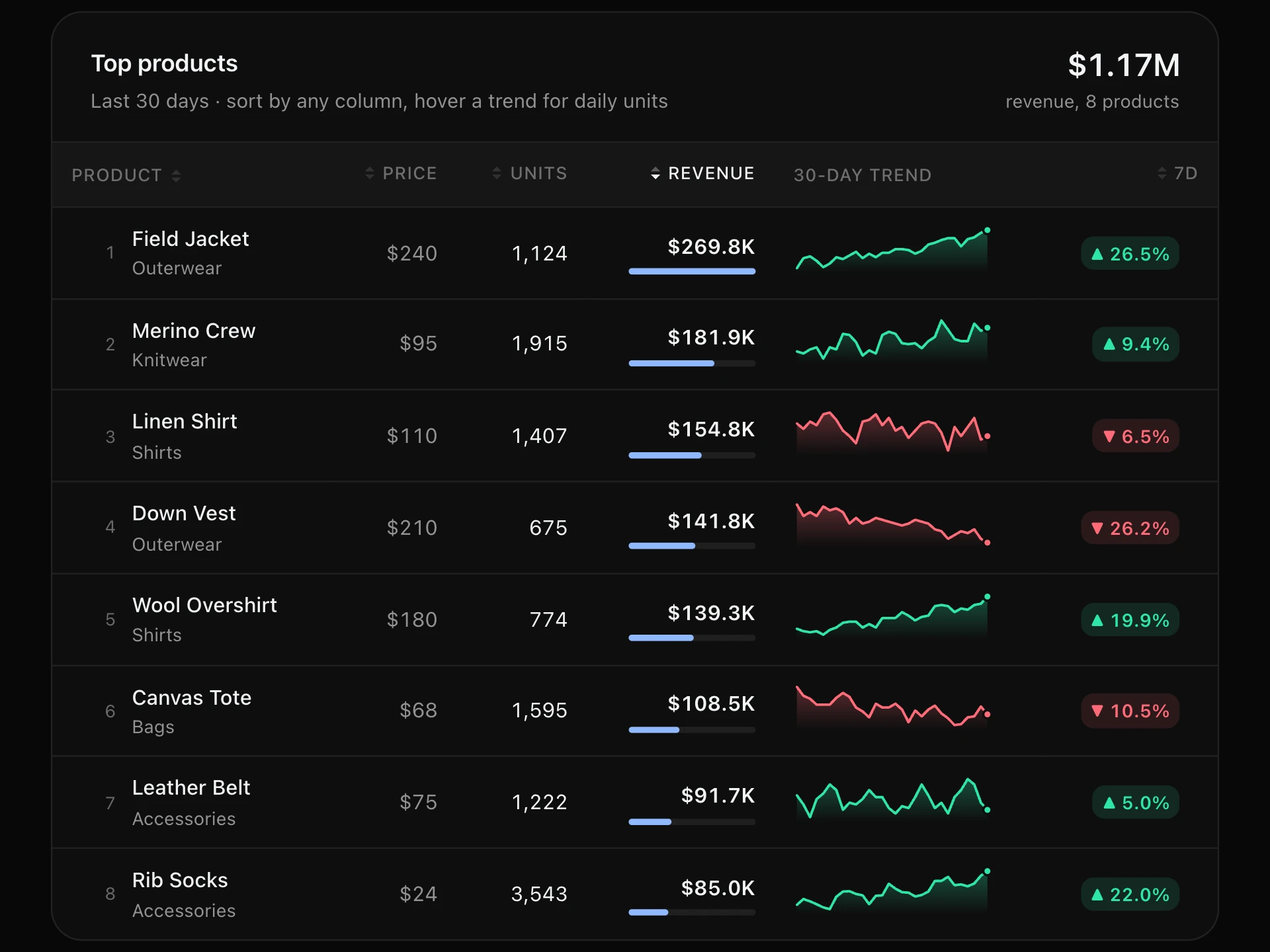
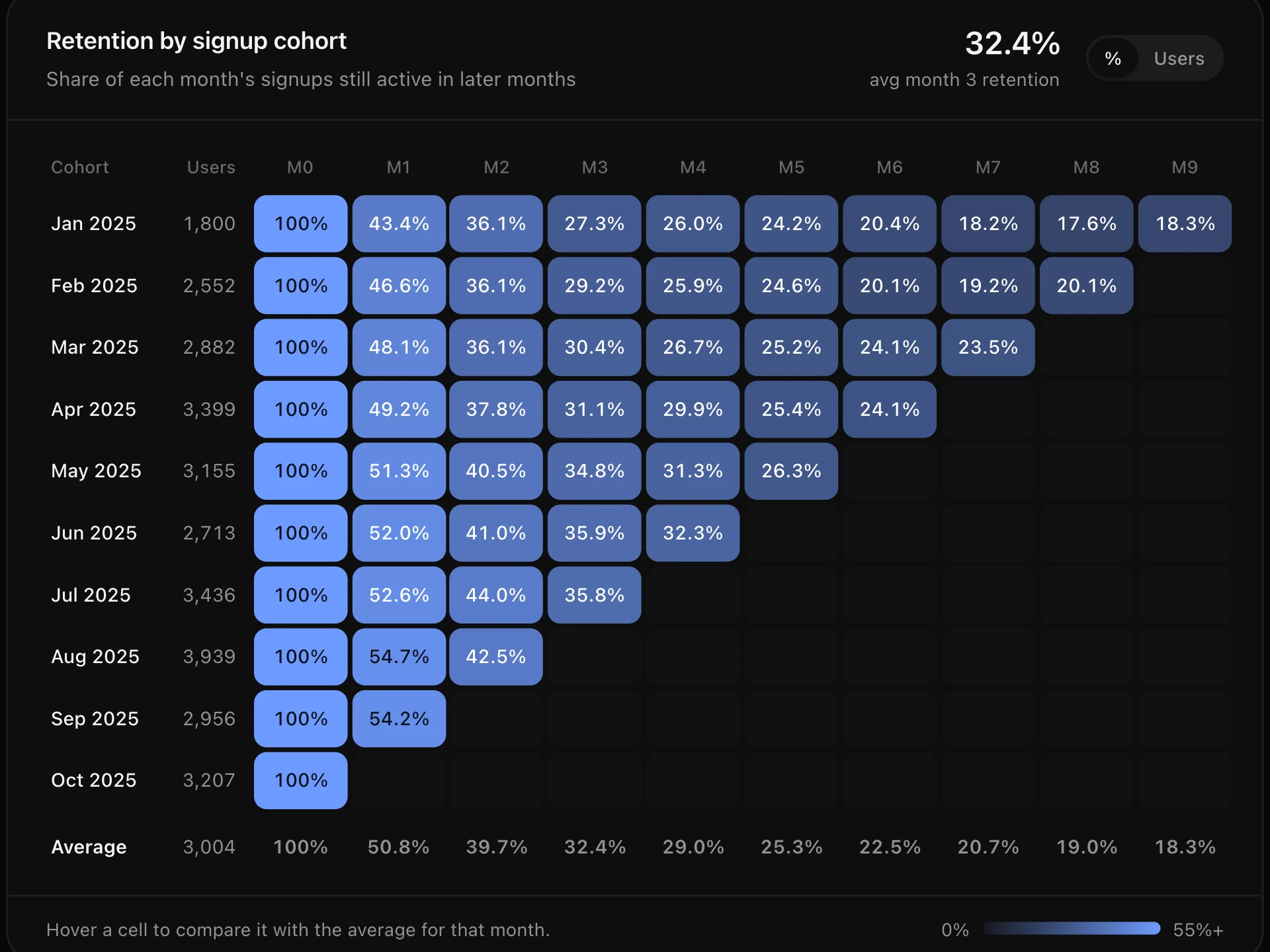
Live Ticker Table React component
A live market watchlist: prices tick every second and flash green or red when they move, change and percent update, intraday sparklines grow, and rows glide to their new places when the sort order changes.
About the Live Ticker Table component
Live Ticker Table is a market watchlist that feels alive: prices tick every second, each move flashes green or red for a moment, change and percent update from the open, and a tiny intraday chart grows as the session goes on.
Sort by change, price, symbol or volume and the rows glide to their new positions as prices shift, instead of jumping. It pauses itself off screen or in a background tab, and there's a Pause button too.
When to use it
Use it for stock, crypto and FX watchlists, trading and brokerage dashboards, auction or betting odds, live leaderboards and any table whose numbers change while people watch.
For values that change once a day, a static sortable table is calmer.
Installation
Add the Live Ticker Table component to your project with the shadcn CLI. It lands in components/live-ticker-table.tsx as plain React + Tailwind CSS source you own and can edit.
npx shadcn@latest add @reactframe/live-ticker-tableOr copy the source by hand and install its dependencies:
npm install clsx tailwind-mergeProps
<LiveTickerTable /> accepts 6 props, all optional. It also accepts the usual <div> attributes, like className, style, id and aria-*, and passes them to its root element.
| Prop | Type | Default |
|---|---|---|
| theme | "dark" | "light" | "dark" |
| title | string | "Watchlist" |
| instruments | { symbol: string; name: string; open: number; price?: number; volume?: number }[] | DEFAULT_INSTRUMENTS |
| interval Milliseconds between updates. | number | 900 |
| next Supplies price updates; defaults to a simulated random walk. Return only the symbols that changed. | (prices: Record<string, number>) => TickerUpdate[] | — |
| currency | string | "$" |
- theme"dark" | "light"Default: "dark"
- titlestringDefault: "Watchlist"
- instruments{ symbol: string; name: string; open: number; price?: number; volume?: number }[]Default: DEFAULT_INSTRUMENTS
- interval
Milliseconds between updates.
numberDefault: 900 - next
Supplies price updates; defaults to a simulated random walk. Return only the symbols that changed.
(prices: Record<string, number>) => TickerUpdate[] - currencystringDefault: "$"
npm dependencies
Installed for you by the shadcn CLI.
Live Ticker Table FAQ
- How do I connect real prices?
- Pass next: it's called every interval with the current prices and should return the symbols that changed as { symbol, price, volume? }. Fill it from a WebSocket by pushing quotes into a ref and draining it in next.
- Why do the rows move?
- The table stays sorted (by change, by default) while prices update, and each reorder is animated so you can follow a row as it moves.
- Does it keep updating in the background?
- No. It stops when it scrolls off screen or the tab is hidden, and visitors can pause it. With reduced motion rows reorder without sliding and prices don't flash.
- What shows on phones?
- Symbol, price and change. The intraday chart and volume appear from the small breakpoint up.