People Directory Table React component
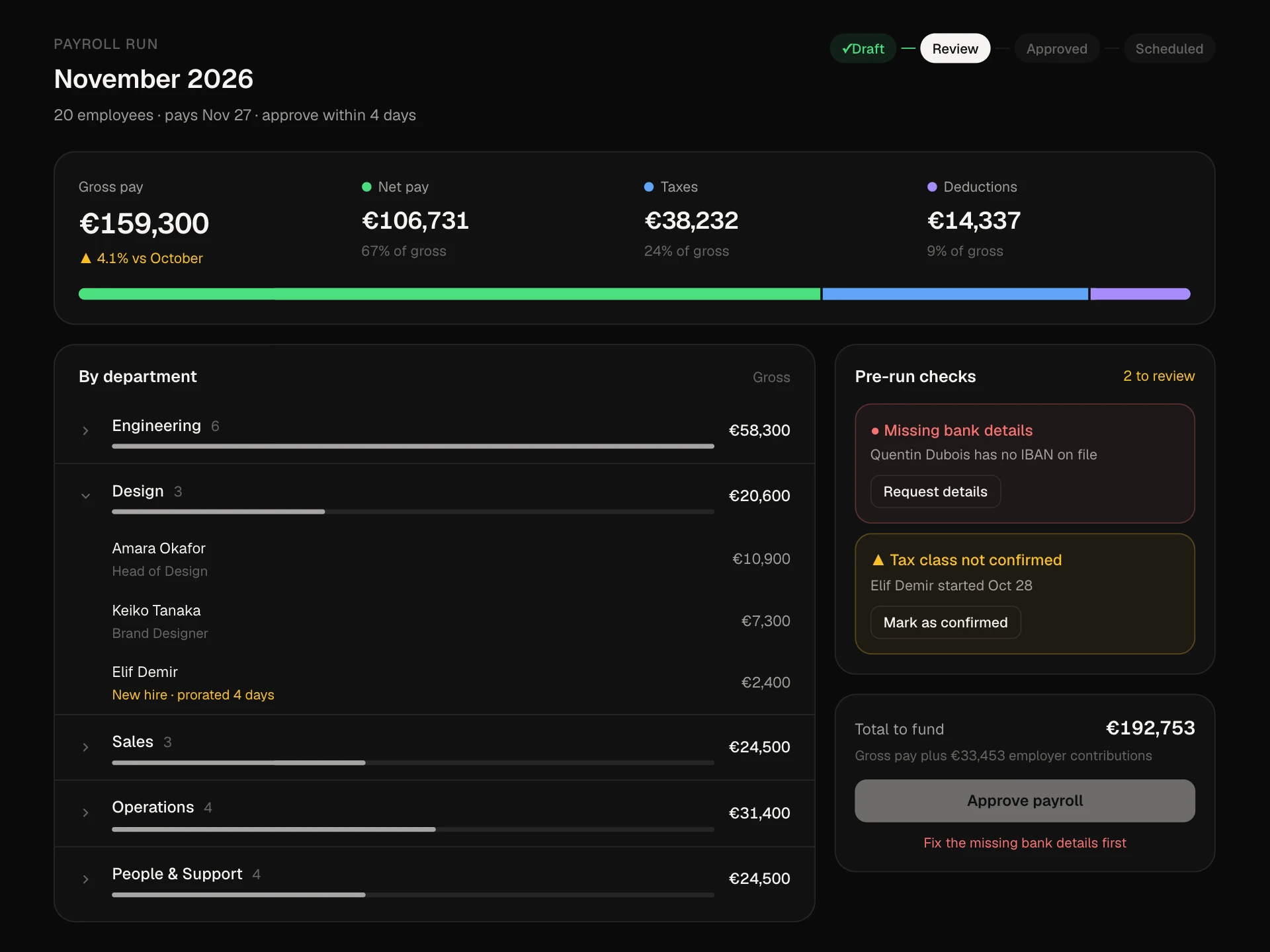
An HR people directory: search, status tabs with counts, a department filter, sortable name / team / location / start date columns, status pills, row and page selection with a bulk action bar for message and CSV export, pagination, and a card list on narrow screens.
About the People Directory Table component
People Directory Table is the employee list of an HR or admin dashboard. It answers the everyday questions fast: who is on which team, who is on leave, who started recently and who reports to whom.
Search, status tabs and a department filter narrow the list, every main column sorts, and selecting people (one by one or a whole page) opens a bulk bar for messaging or exporting. On phones the table turns into a compact card list.
When to use it
Use it for employee directories, team member admin pages, or any people list that needs filtering and bulk actions.
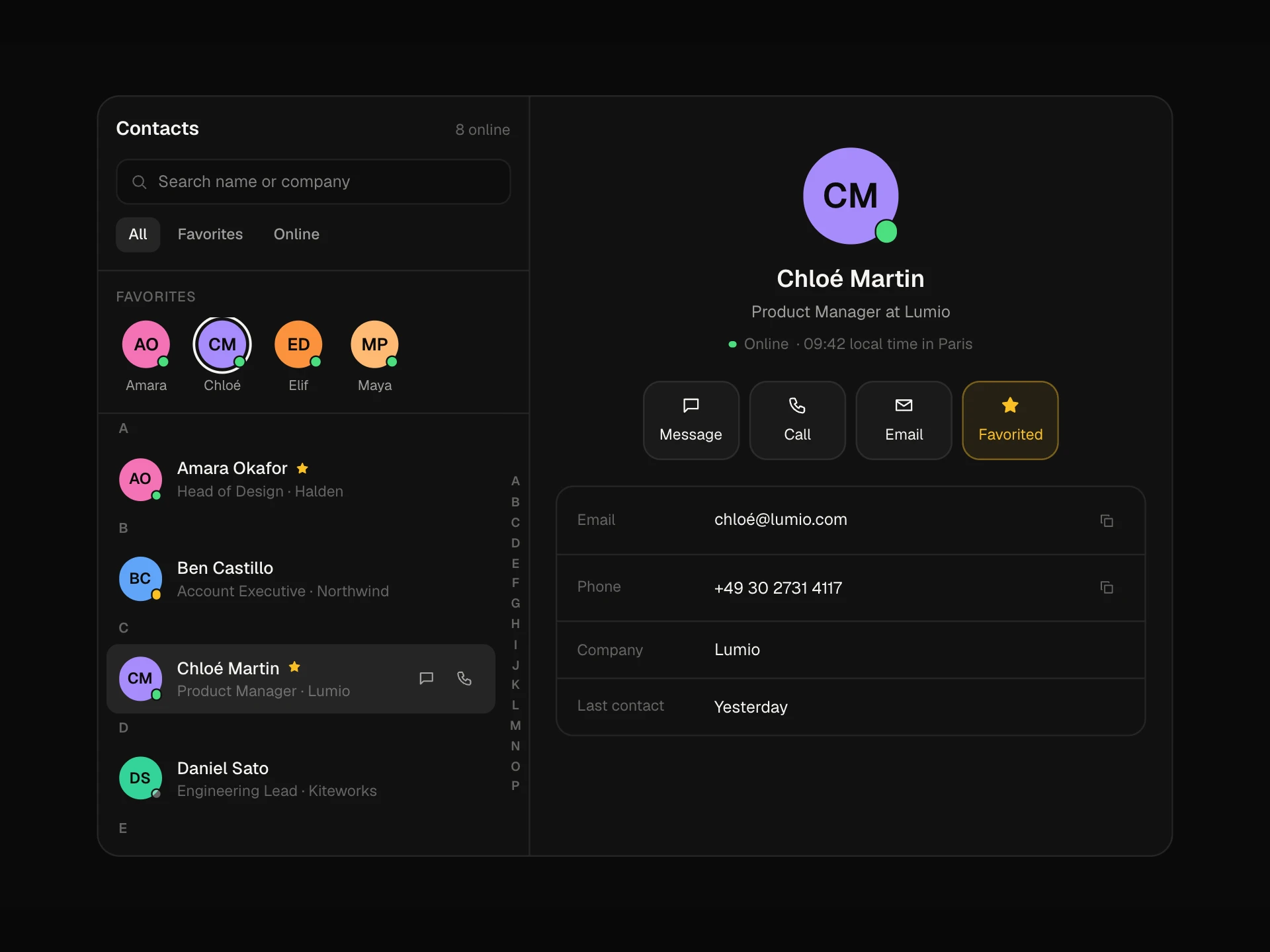
For a quick contact list with call and message actions use the Contacts Quick List; for generic data tables use the Data Table component.
Installation
Add the People Directory Table component to your project with the shadcn CLI. It lands in components/people-directory-table.tsx as plain React + Tailwind CSS source you own and can edit.
npx shadcn@latest add @reactframe/people-directory-tableOr copy the source by hand and install its dependencies:
npm install motion clsx tailwind-mergeProps
<PeopleDirectoryTable /> accepts 5 props, all optional.
| Prop | Type | Default |
|---|---|---|
| people | Person[] | PEOPLE |
| pageSize | number | 8 |
| onExport | (ids: string[]) => void | — |
| theme | "dark" | "light" | "dark" |
| className | string | — |
- peoplePerson[]Default: PEOPLE
- pageSizenumberDefault: 8
- onExport(ids: string[]) => void
- theme"dark" | "light"Default: "dark"
- classNamestring
npm dependencies
Installed for you by the shadcn CLI.
People Directory Table FAQ
- How do I load my employees?
- Map your records to the Person shape (start as YYYY-MM-DD) and pass them as people. Departments and status counts are derived from the data.
- Why are dates shown without a date library?
- Start dates are formatted from the YYYY-MM-DD string directly, so they never shift by a day across time zones or differ between server and browser.
- How do I add server-side paging?
- The block filters, sorts and pages in memory, which suits a few hundred people. For more, lift query, dept, status, sort and page into your data fetching and pass only the current page.
- What does Export do?
- onExport receives the selected ids. Build and download your CSV there; the toast confirms the count.
- Is it accessible?
- It's a real table with scoped headers and aria-sort, sort controls are buttons, checkboxes have per-person labels and the page checkbox shows indeterminate, status tabs are tabs, and the result count and toasts are announced.