Share Settings Modal React component
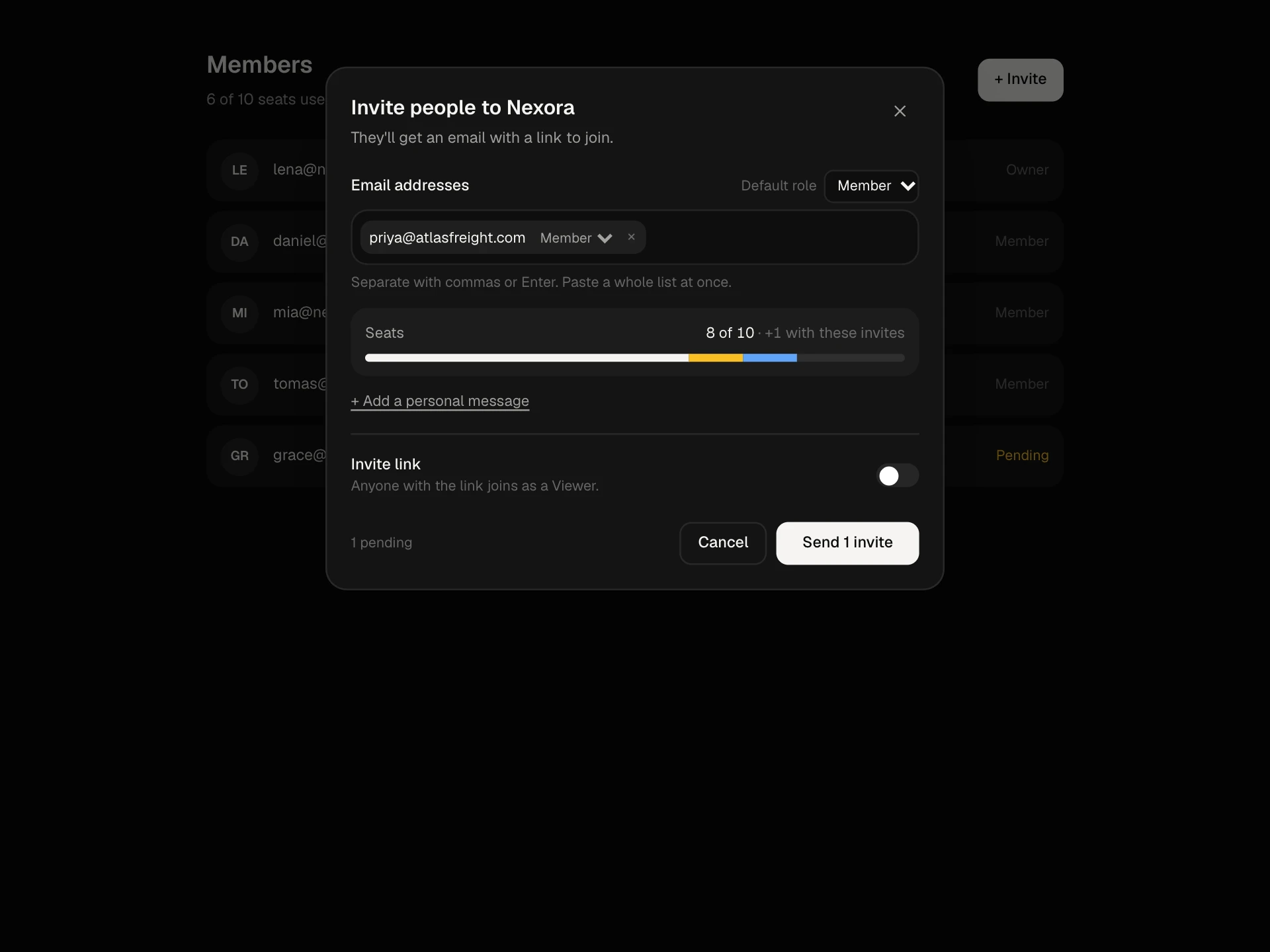
A share dialog for a document: add people from a directory with keyboard autocomplete, set each person's access or remove them, choose general access (restricted, everyone in the workspace, anyone with the link) with its own role, link settings for expiry, password and downloads, copy link and notify people.
About the Share Settings Modal component
Share Settings Modal is the familiar share dialog for documents, files and projects: who has access, what each person can do, and who else can open it with a link.
Adding someone is quick, with suggestions from your directory that work with the keyboard. Each person gets view, comment or edit access, general access decides whether the whole workspace or anyone with the link can open it, and link settings add an expiry, a password or a block on downloads.
When to use it
Use it for documents, dashboards, folders, projects and any resource that people share with specific colleagues or by link.
To bring new people into the whole workspace, use Invite Members Modal.
Installation
Add the Share Settings Modal component to your project with the shadcn CLI. It lands in components/share-settings-modal.tsx as plain React + Tailwind CSS source you own and can edit.
npx shadcn@latest add @reactframe/share-settings-modalOr copy the source by hand and install its dependencies:
npm install motion clsx tailwind-mergeProps
<ShareSettingsModal /> accepts 7 props, all optional.
| Prop | Type | Default |
|---|---|---|
| title | string | "Q4 board deck" |
| workspace | string | "Nexora" |
| directory | { id: string; name: string; email: string; color: string }[] | DIRECTORY |
| defaultOpen | boolean | true |
| onSave | (data: { people: { email: string; access: string }[]; general: General; linkAccess: Access; notify: boolean }) => void | — |
| theme | "dark" | "light" | "dark" |
| className | string | — |
- titlestringDefault: "Q4 board deck"
- workspacestringDefault: "Nexora"
- directory{ id: string; name: string; email: string; color: string }[]Default: DIRECTORY
- defaultOpenbooleanDefault: true
- onSave(data: { people: { email: string; access: string }[]; general: General; linkAccess: Access; notify: boolean }) => void
- theme"dark" | "light"Default: "dark"
- classNamestring
npm dependencies
Installed for you by the shadcn CLI.
Share Settings Modal FAQ
- How do I save sharing changes?
- onSave receives the people with their access, the general access level, the link role and whether to notify people. The button reads Save once something changed, otherwise Done.
- Where do suggestions come from?
- From the directory prop, filtered by name or email and excluding people who already have access. Replace it with a search call to your user directory for large organizations.
- What do the link settings do?
- They describe what your backend should enforce for the link: an expiry date, a password, and whether downloading and copying are allowed. The block only collects the choices.
- Can I remove someone?
- Yes. Pick Remove access in their role menu and the row animates away. The owner can't be removed here.
- Is it accessible?
- It's a labelled modal dialog; the add field is a combobox with a listbox and aria-activedescendant; every role select names the person; switches are labelled; and the general access hint updates politely.