Card Wallet Panel React component
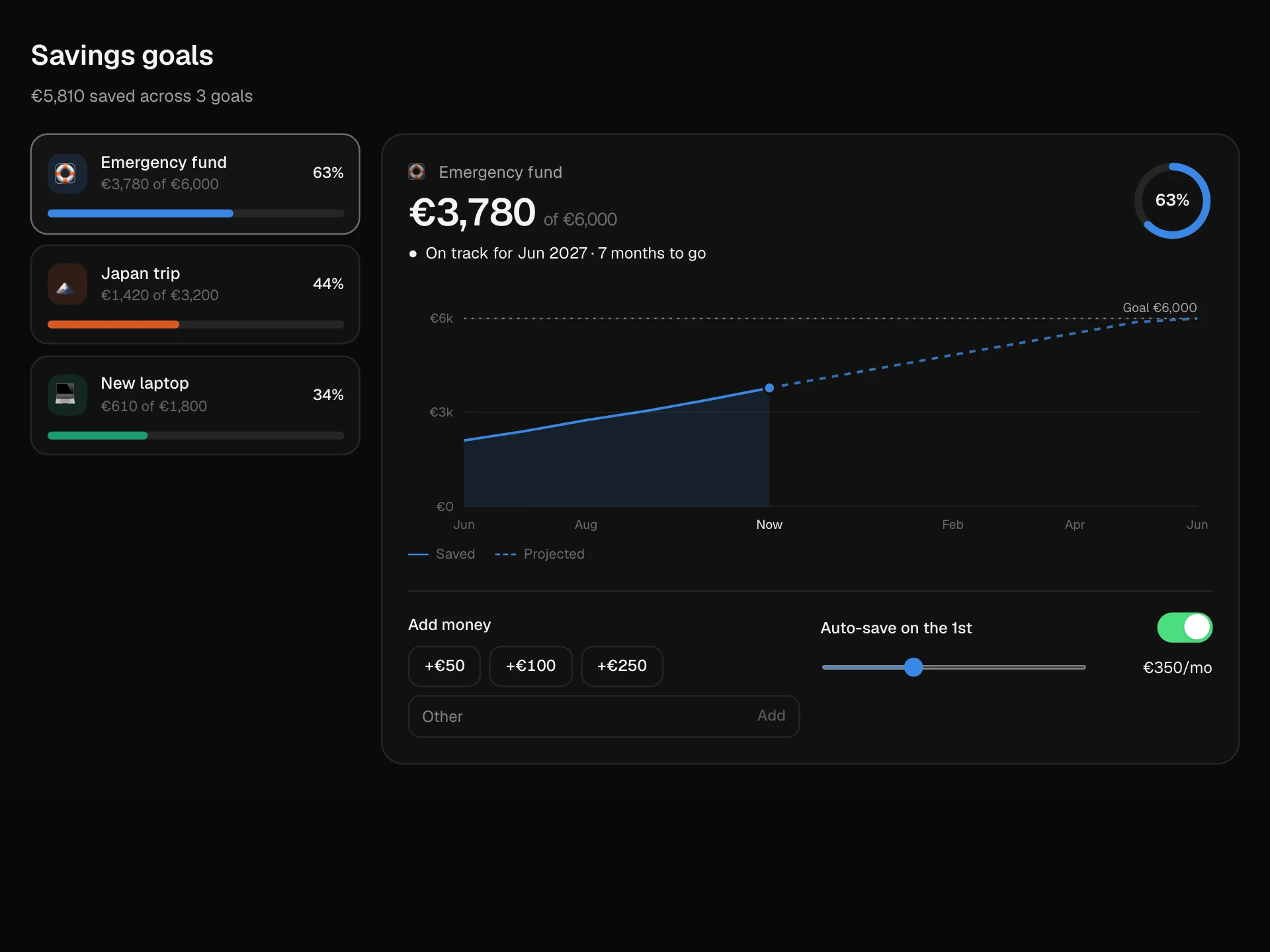
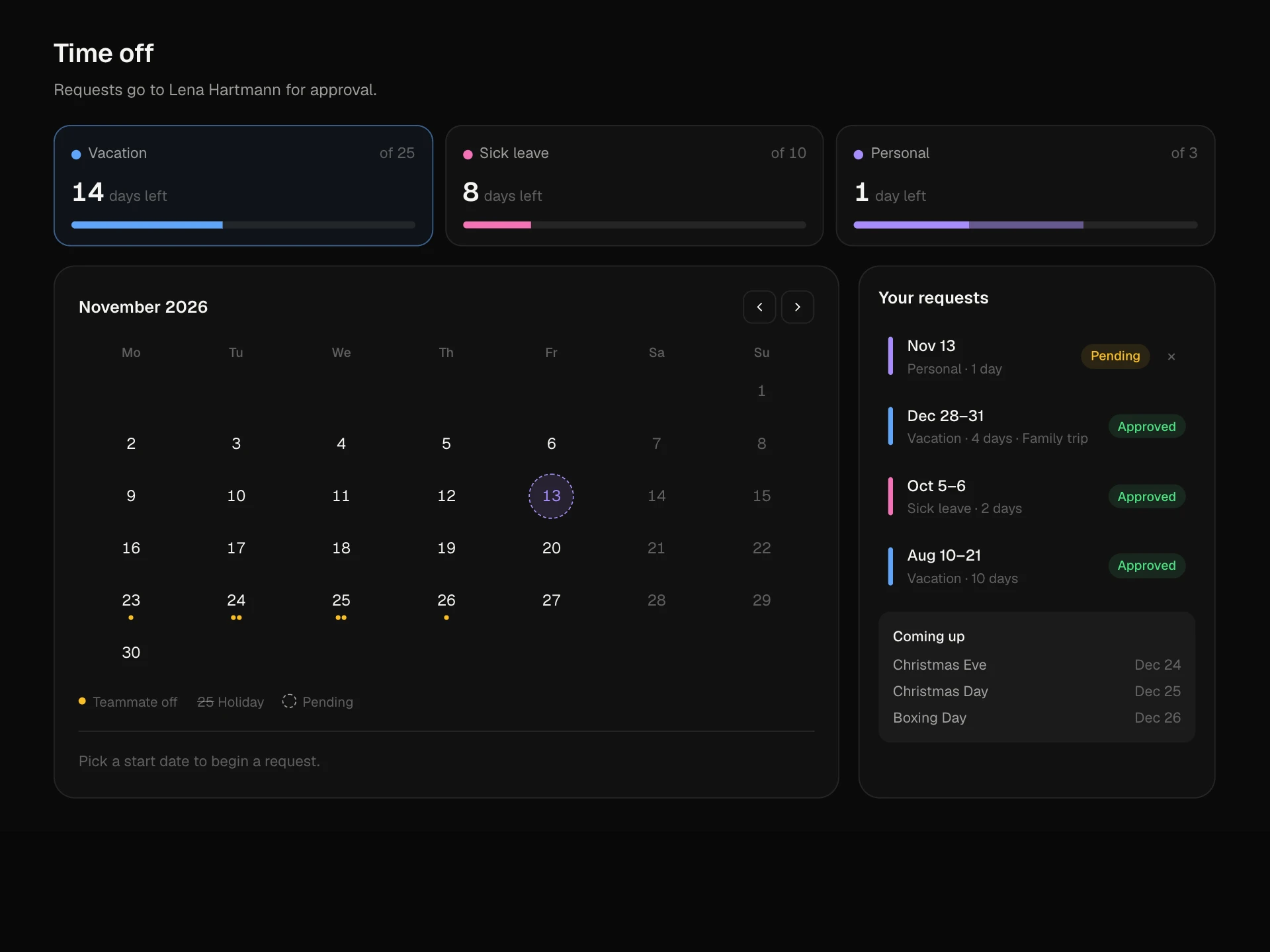
A banking card manager: card tabs, a 3D card that flips to reveal the number, expiry and CVC (and hides itself again), copy number, a frosted freeze state, monthly spend against an adjustable limit, per-card controls for online, contactless, ATM and abroad, recent payments, and creating a new virtual card.
About the Card Wallet Panel component
Card Wallet Panel is the cards screen of a banking or spend-management app. People pick a card, see it as a realistic card face, and manage everything about it in one place: details, freezing, limits and where it can be used.
Revealing details flips the card and hides it again after a few seconds, freezing frosts it over and blocks every control, and the monthly limit slider updates the spend bar right away. New virtual cards appear with one click.
When to use it
Use it in neobank, corporate card and expense products where people manage physical and virtual cards.
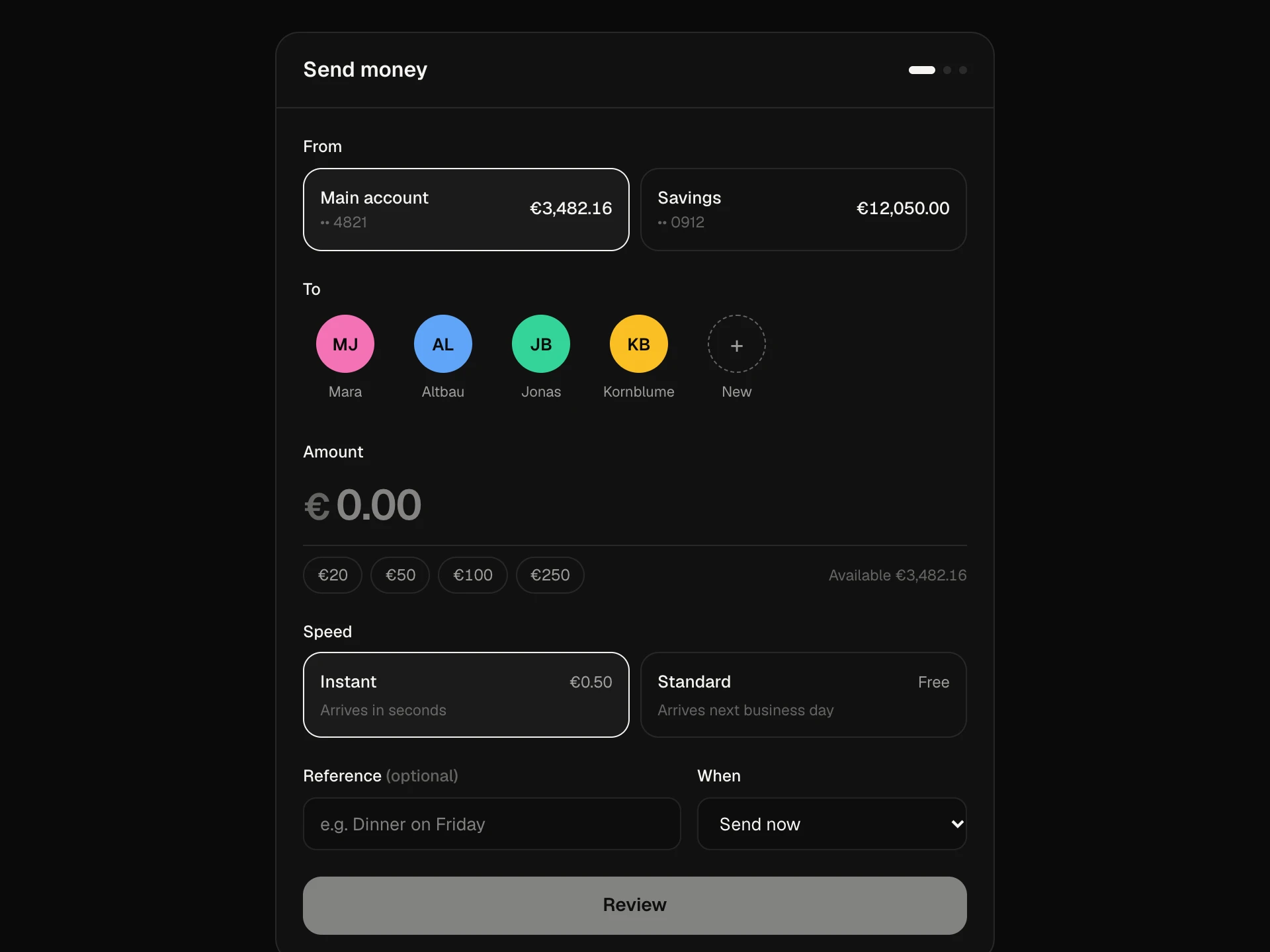
For a list of payments use a transactions table; for moving money use the Money Transfer Form.
Installation
Add the Card Wallet Panel component to your project with the shadcn CLI. It lands in components/card-wallet-panel.tsx as plain React + Tailwind CSS source you own and can edit.
npx shadcn@latest add @reactframe/card-wallet-panelOr copy the source by hand and install its dependencies:
npm install motion clsx tailwind-mergeProps
<CardWalletPanel /> accepts 5 props, all optional.
| Prop | Type | Default |
|---|---|---|
| cards | WalletCard[] | CARDS |
| currency | string | "€" |
| onFreeze | (id: string, frozen: boolean) => void | — |
| theme | "dark" | "light" | "dark" |
| className | string | — |
- cardsWalletCard[]Default: CARDS
- currencystringDefault: "€"
- onFreeze(id: string, frozen: boolean) => void
- theme"dark" | "light"Default: "dark"
- classNamestring
npm dependencies
Installed for you by the shadcn CLI.
Card Wallet Panel FAQ
- Should I send full card numbers to the browser?
- Only when the person asks to see them. Pass a masked number by default and fetch the real number, expiry and CVC from a secure endpoint when Show details is pressed.
- Why are there no card network logos?
- The block uses a neutral two-circle mark so it fits any issuer. Replace Mark with your licensed network artwork if your cards carry one.
- How do I save freezes, limits and controls?
- onFreeze is called on freeze and unfreeze. Limits and the four switches update local state through update(); add your API call there.
- How long do details stay visible?
- Eight seconds, then the card flips back. Change the timeout in the effect that watches flipped.
- Is it accessible?
- Cards are a tablist with a tabpanel, the reveal and freeze buttons use aria-pressed, controls are labelled switches, the limit slider has a value text and the status line under the card is announced.