Money Transfer Form React component
A bank transfer flow in three steps: pick the source account, a saved recipient or a new one with live IBAN formatting and a validity check, a big amount field with quick amounts and balance checks, instant vs standard speed with fees, reference and repeat; then a review summary with a press-and-hold send button and an animated success receipt.
About the Money Transfer Form component
Money Transfer Form takes people from 'I need to pay someone' to a confirmed transfer in three calm steps. Saved recipients are one tap away, new ones get a formatted IBAN with a live validity check, and the amount field warns before a transfer would overdraw the account.
The review step lays out every detail, including fee and total, and sending requires pressing and holding, so a stray tap can't move money. The success screen draws a check and shows the new balance and a reference.
When to use it
Use it in banking, wallet and payout products for sending money to people or businesses.
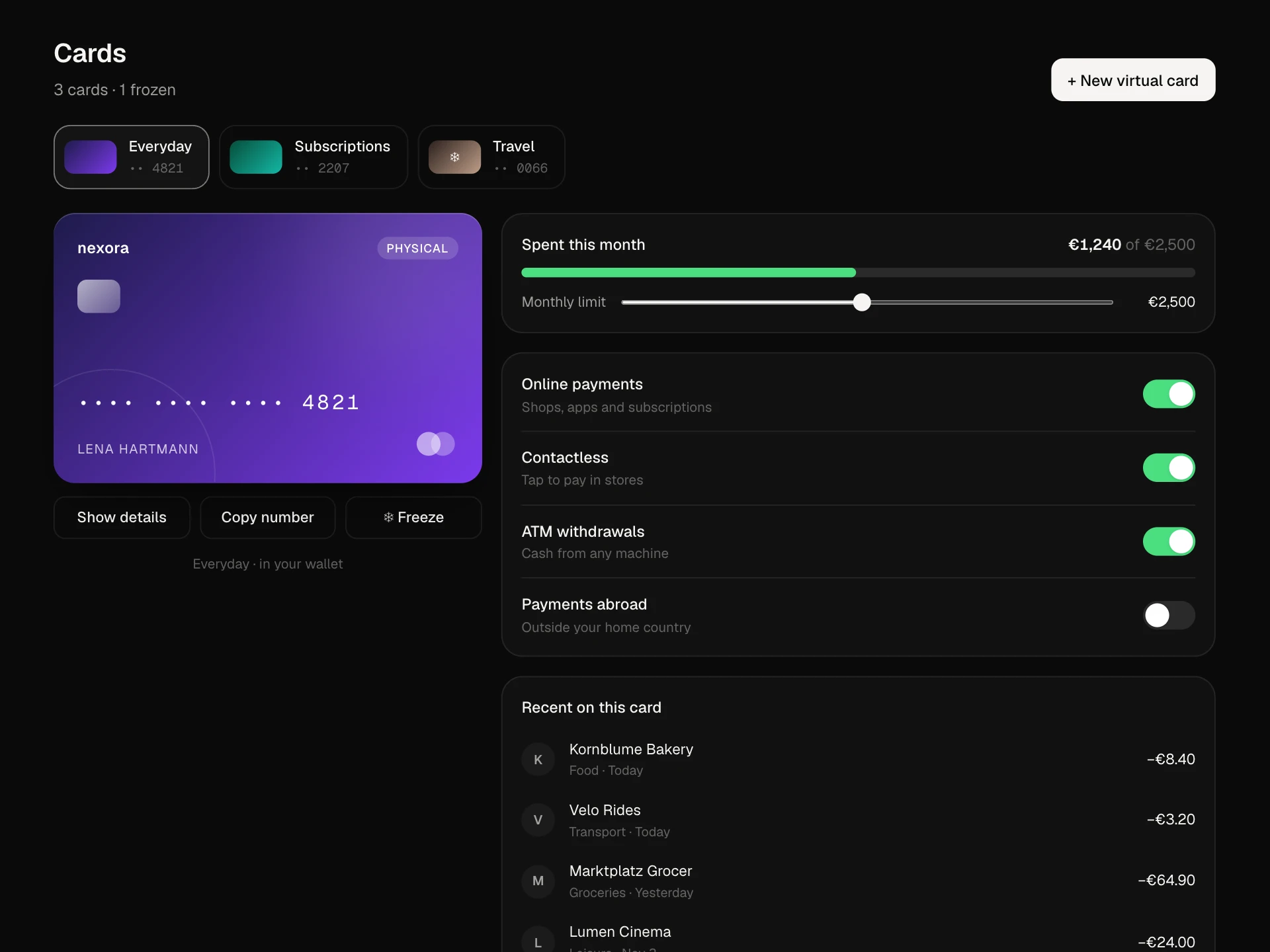
For managing cards use the Card Wallet Panel; for checkout payments use a checkout form.
Installation
Add the Money Transfer Form component to your project with the shadcn CLI. It lands in components/money-transfer-form.tsx as plain React + Tailwind CSS source you own and can edit.
npx shadcn@latest add @reactframe/money-transfer-formOr copy the source by hand and install its dependencies:
npm install motion clsx tailwind-mergeProps
<MoneyTransferForm /> accepts 6 props, all optional.
| Prop | Type | Default |
|---|---|---|
| accounts | { id: string; label: string; last4: string; balance: number }[] | ACCOUNTS |
| payees | { id: string; name: string; iban: string; color: string }[] | PAYEES |
| currency | string | "€" |
| onSend Return a Promise; the confirm step waits for it. | (v: TransferValue) => void | Promise<void> | — |
| theme | "dark" | "light" | "dark" |
| className | string | — |
- accounts{ id: string; label: string; last4: string; balance: number }[]Default: ACCOUNTS
- payees{ id: string; name: string; iban: string; color: string }[]Default: PAYEES
- currencystringDefault: "€"
- onSend
Return a Promise; the confirm step waits for it.
(v: TransferValue) => void | Promise<void> - theme"dark" | "light"Default: "dark"
- classNamestring
npm dependencies
Installed for you by the shadcn CLI.
Money Transfer Form FAQ
- Is the IBAN check real validation?
- It checks the shape (country code, check digits and length). Run the full mod-97 checksum and bank lookup on your server before sending money.
- Why press and hold?
- Holding for about a second prevents accidental sends from a misplaced tap. Keyboard users hold Enter or Space; releasing early cancels.
- How do I handle failures?
- Make onSend throw. The review step stays open so people can try again; show your error message near the button.
- Can I change fees and speeds?
- Edit FEES and the speed labels. The review total, the button text and the balance check all use the selected fee.
- Is it accessible?
- Accounts, recipients and speeds are real radio groups, inputs have labels, errors appear after the first submit with role=alert, the progress dots mark the current step and the success screen is a status region.